On this page
Every support team hears the same promise: "Set up a bot and never answer another ticket." That's a lie. The real goal of automating customer support with AI isn't to fire your team, it's to stop them from drowning in repetitive questions so they can focus on complex issues that actually need a human brain. This guide is for small-to-mid support teams who want better uptime, faster responses, and lower costs without the bloated price tags of enterprise tools.
Who this is for: Support leads, operations managers, and founders of teams with 2–20 agents who handle tickets across email, chat, and messaging apps.
When to use this: You're fielding 50+ repetitive tickets per day (password resets, order status, FAQs) and losing hours to manual tagging, routing, and replying.
When NOT to use this: If your support volume is under 10 tickets per week or your customers exclusively handle sensitive legal/medical data, keep humans in the loop for everything.
Quick Answer
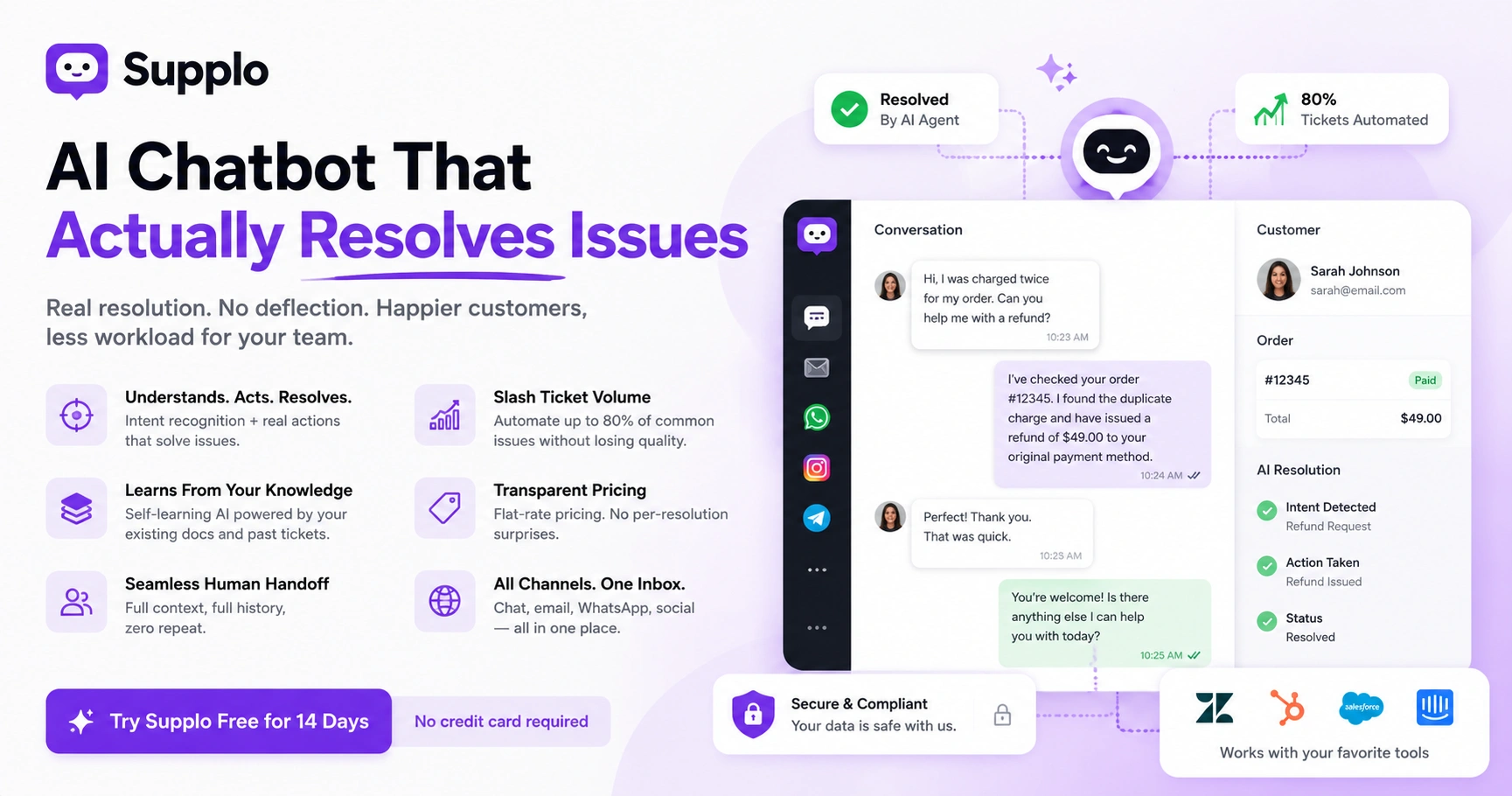
- Automate the 80% of simple questions (FAQs, password resets, order status) with an AI chatbot; keep humans for the complex 20%.
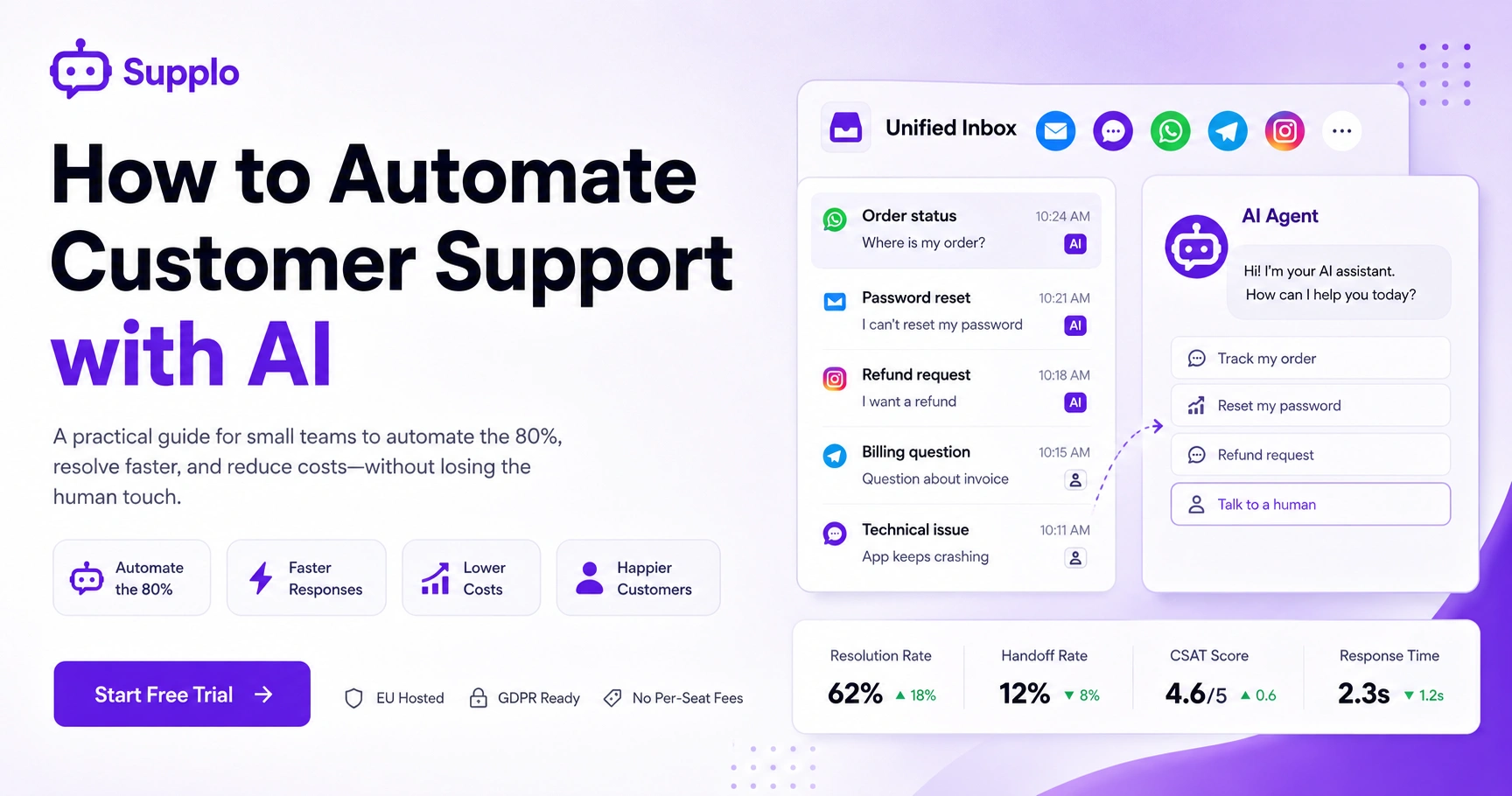
- Use a unified inbox that routes email, web chat, WhatsApp, Telegram, and Instagram DMs into one queue.
- Train your bot on real past tickets before going live. Cold bots fail.
- Track the Track Resolution Rate (target 60%+), Handoff Rate, and bot CSAT to see if it's working.
- Never launch without a clear human handoff button for when the AI gets stuck.
Why Small Teams Are Ditching Traditional Support Tools for AI Automation
The old model of paying per-seat for human agents is breaking down. AI automation now handles the repetitive 80% of questions, password resets, order status, and FAQs, leaving your team to solve complex issues. This isn't just about cutting costs; it's about being reachable at 2 AM without hiring a night shift.
What changed? Traditional help desks charged you per-human, per-month, even if that person was idle for half the day. Modern AI agents don't sleep, take breaks, or ask for raises; they handle unlimited conversations for a flat fee. The risk of not automating? Losing customers who expect instant answers on platforms like WhatsApp and Instagram.
"Reliability" matters more than feature count. A smart bot that fails 5% of the time is worse than a simple one that works every time. Your customers don't care about your AI's fancy NLP; they care about not being stuck in a loop for five minutes.
The 4 Core Components of a Reliable AI-Powered Support System
A reliable AI support system isn't just a chatbot slapped on your website. It needs a unified inbox that consolidates all channels, a self-learning AI agent that learns from every ticket, a smart routing engine to escalate properly, and a dynamic knowledge base. Miss one of these, and you'll have a robot that confuses customers.
- Unified Inbox for all channels: Your team shouldn't toggle between three tabs. One inbox reduces response time by ~30%. (Check out how Supplo's Inbox feature consolidates email, web chat, and messaging apps into a single queue.)
- Self-Learning AI Agent: Look for one that learns from resolved tickets and asks for feedback when it's wrong.
- Smart Routing Engine: Human vs. bot isn't black-and-white. The AI should handle tier-1 requests, route tier-2 requests to a human, and learn the fix for next time.
- Knowledge Base Connector: If your AI can't read your help articles, it's just guessing. Real automation requires a wiki that it can query.
Automate Chat Support with an AI Chatbot for Small Business
Start by deploying an AI chatbot on your website widget. Configure it to greet visitors, answer your top 10 FAQs from your knowledge base, and collect lead info when it gets stumped. The goal here is to deflect common queries immediately, not to solve world hunger.
Setup checklist:
- Feed your bot your most common tickets from last month. It needs context, not just generic scripts.
- Program a clear "I'm out of my depth" trigger. If the bot doesn't know the answer after two tries, it should hand the ticket off to a human.
- Don't ignore messaging apps. An AI chatbot for Instagram or WhatsApp handles DMs while you sleep. (See how to get started with WhatsApp customer support.)
- Run it alongside your human team for a week. Watch where it struggles and adjust the knowledge base.
Ready to test your first AI support agent? Start a free trial on Supplo. You can deploy a public-facing AI chatbot on your site in under 10 minutes.
How to Automate Support Tickets with AI and Smart Routing
Stop manually tagging and forwarding tickets. Modern systems use AI to sort tickets, categorizing incoming messages by intent (billing, technical, general) and urgency. This ensures a "refund" request hits finance while a "server is down" alert escalates to your senior dev instantly.
How it works in practice:
- Intelligent capture: The AI reads the subject line and body to correctly tag the ticket, even when the customer is vague ("Your thing isn't working").
- Priority scoring: Tickets with words like "urgent," "error," or "critical" are automatically bumped up the queue.
- Rules engine: Set workflows: if ticket = "billing" AND value < $50, trigger a refund auto-response. If ticket = "billing" AND > $500, escalate to manager.
Your AI tool should sync with your existing inbox workflow rather than replace it entirely.
Using AI for Ticket Routing and Prioritization (AI Ticket Management)
AI ticket management takes sorting a step further. It actively routes tickets based on agent skill, current workload, and historical performance. The result? Complex technical tickets land on your best engineer, while simple account questions auto-resolve without ever touching a human inbox.
Key features to set up:
- Skill-based routing: Define teams (Support, Billing, Tech), and have the AI route tickets based on ticket intent.
- Load balancing: Your chatbot knows if Agent Sarah has 20 open tickets and Agent Mike has 3. It routes to Mike.
- Auto-assign: No more "who grabs this first." The system assigns the ticket and notifies the right person via their shared inbox.
- Feedback loop: Agents can say, "This was routed wrong," and the AI uses that correction to learn for the next ticket.
Build a Self-Learning Knowledge Base for AI Customer Service Bots
Your AI is only as smart as the content you feed it. Instead of writing static articles, create a dynamic knowledge base with "tags" and "resolution paths." The AI reads these to answer questions, and when it fails, it asks a human to write a new article.
How to structure it for machines:
- Use clear headings, bullet points, and FAQs. Your AI struggles with a 2,000-word essay but loves structured data.
- Create a self-learning loop: every time the AI can't answer, it logs the query. Revisit these weekly to fill gaps.
- Keep old articles live but archived. The AI should prefer the latest, most vetted answer.
- If you serve global customers, feed them translated content. (Look into how Supplo's translation feature localizes your support.)
Your AI agent is only as reliable as the knowledge base you give it. Invest time in article structure, that's where the return on automation comes from.
Set Up Workflow Automation for AI Helpdesk Automation
Workflow automation is the glue that holds your AI support system together. It's the "if this, then that" logic that triggers actions without human input. For example, when a customer clicks "I want a refund," the system can automatically send a ticket ID, generate a return label, and credit their account, all without a person having to type.
Common workflow triggers:
- "New email from known customer" → send automated acknowledgment.
- "Customer types 'unsubscribe'" → trigger a cancellation workflow.
- Chained actions: A single trigger can fire multiple actions: create a ticket, tag it "high priority," assign it to the billing team, and send a Slack alert.
- Error handling: Build in "fallback" workflows. If the automation fails (e.g., the payment gateway is down), it should pause and alert a human.
Automation that runs silently for six months can rot. Check your logs to see if workflows are still performing correctly.
How to Choose an Automated Customer Service Solution That Won't Let You Down
Not all platforms are created equal. The biggest lie in AI support? "We replace your entire team." The truth is, you need a hybrid system that's reliable, fast, and doesn't charge you per human seat. Look for a platform with EU hosting (for GDPR compliance), a flat monthly rate, and a per-resolution cost that doesn't skyrocket.
Checklist for evaluation:
- Avoid per-seat pricing: The traditional model kills your budget as you scale. A flat rate with usage-based AI costs is better. (See Supplo's transparent pricing model for a flat platform fee + low per-resolution AI cost.)
- Check the AI's failure mode: Does it say "I don't know" gracefully, or does it hallucinate answers? Graceful failure is better than confident lies.
- Unified channels: Your solution should handle email, web chat, WhatsApp, Telegram, and Instagram DMs from one inbox.
- EU Hosting: If you service European customers, this is non-negotiable.
- Transparent billing: No surprises. (Compare models; for example, Supplo vs. Intercom highlights the cost difference in AI resolution pricing.)
Common Pitfalls in AI Chat Automation And How to Avoid Them
The #1 mistake teams make is launching an AI chatbot without training it. This leads to frustrated customers and an inbox flooded with "talk to a human" requests. Other failures include ignoring negative feedback, failing to test on mobile devices, and assuming the AI will "just figure it out."
Troubleshooting checklist:
- The "cold bot" problem: Launching without historical data or a knowledge base. Fix: Feed it your 50 most recent tickets before going live.
- Ignoring feedback: When a customer rates a bot response as "bad," review it. If you ignore 100 bad ratings, your bot learns nothing.
- No human backup: An AI that can't hand off is a trap. Always have a "speak to agent" button visible.
- Over-automation: Don't automate everything. Personal touches on sensitive topics (such as complaints or cancellations) should stay human.
- Not reading logs: Your AI's conversation logs are gold. They show you exactly where your knowledge base is weak.
Supplo is not affiliated with any app or website. Please follow each app's terms and local regulations.
What Good AI-Powered Support Looks Like
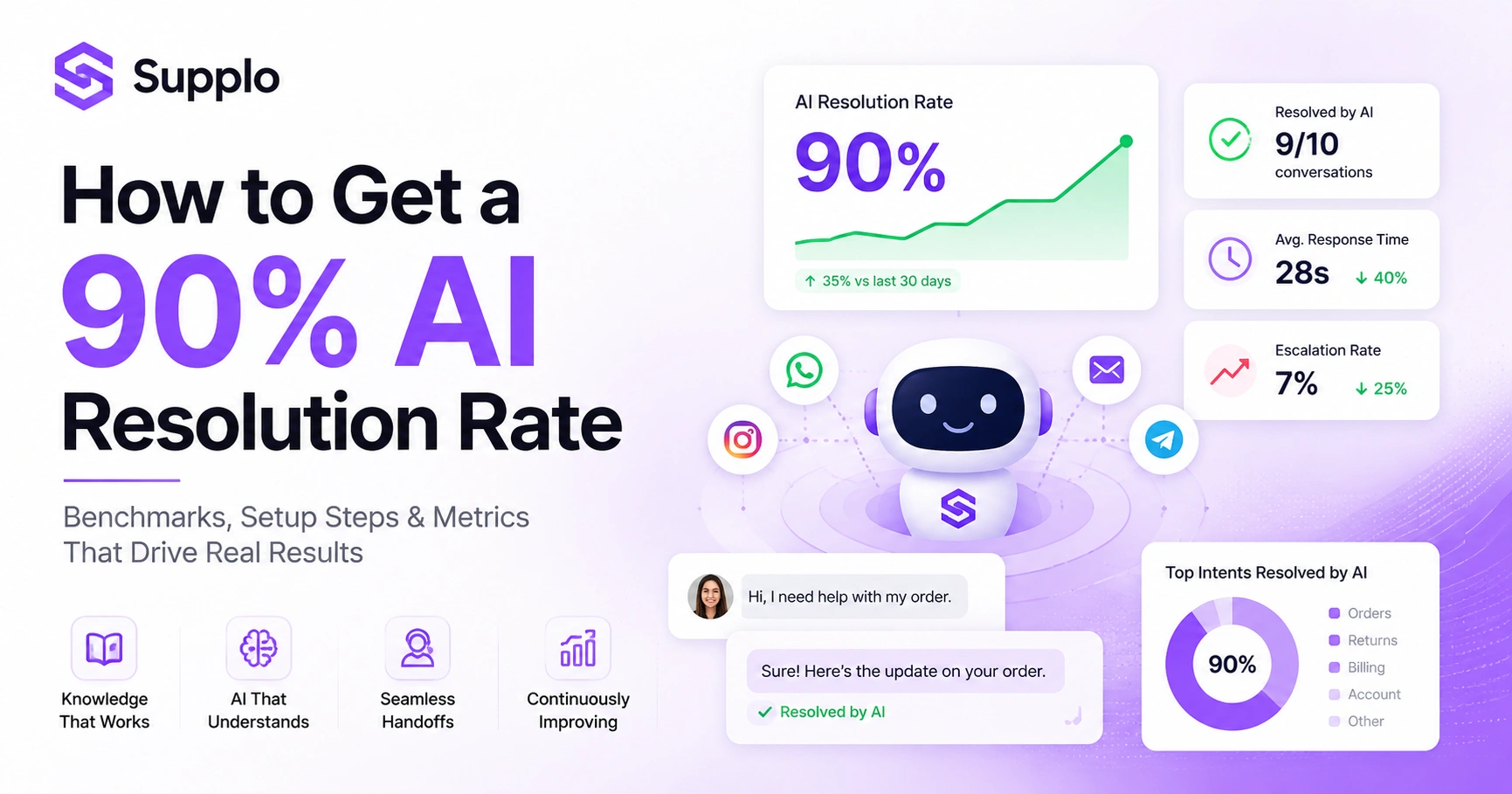
You can't improve what you don't measure. For AI support, track three things: Resolution Rate (how many questions the bot answers solo), Handoff Rate (how many need a human), and Customer Satisfaction Score (CSAT) on bot responses. A good AI handles 60–70% of incoming tickets without needing a human for small teams.
Metrics to watch:
- Resolution Rate (RR): 30% is the baseline. 60%+ is good. 80%+ is excellent.
- First Response Time (FRT): The AI should respond in under 5 seconds. Any longer feels broken.
- CSAT Score: Run a quick thumbs-up/thumbs-down after each bot interaction. Target 85%+ positive.
- Ticket Deflection: How many tickets were prevented because the AI answered in chat before an email was sent? This is your ROI metric.
Automating support isn't a "set it and forget it" project. It's a continuous loop of training, testing, and refining. Join the teams already using Supplo for ongoing AI support management. Flat-rate pricing, no per-seat fees. (Read how our clients automated their workflows to see real results.)
Key Takeaways
- Automate the 80%: Focus AI on repetitive queries, keep humans for complex, emotional, or high-value issues.
- Unified inbox is mandatory: Don't manage separate queues for email, chat, and messaging apps.
- Train on real data first: A cold bot without historical ticket context will fail.
- Track 3 metrics: Resolution Rate, Handoff Rate, and CSAT. Ignore vanity metrics.
- Hybrid is the only reliable model: AI handles tier-1, escalates to humans, and learns from corrections.
FAQ
Is it legal to delete or ignore customer support requests when using an AI bot?
No. You are legally responsible for customer interactions, even if handled by AI. Bots must comply with consumer protection laws (e.g., GDPR, CCPA). You must offer a clear path to a human agent upon request.
Why does my AI chatbot keep giving wrong answers?
It usually means your knowledge base is incomplete, outdated, or poorly structured. Review the logs to see exactly which questions it failed on, and update the source articles. Most "wrong" answers come from bad data, not bad AI.
Can I use a cheap AI chatbot to bypass all human customer support?
Not reliably. For simple queries, yes. For complex issues (billing disputes, technical troubleshooting, emotional complaints), you still need humans. Attempting to replace humans with AI fully creates a terrible user experience.
My AI bot works fine on the website, but fails on WhatsApp. Why?
Different platforms have different API limits and message formats. Your bot needs to be trained for each channel. Also, WhatsApp's 24-hour reply window can break automated workflows if not configured correctly.
How do I troubleshoot an AI bot that won't hand off to a human?
Check your routing rules. You likely have a missing trigger or a "catch-all" block that keeps the bot in control. Ensure the "speak to agent" button is wired to your inbox's assignment logic.
What are the risks of using an unregulated AI support tool?
Data leaks, non-compliance with privacy laws (GDPR/CCPA), and reputational damage if the bot hallucinates bad advice. Always choose a provider with transparent data-handling policies and EU-hosted options.
Do I need to pay for AI support per ticket or per agent?
Avoid per-agent pricing. The best model is a flat platform fee + a low per-resolution cost for AI-driven answers. This scales with success, not headcount. (Supplo offers flexible payment options, including Crypto, Binance Pay, Payeer, and more, for global teams.)
Compliance line: Supplo is not affiliated with any app or website. Please follow each app's terms and local regulations.