On this page
You run a small business. You need customer support that actually works, without making your accountant cry every month. The best helpdesk for small businesses isn't the one with the slickest demo video. It's the one that solves your actual problems: runaway costs, tool sprawl, and customers waiting too long for answers. This guide walks you through what matters, what to dodge, and how to build a system that grows with you, without wrecking your budget.
Who this is for: Solo operators, startup founders, and small support crews (2–15 people) who need serious features without the enterprise price tag.
When to use this guide: You're shopping for helpdesk tools, you're sick of per-seat pricing, or you're tired of juggling five different apps for chat, email, and social DMs.
When NOT to use this guide: You've got a dedicated IT team, a six-figure support budget, or you need crazy custom integrations that require a full-time developer. In that case, you probably need a different tool tier altogether.
Quick Answer
- The problem: Cheap helpdesk tools hook you with low monthly fees, then hammer you with per-agent charges, per-resolution costs, or feature paywalls.
- The solution: Flat-rate pricing with unlimited users. No surprises on your invoice.
- The must-haves: Unified inbox (live chat + email + WhatsApp + social DMs), built-in AI agent, and affordable AI resolutions.
- The setup time: Under 30 minutes. No coding. No headache.
- The cost to watch: AI resolutions at $0.04 each, roughly 96% cheaper than what market leaders charge.
Why Most Affordable Helpdesk Software for Small Businesses Is a Trap
Look, most affordable helpdesk software for small businesses isn't actually affordable. It's a trap, plain and simple.
Here's how it usually goes: A tool advertises $15 per agent per month. For a 3-person team, that's $45. Feels manageable, right? But then you add more users, and the cost balloons. That $15/agent tool becomes $150/month for a 10-person team. Then you need "premium" features, basic automations, a shared inbox, or an AI chatbot, and suddenly you're staring at $300+ per month. The math doesn't work in your favour.
The real killer is the AI bait-and-switch. Some platforms offer a cheap entry price, then charge $0.50 or more per AI resolution. If your AI handles 1,000 conversations in a month, that's an extra $500 out of nowhere. Now your "affordable" solution costs more than the premium tools you were trying to avoid.
The trick is finding flat, predictable pricing that covers your entire team from day one. No games.
Most cheap helpdesk tools charge you more as you grow. The best helpdesk for small businesses is the one that keeps its promise, one flat rate, no matter how big your team gets.
The True Cost of the Best Customer Service Software for Small Business
There's a difference between "cheap" and "affordable." The best customer service software for small businesses gives you everything: live chat, a shared inbox, an AI agent, and multi-channel support, for one flat monthly rate. No surprise invoices at the end of the month. Period.
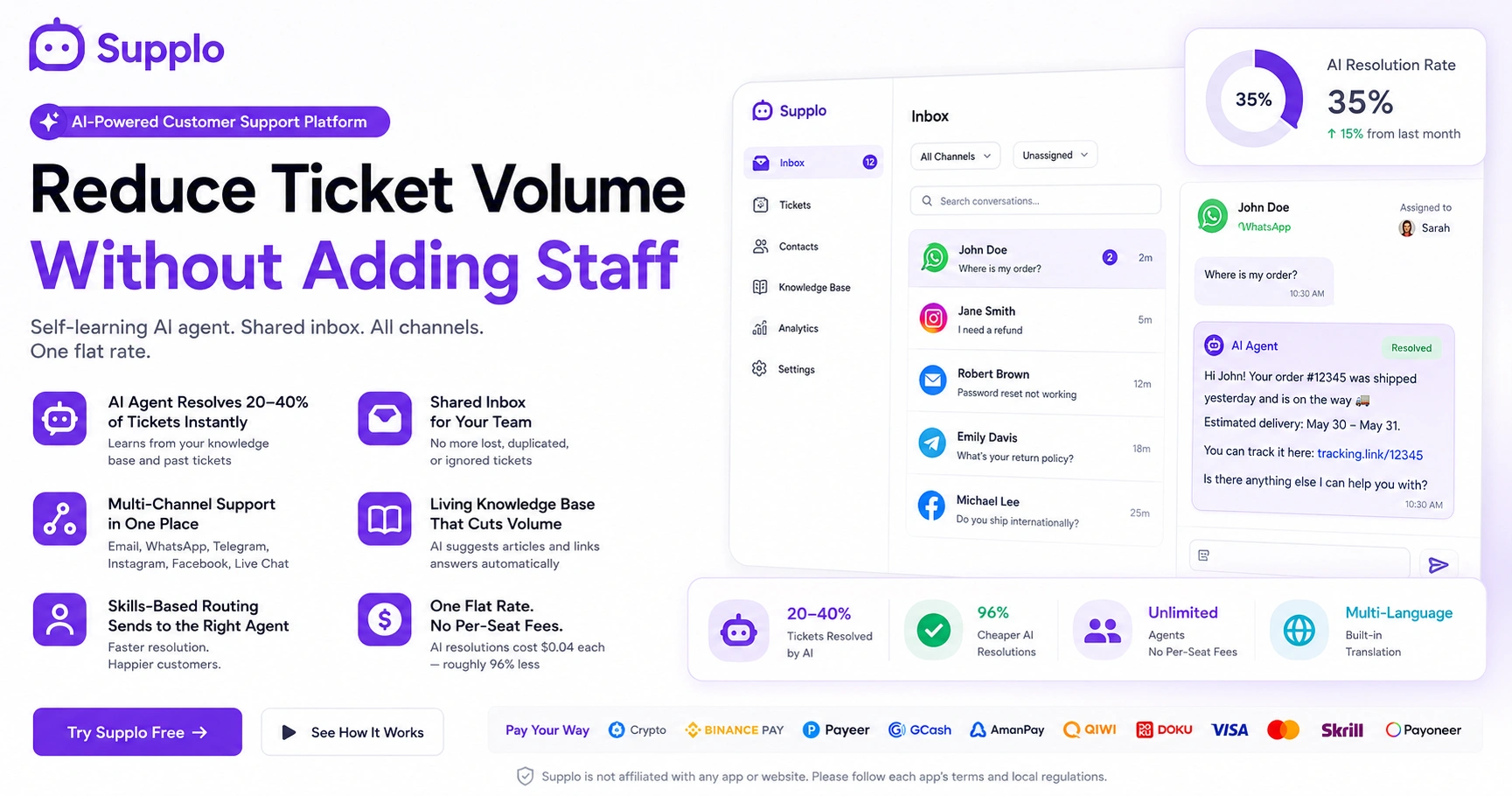
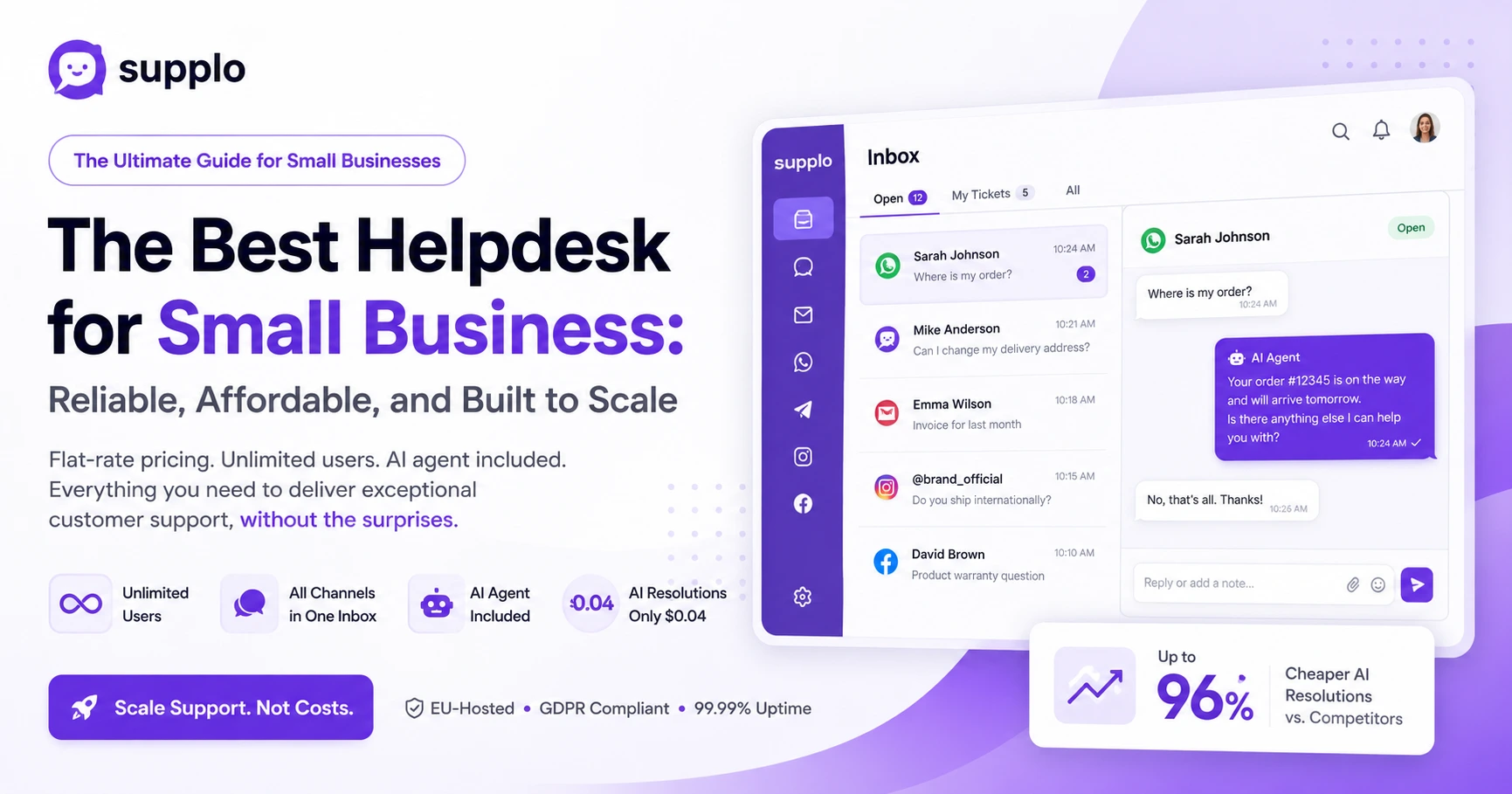
At Supplo, you get unlimited users, unlimited chats, and AI resolutions for $0.04 each. That's over 96% cheaper than the industry average. Here's what you actually pay for:
- Live chat + ticketing + AI agent: One flat rate. No per-seat fees. No nonsense.
- Multi-channel support (email, WhatsApp, Telegram, Instagram, Facebook): All included.
- Hidden costs of switching: Locking into a "cheap" tool can cost you time, training, and data-migration headaches later.
- Flat-rate billing: The only honest model for growing teams. You know exactly what you'll pay every month.
Check out our Pricing page; it's transparent and predictable. No guessing games.
The average per-resolution cost in the industry is over $1.00. At $0.04 per resolution, you save 96% on AI costs alone. That's not a gimmick, that's just better pricing.
Stop Using a Separate Small Business Ticketing System: Why You Need an All-in-One
A standalone small business ticketing system is like buying a car but having to rent the wheels separately. You end up juggling a ticketing tool, a live chat widget, an email inbox, and a separate AI bot, none of which talk to each other.
Here's what the multi-tool nightmare looks like: Missed conversations. Duplicate work. Slow response times. Customers repeat themselves across every channel. Your team loses hours just hunting for context.
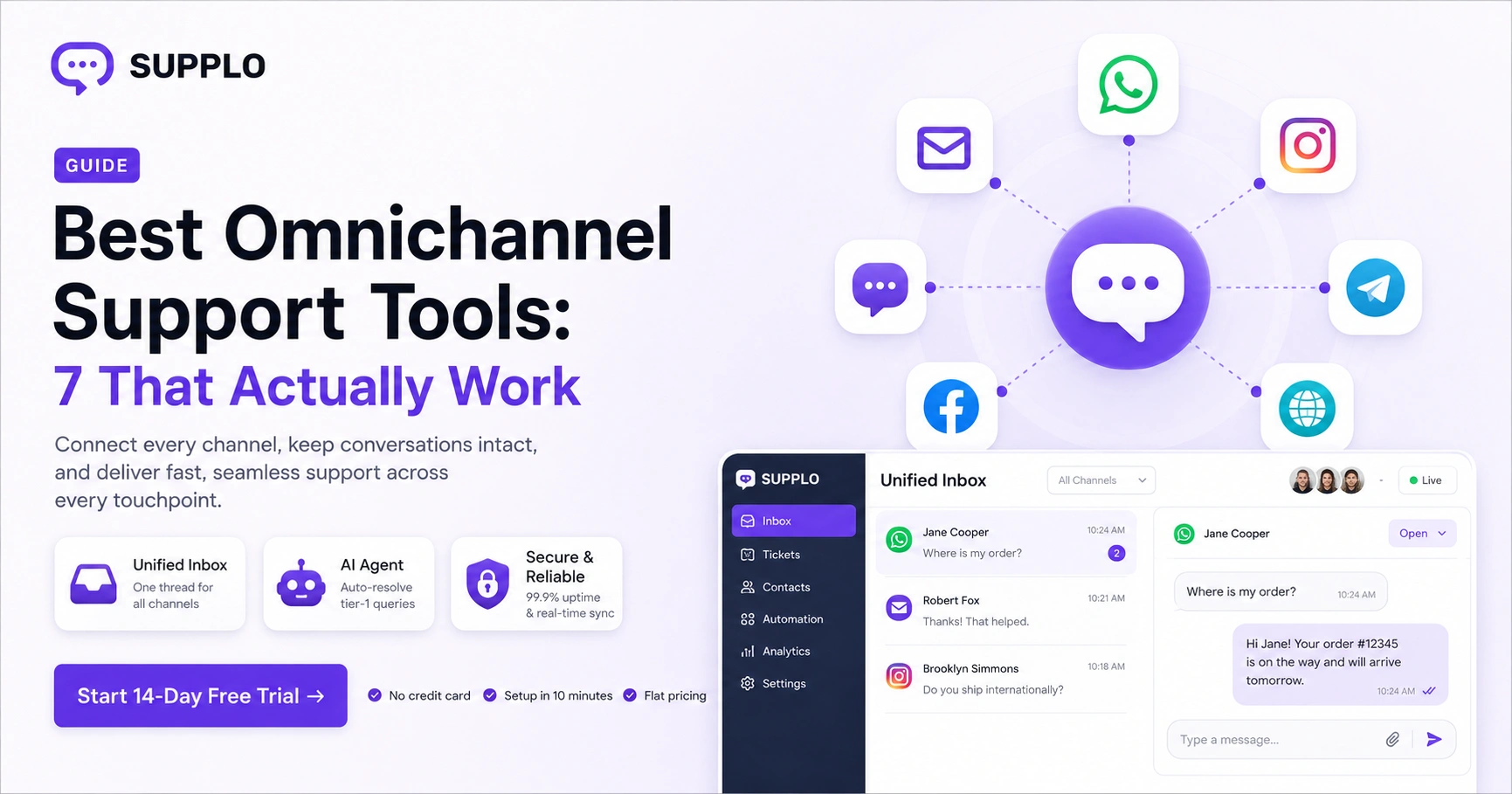
The fix? An all-in-one workspace that merges email, Telegram, WhatsApp, Instagram, and Facebook DMs into one shared inbox with a single ticket view. That's the only way to keep your team sane and your customers happy.
Channel-specific tips:
- WhatsApp for urgent support (people expect fast responses here)
- Email for documentation and formal requests
- Live chat for quick sales and immediate help
- Social DMs for brand engagement and community management
The unified view means every conversation, from every channel, lives in one timeline. Automatic ticket tagging saves hours every single day. No more "which app was that in?" moments.
How to Integrate Live Chat with Helpdesk Software Without Breaking Your Bank
To integrate live chat with helpdesk software, you don't need a developer or a second mortgage. Look for a platform that has a built-in live chat widget and a shared inbox that works natively from the start.
Here's the step-by-step:
- Deploy the widget: Copy-paste a code snippet or use a WordPress/Shopify plugin. Takes about 5 minutes.
- Connect your channels: Add email, WhatsApp, Telegram, Facebook, and Instagram. One click per channel. That's it.
- Enable the AI agent: It auto-answers simple queries like order status, business hours, or pricing questions.
- Train your team: In 30 minutes, they'll know how to handle complex tickets flagged by the AI for human attention.
Why separate apps fail: Latency. Missing data. The classic "I already told you that" problem occurs when customers have to repeat themselves. A native integration eliminates all of that.
Integrating live chat with helpdesk software can reduce the email backlog by up to 60% and cut first-response time by 70% or more. That's not hype, that's just what happens when your tools actually work together.
The Only Startup Helpdesk Solution That Works Out of the Box
The ideal startup helpdesk solution doesn't require a week of setup, a technical co-founder, or a consulting fee. You should be able to sign up, connect your channels, and start supporting customers in under 30 minutes. Full stop.
Here's your "Day 1" checklist:
- Add your team (invite by email)
- Connect your email inbox
- Set up the live chat widget on your website
- Write 3–5 knowledge base articles
- Enable the AI agent
Why you don't need a dedicated IT person: The platform is designed for non-technical users. No custom routing rules. No complex API integrations. No headaches.
The design is pivot-friendly, too; you can change your workflows as you grow without starting from scratch.
Our AI Agent learns from your knowledge base and gets smarter every day. It's a self-learning system, and you only pay $0.04 per resolution.
Setting Up a Helpdesk for Small Business: A 30-Minute Blueprint
Setting up a helpdesk for a small business shouldn't feel like a project. Here's the 30-minute version:
- Minutes 1–5: Sign up for a flat-rate platform. Create your account. Easy.
- Minutes 6–15: Connect your channels. Email ticketing, WhatsApp Customer Support, Telegram, Instagram, Facebook. All in one place.
- Minutes 16–25: Write 3–5 knowledge base articles. Turn on the AI agent. It will start answering common questions immediately, while you grab coffee.
- Minutes 26–30: Invite your team. Assign roles (admin, agent, viewer). Send a test ticket. You're live.
Use ready-made templates for auto-responses and macros to save even more time. Why reinvent the wheel?
With a modern platform, setting up a helpdesk takes 30 minutes. No coding. No waiting. No excuses.
Small Business Helpdesk Best Practices: The Non-Negotiables
Small business helpdesk best practices come down to three things: speed, accuracy, and consistency. That's it.
The Golden Rule: One inbox, one source of truth for all customer history. Stop having conversations in three different tools. Your team and your customers will thank you.
AI is your first line of defence: Let it handle "Where is my order?" and "What are your hours?" while your humans solve the complex, messy problems that need real brainpower.
The feedback loop: Use ticket tags to spot recurring issues. Update your knowledge base weekly. The AI Agent learns from your corrections, so it gets better over time.
Measure what matters:
- First response time: Aim for under 5 minutes on live chat, under 2 hours on email
- Resolution time: Track the average time to close a ticket
- CSAT: Customer satisfaction score after each resolution
Resist the urge to buy a new tool every quarter. Seriously. Pick one reliable platform, master it, and let your team build muscle memory. Tool-hopping is a productivity killer.
Helpdesk Onboarding for Startups: How to Train Your Team in One Hour
Helpdesk onboarding for startups should be lightweight and immediate. No long training manuals. No multi-day bootcamps. No one has time for that.
Phase 1 (15 minutes): Overview of the shared inbox. Show your team how to view, assign, and reply to tickets. Explain ticket statuses (open, pending, resolved). Keep it simple.
Phase 2 (15 minutes): How to write and use macros (canned responses) and knowledge base articles. Teach them to escalate only what the AI can't solve.
Phase 3 (30 minutes): Live role-play with a test customer account. Have them handle real but low-risk tickets. This is where it clicks.
The ramp-up reality: Your team will answer 90% of queries correctly within 2 days. Focus on the core workflow first; advanced features can wait until they're comfortable with it.
The Security & Reliability Guarantee: Why We're the Best Chat Software for Small Business
Reliability isn't just about uptime (though we're 99.99%+). It's about data sovereignty and predictable costs. You need both.
Supplo is EU-hosted and GDPR-ready. Your customer data never leaves the European Economic Area. We never sell your data. Period. No fine print.
Flat billing: No per-agent fees. No per-resolution meters. No surprise charges. You know exactly what you'll pay every month. That's the promise.
AI cost transparency: $0.04 per resolution vs. industry average of $1.00+. That's a 96% savings. Real numbers, real difference.
Security features: Encrypted data (in transit and at rest), role-based access controls, and SSO coming soon.
If you're looking for the best chat software for a small business that doesn't gouge you later, this is it. Straightforward, secure, and priced honestly.
Compliance note: Supplo is not affiliated with any app or website. Please follow each app's terms and local regulations.
Worried about AI accuracy? We've got you covered. Our AI agent costs $0.04 per resolution, that's 96% cheaper than major competitors. If a response isn't quite right or a query gets stuck, the AI learns from your corrections. It's a system that improves the more you use it. Try it with zero risk.
What Happens When You Pick the Wrong Tool
Let's be honest for a second. If you pick a helpdesk that charges per seat, your first hire triples your bill. If you pick one with per-resolution AI pricing, your first 1,000 tickets cost you $500 in extras.
Here's what happens next:
- The "scale shock": That $50/month tool becomes $500/month when you hit 10 agents. Ouch.
- The data migration nightmare: Leaving a locked-in tool costs weeks of setup and reconfiguration.
- The switching cost fallacy: You stay with a bad tool because you "already paid" for it. Classic sunk cost thinking.
- The peace of mind: One flat rate, unlimited team, unlimited potential. No surprises.
The right choice is a platform that grows with you, not against you.
Ready to stop overpaying? Stop juggling five tools and one huge invoice. Get the best helpdesk for small businesses with flat-rate billing, unlimited users, and a smart AI agent included. Start your free trial now.
Key Takeaways
- Predictable pricing: No per-seat fees, no per-resolution costs. One flat monthly rate for your entire team.
- Unified inbox: Live chat, email, WhatsApp, Telegram, Instagram, and Facebook DMs all in one place.
- Low-cost AI: Smart AI agent that costs $0.04 per resolution, saving you up to 96% vs. competitors.
- EU-hosted & secure: Your data stays in the EU, fully GDPR compliant.
- Fast setup: Under 30 minutes with no coding required.
FAQ
What is the best helpdesk for a small business with a small budget?
The best help desks offer flat, predictable pricing. Supplo gives you unlimited users, live chat, email ticketing, multi-channel routing, and an AI agent for one low monthly fee, no per-seat or per-resolution surprises.
Is it worth integrating live chat with my helpdesk?
Yes. It's the fastest way to handle customer queries and reduces email backlog by up to 60%. Integrating live chat with helpdesk software turns quick questions into instant resolutions and complex issues into tracked tickets.
Can a small business really use an AI helpdesk?
Absolutely. Modern AI agents are built for small teams. They learn from your knowledge base and can automatically answer up to 70% of common questions, freeing your humans for complex work. At $0.04 per resolution, it's dramatically cheaper than hiring more staff.
How long does it take to set up a small-business help desk?
With the right platform, under 30 minutes. You sign up, connect your email and social channels, write a few knowledge base articles, and invite your team. There's no coding, no custom development, and no waiting.
What channels should a small business helpdesk support?
At minimum: live chat, email, and WhatsApp. If you use social media, add Instagram and Facebook DMs. A unified inbox that routes all these channels eliminates missed messages and duplicate work.
How do I train my team on a new helpdesk system?
Focus on the core workflow first: viewing, assigning, and replying to tickets. Use macros for repetitive answers. Let your AI handle the first line of support. Most teams are productive within 1 hour.
What happens if my helpdesk provider goes down?
Choose a provider with 99.99%+ uptime and EU-hosted infrastructure. Avoid platforms that charge per seat or per resolution, as their business model often leads to cutting corners on reliability.
Compliance note: Supplo is not affiliated with any app or website. Please follow each app's terms and local regulations.