On this page
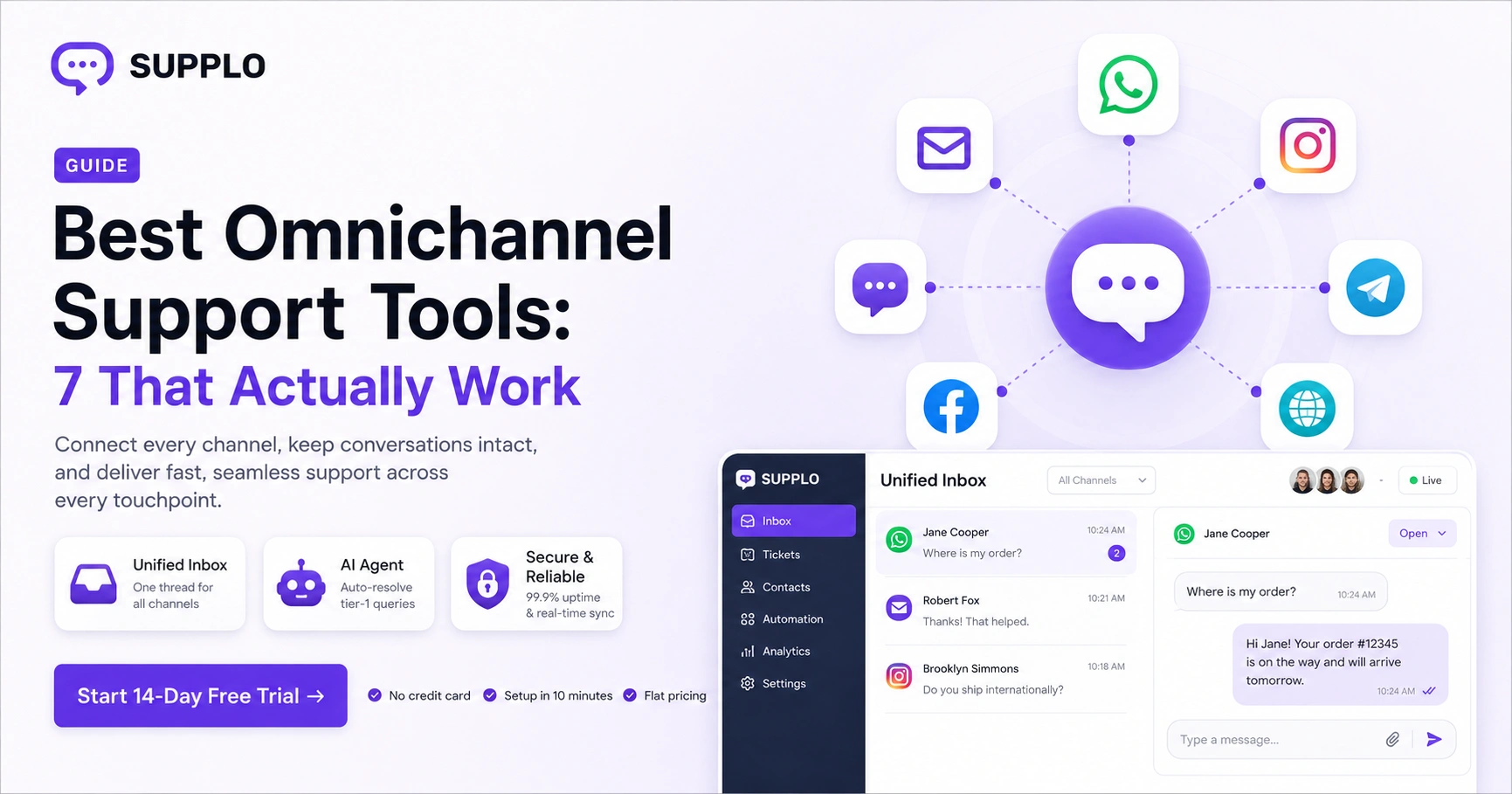
Omnichannel customer engagement platforms connect all your customer support channels in one place, ensuring seamless, efficient support. They're ideal for businesses of all sizes that want to deliver a cohesive, responsive customer experience across multiple touchpoints. Whether you're a small startup or a large enterprise, a reliable omnichannel platform can help you manage customer interactions more effectively, improve response times, and enhance customer satisfaction.
Quick Answer
- Unified inbox connects email, live chat, WhatsApp, and social media into one thread.
- WhatsApp Business API integration ensures robust support on the most widely used messaging app.
- Live chat and email remain the foundation of any omnichannel setup.
- Social media customer service is crucial for modern businesses.
- Reliable platforms offer 99.9% uptime, real-time sync, and secure data handling.
- Flat pricing means predictable costs as your team grows.
What Makes a Customer Engagement Platform Reliable for Omnichannel Support?
Here's the thing: a reliable omnichannel platform doesn't just connect channels; it keeps conversations intact, syncs in real time, and doesn't drop messages when you switch from email to live chat. The best tools for omnichannel support handle uptime, latency, and data consistency across WhatsApp, email, Instagram, and your website widget without you having to babysit them. Reliability here means your team sees the full thread, not a fragmented mess.
- Look for platforms with 99.9% uptime SLAs and message queuing that prevents data loss during outages.
- Real-time sync across channels: a customer shouldn't repeat themselves if they start on email and move to chat.
- Avoid bolt-on integrations that break after API updates; native support is more reliable.
- Security-first architecture: TLS encryption, GDPR compliance, and SOC 2 readiness matter for regulated industries.
Shared Inbox: The Hub That Makes Omnichannel Support Actually Work
A unified customer inbox is the single source of truth for every conversation, whether it started on WhatsApp, email, or your website widget. Without it, agents toggle between tabs, lose context, and customers get frustrated when they have to repeat themselves. The best shared inbox tools assign threads, track response times, and let your team collaborate without leaving the window.
- Thread-based view: each customer gets a single continuous thread, regardless of which channel they use.
- Internal notes and collision detection prevent two agents from replying to the same ticket.
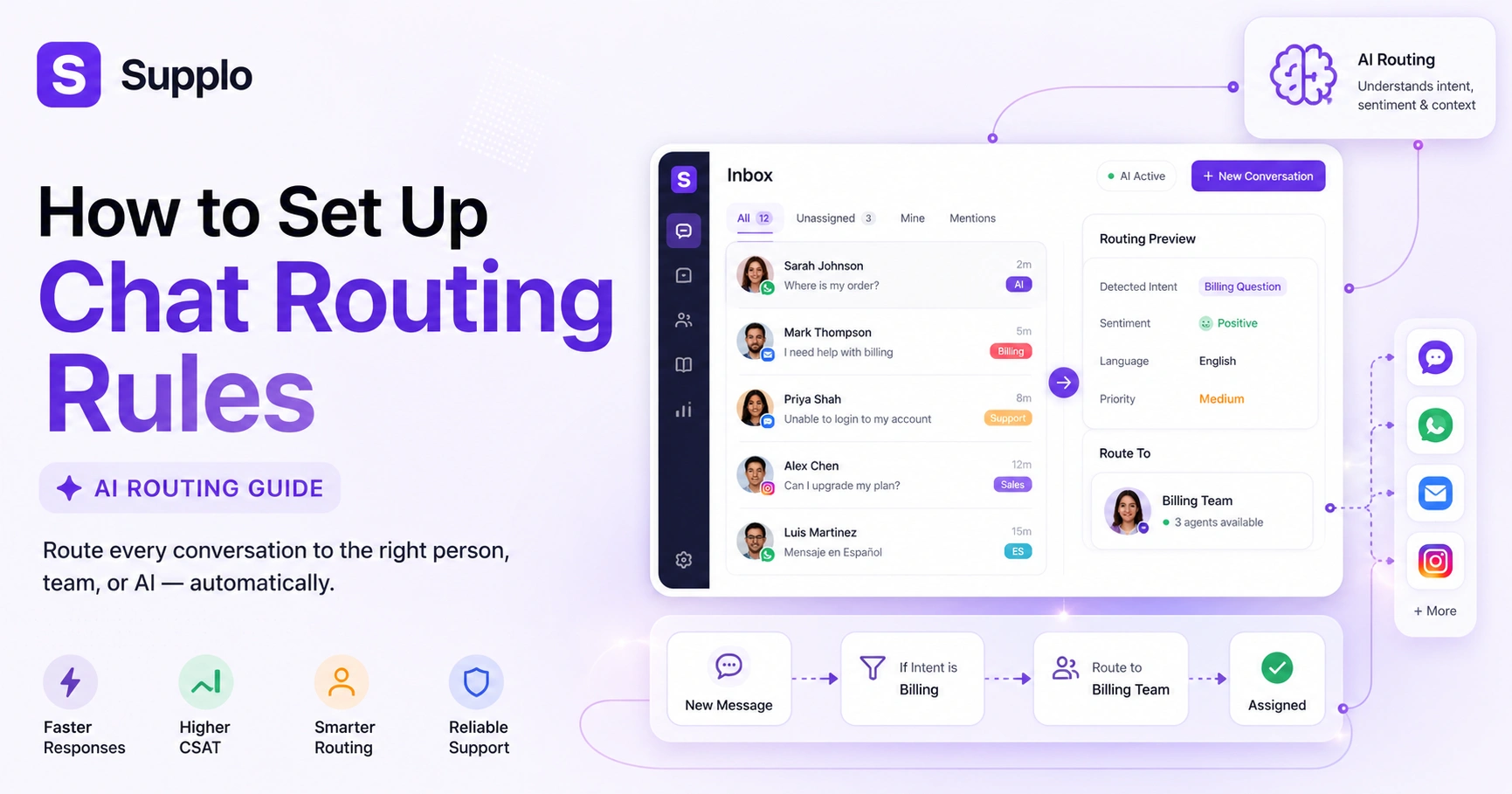
- Automated routing: assign chats to the right agent based on skill, language, or workload.
- Keywords to check: omnichannel inbox, shared inbox, unified view.
Live Chat & Email: The Non-Negotiable Foundation of Customer Service Multichannel Software
Live chat and email remain the backbone of any customer service multichannel software setup; they're the channels customers default to first. Reliable live chat software needs to handle proactive triggers, canned responses, and seamless handoffs, while email support integration must automatically convert inbound emails into trackable tickets. If your platform can't nail these two, adding more channels won't fix the chaos.
- Live chat: look for widget customization, visitor tracking, and real-time typing indicators.
- Email: must support IMAP/POP3 or direct integration so replies appear in the same inbox as chats.
- Proactive chat invites based on pages visited or time on site can boost engagement.
- Ensure email-to-ticket conversion preserves the full history, not just the last message.
WhatsApp Business API Integration: The Channel Customers Expect Most
WhatsApp is the most widely used messaging app globally, and integrating it via the Business API is non-negotiable for any omnichannel customer engagement platform. A reliable WhatsApp integration supports message templates, quick replies, and rich media, plus it stays within WhatsApp's 24-hour customer service window. The goal is to manage WhatsApp conversations right alongside your email and live chat, not in a separate tab.
- Ensure the integration supports the official WhatsApp Business API, not the consumer app; it is more stable and scalable.
- Template messages for proactive notifications (order updates, reminders) that don't compromise compliance.
- Rich media support: send images, PDFs, and location pins within the same thread.
- Watch for platforms that cap your message volume or charge per conversation; reliable pricing is flat.
Social Media Customer Service: Why Instagram DMs, Telegram, and Facebook Messenger Matter
Customers increasingly expect support where they already hang out: Instagram DMs, Telegram, and Facebook Messenger. The best tools for omnichannel support pull these social channels into your unified inbox so you don't miss a query or delay a reply. Reliable social media customer service means you can assign, prioritize, and reply to DMs alongside tickets without switching platforms.
- Instagram DMs support text, images, and story replies; keep the conversation thread intact.
- Telegram: ideal for communities and real-time support; look for bot integration and group chat support.
- Facebook Messenger: auto-reply with knowledge base snippets for common questions.
- Avoid social listening tools that only read but don't let you reply; actual two-way interaction is key.
Compliance note: Supplo is not affiliated with any app or website. Please follow each app's terms and local regulations.
How to Implement Omnichannel Customer Service Without Losing Your Mind
Implementing omnichannel customer service starts with auditing your current channels, then choosing a platform that integrates them natively, not through clunky third-party connectors. The key is to set up routing rules, train your team on the unified inbox, and test the handoff between AI and human agents before going live. A phased rollout (start with email + chat, add WhatsApp, then social) reduces chaos.
- Step 1: Audit every channel you currently use and note which ones get the most volume.
- Step 2: Choose a platform with native integrations for your top 3 channels first.
- Step 3: Configure auto-assignment rules based on agent availability and skill.
- Step 4: Set up a self-learning AI agent to handle tier-1 queries before they reach your team.
- Step 5: Monitor response times and customer satisfaction scores during the first 30 days.
Ready to test your first unified inbox? Start a 14-day free trial of Supplo with no credit card required. Add email, live chat, and WhatsApp in under 10 minutes. Try Supplo Free →
Why Customer Service Multichannel Software Fails And How to Avoid It
Most customer service multichannel software implementations fail because teams treat multichannel as adding more channels without connecting them. You end up with agents answering chat in one tool, email in another, and WhatsApp on their phone, defeating the purpose. The fix is a truly unified inbox where every channel feeds into a single thread, and the AI agent presolves repetitive tickets so humans only handle complex issues.
- Common failure: channels are added but not integrated; customers still repeat themselves.
- Common failure: no escalation path between AI and human agents, causing frustrated handoffs.
- Common failure: pricing scales per seat, making it expensive to add more agents.
- How to avoid: choose a platform that offers a single inbox, AI automation, and flat per-workspace pricing.
If your current platform drops conversations or charges per agent, it's time to switch. Supplo's flat per-workspace pricing means you can add unlimited agents for the same cost. See how much you'll save →
Integrating Support Channels: A Guide for Growing Teams
Integrating support channels is about more than just connecting APIs; it's about creating a consistent experience across email, live chat, WhatsApp, and social media. Start by mapping your customer journey, identifying which channels customers use at each stage, and then integrating them into a single platform. A good integration ensures that a customer can start on WhatsApp, switch to email, and your agent sees the full history.
- Step 1: Map your current customer support flow; where do requests come in and where do they get stuck?
- Step 2: Choose a platform with native integrations (not Zapier-only) for your critical channels.
- Step 3: Configure channel-specific routing rules (e.g., WhatsApp queries go to the Spanish-speaking team).
- Step 4: Test the AI agent's ability to hand off to a human while preserving full context.
- Step 5: Train your team on the unified inbox; one tool, one workflow.
Omnichannel Customer Journey Mapping: The Strategy Behind the Software
Omnichannel customer journey mapping is the strategic layer that dictates how your support software should be configured. You plot the touchpoints: website, email, WhatsApp, social, and identify where customers face friction, like waiting for a reply or repeating information. Once you understand the journey, you can set up your platform to automate the easy parts (order status, password resets) and route complex issues to the right human agent.
- Identify high-friction moments: e.g., order confirmation takes 2 days, or support tickets go unanswered for 24 hours.
- Map which channels customers use at each stage: pre-purchase (chat, email), post-purchase (WhatsApp, Instagram).
- Configure the AI agent to handle tier-1 queries at common friction points (e.g., "Where is my order?").
- Use journey data to refine routing rules: high-value customers get priority queue access.
Pricing That Scales: How to Budget for a Unified Customer Inbox
The biggest trap in omnichannel tools is per-seat pricing that balloons as your team grows. A reliable, unified customer inbox should cost a flat fee per workspace, not per agent, so that you can add support staff without a surprise bill. Look for transparent pricing that covers all channels, AI automation, and integrations, with no hidden fees for API access or additional users.
- Per-seat pricing: $90–$150 per agent per month for legacy tools. That adds up fast.
- Flat per-workspace pricing: predictable costs, scalable for teams of 2 or 50.
- Watch out for: per-resolution pricing for AI agents ($0.99 per resolution vs. flat $0.04 in better tools).
- Payment options: many platforms accept crypto, Binance Pay, Payeer, GCash, AmanPay, QIWI Wallet, DOKU, Nigeria and South Africa cards, Skrill, and Payoneer for global teams.
Don't let per-seat pricing control your support budget. With Supplo, you get a unified inbox, AI agent, and all integrations starting at a flat rate. Plus, we accept crypto, Binance Pay, Payeer, GCash, and more. Start your free trial →
Key Takeaways
- A reliable omnichannel platform ensures real-time sync and data consistency across all channels.
- A unified inbox is essential for managing conversations across email, chat, WhatsApp, and social media.
- Live chat and email are the foundation of any multichannel setup.
- WhatsApp Business API integration is critical for global support.
- Social media channels are increasingly important for customer service.
- Implementing omnichannel support requires a strategic approach and a unified platform.
- Common failures include siloed channels and per-seat pricing.
- Integrating support channels involves mapping customer journeys and configuring routing rules.
- Pricing that scales should be flat per workspace, not per agent.
FAQ
What is the difference between multichannel and omnichannel customer support?
Multichannel means you offer support across multiple channels, but they're siloed; customers have to repeat themselves. Omnichannel means all channels are integrated into one inbox, so the conversation continues seamlessly across email, chat, WhatsApp, and social media.
Which channels should I prioritize when starting with omnichannel support?
Start with email and live chat, then add WhatsApp Business API, as it's the most globally used messaging app. Add social media (Instagram, Facebook, Telegram) once the core workflow is stable. Prioritize channels where your customers actually ask for help.
How does an AI agent help with omnichannel customer service?
A self-learning AI agent can handle repetitive questions like order status or password resets across all channels, freeing up your human team for complex issues. It learns from your knowledge base and past conversations, resolving tickets automatically without escalation.
Can I integrate WhatsApp Business API with my existing customer service tool?
Yes, but only if the tool offers native WhatsApp Business API integration, not a third-party connector. Native integration keeps conversations in the same inbox as your email and chat, with full support for message templates, rich media, and 24-hour reply windows.
How do I train my team to use a unified customer inbox?
Start with a 30-minute onboarding session covering the shared inbox, routing rules, and AI agent handoffs. Most platforms (including Supplo) offer a 14-day free trial so your team can practice before going live. The key is to have one workspace, one workflow, and one set of response templates.
What happens if my platform's AI agent can't answer a customer's question?
The AI should hand off the conversation to a human agent with full context; the customer's history, the channel they're on, and what the AI tried. This ensures a smooth transition without the customer repeating themselves. Look for platforms that support clean handoffs.
Is omnichannel customer support expensive to implement?
It depends on the platform. Legacy tools charge per seat and per resolution, which can get expensive fast. The best omnichannel customer engagement platforms offer flat per-workspace pricing with unlimited users, making it affordable for teams of any size. Supplo is not affiliated with any app or website. Please follow each app's terms and local regulations.
Compliance note: Supplo is not affiliated with any app or website. Please follow each app's terms and local regulations.