On this page
You know the drill. A customer sends a complaint, you find a template online, paste it in, and hit send. But the reply feels wrong, too stiff, too long, or just plain robotic. You're not alone. Most "free" customer service email templates are generic, lifeless, and miss the mark. This article is for small business owners, solo support agents, and small-to-mid support teams who want to save time without sounding like a bot. Use these templates when you need a quick, proven structure. Don't use them when you need to handle a complex, highly emotional issue that requires a completely original, human touch.
Quick Answer
- Ditch the copy-paste. A good template is a flexible starting point, not the final draft.
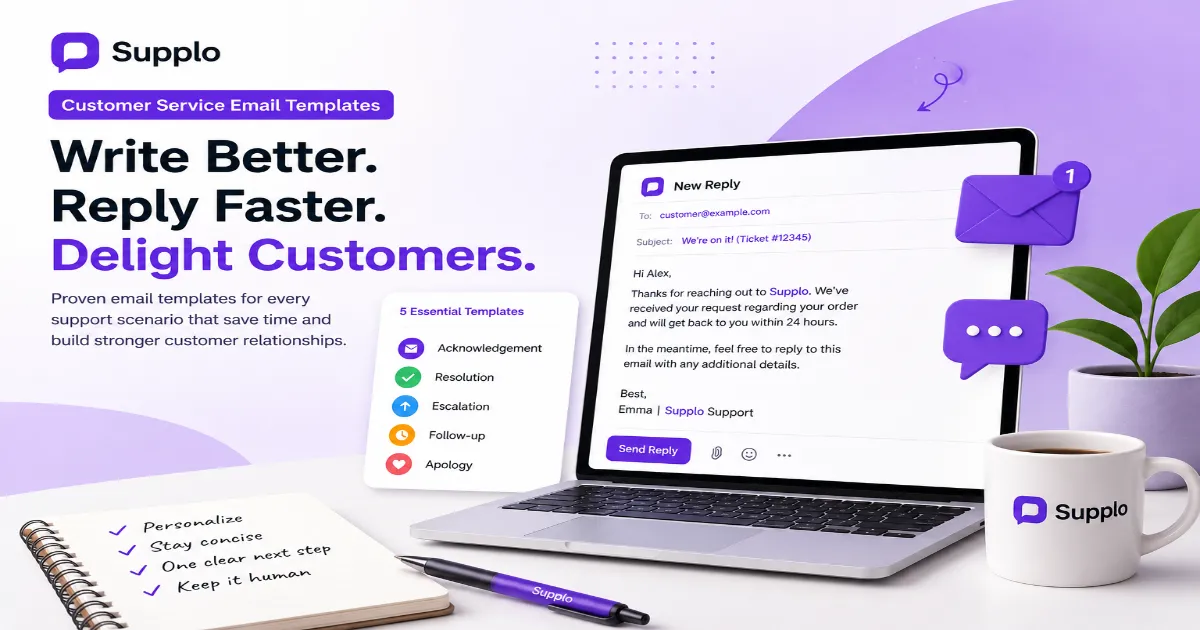
- Start with 5 core templates. Acknowledgment, resolution, follow-up, escalation, and apology cover 80% of daily tickets.
- Personalize everything. Use the customer's name and reference their specific problem.
- Automate wisely. Use snippets for common replies, but always have a human review.
- Focus. Every email needs one clear, specific next step.
Why Most Free Customer Service Email Templates Fail (And How to Fix Them)
Let's be honest. Grab a "free" template off the internet, and you're probably getting something that sounds like a committee of robots wrote it. It's technically correct, but it's dead on arrival. Customers can smell a copy-paste job from the subject line.
Here's what usually goes wrong:
- The biggest offender: dropping a template in without even swapping in the customer's name or their actual issue. Come on.
- Another trap: templates that ramble. Nobody reads past five sentences in a support email. Keep it tight.
- The "Sorry for the inconvenience" pitfall. It's become white noise. Be specific about what you're sorry for.
- Templates that end with a whimper. No clear next step, no CTA. The customer's left wondering, "Okay, now what?"
The real kicker? Most templates aren't built for the tool you're using. A template designed for some bloated enterprise system feels awkward and out of place in a modern, streamlined support stack like the one we built at Supplo. If you're curious what simpler looks like, check out our vs Intercom pricing page.
"A good template is a skeleton; your brand voice is the flesh."
The 5 Essential Customer Service Email Template Examples You Need Today
You don't need a library of a hundred templates. You need five solid ones that actually work. Master acknowledgment, resolution, follow-up, escalation, and apology, and you'll handle roughly 80% of what hits your inbox. Here are clean, no-fluff examples for each.
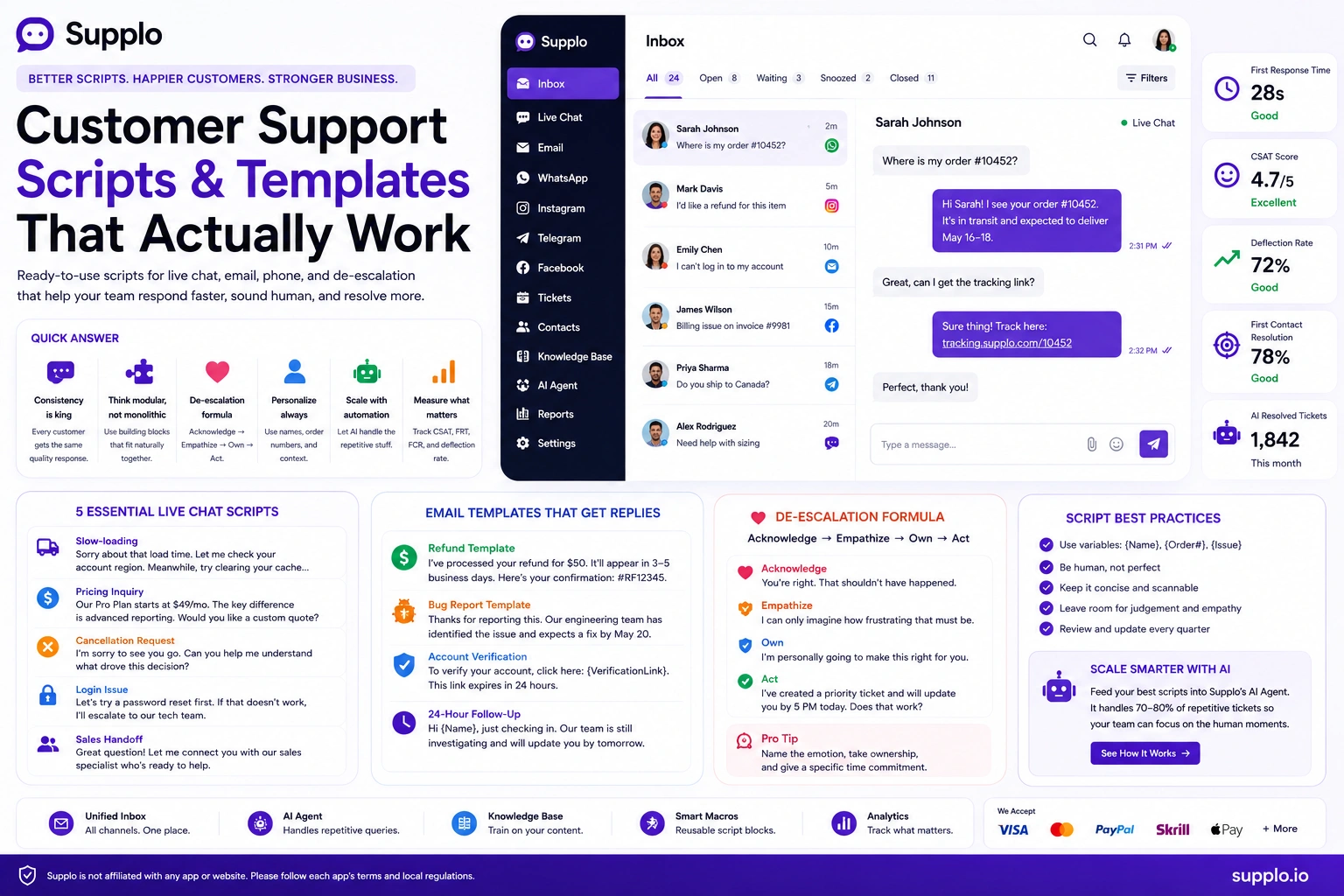
- Acknowledgement: "Thanks for reaching out. We've received your request and will get back to you within [X hours]."
- Resolution: "We've resolved [issue]. Please confirm everything's working, or reply if you need anything else."
- Escalation: "This needs a closer look from our senior team. I've escalated it, and you'll hear from [Name] within [timeframe]."
- Template: Always end with a single, specific question or action.
Here's a full example of an acknowledgment template you can steal right now:
Subject: We're on it! (Ticket #[ID])
Hi [Customer Name],
Thanks for reaching out to [Company Name]. We've received your request regarding [issue] and will get back to you within [X hours].
In the meantime, feel free to reply to this email with any additional details.
Best, [Your Name]
How to Customize Free Customer Support Email Templates for Your Brand
A template is just bones. Your brand voice is what gives them meat. Swap out the stiff corporate jargon for whatever tone actually fits your business-friendly, direct, maybe even a little playful. Throw in a personal detail like "Hope the launch went well!" and suddenly it's no longer a template. It's a real conversation.
Quick wins for customization:
- Use the customer's name and reference their specific issue in the first line. Non-negotiable.
- Ditch "Sincerely" unless you're running a law firm. Try "Best," "Cheers," or just your team's name.
- Add a personality touch: a relevant emoji, a team signature, or even a short, fun fact.
- Test your template tone on a colleague. If they say it sounds like a bot, rewrite it.
Build a small style guide that defines your brand's tone and go-to vocabulary. This keeps every template, even when customized, sounding like it came from the same place.
"A template is a framework, not a final draft."
Best Customer Service Email Templates for Common Scenarios
Whether it's a refund request, a technical glitch, or a simple "How do I?", having a template ready for the most common scenarios will cut your response time in half. Here are the templates your team will use on repeat.
- Refund/Return: "We've processed your refund of [amount] to your original payment method. It may take [X] business days to appear."
- Technical Issue: "Thanks for the details. Our team is investigating the [error]. We'll update you within [timeframe]."
- Account Access: "No problem! We've reset your password. Click here [link] to log in."
- Billing Question: "Here's a breakdown of your last invoice. If this doesn't match your records, reply here."
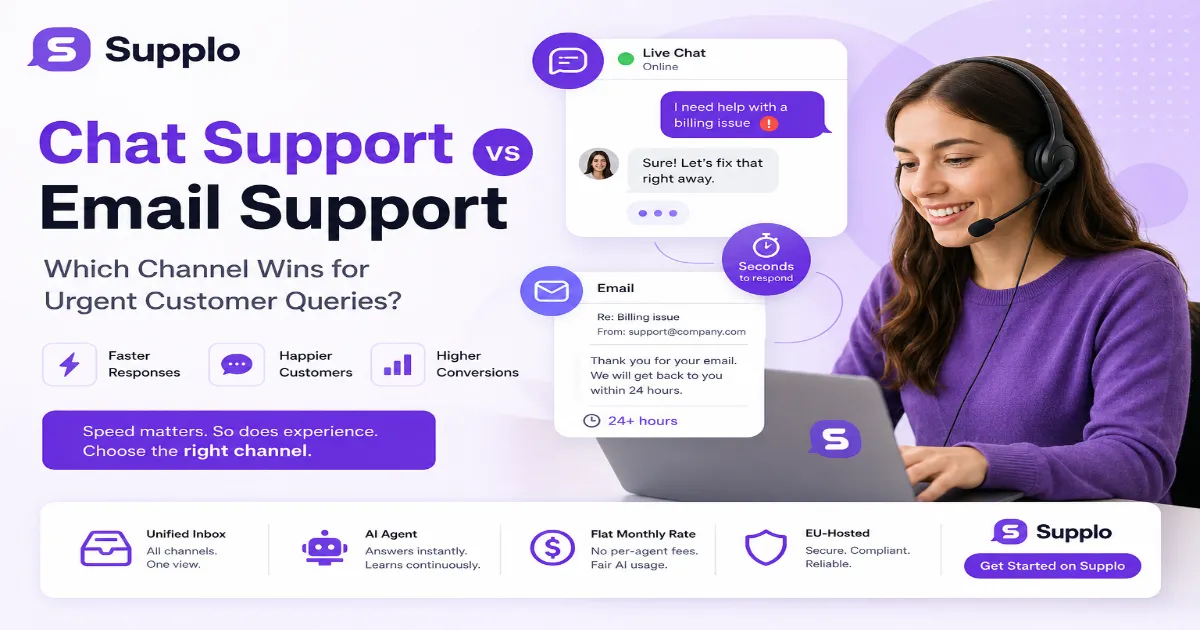
If you're also handling support via messaging apps, you can shorten and make the billing question template more casual for quick replies in WhatsApp customer support. Just keep the same info, lose the formality.
Supplo is not affiliated with any app or website. Please follow each app's terms and local regulations.
Post-Purchase Follow-Up Email Templates That Build Loyalty
The sale isn't the finish line; it's the starting block. A well-timed post-purchase follow-up can reduce churn, generate reviews, and catch issues before they turn into complaints. These templates are designed to feel helpful, not salesy.
- 24-hour check-in: "Just checking in to see how your [product] is working out. Reply if you have any questions."
- Review request: "If you're loving [product], we'd love a quick review. If not, tell us how we can make it right."
- Setup guide link: "Here's a quick guide to get the most out of your [product]."
- Upsell (soft): "Many customers who bought [product] also love [related product]. No pressure, just a heads-up."
"A simple 'How's it going?' email can prevent a churn crisis."
Customer Retention Email Templates to Win Back At-Risk Clients
Sometimes customers go quiet. They stop logging in, stop replying, stop caring. A gentle, non-pushy re-engagement email can bring them back. The key is to offer value, an update, a tip, or a simple "We miss you" without demanding a sale.
- The "We noticed" template: "We noticed you haven't logged in for a while. Here's what's new since your last visit."
- Feedback request: "We'd love to know why you've stepped back. Reply honestly, we can take it."
- Value-add tip: "Did you know you can [do something cool] with [product]? Here's how."
- Win-back offer (if applicable): "As a thank you for being an early customer, here's [small incentive] to come back."
Real companies use these templates effectively. Check out our case study to see how a focused follow-up strategy can actually save at-risk clients.
"A gentle re-engagement email can bring a quiet customer back."
Follow Up Email Templates for Customer Service (No More Ghosting)
Nothing frustrates a customer like silence after they've reported a problem. A proactive follow-up template shows you care and keeps the ticket alive. Use these to check in on unresolved issues or to confirm a fix.
- Status update: "Quick update on your ticket #[ID]. We're still working on it and will have an answer by [date]."
- Re-open check: "We last spoke on [date]. Is your issue fully resolved, or can we help further?"
- Post-resolution follow-up: "It's been a week since we fixed [issue]. Is everything running smoothly?"
- The "anything else?" template: "Before I close this ticket, is there anything else you need from us?"
Troubleshooting: If your follow-ups aren't getting replies, check these three things: 1) Is your subject line clear? 2) Did you ask a specific question? 3) Did you include a clear deadline or next step?
Still getting ghosted? If your follow-up emails aren't getting replies, it might be your tool, not your template. Supplo's shared inbox ensures no message gets lost. See it in action. See How It Works
Where to Find Customer Service Email Templates Free Download Bundles
You can find free template PDFs and Google Docs scattered across various SaaS blogs and knowledge bases. But a download is just the start. The real power comes from integrating those templates into a system that automatically personalizes and routes them.
- Look for bundles that include editable .doc or .txt files, not just PDFs.
- Avoid sites that require you to sign up for a newsletter to get one template. It's a red flag for low quality.
- A good bundle will include templates for different scenarios (support, sales, retention).
- Don't just download and forget. Import them into your help desk tool and set up shortcuts.
Free templates are a great starting point. But if you're serious about scaling, a proper support platform is better. Check out our pricing to see how a tool like Supplo can help you manage and automate these templates.
How to Automate Your Email Templates Without Losing the Human Touch
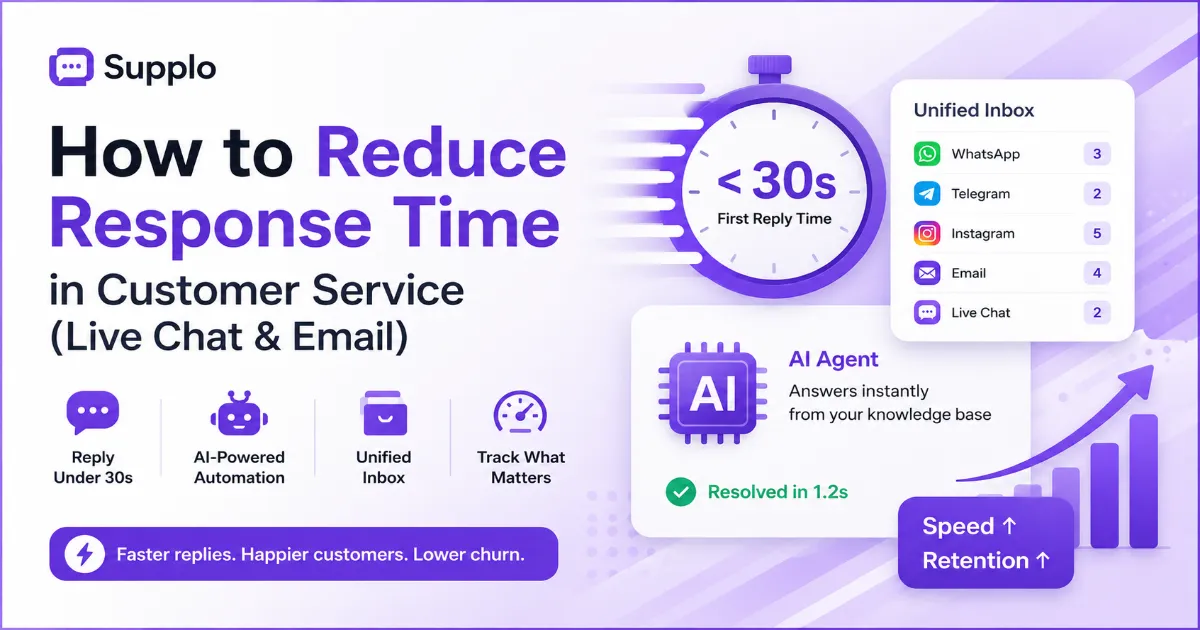
Automation is your friend, but only if you use it wisely. A fully automated response for every ticket feels impersonal. The solution is a hybrid: use a shared inbox that lets you trigger templates with a click but still requires a human to review and send.
- Set up "snippets" or "canned responses" for common issues (password reset, shipping query).
- Use automation for first-line acknowledgment only. Never auto-send resolutions unless verified.
- Let your AI agent handle simple, repeatable questions (like "What are your hours?").
- Always leave room for a human edit. A template is a starting point, not the final draft.
Common Mistake: Using a formal email template for a quick WhatsApp message. Keep channel tone consistent.
Want ongoing access to exclusive templates? Sign up for Supplo and get a constantly updated library of customer service email templates, plus automation rules to send them at the right time. Get Started with Supplo
Quick Start: Your First 3 Customer Service Response Templates
If you're building a support system from scratch, start with these three: a polite greeting template, a troubleshooting template, and a resolution confirmation template. They'll cover 90% of your first 100 tickets.
- Greeting: "Hi [Name], thanks for reaching out! I'm [Agent]. Let's solve this together."
- Troubleshooting: "Let's try [step 1]. If that doesn't work, try [step 2]. Let me know how it goes!"
- Resolution: "Glad we got that sorted! I'm closing this ticket now, but reply anytime if you need more help."
- Pro tip: Store these as saved replies in your support tool (like Supplo) so you can insert them in under 5 seconds.
Ready to put these templates to work? Grab a free account at Supplo and start using our template library right away, no credit card needed. Test them with a real customer conversation today. Start for Free
Key Takeaways
- Stop using generic templates. A good template is flexible, personal, and branded. Copy-paste jobs hurt your reputation.
- Five templates cover 80% of tickets: acknowledgment, resolution, follow-up, escalation, and apology. Start there.
- Automation helps, but humans close the loop. Use a shared inbox with saved replies (like Supplo) to speed up responses without losing the human touch.
- Post-purchase and retention templates build loyalty. A simple "How's it going?" Email can prevent a churn crisis.
FAQ
Why do my customer service emails sound robotic?
Most templates lack personalization. Always add the customer's name, reference their specific issue, and adjust the tone to match your brand voice. A template is a framework, not a final draft.
How many email templates do I actually need?
Start with 5 core templates: acknowledgment, resolution, follow-up, escalation, and apology. You can build from there as your common scenarios grow.
Can I use these templates for free forever?
Yes, the templates themselves are free to use and modify. The cost comes from your time and the software you use to manage, personalize, and send them at scale.
What's the difference between a template and a canned response?
They're often used interchangeably, but a canned response is typically a pre-written reply stored in your support tool. A template is a reusable framework for emails, chat, or internal notes.
Should I automate my email templates?
Yes, but with caution. Automate the first touch (acknowledgment) and use snippets for common replies. Always have a human review before sending complex resolutions.
How do I handle legal compliance with email templates?
Make sure your templates include a clear opt-out or unsubscribe link if they're promotional. For transactional emails (support tickets), no special marketing consent is required, but follow local data privacy laws such as GDPR.
What is the best tone for a customer service email template?
Be clear, concise, and empathetic. Avoid corporate fluff. A direct, human tone like "We're on it" or "Let's fix this" works better than "We appreciate your patience."
Compliance note: Supplo is not affiliated with any app or website. Please follow each app's terms and local regulations.