On this page
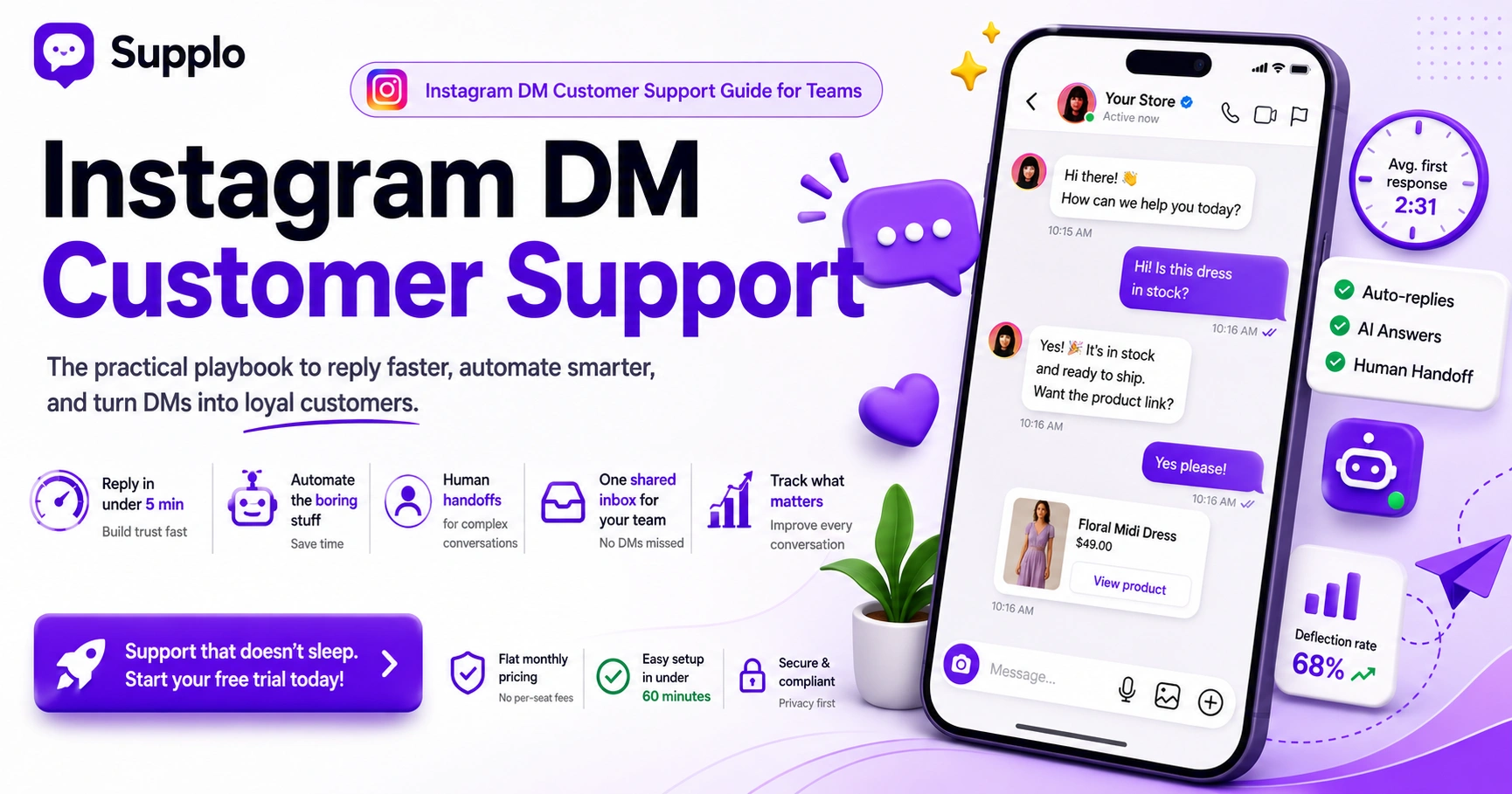
Your customers are already sliding into your DMs asking about shipping times, sizing, and whether that dress is actually in stock. They expect a reply as fast as they'd get from their best friend. Using Instagram DMs for customer service isn't some nice-to-have anymore; it's where trust gets built or busted in under 60 seconds.
This guide is for support managers, e-commerce owners, and small teams who need a practical, no-fluff approach to Instagram direct message customer support. Use this when you're setting up a new channel or trying to fix one that's currently a mess. Skip it if you only need a one-off reply tool for your personal account.
Compliance note: Supplo is not affiliated with Instagram, Meta, or any app mentioned. Please follow each app's terms and local regulations when using automation tools.
Quick Answer
- Speed is everything. Reply within 5 minutes or risk losing both the sale and the customer's trust.
- Automate the boring stuff. Saved replies work great for order status, store hours, and pricing.
- Pass the hot potato. Angry or complex conversations need a real human, immediately.
- Ditch Instagram's native app. You can't manage a team from there. Get a shared inbox.
- Watch your metrics. First response time and deflection rate tell you if your system actually works.
Why Instagram DMs Are Now a Non-Negotiable Channel for Customer Support
Here's the thing: your customers aren't just passively scrolling Instagram. They're waiting. When someone DMs you about shipping or a product feature, they expect the same speed as texting a friend. Treating that inbox like it's optional? That kills trust fast. A solid Instagram direct message customer support setup turns casual browsers into paying customers who actually feel heard.
- The "wait, I can just message them here?" factor, and why DMs come with higher response expectations than email.
- The real cost of replying slowly is that people straight-up buy less from brands that take over an hour to respond.
- Instagram's algorithm rewards fast reply accounts with better organic reach. Go figure.
- More customers are sliding into DMs instead of posting public complaints; they want to save face, not air dirty laundry.
The 3 Pillars of a Winning Instagram Business Messaging Strategy
A good strategy isn't just "reply faster." It's about routing, a central hub for every conversation, and a safety net for when your team is offline. An Instagram business messaging strategy that actually works 24/7 means merging your DMs into a single inbox, setting up automated greetings for common questions, and establishing a clear path to hand off complex requests.
Set up: The Right Tools to Track and Route DMs
- Pillar 1 (Setup): Link your Instagram Business account to a shared inbox tool like Supplo so you never miss a DM again.
- Pillar 2 (Speed): Use automated responses for FAQs, hours, pricing, and order status.
- Pillar 3 (Reliability): Ensure a human can step in seamlessly when the bot reaches its limits.
Most teams rely on Instagram's native inbox, which comes with zero team assignment, no audit trails, and no real-time routing. A dedicated inbox fixes all that by centralizing every conversation, tagging team members, and tracking response times. That's the foundation of any reliable Instagram business messaging strategy.
How to Practice Effective Instagram Messaging for Customers And Avoid the Noise
Effective Instagram messaging for customers isn't about dumping walls of text on people. It's about clarity, speed, and matching the platform's vibe, short, direct, and human. The biggest mistake brands make? Copy-pasting email templates into DMs. Don't do that. Meet your customers where they are: quick greetings, appropriate emojis, and a clear path to resolution.
- Why "How can I help you?" often gets ignored, ask a direct question about their issue instead.
- How to handle that awkward "I'll look it up" pause: "Give me one second, checking that now."
- The read receipt trap: manage expectations when you've seen the message but aren't ready to reply.
- Set up saved replies for "we're checking inventory" or "can you send your order number?"
When you're using Instagram DMs for customer service effectively, you treat every message like a real conversation. If someone asks about a product, reply with a link and a follow-up question. Don't just confirm you got their message; move them toward a solution.
Mastering Instagram DM Etiquette for Support: Speed, Tone, and Handoffs
Instagram DM etiquette for support is a balancing act. Fast but not pushy. Professional but not stiff. The golden rule: acknowledge the message immediately (even an auto-reply counts), then deliver a resolution or a crystal-clear next step. If escalation is needed, warn the customer first so they don't have to repeat their whole story to a new person.
- First reply goal: Under 5 minutes. Every time.
- Tone: Use "we" language. Ditch the corporate speak.
- Stay in the app whenever possible instead of asking for an email.
- End conversations cleanly so the customer doesn't feel ghosted.
If you're supporting customers across languages, use a translation feature to communicate naturally without switching apps. It makes your Instagram DM etiquette way more inclusive and keeps conversations flowing.
Automate Instagram DMs for Customer Service Without Sounding Like a Robot
You can automate Instagram DMs for customer service without making your brand sound lifeless. The trick? Use automation for predictable, low-risk queries, "Where's my order?" or "What are your hours?", and instantly hand it off to a human for anything emotional or complex. Speed with a human fallback, not a robo-wall.
The best use cases for Instagram DM automation vs. live agents
- Use automation for: Order status checks, password resets, and headless FAQs.
- Keep humans for: refund complaints, account deletions, and anything involving human error.
- Write auto-responses that invite conversation: "Looks like you're asking about returns. Need a label or a refund?"
Automation should make customers feel helped, not processed. Write saved replies in a natural, conversational tone with a clear next step. The best practices for Instagram DM customer service always include a human escape hatch.
How an AI for Instagram Customer Service Chatbot Handles the Repetitive Stuff
An AI for Instagram customer service chatbot works like an ever-present junior agent who never sleeps. It can pull answers about product availability, sizing, or features straight from your knowledge base. The best AI learns from your human agents' replies, getting smarter over time, but it still knows when to hit the transfer button.
- Self-learning AI vs. clunky rules-based bots, it understands intent, not just keywords.
- The data source is everything; a well-maintained knowledge base is your AI's brain.
- Watch deflection rate (how many conversations the AI solves without a human) and customer satisfaction.
A reliable AI for Instagram customer service doesn't guess. It pulls answers from verified content you control. That makes it accurate and trustworthy for customers and your team alike.
A Quick-Start Guide to Instagram Direct Message Customer Support
Setting up Instagram direct message customer support shouldn't take more than an hour. Start by connecting your Instagram Business account to a platform like Supplo that centralizes your inbox. Then write three automated responses: a welcome message, a "we're looking into it" message, and an off-hours auto-reply. Finally, assign one team member to handle the first week of DMs to catch edge cases.
Steps:
- Switch to an Instagram Business or Creator account (non-negotiable first step).
- Pick a platform that supports the Instagram API for real-time messaging.
- Create "Saved Replies" for your top 5 most common questions.
- Set working hours and an "Away" message in your tool.
- Test the flow by sending a DM from a personal account.
Once live, monitor your first response time and tweak saved replies based on what customers actually ask. The flat monthly rate structure of a tool like Supplo means you can scale Instagram direct message customer support without worrying about per-seat fees.
Ready to test your own Instagram DM workflow? Start Your Free Trial, Connect your IG account, and test the AI agent with zero risk.
Using Instagram DMs for Business Growth: Beyond the Like Button
Using Instagram DMs for business growth isn't just about handling complaints. It's a straight-up sales channel. When someone DMs "Is this in stock?", that's purchase intent. Answer immediately and help them buy. A proactive support approach turns high-intent DMs into closed deals, building loyalty that comments and likes never could.
- How to spot "hot leads" in your inbox, questions about pricing, availability, or "how do I buy?"
- The DM-to-sale funnel, auto-reply → product link → follow-up.
- Use DMs for post-purchase check-ins: "How's the product working out?"
Instagram DMs for business growth work best when you treat every conversation as a potential sale. A quick, helpful reply builds trust and speeds up decisions.
How to Build an Instagram Customer Engagement Strategy That Scales
A sustainable Instagram customer engagement strategy needs a closed feedback loop. When customers ask the same question five times in DMs, that becomes an FAQ on your website or a saved reply. When they report a recurring bug, it needs an internal ticket. This approach means your support team stops firefighting and starts building a system that improves over time.
- Track common DM themes using tagging or reporting features.
- Share "DM trends" with your product and marketing teams regularly.
- Multi-channel routing still matters; customers use Instagram, email, and WhatsApp interchangeably. A unified platform handles all of them.
An Instagram customer engagement strategy that scales relies on data. Use your shared inbox reports to spot bottlenecks, common questions, and agent performance. Then feed that intel back into your knowledge base and automation rules.
Troubleshooting Common Instagram Support DM Problems
The most common Instagram support DM issues stem from API disconnects, missed messages, and slow response times. If your team keeps missing DMs, check the health of your API integration. If auto-responses sound robotic, rewrite them with active, conversational language. If customers aren't replying, your resolution is probably too slow or your first message too vague.
- Problem: "Instagram says DM was sent, but we never saw it." Solution: Check the "Requests" folder and API permissions.
- Problem: "Customer asked the same thing 3 times." Solution: Improve your auto-reply or build a better FAQ.
- Problem: "Team can't see who replied to what." Solution: Use a shared inbox to stop the chaos.
- Problem: "Automated replies are tanking our sentiment." Solution: Add a human handoff trigger after the auto-reply.
If DMs are still falling through the cracks, your tool might be the problem. See How Supplo Fixes DM Reliability. Get a unified inbox that tracks every message, every time.
Key Takeaways
- Using Instagram DMs for customer service requires speed, smart automation, and a human safety net.
- A shared inbox is non-negotiable for team-based Instagram support.
- Automate only predictable, low-stakes queries to keep the human touch.
- Track first response time and deflection rate to measure what matters.
- Build a closed feedback loop: DMs inform your FAQ and product roadmap.
Support that doesn't sleep, for one flat price. Explore Supplo Pricing: no per-seat fees, no per-resolution meter—just reliable, scalable DM support.
FAQ
Do Instagram DMs support automated customer service responses?
Yes. Instagram's API lets third-party tools send automated responses, saved replies, and AI-powered chatbots straight into the DM thread. You need a Business or Creator account and a compatible platform.
What is the best way to handle Instagram DMs for customer support?
The best way is to use a unified inbox tool (like Supplo) that collects all your DMs in one place, sets up automated replies for common questions, and lets a human agent jump in when things get complex.
Is it legal to use a chatbot for Instagram customer support?
Yes, perfectly legal. Just comply with Instagram's terms of service and your local data privacy regulations. Best practice: identify the bot as an automated assistant where required.
How fast should a business reply to DMs on Instagram?
Aim for under 5 minutes. Instagram even shows a "Very Responsive" badge for businesses that reply quickly. Even an auto-acknowledgment ("We got your message!") counts as a reply and primes the customer to wait.
Can I use AI to respond to Instagram DMs without sounding like a robot?
Yes. Modern AI tools can be trained on your specific brand voice and knowledge base. Use AI for factual answers and let humans handle tone-critical or emotional issues. Or write the automated responses yourself to keep them human.
What should I do if a customer in an Instagram DM is angry?
Stop the automation immediately and hand the conversation to a live human. Acknowledge the emotion first ("I hear you, that's frustrating"), then move to problem-solving. Never let a bot handle an escalated complaint.
Can I track which team member replied to an Instagram DM?
Yes, if you use a shared inbox or CRM tool integrated with Instagram. These tools log every interaction by agent, making it easy to track performance, audit conversations, and keep accountability.
Compliance line: Supplo is not affiliated with any app or website. Please follow each app's terms and local regulations.


