On this page
Is your support budget growing faster than your revenue? You're not alone. The old model of per-seat, per-channel, and per-resolution pricing punishes you for being successful. This article is for founders and operations leads who want to reduce customer support costs with AI without making customers wait longer or hiring more agents. Use this guide if you're evaluating AI tools. Do not use it if you've already locked into a five-year contract with a legacy vendor.
Supplo is not affiliated with any app or website. Please follow each app's terms and local regulations.
Quick Answer
- The biggest cost trap is fragmented pricing: per-seat, per-channel, and per-resolution fees add up quickly.
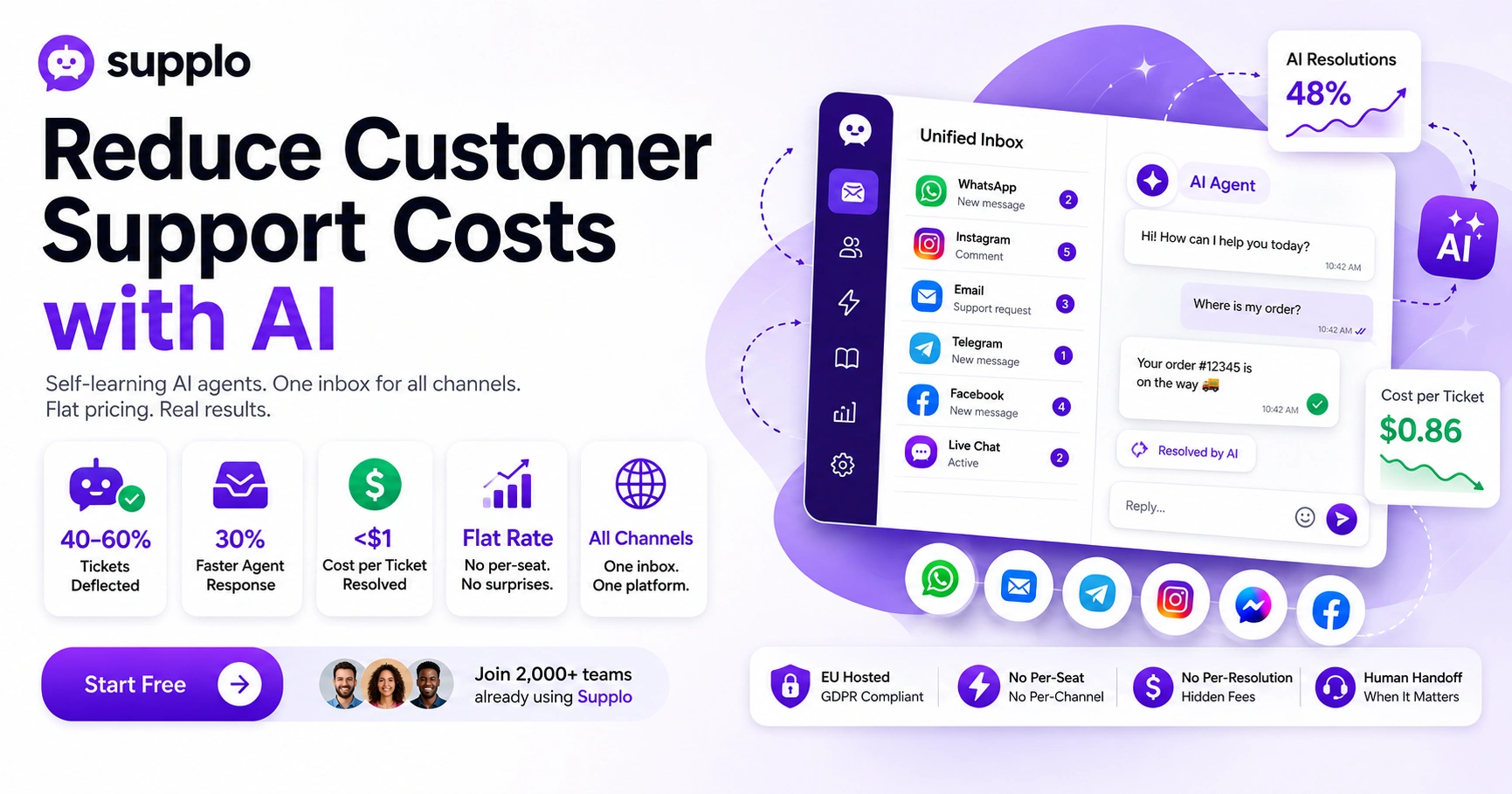
- A self-learning AI agent deflects 40–60% of tickets without needing manual training.
- A unified inbox for all channels cuts agent context-switching time by up to 30%.
- Cost-effective teams pay under $1 per ticket resolved; anything over $3 is a red flag.
- Flat-rate pricing (no per-seat fees, no per-resolution metering) is the only sane model for scaling.
Why Customer Support Costs Keep Rising (And Why Traditional Math Doesn't Work Anymore)
Snippet-ready answer:
Support costs aren't exploding because your team is bad; they're exploding because the old pricing model is broken. Per-seat fees, per-resolution charges, and per-channel add-ons stack faster than most teams realize. The result? You're paying for headcount you don't need and automation you don't fully use.
The breakdown:
- The typical SaaS support stack costs $50–$150 per agent per month before you add AI, phone, or SMS.
- Adding WhatsApp, Instagram, and Telegram typically doubles your monthly bill.
- Most teams spend 60%+ of their budget on tickets that don't require a human to touch.
- Real insight: Pricing models that charge per "resolution" punish you for actually resolving issues.
The old math assumed support was a linear cost. In reality, it's exponential, especially when you add channels without consolidating. To reduce customer support costs with AI, you first need to break the legacy pricing addiction.
What Actually Makes AI for Customer Service Cost-Effective?
Cost-effective AI customer support isn't about the flashiest chatbot; it's about the one that resolves without escalation. A self-learning AI agent that continuously improves based on past conversations reduces ticket volume by 40–60% within weeks. The catch? You need one that doesn't bill you per "successful resolution" because that model penalizes competence.
What to look for:
- True cost-effectiveness = flat monthly AI cost + per-resolution fee under $0.05.
- AI that trains itself from your knowledge base and chat history removes setup costs.
- Look for "self-learning" agents that require zero manual fine-tuning over time.
- Warning: Avoid per-resolution metering, it's designed to inflate as you scale.
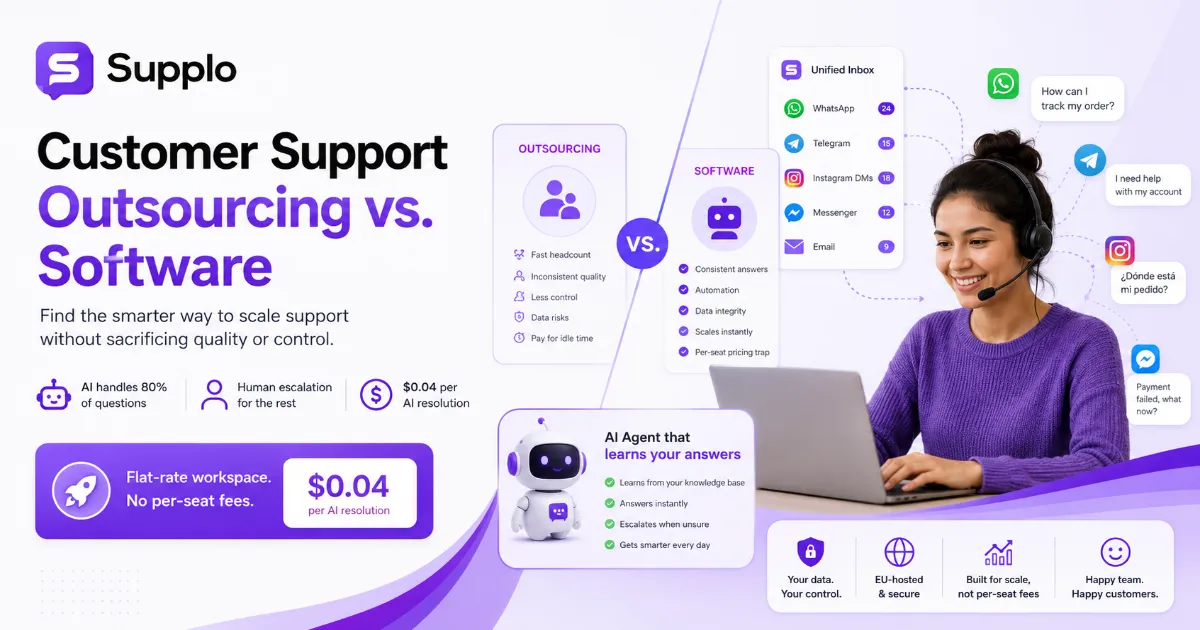
- For reference, Supplo's AI resolutions cost $0.04 each, roughly 96% cheaper than comparable solutions.
When evaluating AI for customer service, remember: the cheapest AI is the one that works on its own. A self-learning agent that improves without human hand-holding is the only cost-effective customer support AI model that scales.
The Real Price Tag: Breaking Down the Cost of Multiple Support Channels
Most teams assume adding a channel costs $20–$50 per month. The reality is closer to $200–$400 per month when you include per-channel add-ons, API fees, and necessary middleware. Email, chat, WhatsApp, Telegram, Instagram, and Facebook each require separate integration, training, and billing.
The hidden math:
- Industry average: $30–$80 per channel per month for basic integration alone.
- Hidden costs: Training agents on each channel interface, double-handling tickets, and redundancy.
- The math: 5 channels × $50 average = $250/month before you even hire a single agent.
- The most affordable omnichannel support tools bundle all channels into a single flat rate; that's the only sane model.
- Supplo example: One flat monthly rate covers live chat, email, WhatsApp, Telegram, Instagram, and Facebook.
If you want to manage the cost of multiple support channels, you have to demand consolidation. Anything less and you're paying for chaos.
How to Automate Customer Support Costs with a Self-Learning AI Agent
The fastest way to reduce costs is to deploy an agent that learns from your existing conversations and knowledge base. No lengthy setup, no training scripts, connect it and let it start resolving. A self-learning AI agent should handle 40–60% of incoming tickets without human intervention, and improve every week.
Step-by-step playbook:
- Feed the AI your knowledge base and past resolved tickets (takes hours, not weeks).
- Set confidence thresholds, AI answers only when it's 90%+ sure.
- Monitor weekly what the AI gets wrong; those become training data.
- Result: Ticket deflection climbs from week one; human agents handle only complex or emotional issues.
Need to see it in action before committing?
Try Supplo free. Deploy the AI agent on your live chat or email in under 30 minutes—no credit card needed. Start at Supplo.
For detailed capabilities, see how Supplo's AI agent works. This is how you automate customer support costs while actually improving response times.
Optimize Multi-Channel Support Costs Without Losing Your Mind (Or Your Customers)
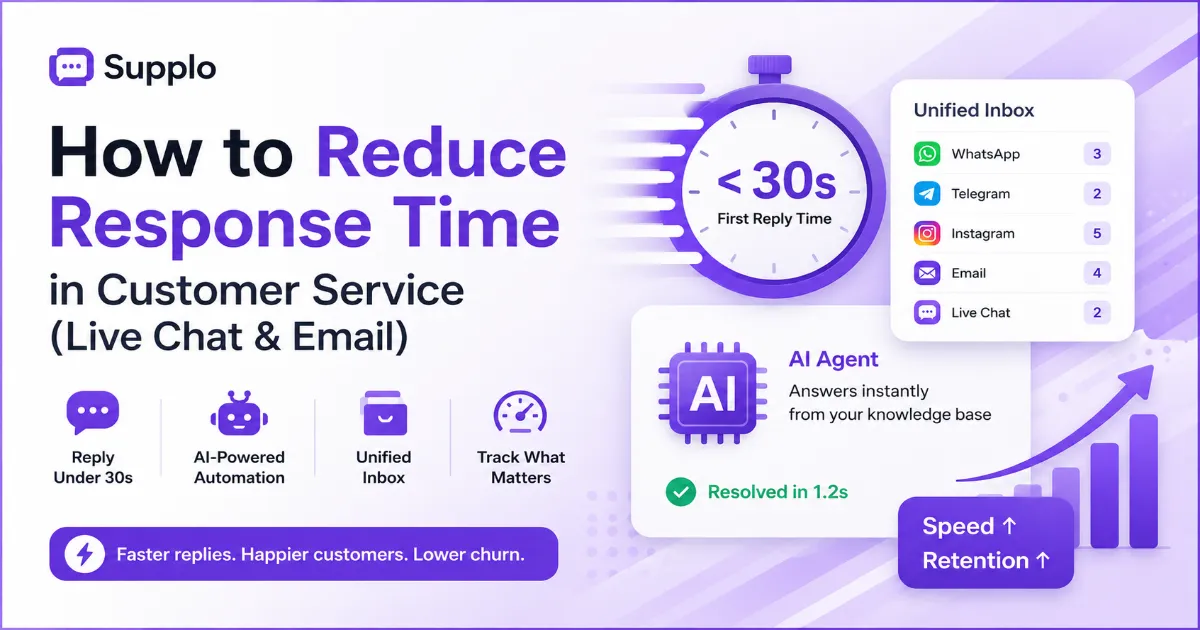
Optimizing multi-channel costs isn't about cutting channels; it's about unifying them. A shared inbox that centralizes WhatsApp, email, Telegram, Instagram, and Facebook into a single view eliminates agent context switching and duplicate entry. That alone can cut handling time by 30–40% while actually improving customer experience.
The unification checklist:
- One inbox = one interface for all channels; no more tab-sprinting.
- Unified inbox pricing matters: you want one flat cost for all channels, not per-channel billing.
- Auto-routing by channel, intent, or customer status automatically.
- Tag and assign across channels from a single dashboard, without manual forwarding.
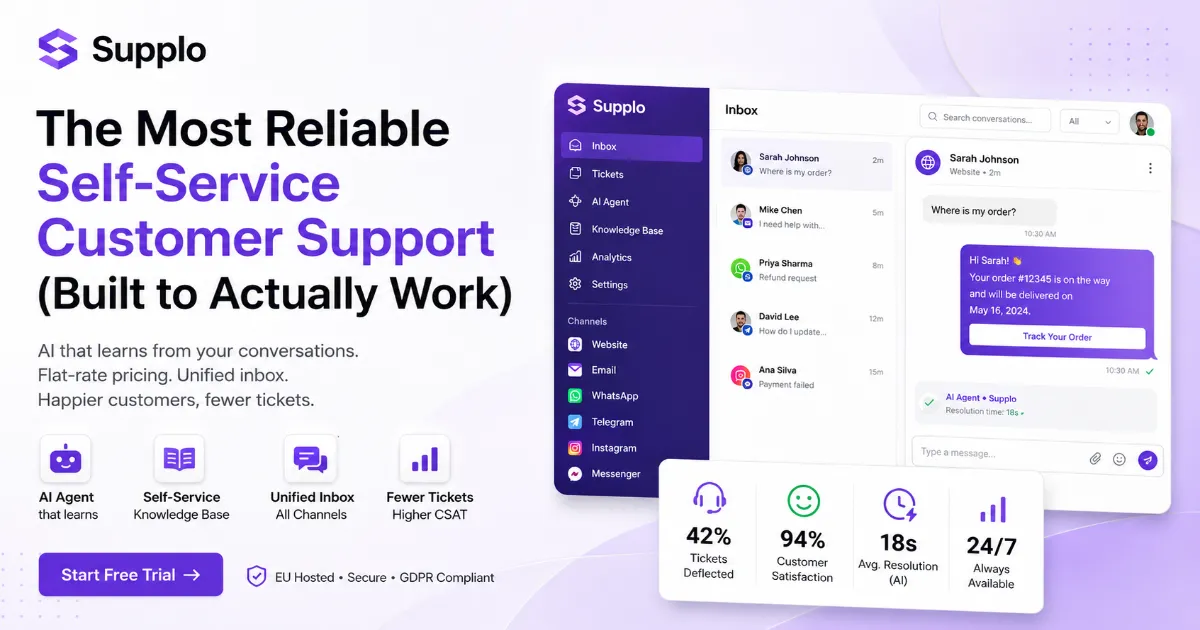
To optimize multi-channel support costs, you need a shared inbox that works across everything. See how Supplo's inbox works across all channels. This is how you achieve unified support channel pricing in practice.
What Unified Support Channel Pricing Looks Like When It's Done Right
Unified support channel pricing should look boring: one flat monthly fee, no per-channel add-ons, no per-seat surprises. The platform that charges you $50 for email, $30 for live chat, and $25 for each social channel is running outdated math. Done right, you pay one price, get all channels, and only pay extra per AI resolution, not per agent or channel.
The flat-rate test:
- Flat-rate model: Predictable monthly cost regardless of channel count or ticket volume.
- Avoid: "Professional" tier for email, "Enterprise" for social, "Ultimate" for WhatsApp.
- The test: If adding WhatsApp costs extra, you're not on unified pricing.
- Supplo approach: One flat rate, all channels, no per-seat fees, no per-resolution metering.
For truly affordable omnichannel support, a flat rate is the only sustainable model. See Supplo's transparent pricing here.
The Hidden Leak: Where Efficient Customer Service Operations Bleed Money
Efficient customer service operations sound like a dream, but most teams bleed money in places they don't measure. Agent context-switching across platforms, duplicate tickets, and escalations that should have been deflected costs 20–30% of your support budget. The fix is a single source of truth, one inbox, one knowledge base, one AI.
The three biggest leaks:
- Agents opening 5+ tabs to handle one customer query.
- Tickets were bumped to level 2 because the first agent couldn't find the answer.
- Knowledge base that's out of date or unsearchable, forcing manual research.
- Fix: Integrate your knowledge base with your inbox + AI, so answers are one click away.
To achieve truly efficient customer service operations, eliminate leaks first. Explore Supplo's knowledge base + inbox integration. This is how you streamline support processes rather than band-aid them.
How to Streamline Support Processes (And Why Most Teams Do It Backwards)
Most teams try to streamline support processes by adding more tools, which creates more complexity. The right way is consolidation: fewer tools, one inbox, one knowledge base, one AI. Process streamlining isn't about speed; it's about removing decisions that don't require human judgment.
The reversed stack:
- Start with a unified platform, then layer AI on top.
- Automate the boring: Auto-reply to password reset, order status, and FAQs immediately.
- Human-first routing: Complex or angry customers go straight to a senior agent.
- Built-in translation: No need for separate translation tools; built-in AI translation removes a step.
To streamline support processes, stop adding tools. Start consolidating. See Supplo's translate feature for 90+ languages. This is how you boost support team productivity without adding headcount.
The "Boost Support Team Productivity" Playbook That Actually Scales
Boost support team productivity by focusing on what actually moves the needle: reduce the time your team spends on repetitive tasks. An AI agent that handles basic queries, auto-routing that sends the right ticket to the right person, and a unified inbox that eliminates context-switching, that's the playbook. It's not about grinding longer; it's about removing the noise.
Measurable impact:
- One inbox = one login = 20%+ time saved per agent per day.
- Auto-routing by channel: WhatsApp queries to the on-call team, email to the deep-response team.
- AI resolution = zero human time for 40–60% of tickets.
- Focus metric: Measure "resolved without escalation" instead of "tickets per hour."
To truly improve customer support efficiency, focus on removing friction, not adding process. See real case studies of teams scaling with Supplo.
How to Audit Your Current Spend (And Know If You're Overpaying)
Start by gathering your invoices for the last 3 months, support software, per-channel add-ons, per-resolution fees, and any middleware you're running. Add up your total monthly cost, then divide by the number of tickets resolved. If you're paying more than $3 per ticket resolved, you're overpaying by a lot; that's the benchmark from cost-effective teams.
The spend audit checklist:
- List every tool in your support stack (chat, email, social, knowledge base, AI, translation).
- Sum all monthly fees, including per-seat, per-channel, and per-resolution charges.
- Calculate your cost per ticket: total spend ÷ tickets resolved in a month.
- Benchmark: Under $1 per ticket is excellent; $1–$3 is average; over $3 is a red flag.
Found a leak in your budget?
Switch to Supplo. One flat rate, all channels, human-to-AI handoffs included: no per-seat, per-channel, or per-resolution surprises. See pricing.
If you find you're overpaying, consider a unified solution. Compare how Supplo stacks up against Intercom and Zendesk.
Key Takeaways
- The old per-seat, per-channel, per-resolution pricing model is designed to inflate your bill. Flat-rate is the only sustainable alternative.
- A self-learning AI agent that deflects 40–60% of tickets is the fastest way to reduce customer support costs with AI.
- A unified inbox for all channels eliminates context-switching and duplicate tickets, cutting handling time by 30%+.
- Cost per ticket is the one metric that matters: under $1 is excellent, over $3 is a red flag.
- Consolidation beats complexity every time: fewer tools, one platform, one AI.
Ready to reduce customer support costs with AI without sacrificing quality?
Join 2,000+ teams already using Supplo. Start free.
FAQ
Can AI really reduce customer support costs without hurting customer satisfaction?
Yes. A self-learning AI agent that resolves 40–60% of tickets without escalation can cut support costs by 50% or more while maintaining or improving response times. The key is using an AI that knows when to hand off, not one that tries to answer everything.
How quickly can I expect to see cost savings from AI customer support?
Most teams see measurable savings within the first 2–4 weeks. The AI learns quickly from your knowledge base and past tickets, and ticket deflection starts climbing from day one. By month two, the cost savings typically exceed the platform cost.
Is AI customer support safe for handling sensitive customer data?
Yes, if the platform is built for security. Look for EU-hosted solutions that don't train on your customers' data. Supplo, for example, is EU-hosted, GDPR-compliant, and does not share your data with third parties.
How do I know if my team is overpaying for customer support tools?
Audit your monthly spend across all tools, per-seat fees, per-channel add-ons, and per-resolution charges. If you're paying over $3 per ticket resolved, you're likely overpaying. The most cost-effective teams pay under $1 per ticket using unified, flat-rate platforms.
Can AI handle multiple channels like WhatsApp, email, and Instagram in one place?
Yes, if your platform is built for it. A unified AI agent that works across channels ensures consistency. Supplo's AI works across live chat, email, WhatsApp, Telegram, Instagram, and Facebook Messenger, all from one inbox.
What happens if the AI can't answer a customer's question?
The AI should seamlessly hand off to a human agent, including the full conversation context. That's the difference between a helpful AI and a frustrating one. Handoffs should not cost extra.
Do I need to be a large enterprise to afford AI customer support?
No. Small-to-mid support teams benefit the most because they have fewer agents to cover peak times. Platforms like Supplo offer flat monthly pricing with no per-seat fees, making it affordable for teams of any size.
Compliance line: Supplo is not affiliated with any app or website. Please follow each app's terms and local regulations.