On this page
You're a support manager, a founder, or a team lead. Your team's growing, tickets are piling up, and someone pitched using Slack or Teams for customer support. Sounds easy enough, everyone's already on it, right? Here's the thing nobody tells you: Slack and Microsoft Teams were designed for internal team chat, not customer-facing support. They don't have ticket management, SLA tracking, customer context, or multi-channel routing. Using them for support is like using a hammer to screw in a lightbulb; it sort of works until it doesn't, and then it breaks everything. This article is for anyone weighing Slack vs. Teams customer support and wondering if either can actually cut it. Spoiler: neither can. We'll break down why, what you're actually missing, and the alternative that won't wreck your budget or your team's sanity.
Quick Answer
- Neither was built for support. Both are internal chat tools with zero native ticketing, customer context, or multi-channel routing.
- Workarounds get pricey fast. Slack + Zendesk + a chatbot runs $63+/agent/mo. For a 10-agent team, that's $730+/mo, and you still don't have a unified inbox.
- Automation is a joke. Slack and Teams bots are developer toys, not self-learning AI agents. They don't learn from past tickets or route conversations with context.
- Scaling? It breaks everything. At scale, tickets get lost, agents collide, and you have zero analytics. One team we know hired a full-time person to triage Slack messages.
- The real answer is purpose-built. Supplo combines live chat, a shared inbox, a self-learning AI agent, and multi-channel routing in one workspace, billed at a flat monthly rate. AI resolutions cost $0.04 each.
Why Slack and Teams Fail as Customer Support Platforms
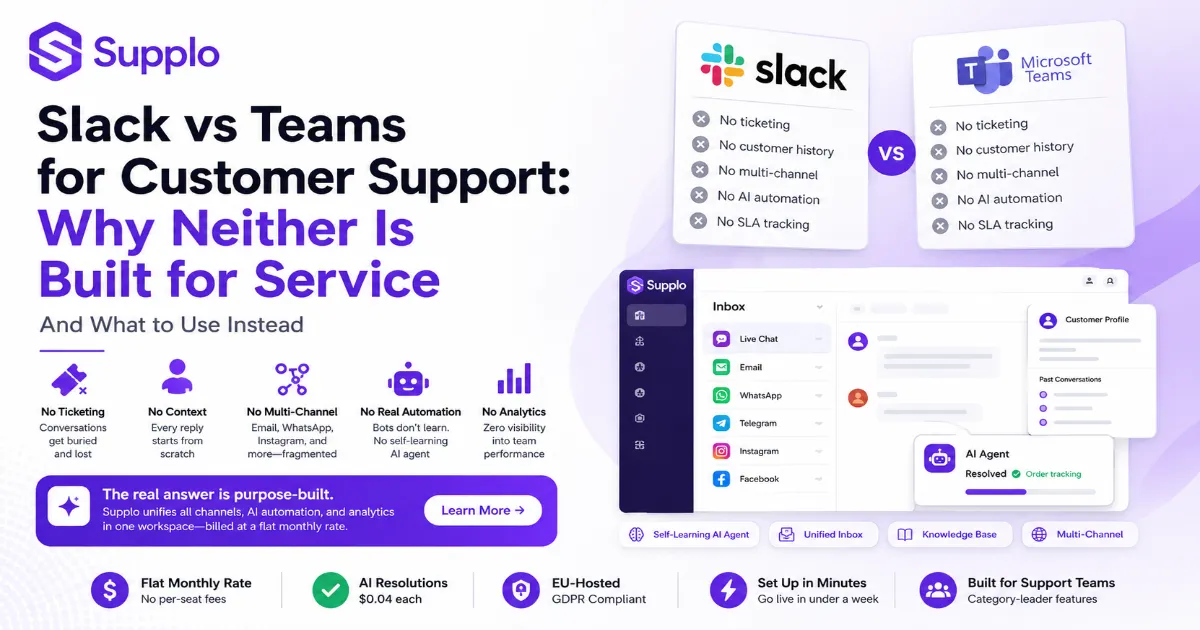
Slack and Microsoft Teams were built for internal chat, not customer support. They lack ticket management, SLA tracking, customer context, and multi-channel routing. Using them for service is like using a hammer to screw in a lightbulb; it works until it doesn't, and then it breaks everything.
Here's what's flat-out missing:
- No native ticket system. Conversations get buried in channels and vanish. Good luck finding that customer's issue from last week.
- Zero customer history or context. Every reply starts from scratch. You don't know if the customer has contacted you before, what they bought, or what they're frustrated about.
- No multi-channel support. Want to handle email, WhatsApp, Instagram, and Telegram in one place? You'll need expensive third-party integrations for every single channel.
- No built-in knowledge base or self-service AI agent. Customers can't find answers on their own. Your team keeps answering the same questions over and over.
- Per-seat pricing punishes growing teams. Adding 10 agents doubles your bill. There are zero economies of scale.
"Slack and Teams were built for internal chat, not customer support. Using them for service is like using a hammer to screw in a lightbulb, it sorta works until it doesn't, and then it breaks everything."
Slack for Customer Service: The Good, the Bad, and the Missing
Slack is fast, familiar, and has a decent API. But it's a chat app, not a help desk. You can jury-rig it with integrations, but you'll end up paying for Slack + a ticketing tool + a chatbot + a knowledge base and still have no unified inbox. For small teams testing the waters, it works. For any real volume, it breaks.
The Good:
- Real-time messaging, your team already knows.
- Easy onboarding, no training required.
- Strong search (for internal messages, not customer history).
The Bad:
- No ticket prioritization. Every message looks identical.
- No customer profiles. You have no idea who you're talking to.
- No reporting. Zero visibility into response times, resolution rates, or CSAT.
The Missing:
- Shared inbox for all channels.
- Self-learning AI agent.
- Multi-channel routing (email, WhatsApp, Telegram, Instagram, Facebook).
- SLA management and escalation workflows.
The Workaround Cost: Slack ($8/user/mo) + Zendesk ($55/agent/mo) + chatbot ($100+/mo) = $163+/agent/mo. For a 10-agent team, that's $1,630+/mo, and you still don't have a unified inbox.
Best for: Internal comms, not customer support.
"Slack is fast and familiar, but it's a chat app, not a help desk. For small teams testing the waters, it works. For any real volume, it breaks."
Teams vs Slack for Support: Which One Hurts Less?
Neither was built for support, but Teams has a slight edge if you're already in the Microsoft ecosystem. Teams integrate with Dynamics 365 and Power Automate, which can build basic workflows. Slack has a richer app ecosystem but requires more manual stitching. Both lack native ticketing, customer context, and multi-channel support. The real answer? Neither.
Teams:
- Better for Microsoft shops. Integrates with Dynamics 365 and Power Automate.
- Clunky for external users. Customers need to be invited or use guest access.
- Limited bot framework. Power Virtual Agents (now Copilot Studio) is better than Slack's, but still limited.
Slack:
- Better API and app ecosystem. More integrations are available.
- No customer-facing features out of the box. Everything requires a workaround.
- Stronger search for internal messages, but no customer history.
Both:
- No SLA tracking. No way to measure response times or escalate overdue tickets.
- No agent collision detection. Two agents can reply to the same customer simultaneously.
- No analytics. Zero visibility into team performance or customer satisfaction.
Hidden cost: Time spent building and maintaining workarounds. Your developers could be building your product, not stitching together support tools.
Verdict: Teams win by a hair, but both lose to a purpose-built tool.
"Teams win by a hair, but both lose to a purpose-built tool. Neither Slack nor Teams was designed for customer support."
The Automation Trap: Slack vs Teams Support Bots
Slack and Teams both offer bot frameworks, but they're developer toys, not support automation. You can build a bot that answers "Where's my order?," but it won't learn from past tickets, route conversations to the right agent, or handle multi-channel queries. True support automation requires a self-learning AI agent that improves over time, not a scripted chatbot.
Slack bots:
- Custom-built. Require developer resources to create and maintain.
- No learning capability. They follow scripts, not patterns.
- No escalation with context. If the bot can't answer, the customer starts over with a human.
Teams bots:
- Power Virtual Agents (now Copilot Studio) is better but still limited.
- No native integration with customer history or ticketing.
- Still requires manual setup and maintenance.
Both:
- No native escalation to human agents with full context.
- No multi-channel support. Bots work only within Slack or Teams.
- No learning from resolutions. Every query is handled in isolation.
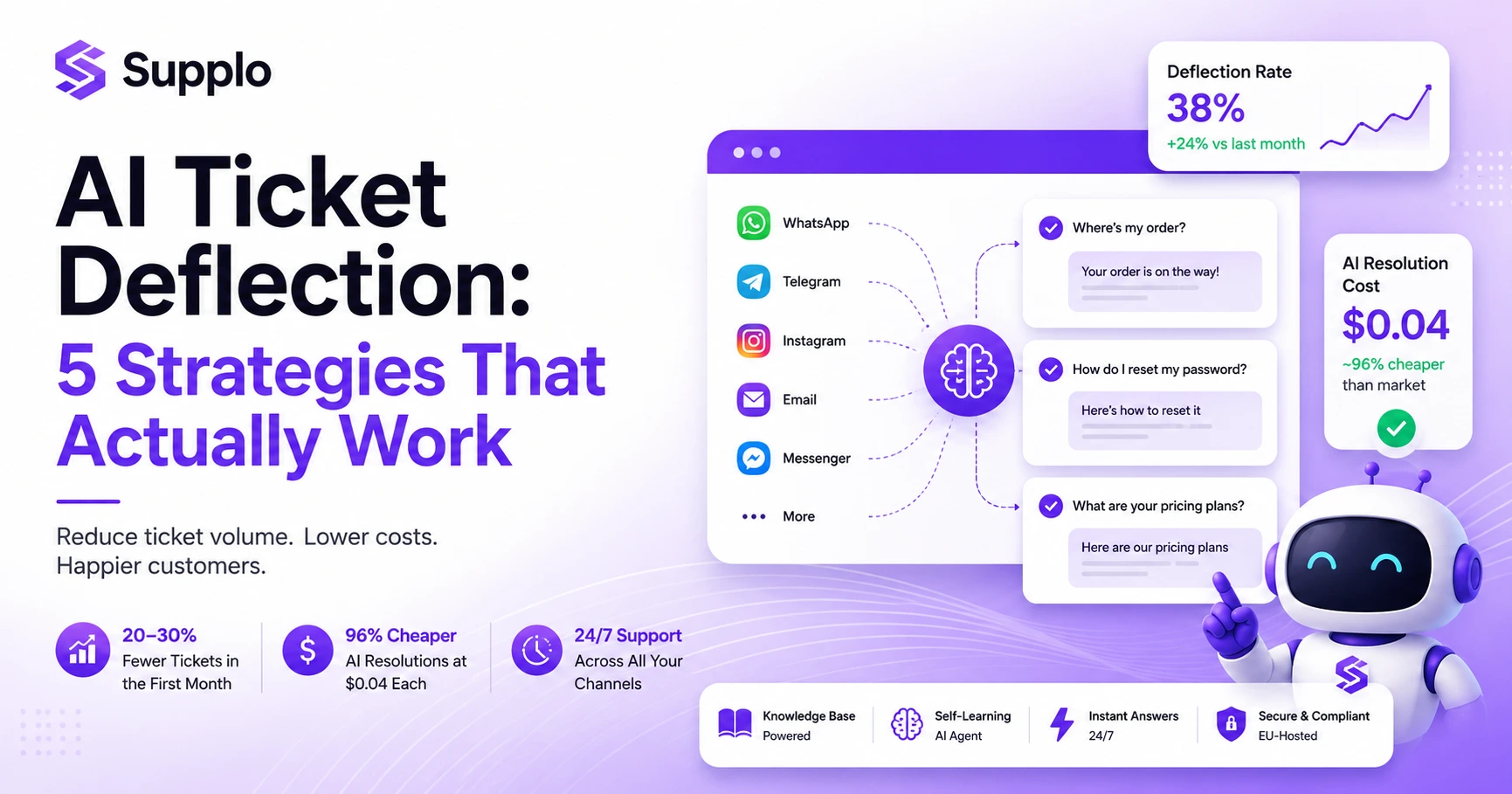
Real automation: A self-learning AI agent that resolves common queries, learns from resolutions, and costs $0.04 per resolution. No coding required. It works across all channels: email, WhatsApp, Telegram, Instagram, Facebook, and live chat.
Bots are a band-aid. Real automation is a platform.
"Slack and Teams bots are developer toys, not support automation. True automation requires a self-learning AI agent that improves over time, not a scripted chatbot."
What You Actually Need for Customer Support (That Slack and Teams Don't Have)
A real support platform needs a shared inbox, customer context, multi-channel routing, a self-learning AI agent, and a knowledge base, all in one place. Neither Slack nor Teams offers any of these natively. You need a tool that unifies email, WhatsApp, Telegram, Instagram, Facebook, and live chat into one workspace, with AI that actually learns from your team's responses.
Here's what you need:
- Shared inbox: One place for all channels, not separate tabs. No more switching between Slack, email, and Instagram DMs.
- Customer context: See past tickets, order history, and notes instantly. Every reply is informed, not starting from scratch.
- Multi-channel routing: Email, WhatsApp, Telegram, Instagram, Facebook, and live chat all in one workspace. Customers reach you where they are.
- Self-learning AI agent: Resolves common queries and gets smarter over time, no scripting required.
- Knowledge base: Built-in, not a separate tool. Customers can find answers on their own.
- Flat-rate pricing: No per-seat fees, no per-resolution meter. Predictable costs that scale with your team.
Supplo is not affiliated with any app or website. Please follow each app's terms and local regulations.
"A real support platform needs a shared inbox, customer context, multi-channel routing, a self-learning AI agent, and a knowledge base all in one place. Slack and Teams offer none of these natively."
The Best Alternative to Slack and Teams for Customer Support
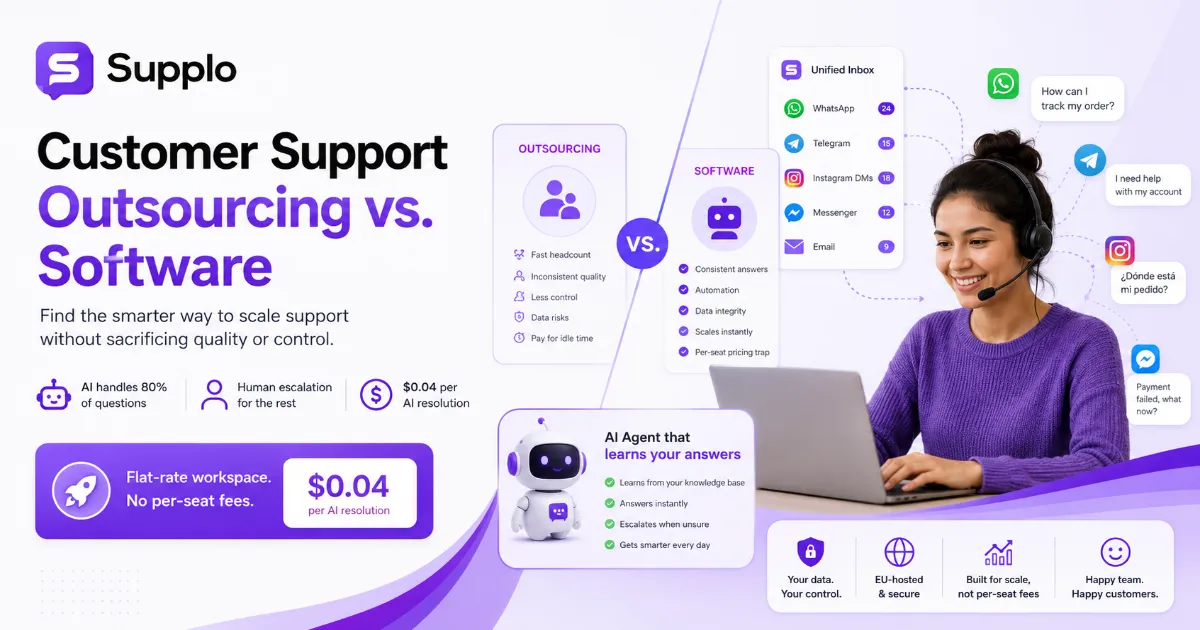
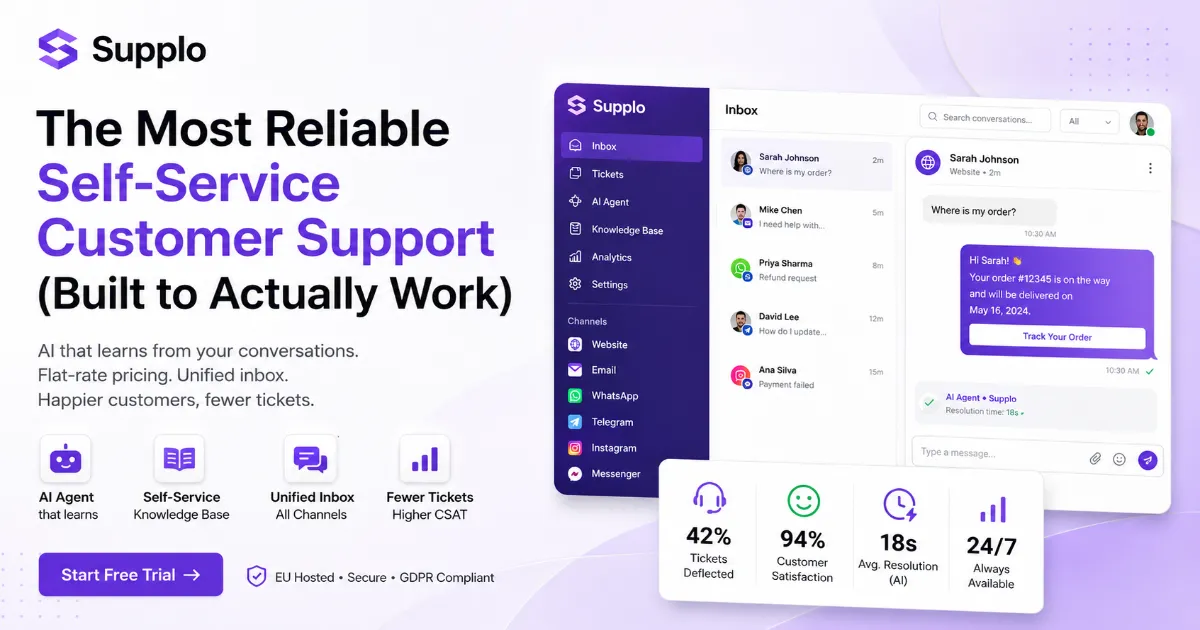
Supplo is the best alternative because it's built for support from day one. It combines live chat, a shared inbox, a self-learning AI agent, and multi-channel routing (email, Telegram, WhatsApp, Instagram, Facebook) in one workspace billed at a flat monthly rate: no per-seat fees, no per-resolution meter. AI resolutions cost $0.04 each, roughly 96% cheaper than Intercom Fin. Built for small-to-mid support teams who want category-leader features without the category-leader invoice.
Why Supplo wins:
- One workspace: No juggling Slack, Zendesk, chatbot, or knowledge base. Everything is in one place.
- Flat-rate pricing: Predictable costs, no surprise bills. Add agents without doubling your bill.
- AI agent: Self-learning, resolves common queries, costs pennies. It learns from your knowledge base and past conversations.
- Multi-channel: Email, WhatsApp, Telegram, Instagram, Facebook, and live chat all in one inbox.
- EU-hosted: GDPR-compliant, data stays in Europe.
- Payments accepted: Crypto, Binance Pay, Payeer, GCash, AmanPay, QIWI Wallet, DOKU, Nigeria and South Africa cards, Skrill, Payoneer.
Try it free: See how Supplo's AI agent handles real customer queries—no credit card required. Start at Supplo.
How to Automate Customer Support Without Slack or Teams
True automation starts with a platform that learns from your team. Supplo's AI agent automatically resolves common queries by learning from your knowledge base and past conversations. It routes complex issues to the right human agent with full context. No scripting, no developer hours, just set it up and let it learn. Automation should save time, not create more work.
How it works:
- Set up your knowledge base. Add FAQs, product guides, and policies. The AI agent learns from this content.
- Connect your channels. Email, WhatsApp, Telegram, Instagram, Facebook, and live chat all in one inbox.
- Let the AI agent handle common queries. Pricing, shipping, account issues resolved automatically.
- Route complex issues to humans. The AI agent escalates with full context. No repeating information.
- Monitor and improve. The AI agent learns from every resolution. It gets smarter over time.
Key benefits:
- No coding required. Set up in minutes, not days.
- Costs $0.04 per AI resolution vs $1+ for competitors.
- Works across all channels: email, WhatsApp, Telegram, Instagram, Facebook.
- Reduces human workload by 30-50%.
Try it free: See how Supplo's AI agent handles real customer queries—no credit card required. Start at Supplo.
Real Talk: What Happens When You Use Slack for Support at Scale
At scale, Slack for support becomes a nightmare. Tickets get lost in channels, agents step on each other's replies, customers get frustrated waiting, and you have no idea how your team is performing. One support team we know hit 500 tickets a day in Slack and had to hire a full-time person to triage messages. That's not support, that's chaos management.
Here's what happens:
- Lost tickets: Conversations buried in busy channels. Customers wait hours for a reply that never comes.
- Agent collision: Two agents reply to the same customer simultaneously, resulting in conflicting answers and frustrated customers.
- No analytics: Zero visibility into response times, resolution rates, or CSAT. You're flying blind.
- Customer frustration: No context, no history, no personalization. Every interaction feels like the first.
- Scaling cost: Adding agents means more Slack seats + more integration costs. A 50-agent team using Slack for support spent $4,000+/mo on workarounds.
The result: Your support team burns out, customers churn, and you spend more money on workarounds than a real platform would cost.
"At scale, Slack for support becomes a nightmare. One team hit 500 tickets a day and had to hire a full-time person to triage messages. That's not support, that's chaos management."
Pricing Comparison: Slack + Zendesk vs a Flat-Rate Alternative
Slack ($8/user/mo) + Zendesk ($55/agent/mo) + a basic chatbot ($100/mo) = $63/agent/mo + $100. For a 10-agent team, that's $730/mo, and you still don't have a unified inbox, multi-channel routing, or a self-learning AI agent. Supplo charges a flat monthly rate with no per-seat fees. AI resolutions cost $0.04 each. For the same 10-agent team, you save roughly 60-70% and get more features.
Pricing breakdown:
Tool Cost Notes
Slack $8/user/mo Per-seat pricing. 10 agents = $80/mo
Zendesk $55/agent/mo. Per-agent pricing. 10 agents = $550/mo
Chatbot $100+/mo Basic bot, no learning capability
Total $730+/mo . Still no unified inbox or AI agent
Supplo Flat monthly rate No per-seat fees. AI resolutions at $0.04 each
Hidden costs:
- Integration, maintenance, and developer hours.
- Training time for new tools and workarounds.
- Lost productivity from agent collision and manual triage.
Supplo's AI agent resolves 30-50% of queries automatically, reducing human workload. For a 10-agent team, that's like adding 3-5 agents without hiring.
See the difference: If your Slack + Zendesk bill is climbing, get a flat-rate quote from Supplo. Most teams save 60-70%. Check pricing.
How to Migrate from Slack or Teams to a Real Support Platform
Migrating from Slack or Teams to a purpose-built support platform is simpler than you think. Start by exporting your conversation history, then set up your new platform with your team's workflows. Supplo offers a straightforward setup process with import tools and onboarding support. Most teams are fully operational within a week and immediately see fewer lost tickets and faster response times.
Step-by-step migration:
- Export conversation history from Slack/Teams. Save important customer conversations and context.
- Set up your knowledge base in Supplo. Add FAQs, product guides, and policies. The AI agent learns from this content.
- Connect your channels. Email, WhatsApp, Telegram, Instagram, Facebook, and live chat all in one inbox.
- Invite your team and assign roles. Set up permissions and workflows.
- Go live and monitor performance. Track response times, resolution rates, and CSAT from day one.
Supplo offers onboarding assistance for new teams. We help with setup, import, and training.
Case study: See how PVAPins migrated from Slack to Supplo and improved response times. Read the case study.
Ready to switch? Migrate from Slack or Teams in under a week. Supplo's team helps with setup and onboarding. Start your free trial.
Key Takeaways
- Slack and Teams are internal chat tools, not customer support platforms. They lack ticketing, customer context, and multi-channel routing.
- Workarounds are expensive and fragile. Slack + Zendesk + a chatbot costs $63+/agent/mo. For a 10-agent team, that's $730+/mo, and you still don't have a unified inbox.
- Automation is limited. Slack and Teams bots are developer toys, not self-learning AI agents. True automation requires a platform that learns from your team.
- Scaling breaks everything. At scale, tickets get lost, agents collide, and you have zero analytics. It's chaos management, not support.
- Supplo is the best alternative: flat-rate pricing, self-learning AI agent, multi-channel support, and AI resolutions at $0.04 each. Most teams migrate in under a week.
FAQ
Can I use Slack or Teams for customer support?
Yes, but neither is built for it. You'll need expensive integrations for ticketing, chatbots, and multi-channel support. For small teams testing the waters, it works. For any real volume, it breaks.
What's the biggest problem with using Slack for customer service?
Lost tickets and no customer context. Conversations get buried in channels, agents step on each other's replies, and you have no history of past interactions. It's chaos at scale.
Is Teams better than Slack for customer support?
If you're already in the Microsoft ecosystem, Teams integrates with Dynamics 365 and Power Automate. But both lack native ticketing, customer profiles, and multi-channel routing. Neither is a real support platform.
What's the best alternative to Slack and Teams for customer support?
Supplo is the best alternative. It combines live chat, a shared inbox, a self-learning AI agent, and multi-channel routing in one workspace, billed at a flat monthly rate: no per-seat fees, no per-resolution meter.
How much does it cost to use Slack for customer support vs a dedicated platform?
Slack ($8/user/mo) + Zendesk ($55/agent/mo) + chatbot ($100+/mo) = $63+/agent/mo. For 10 agents, that's $ 730 per agent per month. Supplo charges a flat monthly rate with no per-seat fees and AI resolutions at $0.04 each.
Can I automate customer support without Slack or Teams?
Yes. Supplo's AI agent automatically resolves common queries by learning from your knowledge base and past conversations. No coding required. It routes complex issues to the right human agent with full context.
How do I migrate from Slack or Teams to a real support platform?
Export your conversation history, set up your new platform with your team's workflows, connect your channels, and go live. Supplo offers onboarding support. Most teams are fully operational within a week.
Compliance note: Supplo is not affiliated with any app or website. Please follow each app's terms and local regulations.