On this page
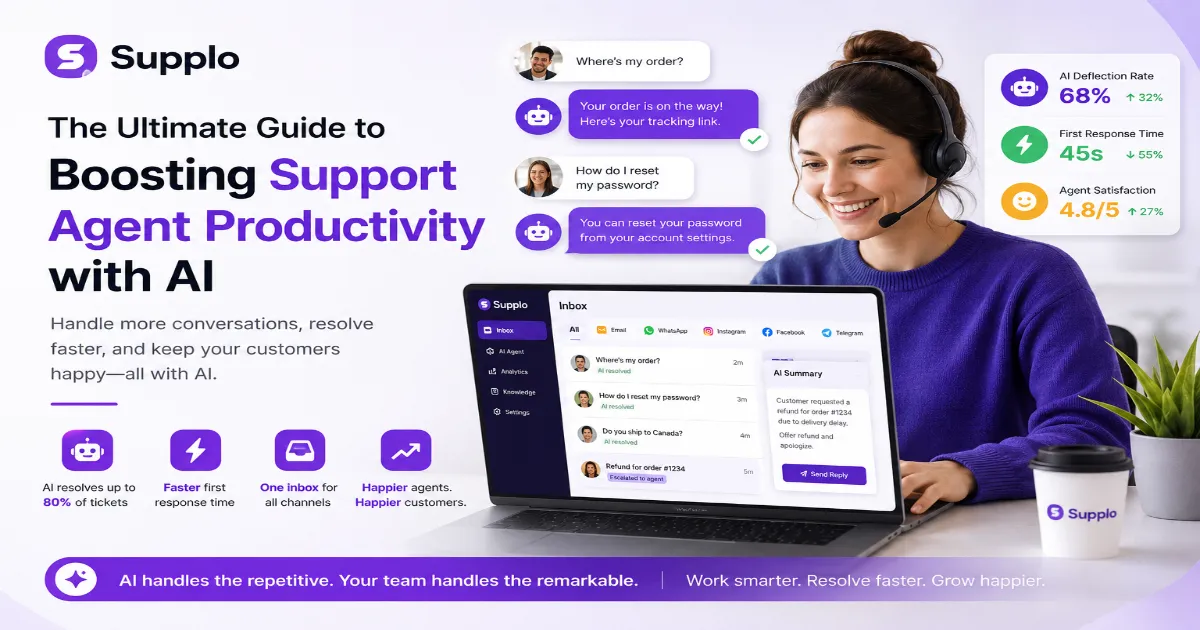
Your support team is drowning. "Where's my order?" "How do I reset my password?" "Do you ship to Canada?" Every time they answer one of these, they're getting pulled away from the complex, high-value issues that actually need a human brain. An AI support agent can fix this. It handles the busywork, routes the hard stuff, and makes your team faster without making them feel like robots. This guide is for heads of support, solo founders, and ops managers who want to boost support agent productivity. Use it when your team is overwhelmed by ticket volume. Don't use it if you aren't ready to feed an AI your actual knowledge base. Garbage in, garbage out.
Quick Answer:
- An AI support agent is a self-learning system, not a basic chatbot. It answers questions using your own data.
- It reduces resolution time by automatically handling up to 80% of tier-one tickets.
- The best tools unify email, chat, and social DMs into one shared inbox, eliminating tab-switching.
- Flat-rate pricing is critical. Per-resolution fees punish you for having a productive AI.
- Focus on first response time and deflection rate, not just "tickets closed."
What Is an AI Support Agent (and Why Does Your Team Actually Need One?)
An AI support agent isn't just a chatbot that spits out FAQ links. It's a self-learning AI agent that understands context, pulls answers from your unique knowledge base, and resolves common issues without a human ever touching the keyboard.
If your team is drowning in repetitive questions like "Where's my order?" or "How do I reset my password?", you need one to reclaim hours of lost agent time every single day.
The difference between a chatbot and a self-learning AI agent
A traditional chatbot requires endless manual scripting. You have to anticipate every possible question and write a canned response. A self-learning AI agent is different. It reads your existing support docs, past conversations, and product guides. It learns what you know and answers in your voice.
This means you don't spend weeks writing scripts. You upload your knowledge base, and the AI starts working in the afternoon.
5 Ways Artificial Intelligence in Customer Support Cuts Resolution Time in Half
Here's how artificial intelligence in customer support changes the game.
- Instant intent recognition: The AI reads the first sentence of a ticket and categorizes it (billing, tech support, returns) before a human even opens their inbox.
- Suggested replies on steroids: Instead of canned responses, the AI drafts a unique answer using your latest product docs and past similar tickets.
- Auto-translate on the fly: No more waiting for bilingual agents. The AI translates incoming messages and outgoing replies in real time, preserving tone.
- Smart routing plus context: Tickets go to the exact right agent (e.g., "level 2 tech" or "UK billing") with a summary of the issue and attempted solutions attached.
- Deflection that actually works: The AI resolves 60-80% of tier-one questions entirely, leaving humans only the complex, high-value conversations.
The Hidden Cost of Bad Tools: Why Most "AI-Powered Productivity Tools" Fail
Most "AI-powered productivity tools" are just old software with a ChatGPT wrapper slapped on top. They hallucinate answers, can't access your actual data, and force your agents to bounce between six different tabs.
These tools don't boost support agent productivity; they create new friction. The real cost isn't the monthly subscription; it's the wasted time retraining, fact-checking, and apologizing to customers.
"If your AI tool costs more to fact-check than it saves in time, you're better off without it."
If your current AI tool is creating more work than it saves, it's time to switch. Get a flat-rate platform that actually boosts productivity. Start here.
How to Measure Support Agent Efficiency with AI (The Metrics That Matter)
If you're only tracking "tickets closed per day," you're missing the real story. With AI, you need to measure deflection rate, first response time, and, critically, the quality of the tickets that are escalated.
- Deflection rate vs. satisfaction score: High deflection is great, but check if resolved customers actually felt helped or just brushed off.
- Average handle time (AHT) for human agents: AI should lower AHT by 30-50% because agents no longer need to search for answers or retype data.
- First contact resolution (FCR) with AI assistance: Measure how often the AI's context helps the human solve the ticket in one reply vs. three.
- Agent satisfaction score: Don't forget the humans. Survey your team monthly to see if the tool is actually reducing burnout or just adding noise.
A high deflection rate is useless if the AI is passing bad context. Real support agent efficiency with AI means doing more with less, but also doing it better.
AI Customer Service Improvement: Fixing the First Response, Not Just the Final Answer
Most support teams obsess over the final resolution, but the first response sets the tone for the entire interaction. AI customer service improvement means the AI drafts the first reply with perfect context.
"A strong first response reduces follow-up emails by 25% because the customer gets the right information upfront."
The AI acknowledges the issue, names the product, and offers a specific next step. That one change can lift customer satisfaction scores by 15-20 points before the agent even types a word.
The "Dead End" problem in traditional knowledge bases
Traditional knowledge bases are static. A customer searches for "refund policy," finds a generic page, and still has to contact support. AI fixes this by pulling the exact section from your policy that applies to their specific order—no dead ends.
Best AI Tools for Support Agents: What to Look For (And What to Avoid Like the Plague)
Not all AI tools are created equal. The best AI tools for support agents share three core features.
- Must-have feature #1: The AI must train itself on your actual data PDFs, past tickets, internal docs, not just generic internet content.
- Must-have feature #2: Native integration with your messaging channels (email ticketing, WhatsApp, Instagram, Facebook, Telegram) from day one, not via flaky third-party apps.
- Must-have feature #3: A shared inbox where humans and the AI work side-by-side, with clear labelling of who handled what.
Red flags to avoid:
- Per-seat or per-resolution pricing. These models punish you for scaling or for having a productive AI.
- No escalation logic. If the AI can't pass a ticket to a human with full context, it's not ready for real support.
- Requires manual scripting for every response. If you're writing flowcharts, you've bought a chatbot, not an AI agent.
Boosting Support Agent Efficiency with AI Doesn't Have to Mean Losing the Human Touch
There's a persistent myth that AI makes support feel robotic and impersonal. The truth is the opposite. When done right, AI strips away the repetitive, soul-crushing questions and frees your agents to have meaningful conversations.
Boosting support agent efficiency with AI means your humans spend their time on empathy, problem-solving, and delight, not copy-pasting tracking numbers.
"Customers actually prefer fast, accurate AI answers for simple issues over waiting 20 minutes for a human to type the same thing."
You can customize the AI's tone to match your brand voice, so customers don't feel like they're talking to a robot. Agents can jump into an AI conversation at any point, adding a personal touch when needed.
Need proof? Check out our case studies showing how teams cut first-response time while improving satisfaction.
The Practical Setup: Using Artificial Intelligence Tools for Support Without the Headache
Setting up AI support doesn't require a data science degree or a month-long implementation project.
- Start with your most common 20 tickets: Upload those answers to the knowledge base first, and the AI will handle 40% of volume immediately.
- Connect all your channels to one inbox before you turn on AI resolution. That means WhatsApp customer support, email, Telegram, Instagram DMs, and Facebook Messenger all in one place.
- Set escalation rules early: "If the customer says 'refund' or 'complaint,' route to the human immediately with a full transcript."
- Test the AI with your own team for one week before going live. Fix bad answers and gaps before real customers see them.
Why a unified inbox is the real secret weapon
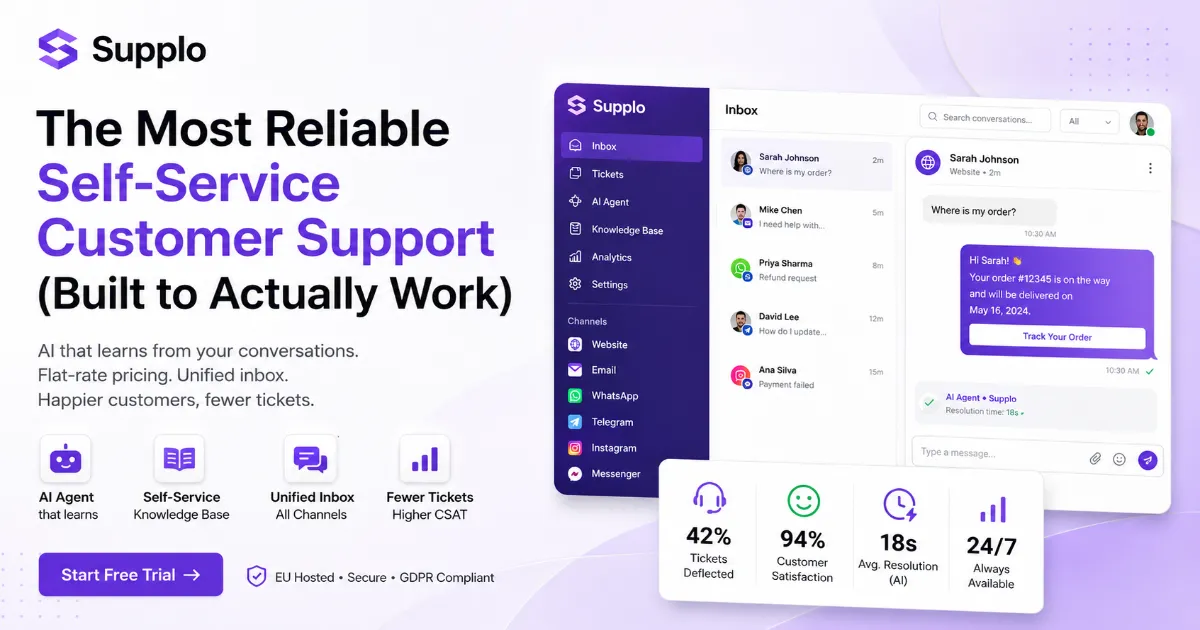
Without a unified inbox, your agents still have to check Telegram, email, WhatsApp, and Facebook separately. A unified inbox, like Supplo's shared inbox, shows every message from every channel in a single, chronological feed—no more context switching.
From Inbox Chaos to Calm: A Real Workflow for AI for Customer Service Productivity
Here's how a typical day looks when AI for customer service productivity is working right.
A customer DMs your Instagram DMs, another sends an email, and a third hits the chat widget on your site. The AI handles all three in parallel: answers the Instagram question instantly, drafts an email reply for an agent to approve with one click, and escalates the chat because the customer seems frustrated.
Your team wakes up to a clean inbox of only the tickets that actually need their brain.
- The AI prioritizes tickets by urgency and sentiment, not just by age, so a pissed-off VIP doesn't sit in the queue for three hours.
- When a customer replies to an already-resolved ticket, the AI picks up the thread without losing context.
- Weekly AI performance reports show exactly which answers need updating.
The Price of Productivity: Why Flat-Rate Pricing Matters More Than Per-Seat Discounts
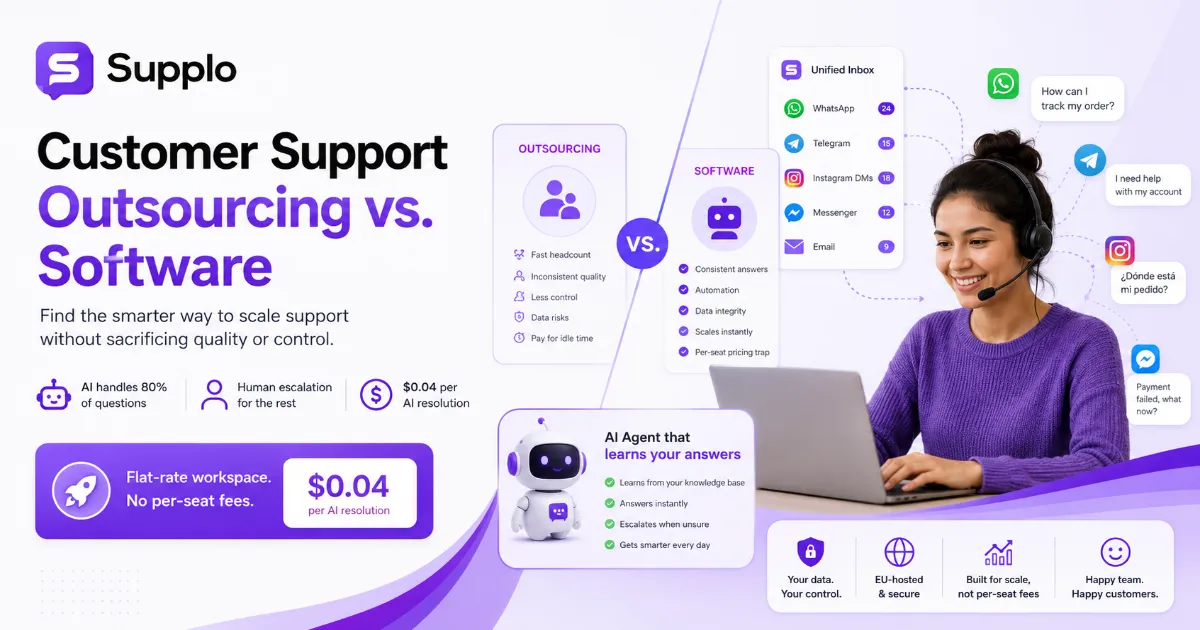
Pricing structure is a silent killer of support agent productivity. Per-seat pricing punishes you for hiring more agents. Per-resolution pricing punishes you for having a good AI that resolves lots of tickets.
Flat-rate pricing like Supplo's flat monthly rate means you pay one predictable monthly fee no matter how many agents you add or how many tickets the AI resolves. That's the pricing philosophy that lets you actually focus on productivity instead of watching the meter run.
"AI resolutions cost $0.04 each on Supplo, roughly 96% cheaper than some competitors that charge per resolution."
With no per-seat fees, you can add a part-time agent during the holiday rush without renegotiating your contract. Transparent billing means you can forecast support costs against revenue without surprises.
Common Mistakes Teams Make When Implementing AI for Customer Service Productivity
The biggest mistake? Turning the AI on and walking away. AI for customer service productivity requires a little training and monitoring upfront.
- Mistake #1: Not feeding the AI your actual support data. Generic AI models will give generic answers that miss crucial context.
- Mistake #2: Overcomplicating escalation rules. Start with "AI handles common questions, humans handle anything with 'refund' or 'cancel'."
- Mistake #3: Ignoring agent feedback. If your team hates the tool, productivity will actually drop. Involve them in the setup.
- Mistake #4: Not updating the knowledge base. Outdated answers poison the AI's performance. Set a weekly review cadence.
Perfectionism kills deployment. Start small, measure everything, and iterate.
Ready to Get Started? The Fastest Path to a More Efficient Support Team
You don't need a six-figure budget or a six-month roadmap to start using AI for customer service productivity. The fastest path is to pick a flat-rate, AI-first platform that unifies your channels from day one.
- Upload your FAQ docs.
- Connect your email and social inboxes.
- Let the AI start handling the easy stuff while your team focuses on what they do best.
The productivity jump will be visible in the first week. Ready to see the difference in your own inbox? Start your free trial today. Your first week is free, and the productivity jump is real.
Key Takeaways:
- An AI support agent handles repetitive questions, freeing your team to focus on complex issues.
- Measure deflection rate, first response time, and agent satisfaction, not just ticket count.
- Avoid per-resolution pricing; flat-rate models let you scale without cost surprises.
- Start small: upload your top 20 FAQs, connect your channels, and iterate.
- The productivity jump is visible in the first week.
Disclaimer: Supplo is not affiliated with any app or website. Please follow each app's terms and local regulations.
FAQ:
Is using an AI support agent safe for customer data?
Yes, but only if the platform is built with security in mind. Look for EU-hosted solutions that comply with GDPR. Supplo is not affiliated with any app or website. Please follow each app's terms and local regulations.
Will an AI agent replace my human support team?
No. AI handles repetitive, low-complexity questions. Your humans still handle escalations, complex problems, and emotionally sensitive conversations. The goal is to reduce burnout, not to lay off people.
How long does it take to set up an AI support agent?
Most teams can go live in a single afternoon. Upload your top 20 knowledge base articles, connect your channels, and set basic escalation rules—no coding required.
What happens if the AI gives a wrong answer?
A good AI agent learns from mistakes. You review flagged incorrect answers weekly, update the knowledge base, and the AI improves. This is why you never turn it on and walk away.
Can the AI handle multiple languages?
Yes. The best AI tools for support agents include native multi-language translation. The AI detects the customer's language and responds in kind without delay.
Do I need to script every AI response manually?
No. A self-learning AI agent extracts answers automatically from your existing knowledge base. You only need to provide the source material and occasionally review out-of-date answers.
What's the fastest way to measure if AI is improving productivity?
Track first response time, deflection rate, and agent satisfaction score. If all three go up in the first month, the AI is working.
Compliance note: Supplo is not affiliated with any app or website. Please follow each app's terms and local regulations.