On this page
What is Customer Support Workflow Automation and Why Does Reliability Matter?
Here's the short version: customer support workflow automation means using software to handle repetitive support tasks, routing tickets, sending canned replies, and escalating issues, without a human touching them. But here's the thing nobody tells you: reliability matters way more than speed. An automation system that flakes out mid-conversation destroys customer trust faster than a slow human agent ever could. The real goal isn't just faster responses; it's consistent, predictable ones.
Workflow automation goes way beyond simple macro replies. A proper system actually analyzes ticket intent, pulls accurate answers from your knowledge base, and routes the tricky stuff to the right person on your team. For small teams especially, uptime and accuracy aren't nice-to-haves; they're absolutely non-negotiable.
Where do most systems fail? Misrouted tickets. Broken integrations. Stale knowledge bases that serve up yesterday's answers to today's questions. A reliable system needs to learn from its mistakes, not just repeat them. That's the real difference between genuine automation and a fragile script that'll break the first time a customer asks something unexpected.
Supplo is not affiliated with any app or website. Please follow each app's terms and local regulations.
Quick Answer
- Workflow automation handles repetitive tasks like ticket routing and canned replies without human intervention
- Reliability beats speed every time; a failing system erodes trust faster than a slow agent
- The best systems learn from mistakes by analyzing resolution success rates
- Native integrations matter more than fragile third-party middleware
- Start with one channel, then scale from there
How to Automate Customer Support Without Breaking Your Existing Tools
Good news: you don't need to rip out your current email, chat, or social media tools to automate support workflows. You need a platform that actually connects to them natively. Supplo integrates directly with email, Telegram, WhatsApp, Instagram, and Facebook Messenger right out of the box. The trick is automating the process, not replacing the channel.
Common tools you can absolutely keep:
- Gmail or Outlook for email
- Telegram for community support
- WhatsApp Business
- Instagram DMs and Facebook Messenger
Watch out for "rip and replace" vendor lock-in strategies. Platforms that force you to migrate data or abandon tools you're already comfortable with usually create more headaches than they solve. Start with one channel; email is the easiest before scaling up.
Native integrations mean you're not relying on fragile third-party middleware that can break anytime a platform updates its API. You can set up automated responses directly from your existing email inbox without installing extra plugins. Check out the email integration guide and WhatsApp support setup for channel-specific walkthroughs.
Try it yourself. Set up your first automated workflow in under 10 minutes. No credit card required. → Start Free at Supplo.io
The 4 Real Benefits of Customer Service Automation (Beyond Cost Savings)
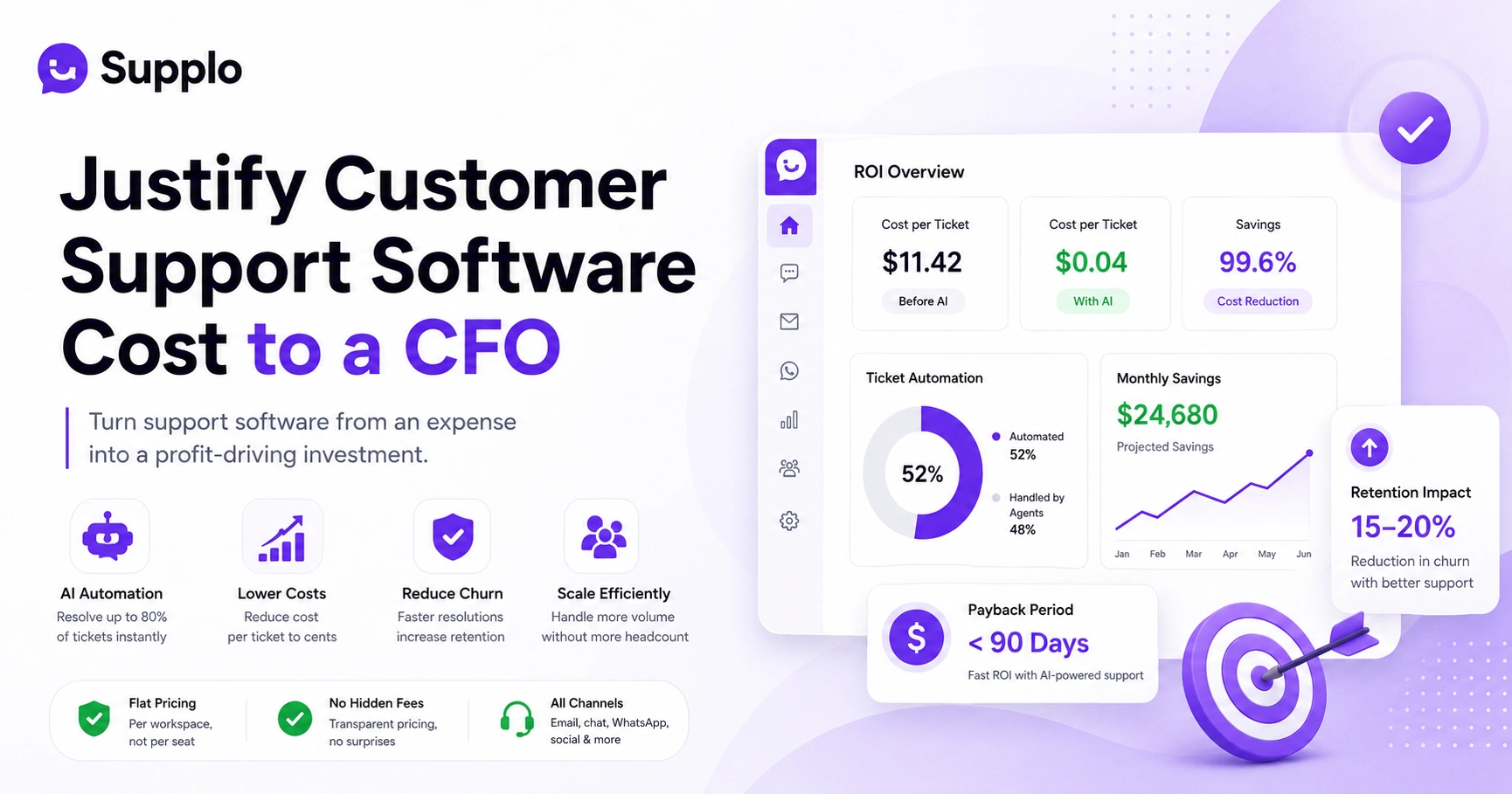
Sure, cost savings matter. Supplo's AI resolutions run about $0.04 each, but the real benefits go way deeper than your budget.
- Always-on availability without overtime costs. Automation handles tickets at 3 AM, on weekends, and on holidays. Customers get answers immediately, reducing churn from delayed responses.
- Response times under 5 seconds vs. 15-minute averages. Industry benchmarks show that fast first replies dramatically boost customer satisfaction scores. It's not even close.
- Knowledge consistency. Every customer gets the same accurate facts, no matter which agent (human or AI) serves them. No contradictory answers. No "well, the last person told me something different."
- Freeing your best humans. Your experienced agents can focus on complex, high-value conversations, sales, account escalations, and relationship building, rather than answering the same FAQs over and over.
These customer service automation benefits compound over time. One automated resolution can prevent ten follow-up emails.
Implementing Customer Support Automation: A Step-by-Step Guide That Won't Fail
Start with a 30-minute audit of your most common tickets. Map those to simple automated responses using a knowledge base and an AI agent. Configure smart routing so that complex tickets are routed to humans. Then test for a week with a small percentage of traffic before switching everything on. Whatever you do, don't automate everything on day one.
- Audit your top 5 ticket types by volume. Which questions eat up 80% of your team's time? Those are your automation candidates.
- Build knowledge base articles for those ticket types. Each article needs to be clear, accurate, and up-to-date. This is the foundation on which your AI agent will rely.
- Connect the AI agent to your inbox and live chat. Use a platform like Supplo that integrates seamlessly. Check out the AI agent's specific features for configuration details.
- Set routing rules for complex vs. simple tickets. Define rules based on keywords, sender history, or ticket sentiment. Use a shared inbox that consolidates everything for easy management.
- Run a shadow mode test for 7 days. Let the AI answer tickets, but route all responses to a human for review. Adjust your knowledge base based on errors before going full automation.
Automate Support Ticket Routing So Nothing Falls Through the Cracks
Smart ticket routing is the backbone of any reliable automation system. Instead of manually forwarding emails or chat messages, the system reads intent, priority, and customer tier, then sends the ticket to the right human, team, or self-service flow. When it works well, you'll never lose another "urgent" request in a cluttered inbox.
Rule-based routing uses keywords, sender history, and time-based rules. "Order status" tickets go to the shipping team. "Billing" tickets go to finance. Simple, predictable.
AI-based routing analyzes the full context of the message, including sentiment and vague phrasing. It learns which tickets get correctly resolved over time and gets better at guessing even when customers don't use the exact right words.
Multi-channel routing matters more than you think. A customer might DM you on Instagram at 2 PM and email you at 6 PM about the same issue. Your system needs to merge those into a single conversation thread; you're asking the customer to repeat themselves, and nobody likes that.
Warning: Don't route all tickets to one person. That creates a bottleneck and leads to burnout fast. Set escalation rules for unanswered tickets (e.g., a 2-hour auto-escalation). Check out Supplo's case studies for real-world routing setups that eliminated lost tickets.
How AI Customer Support Workflow Automation Changes the Game
Traditional automation is rigid: it follows rules you write by hand and never adapts. AI-powered automation learns from your historical support data and improves its answers over time without you rewriting rules. That means your "what are your hours?" answer actually gets better as more customers ask it, not worse.
Rule-based automation uses if/then logic: If the customer asks for the "tracking number", then return the tracking URL. Works fine for exact matches, but fails on variations like "where's my stuff?"
AI-based automation uses probabilistic logic. It understands intent, synonyms, and context. When a customer types "where's my stuff?", the AI matches it to the "order status" knowledge base article, even if the phrasing doesn't exactly match.
The AI in Supplo self-learns from correct vs. incorrect resolutions. It analyzes which answers got a "helpful" flag and which got escalated to a human. Over time, accuracy improves without manual rule rewrites.
In practice, reliable AI automation consistently reduces human overhead by 60-80%. That's not a marketing claim, it's what happens when a system actually learns from its mistakes.
AI for Customer Service Automation: When It Works and When It Doesn't
AI works brilliantly for high-volume, low-complexity questions: order status, refund policy, account resets, shipping times. It fails when asked to handle deeply emotional conversations or when the knowledge base is incomplete. The secret is knowing when to hand off to a human.
Great for AI automation:
- FAQ questions (hours, locations, policies)
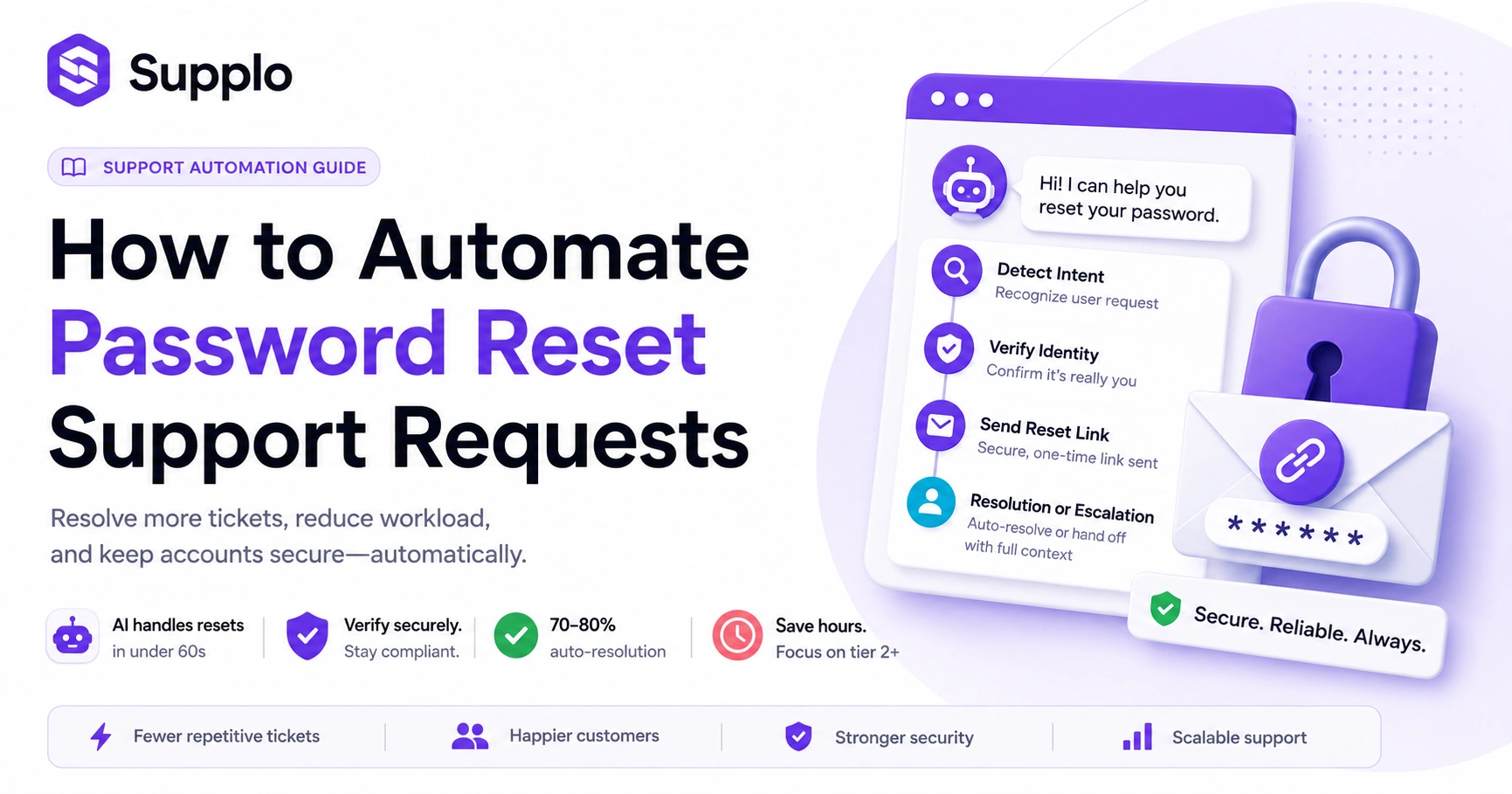
- Password resets and account recovery
- Order tracking and shipping updates
- Address changes and profile updates.
- Looking up policy details
Not great for AI automation:
- Legal disputes or compliance issues
- Safety reports or abuse claims
- Bereavement support or crises
- Complex billing adjustments requiring human judgment
- Product customization or creative problem-solving
Key indicator: If a ticket takes a human more than 5 minutes to resolve, AI probably shouldn't handle it on its own. Always offer an "agent handoff" button in chat.
Best practice: If the AI agent's confidence score drops below 80%, automatically escalate to a human. This prevents wrong answers while maximizing automation coverage.
Worried about failures? Supplo's AI agent automatically escalates low-confidence tickets to your human team. Test it with your own tickets. → Free Trial – No Card Needed
The Role of a Self-Learning AI Agent for Support Teams
A self-learning AI agent doesn't just answer questions; it analyzes which answers worked and which didn't, then adjusts its knowledge base accordingly. Over time, it gets more accurate without you manually editing articles. This is the difference between a static FAQ bot and a support system that actually gets smarter.
"Self-learning" means the AI automatically adjusts its confidence threshold based on historical outcomes. If a "helpful" flag increases for a given answer, the agent becomes more confident in using it. If a ticket gets escalated, the agent notes that the answer needs improvement.
The system evaluates customer "helpful" vs. "unhelpful" flags. It also learns from human agents' corrections. If a human rewrites an answer, the AI considers that the correct version going forward.
Compare this to a human agent: over the course of weeks, a good agent memorizes corrections and improves. A self-learning AI does the same thing in hours, without forgetting previous lessons. This ties directly to reliability; the system improves with use, not degrades.
See the AI agent's specific features for configuration and training details.
Why Flat-Rate Pricing Makes AI-Powered Customer Service Automation Reliable
Most automation platforms charge per agent or per resolution, which creates a perverse incentive: you pay more the more your system helps you. Supplo charges a flat monthly rate for the platform and $0.04 per AI resolution. This means you can scale automation without budget anxiety, and your system stays reliable because you're never tempted to turn it off to save money.
The problem with per-seat billing: adding agents increases your bill. This discourages adding human backup during high-volume periods. Small teams hesitate to scale coverage.
The problem with per-resolution billing: If the AI resolves 10,000 tickets, you pay for 10,000 tickets. This creates a direct financial incentive to limit automation usage, which defeats the entire purpose.
The solution: Flat-rate pricing for the platform ($0.04/AI resolution). You can add unlimited human agents and unlimited channels without worrying about line items. This makes AI-powered customer service automation predictable and sustainable.
Payment flexibility is also included: crypto, Binance Pay, GCash, Skrill, Payoneer, and standard cards—no barriers to getting started.
Artificial Intelligence in Support Workflows: What the Next Year Looks Like
The next wave of support automation is shifting toward proactive outreach, where AI spots potential issues and reaches out before the customer even complains. We're also moving toward multi-model AI that can read sentiment, tone, and even images in tickets. Reliability is becoming a feature, not a side effect.
Proactive alerts: AI predicts and prevents churn before tickets arrive. If a payment fails, the AI sends a proactive message: "Did you know your card expired? Update it here."
Multimodal support: AI handles images or screenshots in tickets. A customer sends a screenshot of an error message, the AI reads the text from the image, and routes accordingly.
Human-in-the-loop workflows: AI suggests, human approves. This works well for sensitive responses, such as refund amounts or policy exceptions.
Self-healing workflows: If a routing rule fails, the AI re-routes automatically. No lost tickets. No manual override required.
The future of artificial intelligence in support workflows isn't about replacing humans. It's about building systems so reliable they become invisible. When automation works perfectly, customers don't know they're talking to AI; they know they got a fast, accurate answer.
Key Takeaways
- Reliability is the most important feature of any customer support workflow automation system
- Start small: automate one channel with one ticket type, test, then scale
- Self-learning AI improves over time without manual rule rewrites
- Flat-rate pricing prevents the urge to throttle automation to save money
- Always offer a human handoff option for complex or emotional tickets
FAQ
Is customer support workflow automation secure for handling customer data?
Yes, when you choose an EU-hosted provider like Supplo that adheres to GDPR standards. Always verify your provider's data residency and encryption policies before integrating. See European Commission – GDPR Compliance and Data Protection Authority – Encryption Best Practices for guidance.
How long does it take to implement automation for my support team?
Most teams can configure basic automation (ticket routing, canned replies) in under a day. Full AI agent training typically takes 3–7 days, depending on your ticket volume.
What happens if the AI agent gives a wrong answer?
The AI learns from mistakes. You can review every automated response in your inbox, flag incorrect ones, and the system adjusts its confidence threshold. Humans always retain override ability.
Do I need to replace my current email or chat tools?
No. Supplo integrates directly with your existing email, Telegram, WhatsApp, Instagram, and Facebook Messenger. No migration or data export required.
Can automation handle multiple languages?
Yes. Supplo includes a built-in translation feature for automated responses and customer messages. The AI agent can answer in the customer's language if your knowledge base is multilingual.
What is the most common failure point in support automation?
A stale knowledge base. If your answers aren't up to date, the AI will confidently give incorrect information. Schedule a monthly review of your knowledge base articles to maintain accuracy.
How do I ensure automation doesn't frustrate my customers?
Always offer an "agent handoff" option. Never force automation. The best systems route simple tickets to AI and complex emotional tickets to humans.
Compliance line: Supplo is not affiliated with any app or website. Please follow each app's terms and local regulations.