On this page
Look, if you're running a WooCommerce store that's actually growing, you already know the pain. Customers hit your site with a quick question about shipping or sizing and if they don't get an answer in seconds, they're gone. Poof. That's real money walking away. This guide is for store owners who are done with contact forms that feel like shouting into a void. You want a sales tool, not another inbox to ignore. Use this when you need to add chat without wrecking your budget or breaking your site. Skip this if you're running a massive enterprise that needs custom CRM pipelines; this is for the rest of us.
Quick Answer:
- Go cloud-hosted, not self-hosted; your chat should stay alive even if your site hiccups.
- Flat-rate pricing is the only fair game; your bill shouldn't balloon when you hire.
- Proactive chat triggers on product pages can boost sales immediately.
- AI resolutions at $0.04 make 24/7 support affordable for any store.
- Test your widget on mobile and desktop right after installation. Seriously.
Why Your WooCommerce Store Needs Live Chat
Here's the thing about contact forms: they're for patient people. And let's be honest, most people shopping online aren't patient. They want an answer about return policies or product dimensions right now, not tomorrow morning. Live chat captures that intent before it evaporates.
A static FAQ page? Fine for the basics. A chat widget that answers the same questions instantly? That's a game-changer. Live chat turns hesitant browsers into confident buyers. Speed is the key. It builds trust. When customers see a real person (or a smart AI) on the other end, it signals your store is active, professional and ready to help.
Live chat turns hesitant browsers into confident buyers. Speed is the key to closing the sale.
Read how a real store improved its support with a reliable chat setup. Spoiler: it made a difference.
The Reliability Problem with Most WooCommerce Chat Plugins
Let's talk about the elephant in the room. Most live chat plugins are flaky. Your widget doesn't load, messages disappear into the void, or the whole thing crashes during a traffic spike. For a WooCommerce store, downtime equals lost sales. Period.
Self-hosted plugins? Nightmare material. They love to conflict with your theme or other plugins, potentially taking your entire store down. Cloud-based chat software is the smarter play; you want your chat infrastructure completely separate from your web hosting. Look for a platform with guaranteed uptime and redundant servers. The global focus here is dead simple: if the chat is down, the sale is gone.
Supplo is not affiliated with any app or website. Please follow each app's terms and local regulations.
How to Add Live Chat to WooCommerce Without Breaking Your Site
Good news: you don't need a developer for this. Adding a WooCommerce live chat plugin is usually a simple copy-paste or a one-click install. Bad news: a poorly written plugin can slow down your site, break your layout, or create security vulnerabilities. So choose wisely.
The safest bet? A platform-agnostic tool (like Supplo) that you paste a script into your site's footer. Or a dedicated WooCommerce extension that follows best coding practices. Either way, test everything before you trust it.
Here's a quick checklist for a safe installation:
- Use a dedicated WooCommerce extension from the official store or a third-party tool that includes a secure JavaScript snippet.
- Test the chat widget on mobile and desktop after installation. Don't assume it works just because it loaded once.
- Avoid plugins that haven't been updated in the last 6 months. They're a security risk and likely to conflict with your latest WooCommerce update.
A bad plugin can slow down your site, break your layout, or create security holes. Test before you trust.
Ready to test your new chat setup? Add a live chat widget to your WooCommerce store for free and see how it looks on your site right now.
Best Live Chat for WooCommerce: What Best Actually Means for a Growing Store
Best for a small WooCommerce store is completely different than best for an enterprise. You want three things: reliability, affordability and features that actually help you sell. You don't need a bloated suite of features you'll never touch.
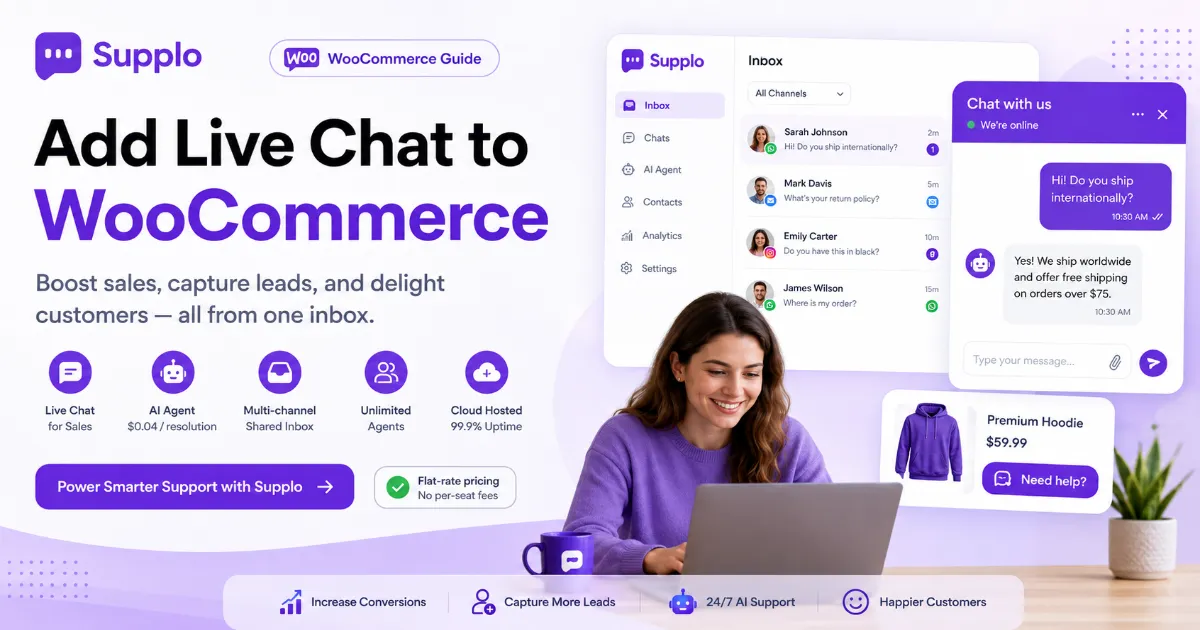
What you actually need: a shared inbox, an AI agent that learns from your FAQs and multi-channel support (email, WhatsApp, etc.) so you can manage everything in one place without paying per agent. That's it.
Avoid "best" lists that push solutions costing hundreds of dollars per seat per month. That's not for you. Best means flat-rate pricing with no per-seat fees, so you can add agents without your bill doubling. Best means the AI actually works. Look for self-learning agents that automatically answer common questions, not just chatbots that require endless scripting. Learn more about the multi-channel shared inbox that keeps everything organized.
WooCommerce Live Chat Plugin Options: What You're Really Signing Up For
The market is flooded with options. Free plugins (usually limited to one agent and no history), mid-tier options (decent but get expensive fast) and the enterprise beasts (powerful but overkill for moderate revenue). Your decision comes down to how you want to be billed and whether you need AI.
Free plugins? Fine for testing, but they lack the reliability needed for a real business. Per-seat pricing? That's a trap. Your bill scales with your team, not your success. All-in-one doesn't always mean better, but some platforms offer chat, email and social inboxes in one place, which is actually useful for consolidation.
Using WooCommerce Live Chat for Sales Without Being Pushy
Live chat isn't just for tech support. It's your best sales tool. But there's a fine line between being helpful and being annoying. The trick? Proactive triggers.
When a customer spends more than 60 seconds on a product page, a gentle "Need help with that?" pop-up isn't pushy. It's helpful. You're essentially adding a digital sales assistant to your store. Use it wisely.
Follow this checklist for effective sales chats:
- Set up triggers based on time on page or cart value. Don't chat with everyone who visits the homepage.
- Train your team to ask open-ended questions. "What are you looking for?" beats "Can I help you?" every time.
- Use the chat history. A returning customer shouldn't have to repeat their problem.
WooCommerce Chat for Lead Generation: Turning Browsers into Buyers
The best leads are the people already on your site. A WooCommerce live chat widget can capture email addresses, phone numbers and even qualify leads before they leave. Set it to collect basic info before a conversation starts, then route that leads to the right team. It's like having a 24/7 lead capture form that actually talks back.
Here's a simple lead capture process:
- Use pre-chat forms. Ask for name, email and a quick question to qualify the lead.
- Auto-route leads to different agents based on the product they're looking at.
- Follow up with leads who chatted but didn't buy. Send them an email with a discount code based on their conversation.
Pre-chat forms turn a simple widget into a 24/7 lead generation engine that actually qualifies prospects.
See how the AI agent handles common questions to capture leads even when you're offline.
WooCommerce Live Chat for Customer Engagement: The Retention Game
Customer engagement isn't just about selling; it's about keeping people coming back. Live chat lets you build relationships in real-time. Send personalized recommendations, answer post-purchase questions and proactively ask for feedback. A store that chats with its customers feels human. And humans buy from people they like.
Post-purchase chats can reduce returns by clarifying product use or assembly. Use chat to send order updates or ask for reviews. It feels more personal than an email. A well-trained AI agent can handle 80% of common engagement questions, freeing your team to focus on the complex stuff.
What Happens When Your Live Chat Goes Down And How to Avoid It
When your live chat goes down, you're essentially closing your store's doors. Visitors with questions leave. The #1 cause of chat downtime? A plugin conflict or hosting issue. The solution is simple: use a platform hosted on its own infrastructure (like Supplo, which is EU-hosted and fully independent of your WooCommerce setup). Even if your site glitches, your chat still works.
Here's how to avoid downtime:
- Never rely on a chat plugin that requires your site to be up to function. Use a cloud-based SaaS solution.
- If your chat goes down, the widget should gracefully fail (disappear) without breaking your layout.
- Have a backup plan. An email or a simple contact form behind the chat is a safety net.
When your live chat goes down, you're essentially closing your store's doors. Use independent hosting to stay open.
If your current chat plugin keeps breaking your layout, it's time for a more reliable solution. Switch to a platform that doesn't depend on your WooCommerce setup to function. Get started in minutes.
Pricing That Won't Give You a Heart Attack (Flat Rates & $0.04 AI Resolutions)
Let's talk about money. Most live chat platforms charge per agent. That means your cost grows with your team. It's a bad model. Supplo charges a flat monthly rate, so you can add as many agents as you want. On top of that, AI resolutions cost just $0.04 each, roughly 96% cheaper than some competitors. For a growing WooCommerce store, that pricing is a game-changer.
Flat-rate pricing means no surprises. You know your monthly bill, regardless of how many agents you add. AI resolutions at $0.04 are budget-friendly for handling high-volume questions like "where is my order?" For WooCommerce stores doing high volume, this pricing makes AI support an actual possibility, not a luxury. Check out Supplo's flat-rate pricing to see exactly what you'd pay.
"Flat-rate pricing means no surprises. You know your bill every month, regardless of how many agents you add."
Stop overpaying for live chat. You need a simple, flat-rate tool that works. See exactly what you'd pay for Supplo's shared inbox, AI agent and multi-channel routing. No per-seat fees, no hidden costs.
Key Takeaways:
- Cloud-hosted wins over self-hosted: Avoid plugin conflicts by using an independent chat platform.
- Flat-rate is the only fair model: Don't let your team size punish your budget.
- AI at $0.04 is a no-brainer: Automate common questions cheaply and free up your team.
- Proactive triggers boost sales: Engage visitors on product pages, not the homepage.
- Test everything: Mobile, desktop and slow connections. Don't assume it works.
FAQ
Is it safe to add a live chat plugin to my WooCommerce store?
Yes, as long as you use a reputable platform. Supplo is not affiliated with any app or website. Please follow each app's terms and local regulations. Avoid unmaintained plugins from unknown developers, as they can create security vulnerabilities.
Why does my live chat widget sometimes not load?
A JavaScript conflict with your theme or another plugin usually causes this. It can also be a slow server issue. Switching to a cloud-hosted chat solution (separate from your WooCommerce hosting) typically fixes this.
Can I use live chat for free in WooCommerce?
Yes, many plugins offer a free tier. However, they are often limited to a single agent and lack advanced features such as AI or multi-channel support. For a real business, a paid, reliable solution is usually worth the investment.
What is the best way to integrate live chat with WooCommerce?
The best way is to use a third-party platform (like Supplo) that you can integrate via a simple code snippet or a dedicated plugin. This keeps your chat infrastructure separate and reliable.
Will a live chat plugin slow down my WooCommerce store?
It can if it's a bad plugin. Good platforms use asynchronous loading, meaning the chat widget does not block your site's main content from loading. Always test your site speed after adding any new code.
How do I use live chat to increase sales in WooCommerce?
Set up proactive triggers to engage visitors who are hesitating on product pages. Train your team to answer questions quickly and push for the sale. Use chat to offer assistance during checkout.
What's the difference between a chatbot and a live chat agent?
A chatbot (AI agent) answers automated questions based on your knowledge base. A live chat agent is a human. The best solution uses both: AI for common questions, humans for complex issues. Supplo offers a self-learning AI agent for this purpose.
Compliance note: Supplo is not affiliated with any app or website. Please follow each app's terms and local regulations.


