On this page
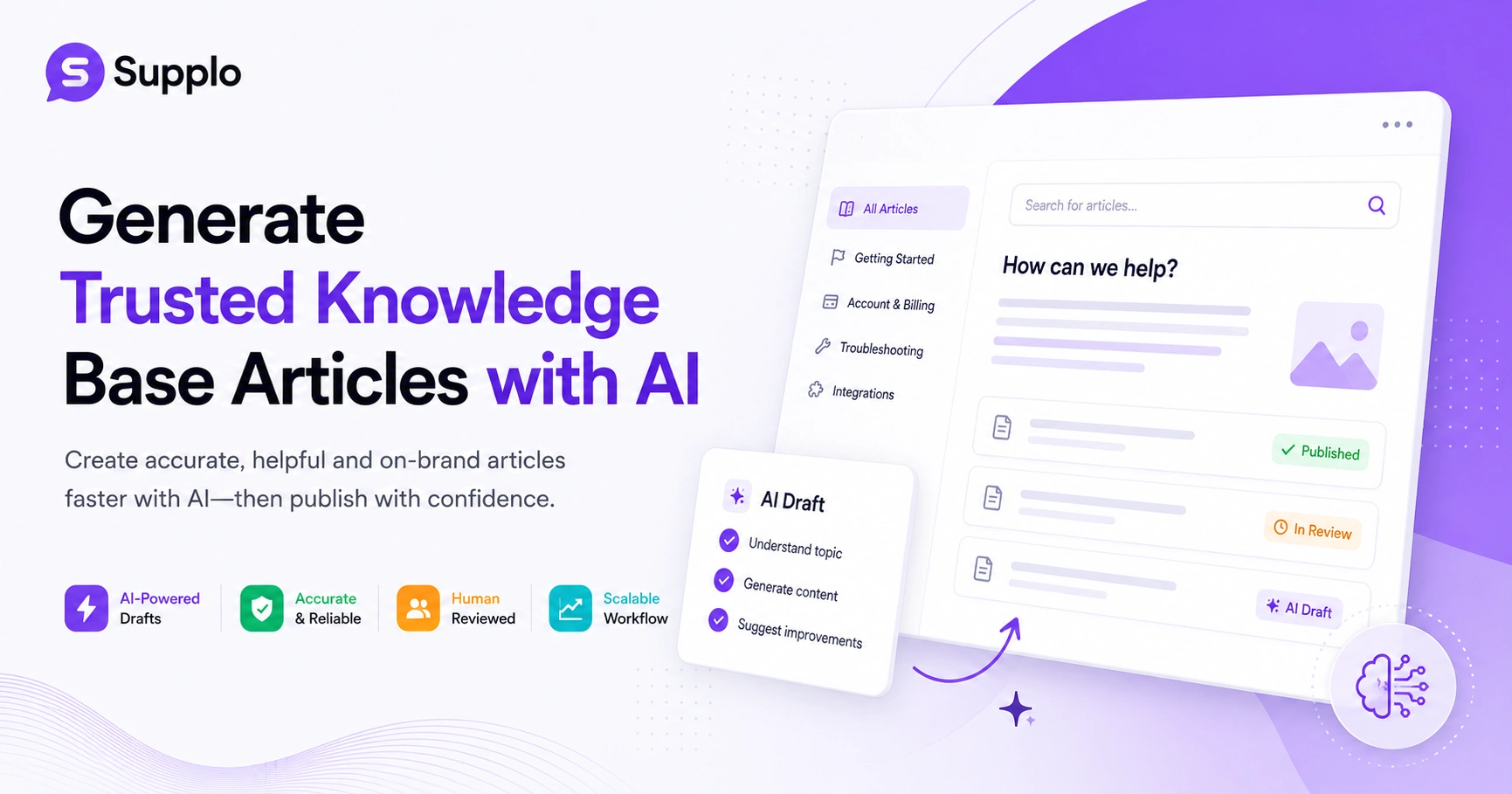
Writing a knowledge base from scratch is a slog. It's hours of documenting, re-documenting and triple-checking that one paragraph about password resets doesn't contradict the one about account recovery. AI can change that. But only if you use it right.
This guide is for support managers, content writers and product folks who want to know how to use AI to generate reliable knowledge base articles. We'll cover the practical steps, the traps to avoid and how to build a workflow that doesn't sacrifice accuracy for speed.
Quick Answer
- AI drafts knowledge base articles fast. It's a great first-pass tool.
- Reliable output depends on training the AI on your specific data, not just the open web.
- Human review is non-negotiable. You need to catch the hallucinations.
- A well-structured knowledge base helps both your customers and your AI search tool.
- You can scale content creation by systematizing the AI-draft + human-review loop.
Why Your Knowledge Base Needs an AI Writing Assistant And Where It Falls Short
AI writing tools can turn a 3-hour article into a 15-minute draft. That's the good news. The bad news? They can also confidently invent a feature that doesn't exist, miss your brand's tone entirely and ignore the edge cases your support team deals with every day.
The best approach is to treat AI like a tireless junior writer. It gets the first draft done. But you, the senior support lead, still need to polish the final version. The cost savings are real, but inaccurate self-serve content (that leads to frustrated customers calling in) will cost you more in the long run. AI struggles with product-specific logic that changes often. So, keep your expectations grounded. Use AI for speed, not for authority.
How to Use AI to Generate Knowledge Base Content That Customers Can Actually Use
Start by feeding your AI tool the good stuff: your past support tickets, product documentation and internal wikis. The more context you give it, the less generic the output becomes. Then, ask it to generate a guide based on the top 10 questions your customers ask. Finally, test that draft against a real customer conversation. Does it actually solve the problem?
The garbage-in, garbage-out rule applies here. Clean, relevant data matters more than the specific AI model you choose. Structure your prompts differently for a troubleshooting guide versus an onboarding article. You can even use the conversational tone from your old chat logs to help the AI match your brand voice. With a solid workflow, you can generate a mini-knowledge base of 5 articles in under 2 hours.
Want to test this yourself? Sign up for Supplo's free 14-day trial and import your existing tickets to see how fast AI can draft your first five articles, no credit card required.
The Best AI Solutions for Knowledge Base Articles Platforms vs. Add-Ons
You have two main paths: an all-in-one platform like Supplo that includes a built-in AI agent that resolves tickets automatically, trained on your knowledge base or standalone AI writing tools that plug into your existing documentation software. The all-in-one path is better for teams that want the AI to write and serve the articles automatically. Standalone tools work if you need drafts to export into a manual system. Do not use generic AI chatbots for article generation; they lack the context needed for support-specific accuracy.
Supplo’s self-learning AI uses your knowledge base to answer tickets and then improves itself based on interactions. This is different from a simple conversational AI that answers questions. It's a system that deeply integrates with your content. Be wary of tools that charge per-resolution for AI-generated answers. Look for transparent pricing that works for growing teams instead. Ensure your chosen AI tool can pull data from your live chat, email and ticketing systems for comprehensive context.
How to Automate FAQ Creation with AI Without Losing Accuracy
To automate FAQ creation, pull your top 50 recurring support questions from your inbox or chat history. Feed them to an AI FAQ generator with a prompt that asks for clear, concise answers under 50 words with a single follow-up question each. Then, run a QA pass where you compare each AI-generated answer with the actual resolution from your best support agent. Automate the drafting, not the approval.
You can use sentiment analysis on tickets to find the most emotionally charged questions, highlighting high-impact FAQs. Adhere to the one-question, one-answer rule for clearer FAQs. Generate FAQs in batches of 10 to maintain quality control. Consider integrating your FAQ generator into your CRM so it auto-updates when product features change.
How to Generate FAQs for Support Articles That Answer Real Questions
Your best source of FAQs is your actual customer conversations. Use your shared inbox tool to export the top 20 questions your human team handled last month. Feed those verbatim questions into the AI, not paraphrased versions. This ensures the AI generates answers that match the language your customers use, not the language your product team thinks they use.
Tag and categorize FAQs by product feature or common issue for easier navigation. Consider how to answer how-do-I questions differently from “why-is” questions, as their intent often varies. Using customer quotes as the question itself, with AI generating the answer, can make your FAQs more relatable. Adding a Was this helpful? Rating allows the AI to learn from direct customer feedback.
AI Writing Tools for Knowledge Base: Prompt Engineering for Reliable Drafts
Prompt engineering is the difference between generic fluff and usable drafts. Start with a role prompt: You are a senior support representative for [company name] specializing in [product feature]. Answer the following question in a friendly format. Include a troubleshooting tip for common mistakes. Then, add a constraint: Use only information from the attached product documentation. Do not make up version numbers or release dates. This reduces hallucinations significantly.
A five-shot prompt technique, where you provide 5 examples of good articles before asking the AI to generate one, can drastically improve output quality. Control creativity versus strict accuracy by adjusting temperature settings in your AI model. Never ask AI to write about features you haven't shipped yet. A comprehensive template prompt for generating a getting-started guide might include persona, tone, desired format and data sources.
How to Review and Edit AI-Generated Knowledge Base Articles
The 80/20 rule applies here: AI generates 80% of the content, humans edit the 20% that matters most. Read each article aloud to catch awkward phrasing. Verify every technical step by actually performing it. Check that the article doesn't contradict another article in your knowledge base or information in your Email ticketing system. Finally, add a Last reviewed date to build trust with customers and your search rankings.
Utilize a three-person review model: AI draft, Subject Matter Expert (SME) review and a copy edit. This ensures both technical accuracy and clarity. Learn how to spot AI hallucinations, like fake error codes, invented features, or outdated pricing. Use version control to track changes and roll back any bad AI edits. Never publish an AI-generated article without a human test to confirm its utility.
If your AI tool doesn't give you a clean handoff to your team, you're wasting time. Supplo’s shared inbox lets your team review, edit and approve AI-generated drafts right alongside your live customer conversations. Start streamlining your workflow today.
How to Structure Your Knowledge Base for AI Search and Self-Service
AI search tools work best with a clean, consistent structure. Use an inverted pyramid: answer the question in the first 50 words, then provide context, then troubleshooting. Tag every article with metadata: product, category, difficulty level and related topics. This helps your AI agent find the right article quickly when a customer asks a question, whether they're using your website chat widget or WhatsApp customer support. A well-structured base means your AI resolves tickets faster and more accurately.
The importance of a single-source-of-truth article for each concept cannot be overstated. Create a topic hierarchy that mirrors how customers think and search, not just your internal product structure. Internal linking between articles is vital for providing context to AI and guiding users to related information. Supplo’s knowledge base can auto-link articles to incoming chat questions, enhancing resolution rates.
How to Scale Content Creation with AI Without Sacrificing Quality
Scaling means systemizing the workflow. Set up a weekly content pipeline: pull the top 10 new questions from your inbox, generate drafts with AI, review in 30-minute blocks and publish in a batch. Use a content calendar to track which articles are due for an update. The goal is to treat your knowledge base like a living product, not a static library. As your team grows, the AI drafts the basics and the senior team focuses on edge cases.
Use Supplo’s unified inbox to identify knowledge gaps in real time by tracking unresolved queries. Aim for a 10 articles per week challenge to achieve a realistic content generation goal with AI assistance. It’s also important to retire old articles as aggressively as you create new ones to prevent outdated information. Track key metrics such as article views, resolution rate and customer satisfaction score to improve your knowledge base feature continuously.
The Future of AI-Generated Knowledge Bases: What to Expect Next
The next wave is self-updating knowledge bases. AI will soon monitor your product changes, track customer sentiment and automatically rewrite articles. But the human role will shift from writer to curator: you decide what gets published and what gets retired. The tools that survive will be the ones that give you control, not just automation. We’re moving from AI writes to AI maintains.
AI agents will increasingly learn from failed resolutions to improve articles over time. Expect the rise of multimodal knowledge bases, with AI generating not just text, but also video scripts and annotated screenshots. Data privacy and security will become a key differentiator, especially for enterprise solutions. The most practical and transparent tools will be those that admit what the AI doesn’t know.
Ready to build a knowledge base that works for you, not against you? Supplo’s AI agent learns from your content and resolves up to 80% of incoming tickets automatically. Plus, we price per workspace, not per seat, so your bill stays predictable as you grow. Start your free trial now.
Key Takeaways
- AI enables rapid drafting of knowledge base content, but human expertise ensures accuracy and brand voice.
- Training AI on your specific customer data and using precise prompts are critical for useful output.
- Prioritize human review, editing and validation of all AI-generated articles.
- Structure your knowledge base logically and use metadata to optimize for AI search and self-service.
- Implement a systematic workflow for continuous AI-assisted content creation and updates.
FAQ
Can AI generate knowledge base articles that are accurate enough for customer-facing use?
Yes, but only with human review. AI can draft a solid first version, but you must verify technical steps, pricing and product-specific details. The real value is speed, not perfection.
What's the best way to train an AI for my specific product knowledge base?
Feed it your past support tickets, product documentation and internal wikis. The more relevant context you give it, the less generic the output. Avoid using generic web data; it will produce answers that sound correct but miss your product's nuances.
How do I prevent AI from hallucinating fake features or error codes in my articles?
Use a strict prompt that limits the AI to only information from the provided documents. Define a don't make up rule explicitly. After drafting, have a subject-matter expert review the article for technical accuracy.
Is it safe to use free AI tools for generating knowledge base content?
Free tools often lack data privacy guarantees and may use your content for training. For customer-facing support content, especially if you handle sensitive data, choose a paid tool with clear data handling policies.
How often should I update AI-generated knowledge base articles?
Every time your product changes or a new support question appears. At a minimum, review articles quarterly. A good AI tool will help you identify outdated articles by tracking how often they fail to resolve customer issues.
What type of support articles are best suited for AI generation?
Repetitive, high-volume topics like how to reset your password, billing questions and getting started guides. Complex, multi-step troubleshooting or legal disclaimers are better left to human writers.
Can I use AI to generate knowledge base articles in multiple languages?
Yes, but you must review translations carefully. AI can translate accurately, but it may miss cultural context or local regulations. Always have a native speaker review the final version.
Compliance line: Supplo is not affiliated with any app or website. Please follow each app's terms and local regulations.