On this page
You know that feeling when your inbox is overflowing with the same questions, over and over? Where's my order? How do I reset my password? What's your return policy? It's enough to make any support team want to pull their hair out.
Here's the thing: customer support automation isn't just for big enterprises with deep pockets. Small teams, solo founders and growing businesses can all benefit from letting AI handle the boring stuff so your humans can focus on the conversations that actually matter.
This guide walks you through exactly how to set it up without breaking your workflow or losing the personal touch: no fluff, no hype; just practical steps that work.
Supplo is not affiliated with any app or website. Please follow each app's terms and local regulations.
Quick Answer
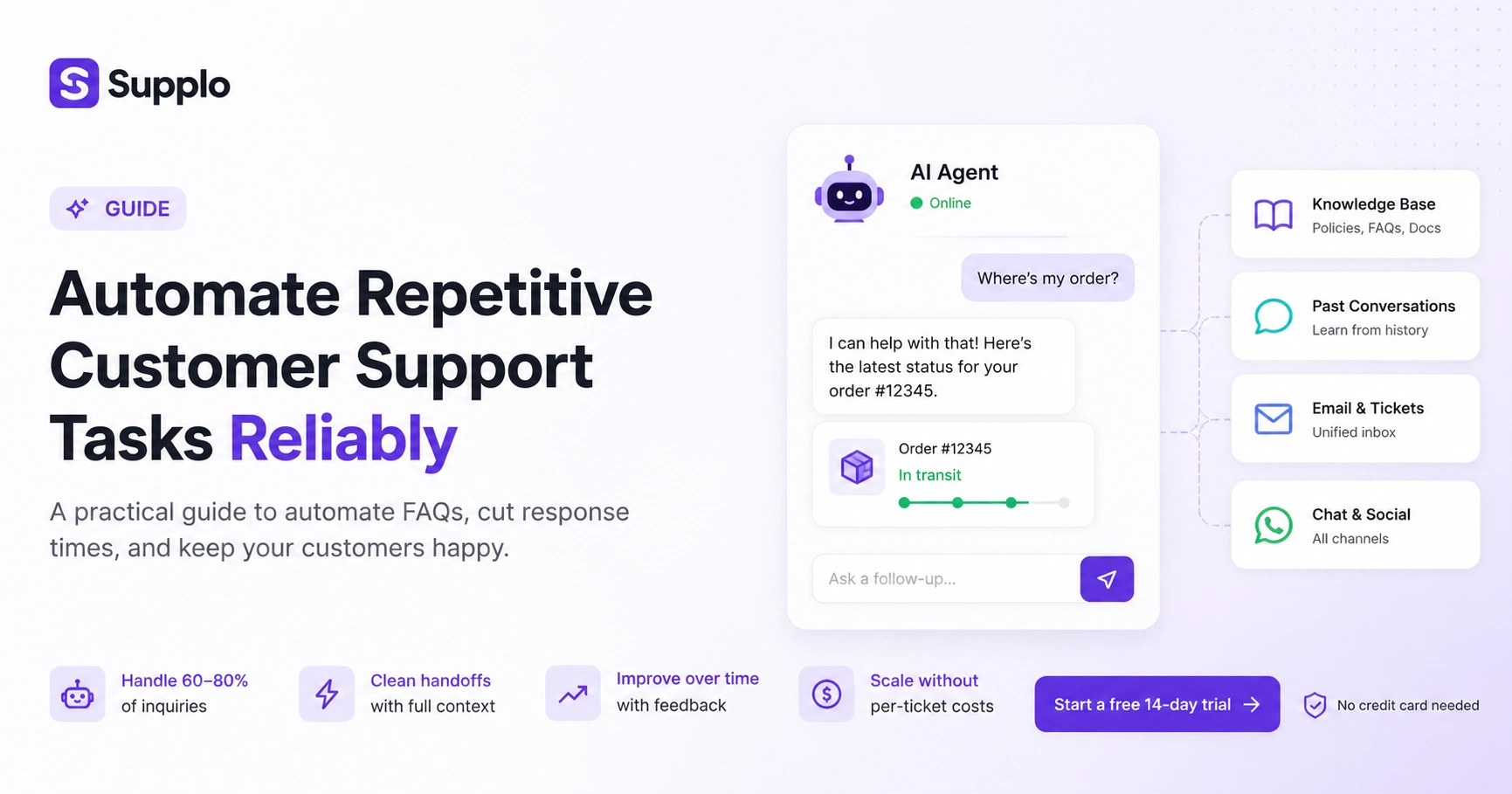
- Start with intent, not keywords: Map your top 10 repetitive questions and feed them to an AI agent connected to your knowledge base. It will handle 60–80% of incoming tickets.
- Focus on handoffs, not deflections: The best automation passes tickets cleanly to humans when needed; no lost context, no repeated questions.
- Measure containment, not volume: Track how many tickets the AI resolves without human touch. If it drops below 50%, update your KB or train the AI.
- Scale without per-ticket costs: Flat pricing per workspace means adding agents doesn't spike your bill; you control the cost, not the AI.
Why Automation Fails and How to Make It Stick
Let's be real for a second. Most automation attempts crash and burn within the first week. Why? Because they're built on brittle rules that can't handle the messy way real humans talk.
A static FAQ bot that only understands exact phrasing isn't helping anyone. When a customer types track my package,' and your bot only recognizes 'order status,' you've just created frustration, not efficiency.
What actually works: A system that learns. One that ingests your knowledge base and past conversations, then gets smarter every time a human corrects it. That's the difference between automation that sticks and automation that gets uninstalled after three days.
- Rigid keyword matching misses user intent; a customer asking Where's my order? And Track shipment should get the same answer.
- Over-automation (forcing AI on complex, emotional issues) erodes trust fast.
- Under-automation (only handling password resets) leaves teams buried in repetitive tickets.
- Reliable automation learns: it ingests your knowledge base and past support threads to improve over time.
Where Automation Fails Most Often And How to Fix It
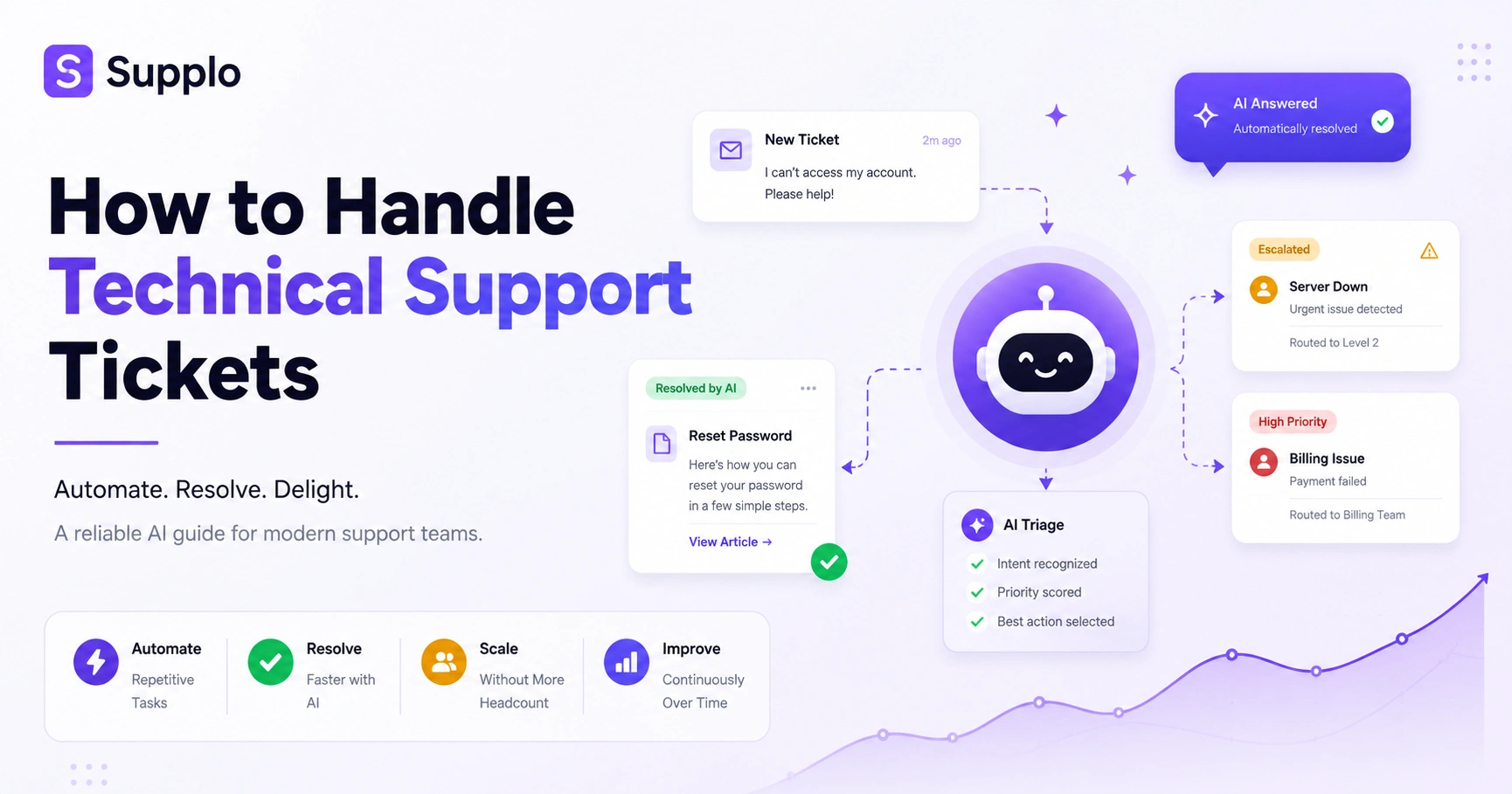
Here's the no. 1 pain point: broken handoffs. Your AI tries to help, fails and passes the ticket to a human, but without any context. Suddenly, your agent is asking the customer to repeat everything they just said. Congratulations, you've just multiplied their frustration.
Another killer? Translation gaps. If you support global customers and your bot replies in English to a Spanish question, you might as well not have a bot at all.
Fix these two things and your automation goes from annoying to invisible.
- Handoff without context = anger multiplier. The agent should see the entire conversation thread in a single inbox.
- Translation gaps: a bot that replies in English to a Spanish inquiry is worse than no bot at all.
- Language-agnostic automation works: detect the customer's language, answer in that language, and translate the agent's reply.
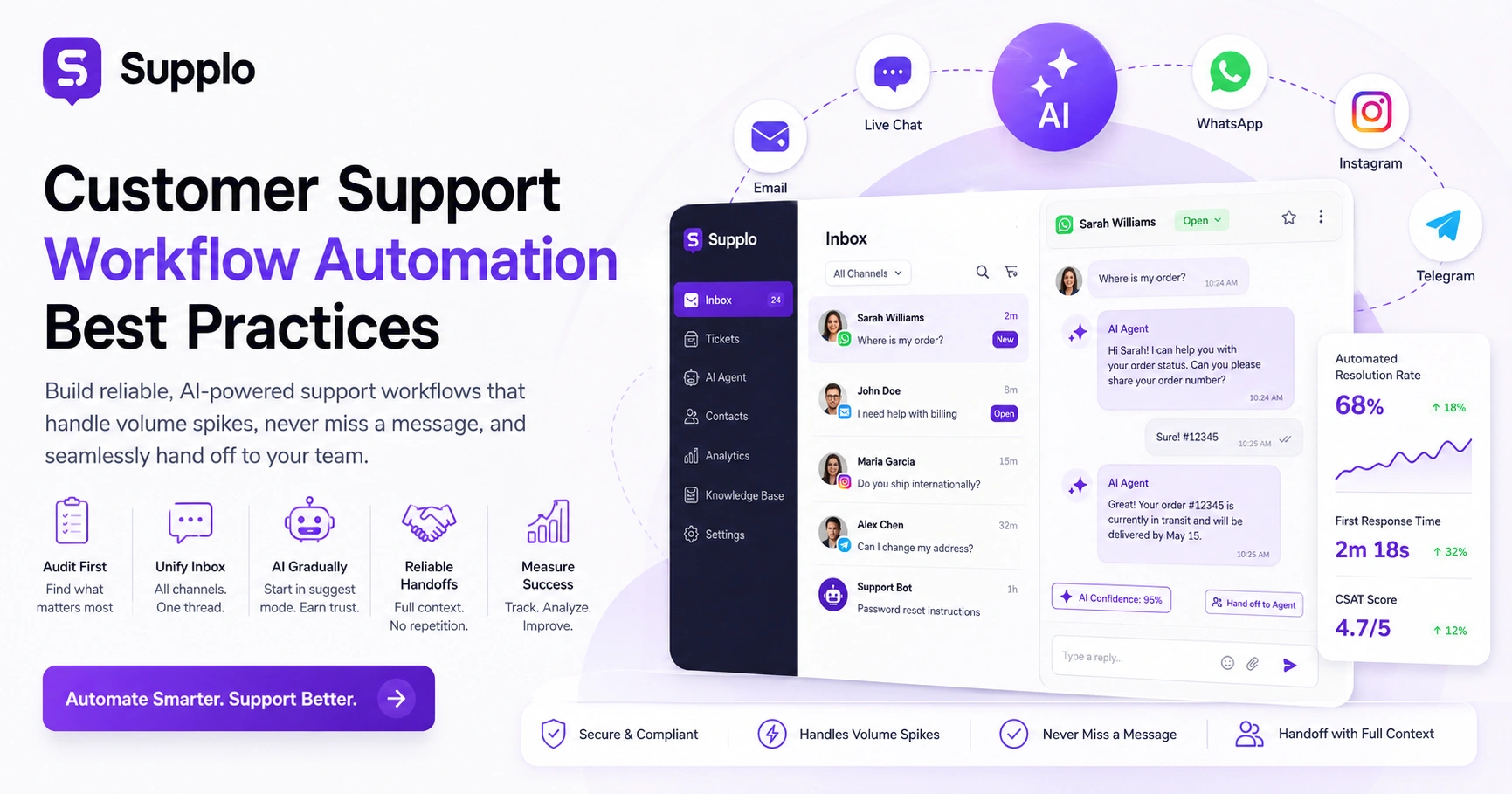
- A unified inbox like email, chat, WhatsApp, Instagram, Telegram prevents fragmented conversations.
The Framework to Automate Customer Inquiries
To reliably automate customer inquiries, start by mapping your top 10 most repetitive questions. Pull them from your inbox or chat history; things like order status, return policies, pricing and account setup. Feed those into an AI agent connected to your knowledge base and let it handle them in natural language. Then review unresolved tickets weekly and add missing answers so the automation gets smarter over time.
- Step 1: Audit; Copy your 10 most-asked questions from last month's tickets.
- Step 2: Build; Create or sync a knowledge base with clear, accurate answers.
- Step 3: Connect; Link your inbox channels (web, email ticketing, WhatsApp, etc.) to one AI-powered inbox.
- Step 4: Monitor; review the unresolved-by-AI queue daily for two weeks.
- Step 5: Iterate; Add missing answers and rephrase vague ones. Rinse and repeat.
Ready to stop drowning in repetitive tickets?
You can automate your first 10 inquiries in minutes; no credit card needed. Connect your email and widget, upload a knowledge base and watch the AI start handling requests.
Start a free 14-day trial at Supplo.
Which Tasks to Automate vs. Keep Human: The 80/20 Rule
The 80/20 rule holds strong in customer support automation: roughly 80% of your tickets are repetitive and can be automated, while 20% require empathy, judgment, or escalation. Automate password resets, order tracking, billing inquiries and FAQs. Keep human agents on sensitive cancellations, escalated complaints and complex technical troubleshooting. The goal isn't full autonomy; it's smart delegation.
- Automate: Where's my order? Reset my password. What's your return policy? How do I upgrade?
- Keep human: I want to cancel because I'm unhappy. Your product broke, and I'm angry. Can you help with a custom integration?
- AI should know when to pass the baton; cleanly, with full context attached.
- A human escalation intent model prevents the agent from jumping in too early or too late.
AI for Automating Customer Support Tasks Without Losing Quality
AI for automating customer support tasks doesn't have to mean robotic, scripted replies. Modern agentic AI understands intent, not just keywords and can generate natural responses that match your brand voice. The secret to maintaining quality is giving the AI a rich knowledge base and a feedback loop; when the AI gets it wrong, the human corrects it, and the AI learns. Over time, accuracy compounds.
- Quality gate 1: AI must be able to say I don't know and transfer cleanly; no bluffing.
- Quality gate 2: Human agents can flag AI responses as accurate or needing revision directly in the inbox.
- Quality gate 3: The AI learns from those flags and improves within 24 hours, not next quarter.
- Brand voice can be customized: set tone, formality level and language preferences.
Machine Learning Customer Support – The Self-Healing Knowledge Base
Machine learning customer support transforms a static knowledge base into a living document that gets better with every interaction. Instead of someone manually editing articles when questions change, the AI surfaces gaps it can't answer and recommends new entries based on real customer conversations. This self-healing behaviour means your support content is always accurate; no stale pages, no outdated policies.
- ML analyzes unresolved tickets and clusters them by topic. If 50 people ask the same missing question, it surfaces a draft answer.
- The support team reviews and approves the suggested entry in seconds; no content team bottleneck.
- Over time, the KB covers 95%+ of incoming questions without manual effort.
- Translation is automatic: the KB syncs across languages so global teams get the same answers.
How to Decrease Support Tickets Without Sacrificing Customer Satisfaction
Decreasing support tickets is a balance between deflection and resolution. If you block customers from contacting you (by hiding the contact form), you save tickets but destroy trust. A smarter approach is to make self-service so good that customers find their answer before they need an agent, via an AI widget that knows your KB and past answers. Deflect with usefulness, not friction.
- Best practice: Place the AI widget prominently on pricing, help and checkout pages.
- Deflection done right: AI answers in under 5 seconds, in the customer's language.
- Fallback: If the AI can't answer, it passes to a human with the full query intact; no repeated typing.
- Measure containment rate (tickets resolved by AI without human touch) rather than raw ticket volume.
Managing High Support Volume – Real-Time Load Balancing with AI
Managing high support volume during peak season requires load balancing between AI and human agents. When your team is overwhelmed, the AI should handle more complex queries (not just password resets) by expanding its confidence threshold. When traffic normalizes, humans take back the trickiest tickets. This dynamic scaling means you don't need to hire seasonal agents; your automation flexes with demand.
- Set overflow rules: if the wait time exceeds 2 minutes, the AI takes over more categories.
- AI can batch-process routine tickets (order status, tracking) in parallel, freeing human agents.
- A real-time dashboard shows AI-handled vs. human-handled volume so that managers can adjust on the fly.
- No additional per-ticket costs for AI; flat pricing means scale doesn't spike your budget.
The No-Nonsense Tech Stack – What You Need and Don't Need
The right tech stack for customer support automation is simpler than you think. You don't need a separate chatbot platform, an email ticketing system, a helpdesk, or an analytics tool. You need one workspace that includes an AI agent, a shared inbox, a knowledge base and multichannel support (email, live chat, WhatsApp, Instagram, Telegram). Fewer tools mean fewer integrations to maintain and fewer failure points.
- Ditch: Standalone chatbot builders, separate helpdesk software, independent email ticketing tools.
- Keep: A unified inbox with AI built-in, flexible pricing (one per team, not per seat) and transparent logging.
- Important: Real-time sync across channels; no lag between WhatsApp and desktop.
- Pricing sanity: Flat per-workspace, not per-seat, so adding agents doesn't triple your bill.
Measuring What Matters – Metrics to Track Automation Reliability
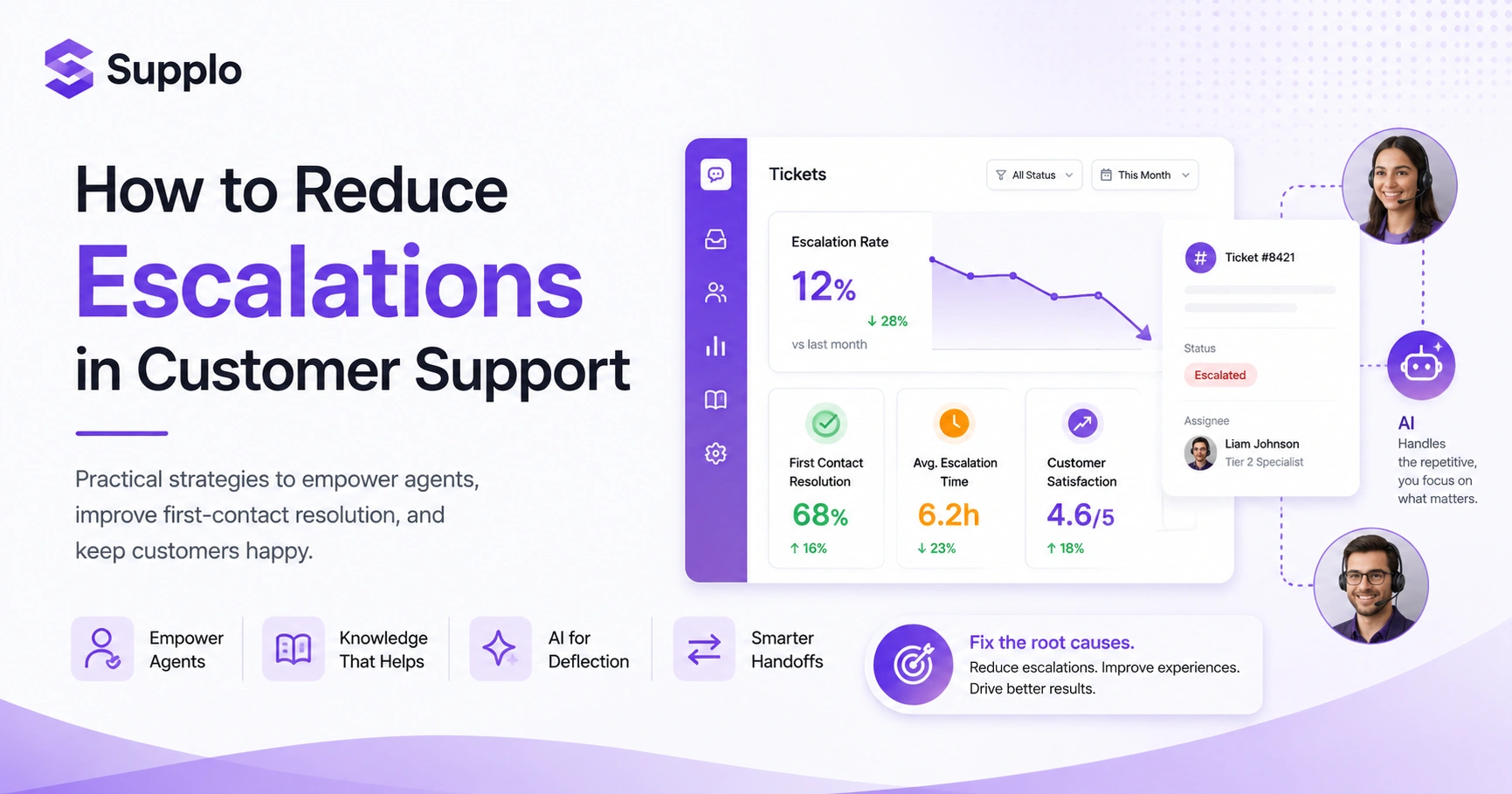
Customer service efficiency tips often skip the most important metric: reliability. Track your AI containment rate (the percentage of tickets resolved without human intervention), first-contact resolution rate, and customer sentiment after automated replies. If containment drops below 50%, your knowledge base needs updating, or your AI needs training. If sentiment drops, your automation is tone-deaf and needs voice tuning.
- Containment rate: Aim for 60-80% over a rolling 30-day period.
- First-contact resolution (FCR): Track whether the AI resolves the issue on the first interaction.
- Customer satisfaction (CSAT): Measure post-AI replies separately from human replies.
- Escalation rate: Track how many tickets move to human agents and why.
- At-risk baseline: If CSAT for AI-handled tickets drops below 85%, review your KB for missing or outdated answers.
Key Takeaways
- Start with intent, not keywords: Map your top 10 repetitive questions and feed them to an AI agent connected to your knowledge base.
- Focus on handoffs, not deflections: Ensure smooth handoffs to human agents when needed.
- Measure containment, not volume: Track AI containment rate and customer satisfaction post-AI replies.
- Scale without per-ticket costs: Choose flat pricing to avoid budget spikes as your team grows.
If your current chatbot feels like a toy rather than a tool, it's time for an AI that learns from every conversation. Supplo's feedback loop means every human correction improves tomorrow's accuracy.
FAQ
Can I automate sensitive account changes, such as password resets or billing updates?
Yes, but with caution. Automate password resets and billing inquiries that don't require confirmation (e.g., How do I update my card?). For actions like cancelling my subscription or refunding my order, have the AI verify identity, then hand off to a human for final execution.
Will customer support automation work for non-English languages?
Modern AI agents can automatically detect and respond in over 50 languages. Set your knowledge base in multiple languages or let the AI translate; it will reply in the customer's language and translate human replies back.
Is it safe to give AI access to my knowledge base and past conversations?
Yes, if your provider follows data security standards. Choose a solution that encrypts data in transit and at rest, and that doesn't sell or share your conversational data. Supplo, for example, stores knowledge base files securely and uses them only to improve your AI agent.
How long does it take to set up AI customer service automation?
Most teams go live within a day. Connect your email, chat, and messaging channels to a single inbox, upload your knowledge base (or let the AI scan past conversations), and the AI starts handling tickets immediately. Full accuracy takes 1–2 weeks of iterative training.
How do I prevent the AI from giving wrong answers?
Set up a feedback loop where agents can flag AI responses as accurate or incorrect directly in the inbox. The AI learns from those flags. Also, define a clear escalation trigger: if the AI is less than 80% confident in its answer, it should hand off cleanly rather than risk a mistake.
Will automation make my support team redundant?
No. Automation handles repetitive tasks, so your team can focus on complex, high-value interactions, escalations, product feedback and relationship building. Most teams find they can handle 3x more volume without hiring, but they don't shrink; they become more strategic.
What happens when the AI doesn't know the answer?
The AI should pass the ticket to a human with full context: the customer's question, the channel they used and the AI's best attempt. The human resolves it, and the AI learns from the resolution for next time: no dropped tickets, no repeated questions.
Compliance line: Supplo is not affiliated with any app or website. Please follow each app's terms and local regulations.