On this page
Here's the thing about AI customer support: it's not perfect. Eventually, your bot will hit a question it just can't figure out. What happens at that moment? That's everything. That split-second decision determines whether your customer walks away satisfied or frustrated.
This moment is called chatbot fallback and honestly? It's one of the most overlooked parts of running AI support. But get it right and your customers won't even notice the bot stumbled.
This guide is for anyone running customer support, managers, strategists and business owners. You'll learn what causes fallback, how to troubleshoot common errors and how to build a system that handles hiccups gracefully across every channel.
Quick Answer
- A chatbot's fallback is its default response when it can't answer a customer's question.
- Common causes include gaps in your knowledge base, confusing customer phrasing, or missing context from earlier messages.
- Fix errors by digging into fallback logs, updating what your bot knows and training it on real conversations.
- A strong strategy uses self-learning AI, clear rules for when to bring in a human and channel-specific tweaks.
- Success is measured by watching fallback rates drop, resolution rates climb and CSAT scores stay healthy.
What is Chatbot Fallback? Definition & Meaning
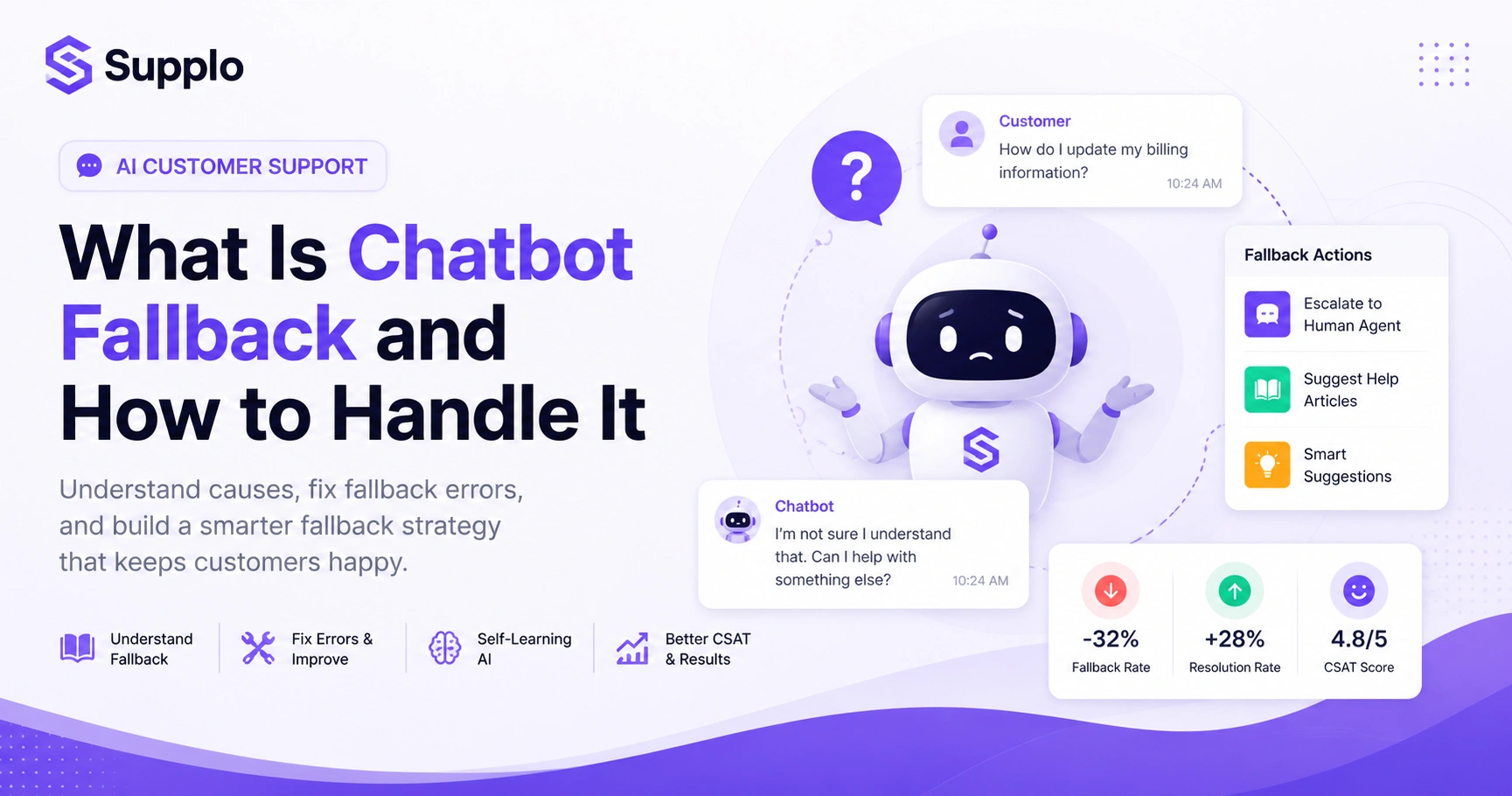
Let's get specific. A chatbot fallback is what happens when your AI assistant encounters a question it can't confidently answer. Technically speaking, it's the default response the bot gives when its confidence score falls below a certain threshold, meaning it couldn't match the query to any known intent or knowledge entry.
The best fallback plans don't just say sorry and bail. They route the conversation somewhere useful, to a human agent, a help article, or a smarter suggestion. Understanding what a chatbot fallback is really about is recognizing that your bot needs a safety net, not a dead end.
- A fallback can be as simple as I didn't understand, but that approach often leaves customers annoyed.
- Good fallback management means your bot knows when it doesn't know and handles that gracefully.
- Think of fallback as your bot's escape hatch. You want it to solve problems, not create new ones.
- Proper fallback handling is what separates AI support that feels helpful from AI support that feels like a brick wall.
- On platforms like WhatsApp or Instagram, your fallback response needs to match each channel's vibe.
Why Does a Chatbot Fallback? Common Causes of Fallback Errors
A chatbot falls back when it can't map a customer's message to anything it recognizes. Usually, it's because your knowledge base has gaps, the customer used weird phrasing, or the bot lost track of context from earlier in the conversation.
Fallback errors also spike when you launch on a new channel, like Telegram or Instagram DMs, without giving the bot a chance to learn that platform's quirks. Getting a handle on these root causes is essential for effective fallback error handling in chatbots.
- Missing or outdated knowledge base entries? That's the #1 reason bots bail.
- Slang, regional phrases and typos that the bot wasn't trained on will trip it up every time.
- Multi-turn conversations where context drops between messages can lead to fallback to simple follow-ups.
- Different channels have different message styles; WhatsApp isn't email and your bot needs to know that.
- Setting your confidence threshold too high can create false fallbacks on perfectly valid questions.
How to Fix Chatbot Fallback Errors
Fixing fallback errors starts with one thing: logging every fallback event and figuring out why it happened. Was it a missing intent? An oddly phrased question? A technical hiccup? Once you know, update your knowledge base with the exact queries you missed. Also, consider lowering your bot's confidence threshold slightly to catch more matches.
Test your fixes on the specific channel where the error occurred; web widget vs. Instagram DM behaves differently. For persistent issues, a flat-rate AI agent that handles around 80% of tickets automatically can drop your fallback rates without wrecking your budget.
Troubleshooting Checklist:
- Monitor Fallback Logs: Regularly check detailed logs of all fallback events to spot patterns.
- Analyze Missed Queries: Group common queries that trigger fallback and identify what your bot doesn't know.
- Update the Knowledge Base: Add the missed queries and their answers to your AI's knowledge base.
- Adjust Confidence Thresholds: Experiment with slightly lower scores to minimize unnecessary fallbacks.
- Multi-Channel Testing: Test your bot's performance on every platform it serves.
- Retrain Your AI: Make sure your agent learns continuously from new interactions.
- Audit those fallback logs weekly, don't wait for a crisis. Consider using email ticketing to efficiently track events.
- Add common misspellings and regional phrases to your training data.
- Try a co-pilot mode where the AI suggests answers and a human approves them.
- Test your bot separately on mobile, desktop and each messaging app.
- Tools like Supplo's self-learning AI automatically update their knowledge base from past fallback conversations.
The Best Chatbot Fallback Strategy for Customer Support Teams
A great fallback strategy works in layers. The AI tries to answer first. If it can't, it falls back gracefully. Then it hands off to a human, without making the customer repeat themselves. That's the gold standard.
The best approaches pair a self-learning AI agent with a shared team inbox. That way, every fallback becomes a learning opportunity, not a dead end. You also need clear escalation rules; billing questions that trigger fallback should go straight to a human, no questions asked. This keeps resolution times low and customer trust high.
- Never let a fallback end the conversation. Always offer a next step.
- Use a unified inbox like Supplo to manage fallback handoffs across email, WhatsApp and Instagram.
- Train your team to review fallback transcripts weekly and feed corrections back to the AI.
- Flat pricing means you can scale this strategy without worrying about per-seat or per-resolution costs.
- Remember: a fallback is data, not failure.
Try it free, no credit card needed.
See how Supplo's self-learning AI handles fallback on your website, WhatsApp and Instagram. Start your 14-day free trial at Supplo.
How to Reduce Fallback Rates with a Self-Learning AI Agent
A self-learning AI agent reduces fallback rates by constantly updating its knowledge base from real conversations. Instead of staying static, it learns from the queries it missed and gets smarter over time. Supplo's AI agent, for example, resolves up to 80% of incoming tickets automatically by training on your past conversations and knowledge base. This is the most effective long-term fix for high fallback rates and it costs just $0.04 per resolution.
- Self-learning AIs don't need manual retraining; they adapt from real user inputs.
- The more data you feed them (email threads, chat logs, support docs), the fewer fallbacks you'll see.
- Multi-language support means fallbacks drop even when customers switch languages mid-conversation.
- A flat workspace price lets your AI learn without worrying about per-resolution fees.
When a Human Should Take Over: The Fallback-to-Agent Handoff
Not every fallback needs a human. But some absolutely do. If the fallback touches a sensitive topic, billing, account security, or a complaint, route it straight to a live agent. The handoff needs to be seamless: the human should see the full conversation history, including what the AI tried and which channel the customer prefers.
A solid fallback management plan defines these escalation rules upfront. The AI and your team work as partners, not rivals.
Seamless Handoff Process:
- Define Escalation Triggers: Identify keywords or topics that require immediate human help (like refund, cancel, security issue).
- Offer Direct Human Contact: Provide a clear Talk to a human option in the chat interface.
- Preserve Context: Ensure the human agent receives the full transcript and knows what the AI has already tried.
- Notify Agent: Alert the right team or person directly.
- Set Customer Expectations: Inform the customer that a human is taking over and provide an estimated response time.
- Use triggers: if someone says 'refund' or 'cancel,' override the AI and send to a human.
- Add a "Talk to a human" button in the chat widget that bypasses the AI entirely.
- The handoff should be fast. If no agent is available, auto-reply with an ETA and a ticket number.
- Supplo's shared inbox makes it easy to track which fallbacks turned into human-handled tickets.
Stuck with persistent fallback errors?
Switch to a flat-rate AI agent that resolves 80% of tickets without the $0.99 per-resolution markup. Get higher acceptance rates and a budget you control. Start free →
Fallback Error Handling for WhatsApp, Telegram and Instagram DMs
Each messaging platform handles fallback differently. Message character limits, media types and user expectations all vary. On WhatsApp, a fallback that says "I don't understand" feels abrupt. In Instagram DMs, users expect a more casual, visual approach.
Your fallback strategy needs to be platform-aware. A fallback on Telegram could offer a link to your knowledge base. On Instagram, it could prompt a quick poll. Supplo unifies all these channels into a single inbox so that you can manage fallback logic from a single dashboard.
- WhatsApp fallback should include a quick reply button to route to a human.
- Instagram DMs often have high engagement; keep your tone friendly in fallback messages.
- Telegram supports rich media, use buttons and inline links in your fallback replies.
- Test your fallback responses on each platform separately. What works on email may flop on chat.
Supplo is not affiliated with any app or website. Please follow each app's terms and local regulations.
How to Measure the Success of Your Fallback Management Plan
Three key metrics matter for fallback management: fallback rate (percentage of total queries that fell back), resolution rate after fallback (how many were resolved by a human or the AI on retry) and customer satisfaction score (CSAT from fallback conversations).
Track these weekly. Set a target, for example, to reduce the fallback rate by 20% in your first month after launching the AI. A good benchmark: an optimized AI agent should handle 70–80% of queries without needing a fallback to a human.
- Fallback rate should trend downward as your AI learns from missed queries.
- CSAT scores from fallback conversations indicate whether your handoff process is working.
- Use a dashboard (like Supplo's analytics) to see fallback patterns by channel and time of day.
- Compare fallback rates before and after updating your knowledge base to measure impact.
- Don't obsess over zero fallbacks. Aim for fast, graceful fallbacks instead.
Common Pitfalls in Chatbot Fallback Management And How to Avoid Them
One of the biggest mistakes teams make? Writing generic fallback messages like I'm sorry, I didn't get that without offering a next step. Another pitfall: ignoring fallback logs entirely, so the bot keeps missing the same queries. A third? Setting confidence thresholds too high, causing false fallbacks on perfectly good questions.
Avoiding these traps is simple: review logs weekly, lower thresholds gradually and always give customers a way out.
Pitfalls to Avoid:
- Generic Fallback Responses: I didn't understand. Instead, offer options like Would you like me to connect you to a human? Here are some popular topics:
- Ignoring Fallback Logs: If you don't analyze why fallbacks occur, your bot will never improve.
- Too High Confidence Thresholds: Setting the bar too high causes unnecessary fallbacks on slightly nuanced but understandable queries.
- Lack of Human Handoff Option: Frustrates customers who truly need live help.
- Inconsistent Multi-Channel Approach: Fallback logic that works on a web widget may fail on WhatsApp or Instagram.
- Set-It-and-Forget-It Mentality: Chatbot performance requires continuous monitoring and optimization.
- Generic fallback messages kill conversions. Personalize them with the customer's name or query context.
- Don't put your AI on autopilot. Check its performance dashboard at least once a week.
- Over-customization (writing hundreds of rigid intents) can backfire. Use a self-learning AI instead.
- A fallback strategy isn't set-it-and-forget-it; it's a living process.
- Supplo's pricing is flat per workspace, so you can keep iterating without worrying about costs.
Building a Long-Term Chatbot Fallback Strategy That Scales
A long-term fallback strategy needs three things: a clear escalation policy, continuous learning from missed queries and budget predictability. As your business grows, fallback rates will naturally fluctuate with new products, channels, or languages. Your strategy needs to be adaptive, not static.
Choosing a platform with flat pricing (not per-seat or per-resolution) lets you scale without penalty. Supplo is built for this: an AI that learns from every fallback, a unified inbox for all channels and transparent pricing. This approach often provides a more predictable, cost-effective solution than models like Intercom and Suppo pricing structure.
Scalable Strategy Components:
- Adaptive AI: Use a self-learning AI that continuously updates its knowledge base.
- Unified Multi-Channel Management: Manage fallback logic across all support channels from one platform.
- Clear Escalation Protocols: Define rules for when to hand off to a human, varying by query type and channel.
- Continuous Monitoring & Optimization: Regularly review fallback metrics and refine your strategy.
- Predictable Pricing: Choose a flat-rate model to control costs as you grow.
- Plan for seasonal spikes, update your knowledge base before product launches or holiday rushes.
- Train your support team to see fallbacks as intelligence data, not failures.
- Consider adding fallback-specific feedback buttons (e.g., "Was this helpful?") to gather real-time data.
- A multi-channel strategy is a fallback strategy. Don't treat channels in silos.
- Your fallback strategy shouldn't cost a fortune. Ongoing access to a self-learning AI, unified inbox and all your channels starts at a flat workspace price, not per seat. Accept payments via Crypto, Binance Pay, GCash and more. Explore plans →
Key Takeaways
- Fallback is a feature, not a bug: It's an opportunity for your AI to learn and improve, if you have a proper management strategy.
- Continuous learning is key: A self-learning AI agent significantly reduces fallback rates over time by adapting to real conversations.
- Seamless human handoff is critical: Customers should never feel abandoned or forced to repeat themselves after a fallback.
- Multi-channel awareness: Tailor your fallback responses and handoff tactics to each platform's specifics.
- Measure and optimize: Track fallback rate and CSAT regularly to refine your strategy.
FAQ
What exactly is chatbot fallback?
Chatbot fallback is the default behavior when an AI assistant can't understand or confidently answer a user's query. Instead of providing a useful response, it triggers an I didn't understand message or routes to a human agent.
Why does my chatbot keep falling back to a human?
The most common reasons are an incomplete knowledge base, a confidence threshold set too high, or the bot encountering a query it hasn't been trained on. It can also happen when the bot loses context across multiple messages.
How do I fix chatbot fallback errors on WhatsApp or Instagram?
Start by checking the fallback logs in your platform's analytics. Then update your knowledge base with the specific phrases or questions that triggered the errors and test the bot on that exact channel. Multi-channel bots often need per-platform training.
What's the best chatbot fallback strategy for a growing business?
A layered escalation strategy: let the AI try to answer, provide a graceful fallback message and route to a human only when needed. Include self-learning AI that improves from every fallback.
Can a self-learning AI really reduce fallback rates?
Yes. Self-learning AI analyzes missed queries and automatically updates its knowledge base, improving over time. Tools like Supplo's AI agent can resolve up to 80% of incoming tickets by continuously learning from real conversations.
Is the handoff from chatbot to human handled differently by channel?
It can be, but the best platforms unify all channels into one inbox regardless of fallback source. With a unified inbox, the handoff process is the same whether the fallback came from email, WhatsApp, or Instagram DMs.
What metrics should I track to measure fallback success?
Track fallback rate (percentage of queries that fell back), resolution rate after fallback (how many were solved) and customer satisfaction from fallback conversations. Aim for a falling fallback rate and high CSAT on handoffs.
Compliance line: Supplo is not affiliated with any app or website. Please follow each app's terms and local regulations.


