On this page
A cancellation request isn't a failure; it's a critical signal. How your support team responds determines whether a customer leaves amicably, vocalizes their dissatisfaction widely, or stays. For customer support teams, perfecting the cancellation process is a true test of efficiency, empathy, and strategic thinking.
This guide is for customer support managers, founders, and anyone looking to refine their customer exit strategy. You'll learn how to transform a typically negative interaction into an opportunity for feedback and brand loyalty, even when a customer chooses to leave. We'll cover when to automate, when to escalate, and the best practices for managing these crucial moments across all your communication channels.
Quick Answer
- Build a two-path cancellation flow: one for recoverable customers (offer a pause, downgrade, or discount) and one for firm exits (confirm cleanly in under 5 minutes).
- Automate standard cancellations (billing errors, plan changes, account freezes) using self-learning AI that trains on your helpdesk logs, but always escalate emotional or high-value requests to humans.
- Use a unified inbox to manage cancellations across email, WhatsApp, chatbot, and social DMs without losing context or repeating questions.
- Your knowledge base is your safety net: feed it with cancellation FAQs, refund policies, and step-by-step guides so both AI and agents give consistent answers.
Why Cancellation Requests Are the True Test of Your Support Team: Informational + Transactional
Let's be real, nobody enjoys handling cancellation requests. But here's the thing: a cancellation isn't just an administrative checkbox. It's a loud, clear signal from your customer. How you respond to that signal decides whether they walk away quietly, tell everyone they know about their bad experience, or stick around.
Most teams treat cancellations like paperwork. They shouldn't. These are high-stakes relational moments where your process either builds trust or torches it. A cancellation request often reveals what's really going on: billing confusion, unmet expectations, or feature gaps your team can address proactively. A smooth exit experience? That increases the odds of a future return. Burned bridges rarely get rebuilt, and the cost of a bad cancellation goes beyond lost revenue; it's negative word of mouth spreading across review platforms and social channels.
Supplo is not affiliated with any app or website. Please follow each app's terms and local regulations.
Building a Support Team Cancellation Process That Keeps Customers or Lets Them Leave Well
Here's the truth: a good support team cancellation process needs two doors, not one. You need the recovery path (for customers you can still win back) and the dignified exit path (for those who've made up their mind). The worst move you can make is forcing every customer through the same generic are you sure? flow. Segment by reason, tone, and tenure.
Train your agents to spot churn signals early: repeated billing questions, feature requests that don't exist yet, or silence after proactive outreach. Create a save desk with real authority (discounts, plan downgrades, account freezes) for your high-value customers, but don't waste time trying to retain bad-fit users. And build an exit survey that's actually useful, ask what would make you stay? Before the cancellation, not why are you leaving? after it's done. Document every cancellation reason in a shared system (your helpdesk or CRM works great) so your product team sees patterns, not random anecdotes.
How to Build a Customer Support Cancellation Flow That's Fair and Fast
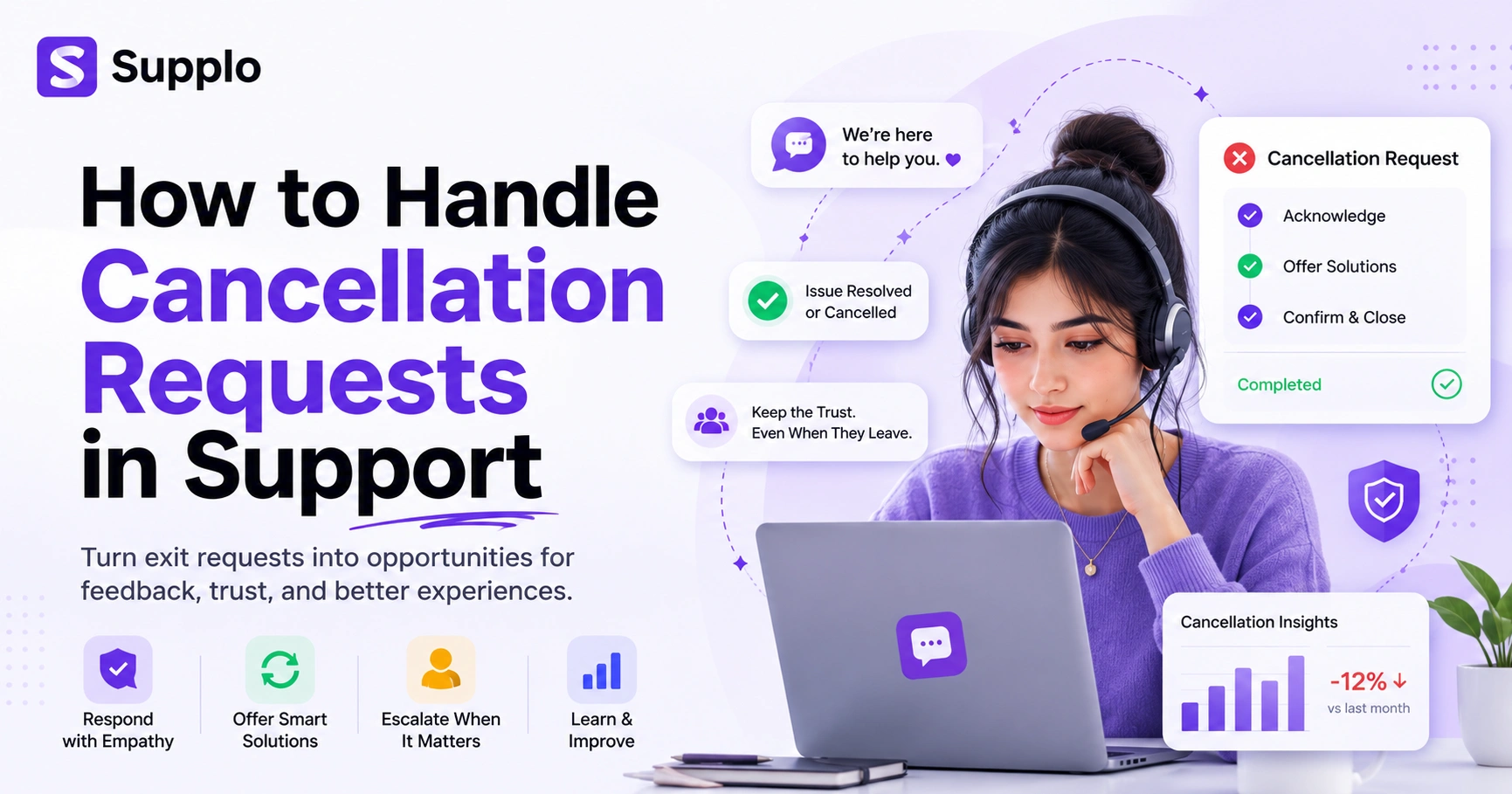
A customer support cancellation flow should feel like a conversation, not an interrogation. Start with empathy, move to resolution (or confirmation), then close with a clean handoff. The whole thing, from first click to final confirmation, should take less than 5 minutes if the customer doesn't want to be saved.
Here's a practical flow:
- Acknowledge Promptly. Send an auto-reply for email or an instant acknowledgment for chat requests. Make them feel heard immediately.
- Offer One Relevant Save Attempt. This could be pausing a subscription, suggesting a plan downgrade, or connecting with a senior agent for billing assistance: one shot, not a barrage.
- Confirm Cleanly. If the customer declines the save attempt, confirm the cancellation clearly. No hidden upsells, no guilt trips.
- Send Final Confirmation. Include next steps like refund timelines, data export links, or account deletion options. Leave no loose ends.
Automate Cancellation Requests Support: When to Let AI Handle It and When Not To
Automating support for cancellation requests is smart, but only if you set clear boundaries. AI can handle roughly 80% of standard cancellations (billing issues, plan downgrades, feature unavailability) without needing a human in the loop. But emotional cancellations, especially from long-tenured customers, need a real person with empathy and authority.
Best use cases for AI: password reset cancellations, subscription pauses, billing-related exits, and plan changes. Avoid using AI for angry cancellations, multiple messages, customer mentions of competitors, or requests from enterprise accounts. Use sentiment detection to route high-risk cancellations to human agents immediately, even mid-conversation. And always let customers opt out of AI and request a human. Transparency builds trust, even in exit moments.
Try Supplo free for 14 days, no credit card required.
See how our AI agent handles standard cancellation requests with confidence, then hands off to your team when it detects sentiment spikes.
Start your free trial at https://supplo.io.
How Self-Learning AI Cancellation Handling Actually Works
Self-learning AI cancellation handling isn't magic; it's pattern recognition. The system trains on your historical cancellation conversations and knowledge base articles. It learns which resolutions worked and which didn't, then applies those patterns to new requests. Over time, the AI gets smarter about when to offer a discount, when to escalate, and when to confirm the cancellation cleanly.
Here's how it works: the AI ingests your helpdesk logs and support articles to build an internal model of common cancellation triggers and resolutions. It uses confidence scoring consistently. If the confidence falls below 70%, the AI hands off to a human with full conversation context attached. You can review and approve AI responses for cancellations in a shared inbox, no blind automation. And the system improves with feedback: when an agent overrides an AI response, that correction trains the model for future interactions, enhancing your self-learning AI agent's capabilities over time.
Multichannel Cancellation Request Handling: Managing Exits Across Email, WhatsApp and Chat
Multichannel cancellation request handling isn't just about being present on every channel. It's about maintaining context as customers jump from WhatsApp to email to live chat mid-request. If your team can't see the full thread, you'll end up repeating yourself, and that frustrates already-upset customers.
Email cancellations often come with detailed backstory and long threads; don't make customers re-explain everything in a follow-up. WhatsApp cancellations are high-urgency and conversational; respond fast, but keep records for compliance. Website chat cancellations are quick and transactional, making them ideal for AI handling when sentiment is neutral. The biggest risk? A customer asks for cancellation on WhatsApp, then follows up by email, and your team treats it as two separate requests, delaying resolution and frustrating everyone.
Using a Unified Inbox for Cancellations
A unified inbox for cancellations means every message, whether it arrives via email, WhatsApp, Instagram, Telegram, or website chat, ends up in a single chronological thread. No more toggling between tabs. No more. Which channel did you send that to? questions. Your team sees the full customer journey in one place.
Thread merging is essential here. If a customer starts a cancellation via email and continues it in chat, the inbox should automatically link those conversations. Assign cancellation threads to your most experienced agents; they need context and authority, not a script. Tag cancellations by channel so you can report on which channels generate the most (or most complex) exit requests. Internal notes stay visible in the thread, so handoffs between shifts or departments don't drop context.
Managing Customer Cancellations with a Single Source of Truth: Your Knowledge Base
Your knowledge base isn't just for onboarding; it's a strategic asset for managing customer cancellations. When your AI or agents answer cancellation requests, they should pull from the same approved content library: how to cancel, refund policies, account deletion steps, and FAQs. This keeps responses consistent across every channel and every agent.
Create dedicated cancellation articles in your knowledge base: step-by-step guides, policy explanations, and contact escalation paths. Link these articles inside your AI responses so customers can self-serve without contacting support. Track which articles are most accessed during cancellation moments; that data tells you where your process is failing. Update articles quarterly with new cancellation reasons (pricing changes, feature deprecations, etc.) so the AI stays current to support WhatsApp and email cancellations.
Automated Customer Exit Management: What to Automate vs. What to Escalate
Automated customer exit management works best when you clearly define the boundaries. Automate simple, predictable exits (billing errors, plan downgrades, account freezes). Escalate anything that involves negotiation, emotion, or policy exceptions. Over-automation in cancellations makes you look cheap; under-automation makes you look slow.
Automate: refund processing, account closure confirmations, data export links, and follow-up feedback emails. Escalate: customers with high lifetime value, complex billing disputes, or threats of public backlash. Use a scoring system that combines sentiment analysis, customer tenure, and request history to route appropriately. Review escalation decisions weekly. If 80% of escalated cancellations could have been automated, adjust your thresholds.
Support for WhatsApp and Email Cancellations
Support for WhatsApp and email cancellations each has its own traps. On WhatsApp, customers expect near-instant replies but also privacy; never paste personal billing data in a chat that might be forwarded. In email, the problem is often the opposite: slow replies and lost threads that leave customers waiting for days. Know each channel's etiquette before you respond.
For WhatsApp business support, always request opt-in confirmation before sending links to cancellation forms or payment portals. For an email ticketing system, use clear subject lines like Cancellation Request [Ticket ID] so your filters and your customer can track the thread. On both channels, confirm cancellation in the same medium the customer started with; don't switch to a new channel without permission. And avoid generic responses on either channel; customers can tell when you're copy-pasting from a script.
Key Takeaways
- Treat cancellations as opportunities: They provide valuable feedback for churn reduction and can lead to customer retention if handled correctly.
- Implement a two-path process: Distinguish between customers who can be recovered and those who require a smooth, dignified exit.
- Intelligently automate: Utilize AI for routine cancellation requests, but route complex or emotional cases to human agents for empathetic support escalation.
- Leverage a unified inbox: Ensure all cancellation-related communication across multichannel support (email, chat, WhatsApp) is visible in one conversation thread.
- Maintain consistent information: Your knowledge base should be the single source of truth for cancellation policies and procedures.
FAQ
Is it legal to automatically process cancellation requests without human review?
In most jurisdictions (including GDPR and CCPA regions), you can automate cancellations as long as you provide a clear way for customers to speak with a human or appeal the decision. Always include an escalation path in your automated flow.
Why do customers sometimes cancel via email instead of using the self-service cancellation portal?
Many customers don't trust self-service cancellation links (they fear hidden fees or retention traps). Email feels more direct and personal. Your automated response should immediately confirm receipt and offer the self-service link again as a faster option.
What's the best way to ask why are you leaving? without being pushy?
We're always trying to improve. What made you decide to cancel? Offer a quick multiple-choice list (pricing, features, support, no longer needed) plus a free-text field for specifics to collect feedback.
Should I offer a discount to every customer who tries to cancel?
No. Offering a discount to every cancellation request encourages strategic churn (customers who pretend to cancel to get a better deal). Use AI sentiment analysis to distinguish genuine need from negotiation, and offer discounts only to high-value customers with a legitimate reason.
How do I handle cancellations received after business hours?
Use an AI agent (like Supplo's self-learning AI) to acknowledge the request, offer relevant self-service options, or escalate to a human when your team comes online. Make sure the customer knows when to expect a human response.
What data should I retain for compliance purposes when handling a cancellation request?
Keep a record of the request timestamp, the customer's identity, the reason given (if any), and the resolution. Retention periods vary by region (e.g., GDPR requires deletion after a certain period), so consult your legal team for your specific jurisdiction and compliance requirements.
What's the biggest mistake support teams make with cancellation requests?
Treating all cancellations the same. A first-time user who cancels because the onboarding was confusing is very different from a three-year enterprise client who's frustrated with a price hike. Without segmentation, you either over-automate the important ones or under-automate the trivial ones.
Compliance line: Supplo is not affiliated with any app or website. Please follow each app's terms and local regulations.


