On this page
No-reply tickets are the absolute worst part of running customer support. They're not just abandoned conversations; they're frustrated customers, missed revenue, and a clear sign that something's broken in your workflow. If you're trying to figure out how to reduce no-reply tickets in helpdesk systems, you've come to the right place.
This guide is for support managers, founders, and ops leaders who are tired of watching tickets vanish into the void. Maybe you're evaluating new helpdesk software, considering AI, or just trying to clean up your current mess. If your system is already perfect and every customer gets a reply within minutes... well, you probably don't need this.
But if you're like most teams, those silent failures are costing you.
Quick Answer
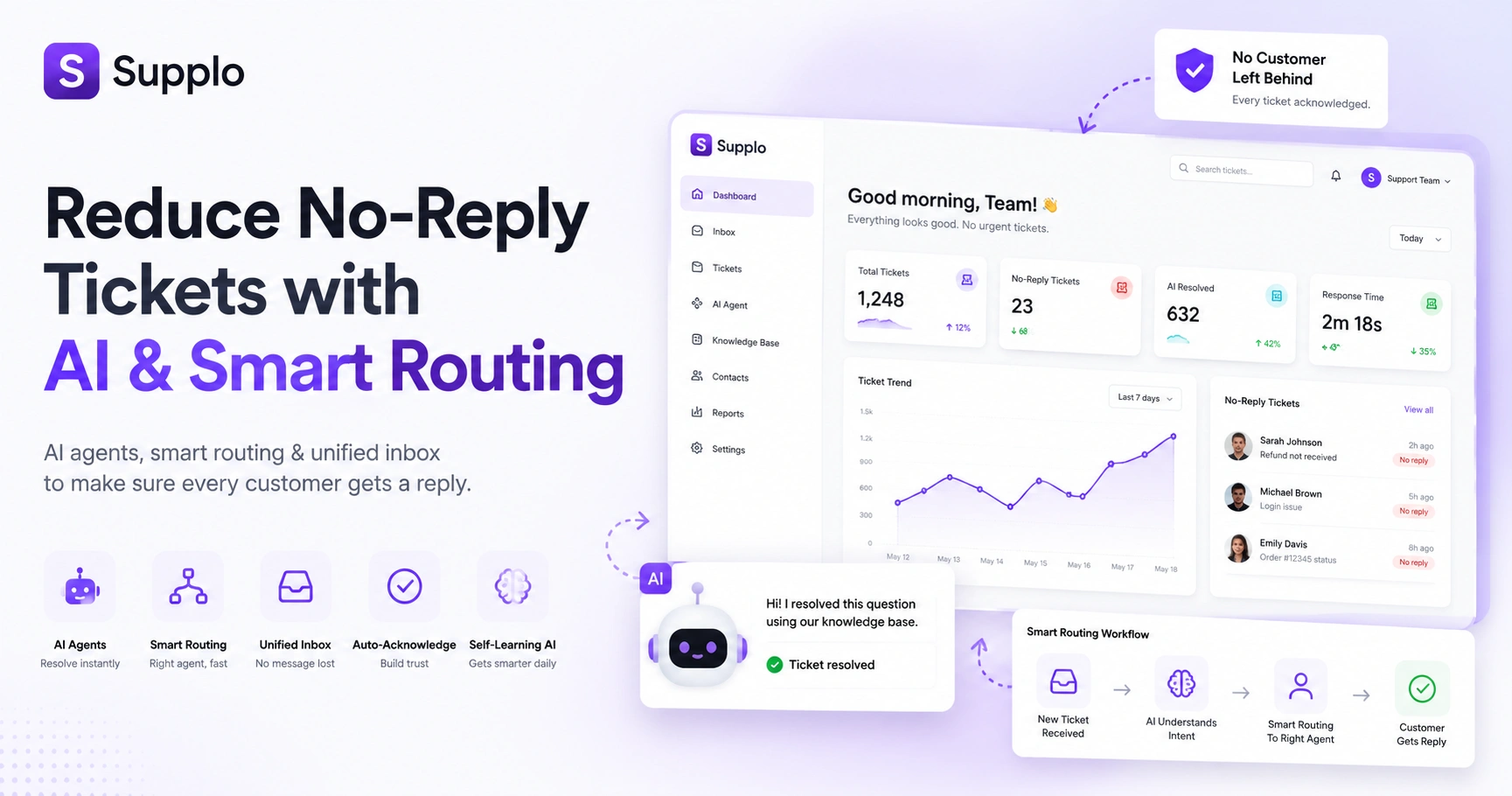
- Deploy AI agents to handle repetitive questions automatically.
- Unify every channel into one inbox so nothing gets lost.
- Route tickets intelligently so the right person gets them instantly
- Auto-acknowledge everything so customers know they've been heard.
- Train self-learning AI that actually gets smarter over time
Why Do No-Reply Tickets Happen in the First Place? The Root Cause, Not Just the Symptom
Here's the thing: most no-reply tickets aren't the customer's fault. They're a system failure wearing a disguise. Tickets go dark when your agents are drowning in volume, messages fall between the cracks of disconnected channels, or the same repetitive questions pile up faster than anyone can answer them. Understanding why this happens is literally step one in reducing no-reply tickets in helpdesk environments.
High ticket volume without any automated triage is a recipe for disaster. Agents get overwhelmed, response times crawl, and customers eventually give up waiting. Multi-channel fragmentation makes it even worse; an Instagram DM and an email from the same person show up as two completely separate tickets. One gets answered, the other gets lost. Classic.
Then there's the knowledge gap problem. If your agents have to research every single answer from scratch, nothing gets done quickly. Customers lose interest. Tickets rot. And legacy tools with per-seat pricing? They force you to keep your team small even when you're drowning, because adding another agent costs too much.
Stop No-Reply Emails: Clean Up Your Email Support Workflow
Want to stop no-reply emails? Your helpdesk needs to stop treating email like a black hole where messages go to die. A shared inbox that threads conversations, auto-acknowledged receipts, and surfaces unresolved threads is non-negotiable. Pair that with an AI agent that drafts accurate replies from your knowledge base, and you'll eliminate most of the manual lag that creates no-reply messages.
Enable auto-acknowledgement so customers know their email landed safely. Use a shared inbox so emails don't get stuck in one person's private inbox forever. Set clear SLAs on email tickets and auto-escalate anything that's about to breach. Train your AI on past conversations so it can pre-fill or fully answer recurring questions. And don't forget bounce detection, flagging undeliverable addresses before they create phantom no-reply tickets is a small win that adds up fast.
How Intelligent Ticket Routing Reduces Unanswered Tickets Automatically
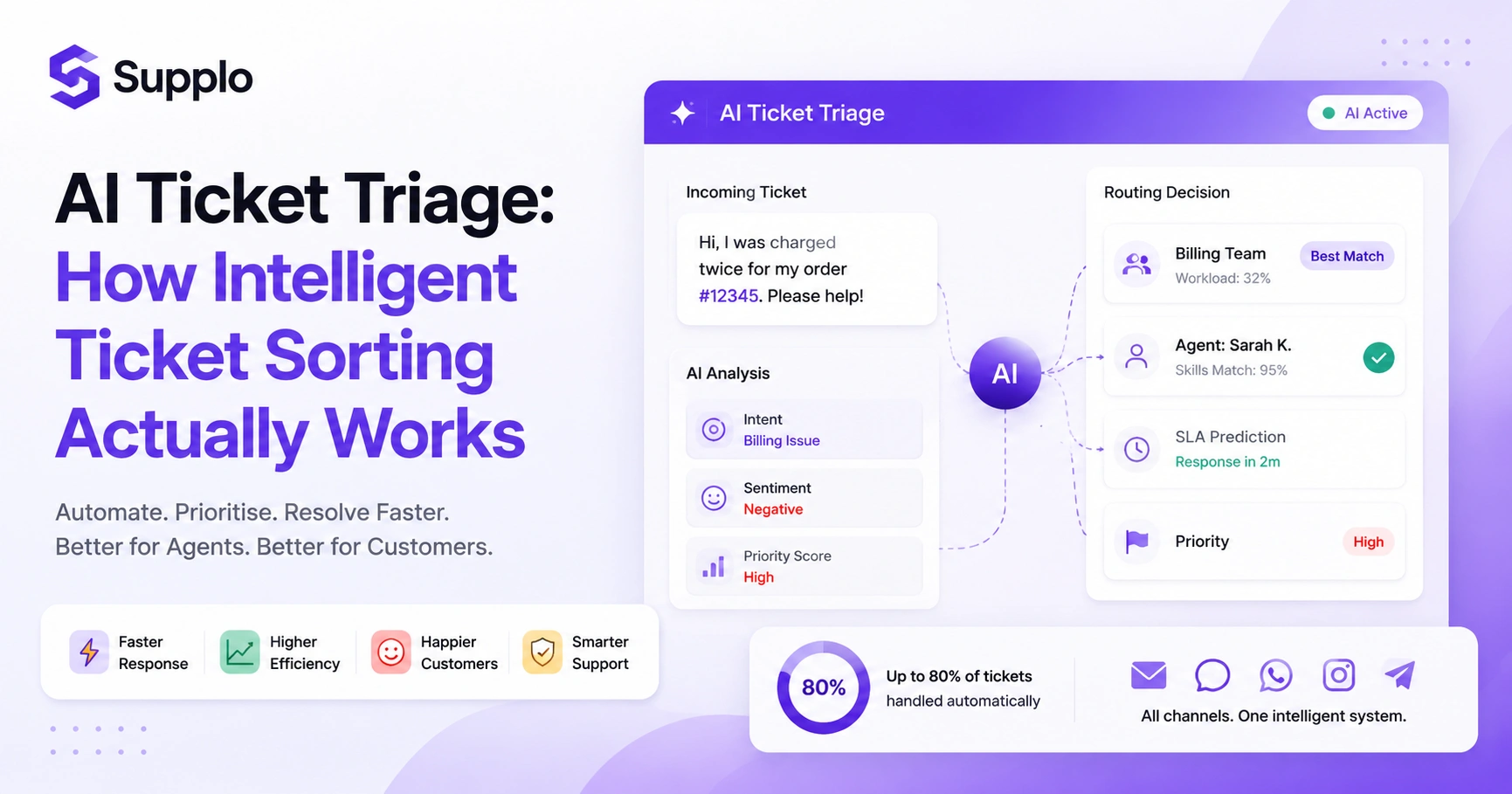
Intelligent ticket routing means every new ticket lands on the exact right desk immediately, not after someone manually reads and triages it. That delay is where tickets typically go to die. By analysing intent, language, and customer history, AI can route billing questions to finance, technical issues to engineers, and simple FAQs to automated replies. Zero shuffle time.
An effective AI agent reduces first-response time by routing tickets to the right place. The routing can adapt based on customer tier, urgency keywords, or even sentiment; an angry customer should be flagged immediately. Auto-tagging and priority scoring prevent low-priority tickets from starving the urgent ones. And Supplo's AI agent improves over time by learning routing patterns from your team's actual behaviour.
Using Artificial Intelligence for Support Tickets to Resolve Without Human Touch
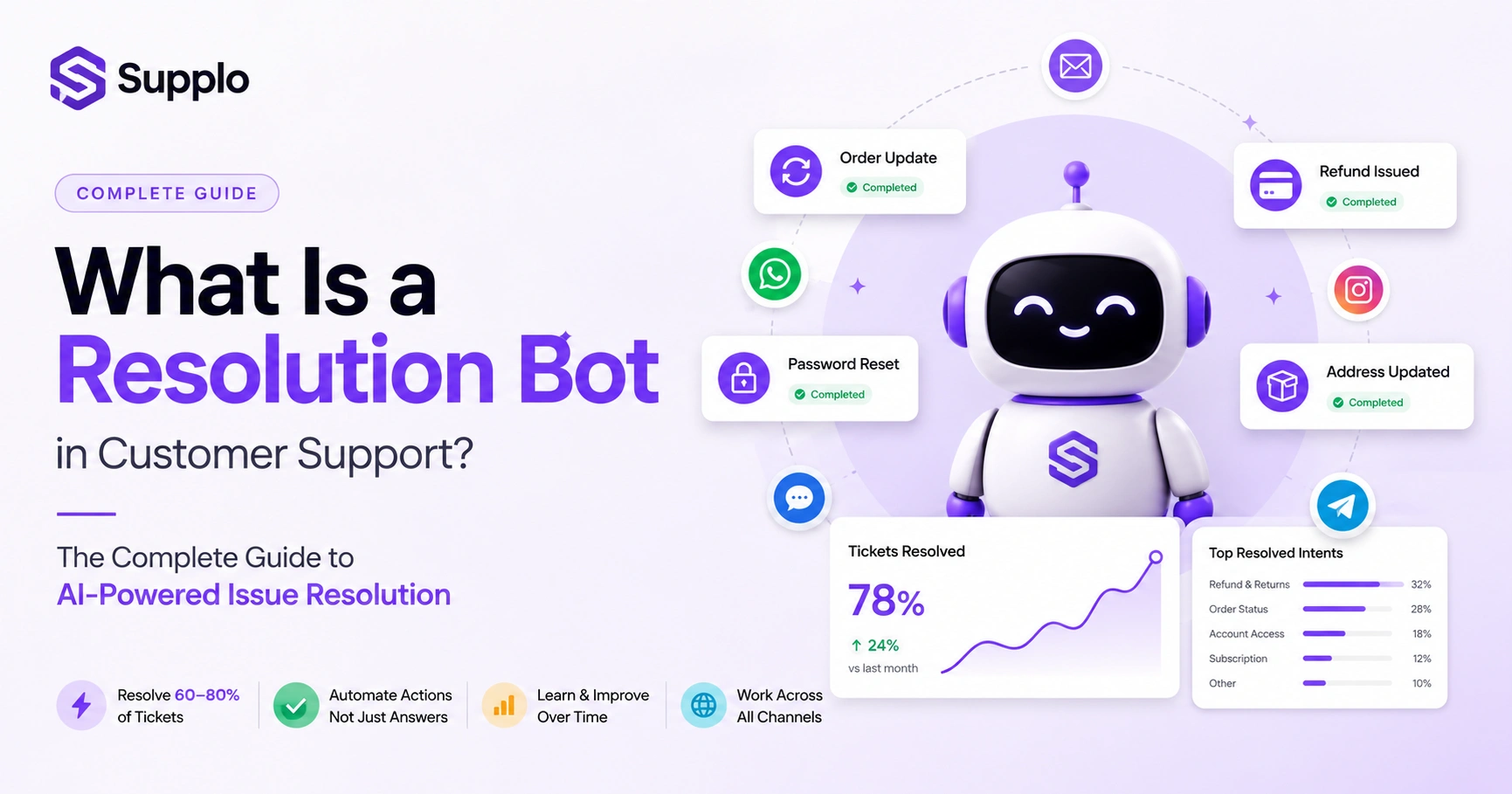
Using artificial intelligence for support tickets means letting AI handle the boring stuff, password resets, order status checks, and refund requests, so your human team only deals with the complex, interesting problems. A self-learning AI agent trained on your knowledge base can resolve a significant chunk of incoming tickets end-to-end. That directly reduces the number of tickets that end up in a no-reply state due to human backlog. This is a core piece of any AI helpdesk ticket solution worth its salt.
Deploy AI that can actually read, understand, and reply to tickets using your existing documentation. It should flag and escalate when it's not confident enough to answer; no false-positive resolutions allowed. The human handoff should be seamless: agents see the full AI conversation history so they don't start from scratch. And flat-rate pricing per resolution (like Supplo's $0.04 per resolution) makes scaling AI actually affordable.
Self-Learning Helpdesk AI: The Difference Between Static FAQs and Adaptive Answers
A self-learning helpdesk AI doesn't just regurgitate FAQ text like a broken record. It learns from every ticket it handles and from every correction your team makes. Over time, it gets better at understanding intent, handling weird edge cases, and even anticipating questions before they're asked. This is what separates a genuinely effective AI ticket resolution tool from a chatbot that frustrates everyone.
Static FAQs fail because customers never ask questions exactly the way you wrote the answer. Self-learning AI improves by tracking which responses actually resolve tickets and which are ignored. It pulls from your knowledge base AND from previous human replies to generate better answers over time. The payoff? Fewer tickets bounce back to human inboxes, which means fewer chances for no-reply tickets to sneak through.
Decrease Unanswered Tickets by Going Multi-Channel
Customers reach out where they already hang out: WhatsApp, Instagram DMs, and Facebook Messenger. If your helpdesk doesn't collect those messages, they live in separate silos that inevitably get ignored. Multi-channel helpdesk support funnels all channels into a single thread-based inbox, ensuring no message is orphaned. Whether customers message via WhatsApp customer support or Instagram DMs helpdesk, it lands in the same queue as an email, with the same routing and AI coverage. Telegram support and your website chat widget should be integrated, too.
Unifying WhatsApp, Telegram, Instagram DMs, Facebook Messenger, and web chat into a single inbox is a game-changer. AI applies the same logic to WhatsApp tickets as it does to email tickets, routing, replies, and escalation. No longer do we only answer email policies that train customers to send frustrated no-reply messages. Supplo connects WhatsApp Business API, Telegram, Instagram, and Facebook Messenger natively.
Supplo is not affiliated with any app or website. Please follow each app's terms and local regulations.
Omni-Channel Customer Service: Why Siloed Channels Create More No-Replies
Omni-channel customer service means every channel knows about the others. A customer who starts a chat on WhatsApp and then sends a follow-up email isn't handled as two separate tickets; they're one continuous conversation. Siloed channels create no-reply tickets because agents don't have the full context, ask customers to repeat themselves, and then drop the ball when customers get frustrated and walk away.
Omni-channel reduces customer friction, keeping people engaged rather than abandoning threads. Full conversation history travels with the ticket across email, chat, social DMs, and phone. AI uses cross-channel data to predict better what the customer needs next. Supplo threads all channels together, so an Instagram DM reply appears right alongside the original email thread.
Practical Steps to Minimise Bounced Emails in Your Helpdesk System
Bounced emails aren't just a deliverability headache; they create phantom no-reply tickets that clutter your dashboard and waste agent time. To minimise bounced emails, validate addresses upon submission, monitor bounce rates by domain, and set up automatic suppression for hard bounces. A clean contact list means your helpdesk only works against real, reachable customers. This is essential for any email ticketing system.
Steps to Minimise Bounced Emails:
- Real-time Email Verification: Catch typos instantly on sign-up or ticket submission forms
- Sender Reputation: Set up DMARC, DKIM, and SPF records to improve deliverability
- Auto-Suppression: Automatically suppress hard-bounced addresses so your queue stays clean
- Track Bounce Rate: Monitor per campaign or channel; if WhatsApp messages bounce less, consider shifting more support there
Want to test these strategies without commitment? Sign up for Supplo's 14-day free trial, no credit card required. See how a unified inbox plus AI agent can cut your no-reply tickets before you decide to upgrade.
Measuring Success: What to Track After You Deploy Helpdesk Ticket Reduction Strategies
You can't improve what you don't measure. Track first-reply time, resolution rate, AI confidence scores, and, most importantly, the percentage of tickets that close without human intervention. Also watch re-open rates: a resolved ticket that comes back often means the AI or agent didn't fully answer the question, which can inflate your no-reply metrics. These helpdesk ticket reduction strategies only work if you're paying attention.
Key Metrics to Track:
- First-Reply Time: Aim for under 2 minutes for good performance, under 30 seconds for excellent chat
- AI Resolution Rate: Percentage of tickets fully handled by AI without human help
- No-Reply Ticket Volume: Track this week-over-week after implementing new tools
- Re-Open Rate: Tickets that return after being marked resolved indicate shallow answers
- Customer Satisfaction (CSAT): Compare CSAT on AI-handled vs. human-handled tickets
Why Legacy Tools Create No-Reply Tickets And How AI Helpdesk Solutions Fix It
Legacy helpdesk tools were designed for a single-channel, human-only world. They charge per agent seat, so your team is always smaller than it needs to be. They don't unify WhatsApp, Instagram, or Facebook Messenger, so messages are constantly missed. And they lack AI, so every single ticket needs human attention, which is exactly why no-reply tickets pile up. Modern AI helpdesk solutions solve all three problems in one workspace.
Per-seat pricing means you can't afford to add agents during peak hours, so tickets go unanswered. No native multi-channel support means Instagram DMs and WhatsApp messages live in separate apps, not in your helpdesk. No AI means every repetitive password reset or order status check requires a human. Supplo is built as a practical alternative: flat workspace pricing, AI that actually resolves tickets, and a truly unified inbox.
No-reply tickets are a symptom of a broken support workflow. Supplo fixes the workflow: AI that actually learns, a shared inbox that actually unifies, and pricing that actually scales with you. Start free at supplo.io.
Key Takeaways
- No-reply tickets are a symptom of systemic issues, not just customer abandonment
- AI agents can automate a significant portion of support tickets, freeing humans for complex work
- Unifying all communication channels into one inbox is essential to prevent missed messages
- Intelligent routing ensures tickets reach the right person or automation quickly
- Self-learning AI beats static FAQs every time
- Measure what matters: first-reply time, AI resolution rate, and re-open rates
- Legacy tools often create the no-reply problem they claim to solve
FAQ
What exactly counts as a no-reply ticket?
A ticket in which the customer doesn't receive a meaningful response within your target SLA, or the response is too generic to close the issue, is considered a no-reply ticket. In most helpdesks, that also includes tickets that are assigned but never actually acted on.
Does AI actually reduce no-reply tickets, or does it just answer the easy ones?
AI reduces no-reply tickets by handling the easy ones instantly, which frees your human agents to focus on complex tickets without falling behind. A self-learning AI that integrates with your knowledge base can resolve a high percentage of incoming tickets end-to-end.
How do I stop no-reply messages in my helpdesk without adding more agents?
Automate routing, deploy an AI agent for common questions, unify your channels into a single inbox, and set up auto-responses for acknowledgement and status updates. These strategies reduce the manual load on your current team and prevent tickets from falling through the cracks.
Can a shared inbox alone fix no-reply tickets?
A shared inbox is a huge step forward because it prevents emails from being stuck in a single agent's private folder. But a shared inbox alone doesn't prioritise, triage, or answer tickets. Pair it with intelligent routing and AI to see a real drop in no-reply tickets.
What channels cause the most no-reply tickets in a helpdesk?
Social messaging channels, especially Instagram DMs, Facebook Messenger, and WhatsApp, cause the most no-reply tickets because they're often monitored separately from the main email helpdesk. If your helpdesk doesn't unify these channels, those messages are likely being ignored.
Is it safe to let AI respond to customer tickets without human review?
Yes, as long as you've trained the AI on accurate documentation and set confidence thresholds. A self-learning AI that knows when to escalate (instead of guessing) is safe and improves over time. Always start with human review on AI-generated replies and gradually increase autonomy as accuracy improves.
How do I measure if my helpdesk ticket reduction strategies are working?
Track first-reply time, AI resolution rate, no-reply ticket volume week-over-week, and re-open rates. If you see a consistent drop in tickets that get zero human (or AI) response, your strategy is working.
If you've tried these strategies and your no-reply tickets aren't dropping, the issue is likely your toolset. Start a free trial of Supplo today and route WhatsApp, Instagram, Messenger, and email into one AI-powered inbox. Flat $0.04 per AI resolution. No surprise bills.
Compliance line: Supplo is not affiliated with any app or website. Please follow each app's terms and local regulations.