On this page
Look, let's cut through the noise. Setting up omnichannel support isn't just about plastering your logo on every platform you can find. It's about building a system where a customer can start a conversation on Instagram, follow up via email, and finish it on live chat, without ever having to repeat themselves. That's the real deal.
This guide is for anyone tired of juggling five different tabs to answer a single customer question. We'll walk through the practical steps, from planning to AI training, so your setup actually works from day one.
Quick Answer
- Unified Inbox is Non-Negotiable: Pull every conversation (email, chat, social) into one thread-based workspace. Context is everything.
- AI Should Handle the Grunt Work: Train a self-learning AI on your knowledge base to handle repetitive tasks across every channel.
- Plan for Offline Moments: Your live chat widget should capture messages and contact details even when no one's at the desk. Don't let leads slip away.
- Flat Pricing Wins: Pick a platform that charges per workspace, not per person. Scaling your team shouldn't mean a surprise bill.
- Test Everything: Send test messages through every channel before you tell customers it's live. Trust me on this one.
What Is Multichannel Support and Why Does It Matter?
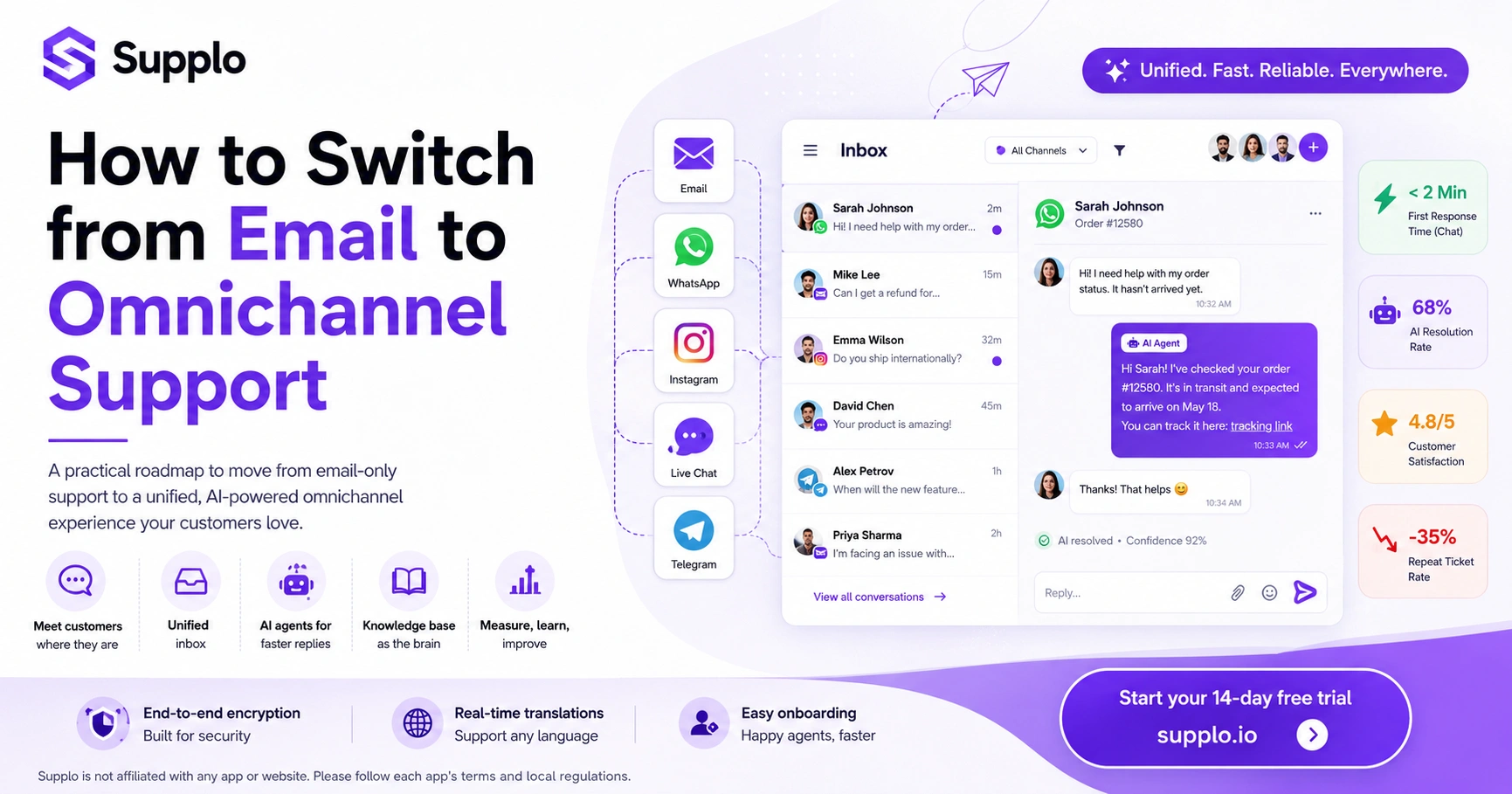
Multichannel support means your customers can reach you on their terms: email, live chat on your site, WhatsApp, Telegram, Instagram DMs, or Facebook Messenger. But here's the thing: it's not about being everywhere. It's about being consistent everywhere. A conversation that starts on chat shouldn't fall apart when someone switches to email.
A reliable system logs every interaction into one thread-based inbox. No more digging through old emails to remember what a customer wanted. No more asking "Can you repeat that?" for the third time. Over 70% of customers expect consistent service across channels; if you're only on email, you're invisible to a huge chunk of your audience. A self-learning AI can handle the repetitive 80% of questions across all these channels, automatically translating them into your team's language. This approach to setting up omnichannel support is a fundamental shift from traditional, siloed support models.
The Blueprint for Setting Up Omnichannel Support
Before you connect a single widget or API, you need a roadmap. Start by auditing where your customers actually are; check your email logs, support tickets, and social DMs to see the top three channels they use. Then pick a platform that can unify those channels into a single inbox from day one, not one that requires a separate integration for each. The blueprint is simple: audit, unify, automate, then monitor.
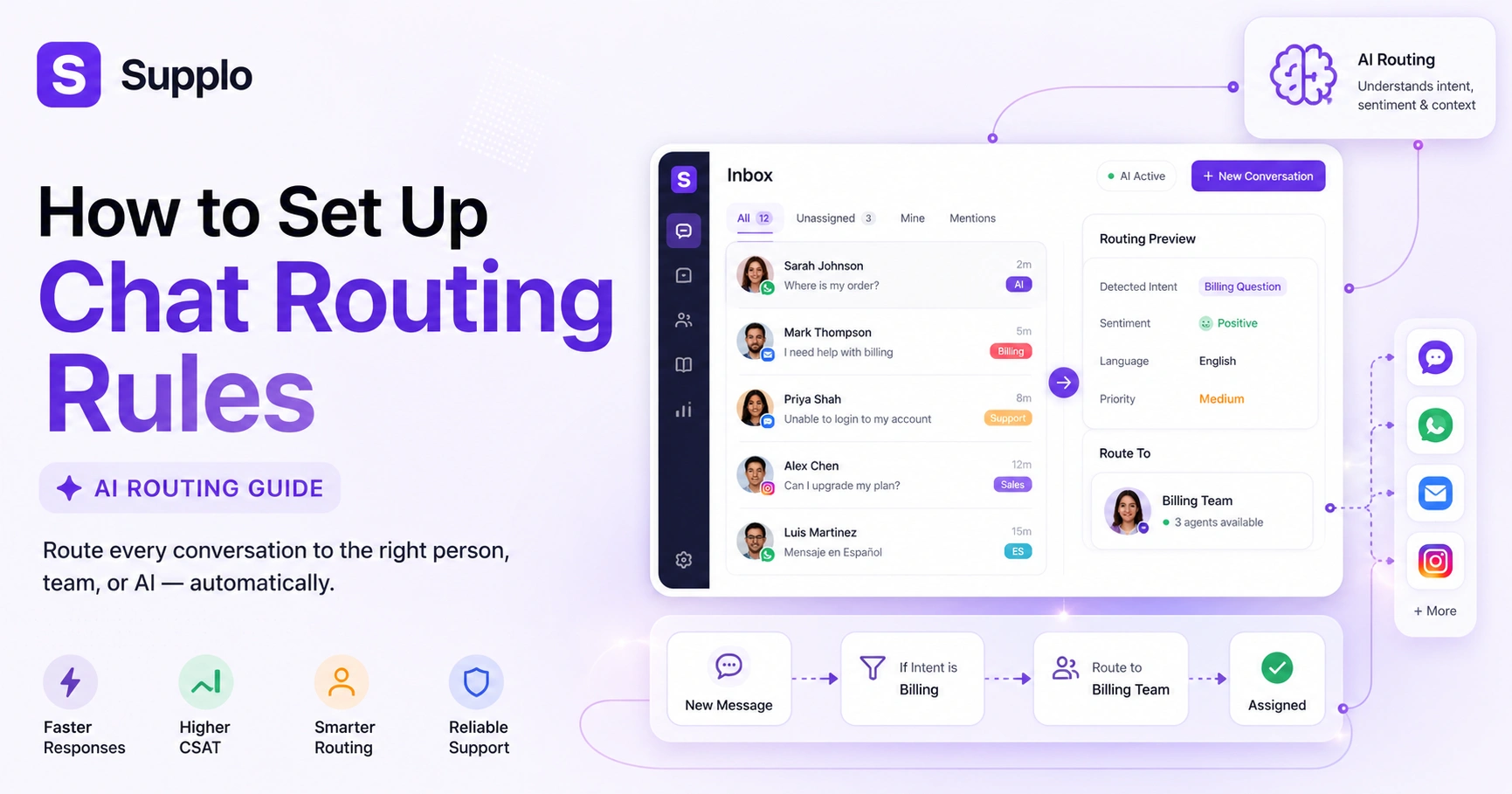
Trying to do everything at once is the fastest way to create a support black hole. Instead, start with two channels, nail them, then add more. Centralise your knowledge base so your AI and team can draw from the same source of truth for consistent answers. Finally, set up routing rules to define which channel is best for which issue, such as billing questions via email and quick questions via chat. A unified thread-based inbox is the foundation for an effective system.
How to Choose the Right Multichannel Customer Service Setup
The right setup does not make your team's life harder. Avoid legacy tools that charge per seat, which forces you to limit who can help. Look for a system with a flat pricing model, so your bill doesn't spike when you add a few teammates for the holiday rush. Reliability means your tool is the stable part of the equation, not the one that crashes when you get a spike in WhatsApp messages.
Flat, not per-seat, pricing is the single biggest factor in keeping support a controllable cost centre. Adding a team member should cost you zero extra. A tool that natively connects to WhatsApp, Telegram, Instagram, and Messenger is more reliable than one that relies on third-party intermediaries. Your multichannel customer service setup should include an AI agent that trains on your knowledge base and past conversations, not one that requires manual intent-by-intent setup.
Multichannel Support System Configuration for Your Team
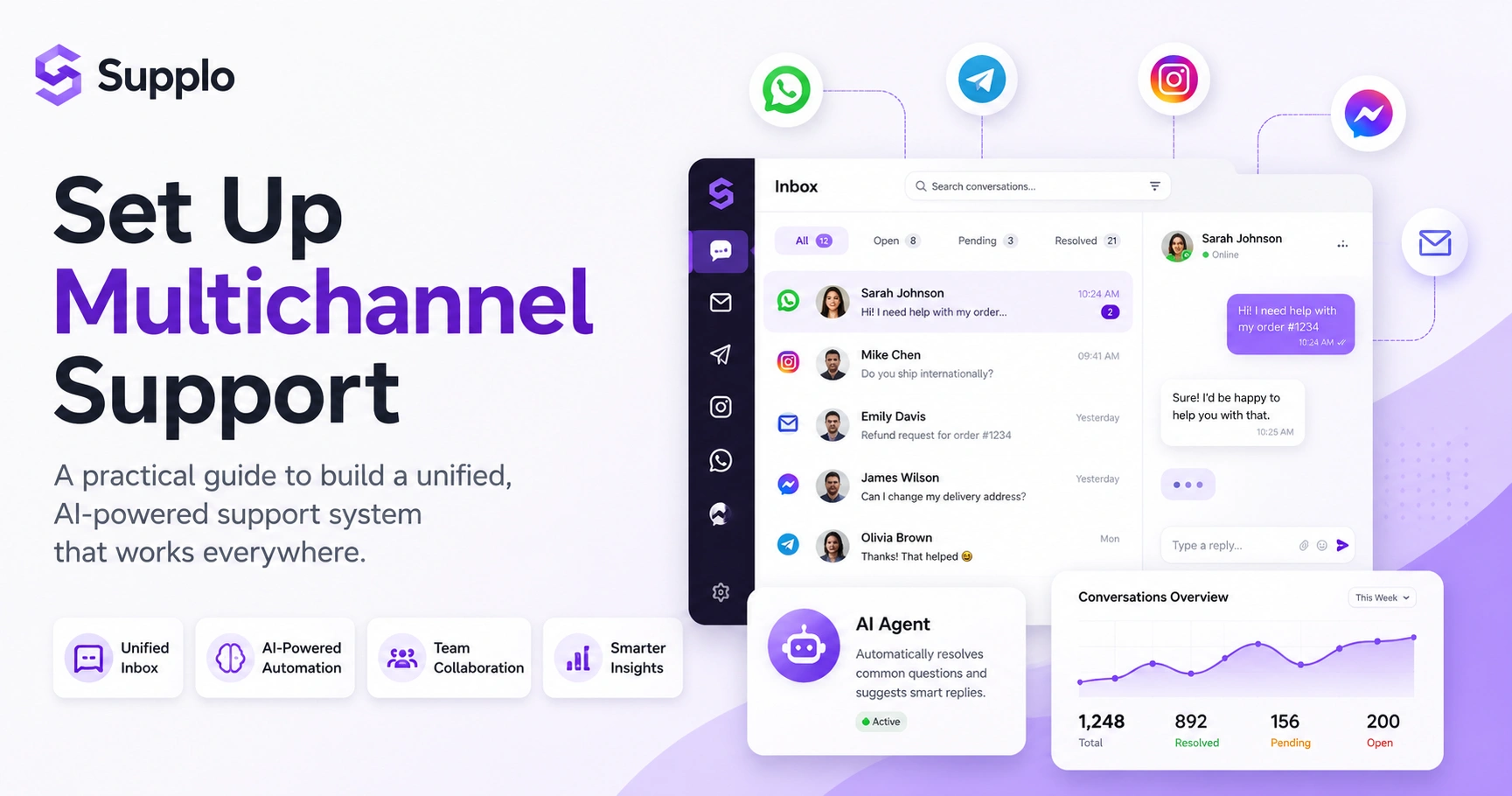
Here's the practical sequence for configuring a multichannel support system. Step one: create your shared inbox and invite your team. Step two: connect your website live chat widget (the code snippet is usually a single line you drop into your site's <head>). Step three: link your business email via SMTP/IMAP. Step four: connect your social channels (WhatsApp, Telegram, Instagram, Messenger) via the platform's official API or by setting up a business account. Step five: upload your knowledge base or FAQ to the AI agent. Step six: set up routing rules and auto-assignment. Test the whole flow before you go live.
For email, use a dedicated support email (e.g., [email protected]) and connect it directly using our email ticketing feature. The widget is your front door for live chat. Configure its appearance, proactive triggers (e.g., "Help with checkout?"), and offline message capture. For social channels, each platform has a slightly different approval process. For instance, WhatsApp requires a Meta Business account to connect to WhatsApp support.
Ready to test this setup? You can start with a 14-day free trial at Supplo—no credit card needed. Connect your first two channels (email and live chat widget) in under 30 minutes and see how the AI handles your first 10 tickets. Start a Free Trial at Supplo.io
Configuration Checklist:
- Shared Inbox Setup: Create your workspace and invite all relevant team members.
- Website Widget Integration: Copy and paste the provided JavaScript snippet for your live chat.
- Email Connection: Link your dedicated support email account via SMTP/IMAP.
- Social Channels: Integrate WhatsApp, Telegram, Instagram DMs, and Facebook Messenger using official APIs.
- Knowledge Base Upload: Populate your platform's knowledge base with FAQs and company information.
- AI Agent Training: Configure the AI to learn from your knowledge base and past interactions.
- Routing Rules: Define how incoming messages are assigned to individual agents or teams.
- Testing: Send test messages through all integrated channels to ensure smooth operation.
Integrating Live Chat into Your Multichannel System: Widget Setup Guide
The live chat widget is the most versatile channel you'll set up. It's the instant bridge between your website and your support team. Copy the JavaScript snippet from your support platform, paste it directly before the closing </body> tag on your site (or use a tag manager like Google Tag Manager), and customise the trigger behaviours. A reliable widget loads asynchronously so it doesn't slow down your site, and it captures the visitor's email if they leave a message while you're offline.
Placement matters: the bottom-right corner is the industry standard. Don't move it to the left; it confuses the eye. Set proactive triggers, for example, to show the widget after a visitor has been on a pricing page for 30 seconds or when they're about to exit. Always test our live chat widget on a phone screen. It should be unobtrusive and not cover a third of the viewport.
Best Practices for Multichannel Support Setup: Rules to Live By
A technical setup means nothing if your team isn't using it effectively—the number one rule: never make a customer repeat themselves. Your system must preserve the conversation history across channels so that if a customer starts on email and then switches to chat, your agent sees the full thread. Second rule: set clear service-level agreements (SLAs) per channel (e.g., chat gets a response within 60 seconds, email within 4 hours). Third rule: use the AI agent for triage, not just for deflection.
Chat is immediate; email is async. Define channel-specific SLAs clearly and communicate them to your customers in the initial message. Your AI agent should resolve 80% of simple questions, but it must hand off to a human with zero friction and a full context summary. Measure what matters. Track resolution rate per channel, not just volume. A high volume of resolved tickets in chat is better than a low volume of escalated ones.
How to Build a Multichannel Communication Strategy Your Customers Will Actually Like
A strategy is more than just connecting channels. It's about deciding which channel is for what. For example, order updates belong in email or SMS, not Instagram DMs. Quick questions about return policies belong in the live chat widget. Complex technical issues should be routed to email or a ticket system so the team has time to research. The strategy should also include a translation layer so that a customer can write in Spanish, your Danish agent can reply in English, and the customer sees the response in Spanish.
Use the AI agent to tag automatically and route messages based on the channel and the question's content. Your tone should be the same on a chat widget as it is on WhatsApp, consistent, helpful, and human. Don't force a channel: some customers will refuse to use the live chat. That's fine. Give them the option to email, and ensure the system treats both channels equally in your multichannel communication strategy setup.
Configuring Your Multichannel Live Chat Widget for Maximum Reliability
The widget is the most customer-facing part of your system, so it must be bulletproof. Configure it to work offline: when no agent is available, the widget should still capture the message and send it to the shared inbox. Set up a fallback email notification, so your team knows a message is waiting. Also, ensure the widget uses HTTPS and doesn't block your site's content from loading. A reliable widget is invisible until it's needed.
The widget should display a "Leave a message" form when no agents are online, preventing lost leads. Use proactive chat invitations based on page URL, time on site, or number of pages visited, but don't be aggressive; one trigger at a time. The widget should not add more than 100ms to your page load time; test it with Google PageSpeed Insights.
Supplo is not affiliated with any app or website. Please follow each app's terms and local regulations.
How to Train Your AI Agent for Multichannel Support Without Losing the Human Touch
Your AI agent is only as good as the data you feed it. Start by uploading your top 20 FAQ articles, your return policy, and your shipping guidelines. Then, let the AI learn from your past conversations; it uses pattern matching to understand how your team actually responds. The key is to keep the AI's tone conversational and transparent; it should say "I'm an AI assistant" when it introduces itself and "Let me get a human for you" when it's out of its depth. This builds trust, not frustration.
Feed the AI the best content from your knowledge base; garbage in, garbage out defines good AI training. Set a threshold (e.g., 90% confidence) for the AI to answer autonomously. Below that, it should hand off to a human using our AI Agent feature. Translation is a superpower: the AI can translate any incoming message into your team's language and translate the reply back to the customer's language. This is a massive reliability win for global teams.
Steps to Train Your AI Agent:
- Consolidate Knowledge: Gather all relevant FAQs, policy documents, and product information in a structured format.
- Upload to KB: Import these resources into the platform's knowledge base feature.
- Review Past Conversations: Allow the AI to ingest historical support chats and emails to learn common patterns and effective responses.
- Define Confidence Thresholds: Set a confidence threshold for autonomous answers; below this threshold, the AI should flag a human agent.
- Configure Handoff Protocols: Clearly define when and how the AI transfers a conversation to a human, ensuring all context is preserved.
- Regular Audits: Periodically review AI-resolved conversations and AI-suggested responses to identify areas for improvement.
- Feedback Loop: Establish a process for agents to provide feedback on AI performance, allowing for continuous learning and refinement.
Common Pitfalls When Setting Up Live Chat for Multichannel Support
The most common mistake is trying to connect every channel before you've tested the first two. Another is ignoring the "offline" experience; if your widget is simply invisible when you're away, you're losing leads. A third pitfall is failing to train the team on the new system, resulting in slow response times and frustrated agents. Finally, avoid any tool that charges per seat; it will actively discourage you from assigning help to the right people. A flat pricing model keeps your setup flexible and your costs predictable for your multichannel customer service setup.
If you have one agent online, don't broadcast that you're "available" on all channels; this is the "green dot" lie. Set realistic expectations. Don't add a channel just because a competitor has it; add it only if your customers actually use it. Always test the customer experience by sending a message from each channel and seeing how it appears in your unified inbox.
Hitting a wall with your current setup? If your widget is failing, your inbox is fragmented, or your AI is just a glorified FAQ bot, it's time to try a different approach. Supplo's AI agent resolves tickets at a flat $0.04 per resolution, and our unified inbox brings all your channels together. No per-seat fees. No hidden costs. See Supplo's Pricing
Key Takeaways
- Unify First: A single, thread-based inbox is non-negotiable for effective multichannel support.
- AI for Efficiency: Leverage self-learning AI to automate routine tasks and provide instant support across all channels.
- Flat Pricing is Fair Pricing: Opt for platforms that charge per workspace, not per seat, to ensure scalable, predictable costs.
- Test Reliably: Always test the customer-facing elements, especially the live chat widget's online and offline functionality.
- Strategise Channel Use: Decide which channel is best for different types of inquiries to optimiseoptimise the customer experience and agent workflow.
FAQ
What is the difference between multichannel and omnichannel support?
Multichannel means you're on multiple platforms (email, chat, Instagram). Omnichannel means those channels are connected into a single, seamless conversation history. Omnichannel is the goal; multichannel is the starting point.
How long does it take to set up a multichannel support system?
With a modern platform like Supplo, you can connect your first two channels (email and live chat widget) in under 30 minutes. Adding social channels like WhatsApp or Instagram usually takes an additional 15–20 minutes each, depending on the platform's authorisation process.
Do I need a separate team for each channel?
No. The whole point of a unified inbox is that a single agent can handle conversations across all channels without switching tabs. You can assign specific agents to specific channels, but it's not required.
Can the AI agent handle multiple languages?
Yes. The AI agent can translate incoming messages into your team's preferred language and translate replies back into the customer's language. This works across all channels, including email and chat.
What happens if my live chat widget breaks?
A reliable widget loads asynchronously and doesn't affect your site's performance. If the widget fails to load, the customer should still see a fallback option (such as an email link), or the system should capture the message via an offline form.
Is it safe to connect my WhatsApp or Instagram business account to a third-party support tool?
Yes, as long as the tool uses official APIs (such as the WhatsApp Business API or the Meta Graph API) and does not require you to share your login credentials. Supplo is not affiliated with any app or website. Please follow each app's terms and local regulations.
What is the best pricing model for a multichannel support system?
A flat per-workspace pricing model is the most predictable and cost-effective. Avoid per-seat pricing, which penalises you for growing your team. A flat model means you can add as many agents as you need without a surprise bill.
Your multichannel setup shouldn't be a part-time job. You want a system that's reliable from day one, scales with your team, and doesn't surprise you with a bill. Supplo is built for that. Whether you're a 2-person startup or a 50-person support team, our flat pricing and transparent AI give you control. Start Your 14-Day Trial, or if you want to talk through the setup with a human, we're available on the widget right now.
Compliance line: Supplo is not affiliated with any app or website. Please follow each app's terms and local regulations.