On this page
Customer satisfaction (CSAT) is the metric everyone obsesses over and for good reason. In a world where one bad experience can send someone straight to a competitor, keeping your support scores high isn't optional; it's survival. But here's the thing most teams don't talk about: there's a ceiling. Most human-only support teams plateau around 80–85% CSAT, not because agents aren't trying, but because people get tired, slow down and make mistakes under pressure.
That's where AI customer support changes the game. It's not about replacing your team; it's about giving them room to breathe. By automating the repetitive stuff, AI lets your people focus on the conversations that actually need a human brain. This guide will show you how to use AI to improve CSAT scores without turning your support into a cold, robotic experience. We'll keep it practical, honest and straight to the point.
Quick Answer
- AI improves CSAT scores by cutting wait times and delivering consistent, accurate answers on the first try.
- A smart AI chatbot strategy pairs self-learning automation with clear human escalation triggers for when things get complicated.
- Track CSAT separately for AI-handled vs. human-handled tickets and monitor first-contact resolution and escalation rates.
- Pick a platform with flat per-workspace pricing so your CSAT improvements scale without budget headaches.
Why CSAT Scores Plateau and How AI Changes the Equation
Here's the reality most support leaders already know: you can hire great people, train them well and still hit a wall around 80–85% CSAT. Why? Because human agents aren't machines. They get fatigued during peak hours, they vary in how they handle the same question and manual triage eats up time that should go to actual problem-solving.
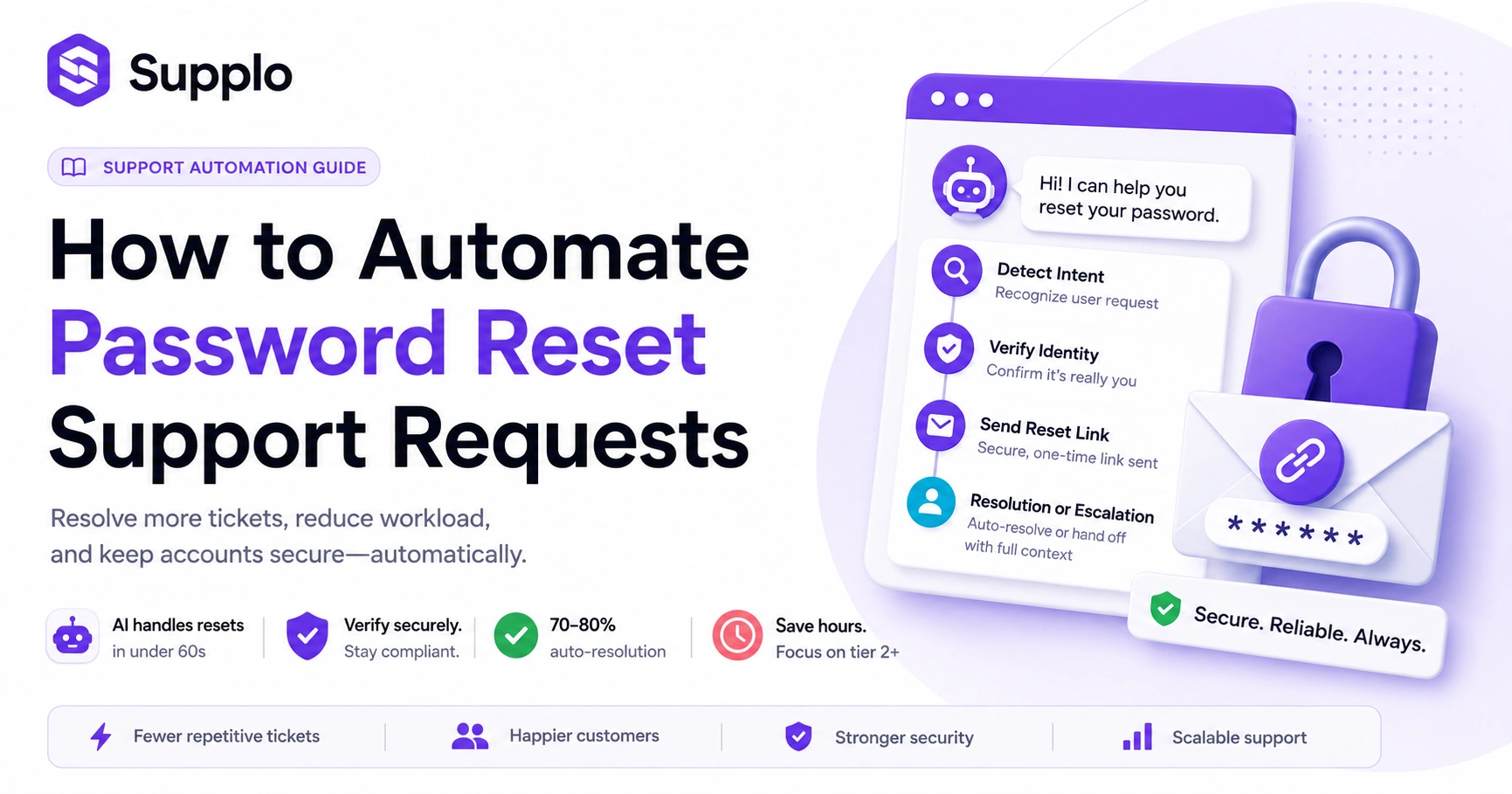
AI doesn't have those limits. It applies your best answer every single time, whether it's 9 AM or 3 AM. The real magic? When you deploy an AI agent correctly, it handles the predictable, repetitive tickets at first contact: password resets, order status checks, billing questions. That frees your human team to focus on the complicated stuff that actually drives satisfaction higher.
- The root cause: High volume of low-effort tickets (password resets, order status) clogs queues and delays responses to harder questions.
- AI resolves those tickets instantly, slashing wait time, the #1 driver of low CSAT.
- Real impact: Controlled experiments show that even a 5-minute reduction in first reply time can correlate with a 3–5 point CSAT lift. That's nothing.
How AI Customer Support Improves CSAT Scores Without Sacrificing the Human Touch
I get the worry. "If we use AI, won't we sound like robots?" It's a fair question. But here's the truth: the opposite happens when you choose an AI that actually understands context, tone and when to raise its hand and say "I need backup."
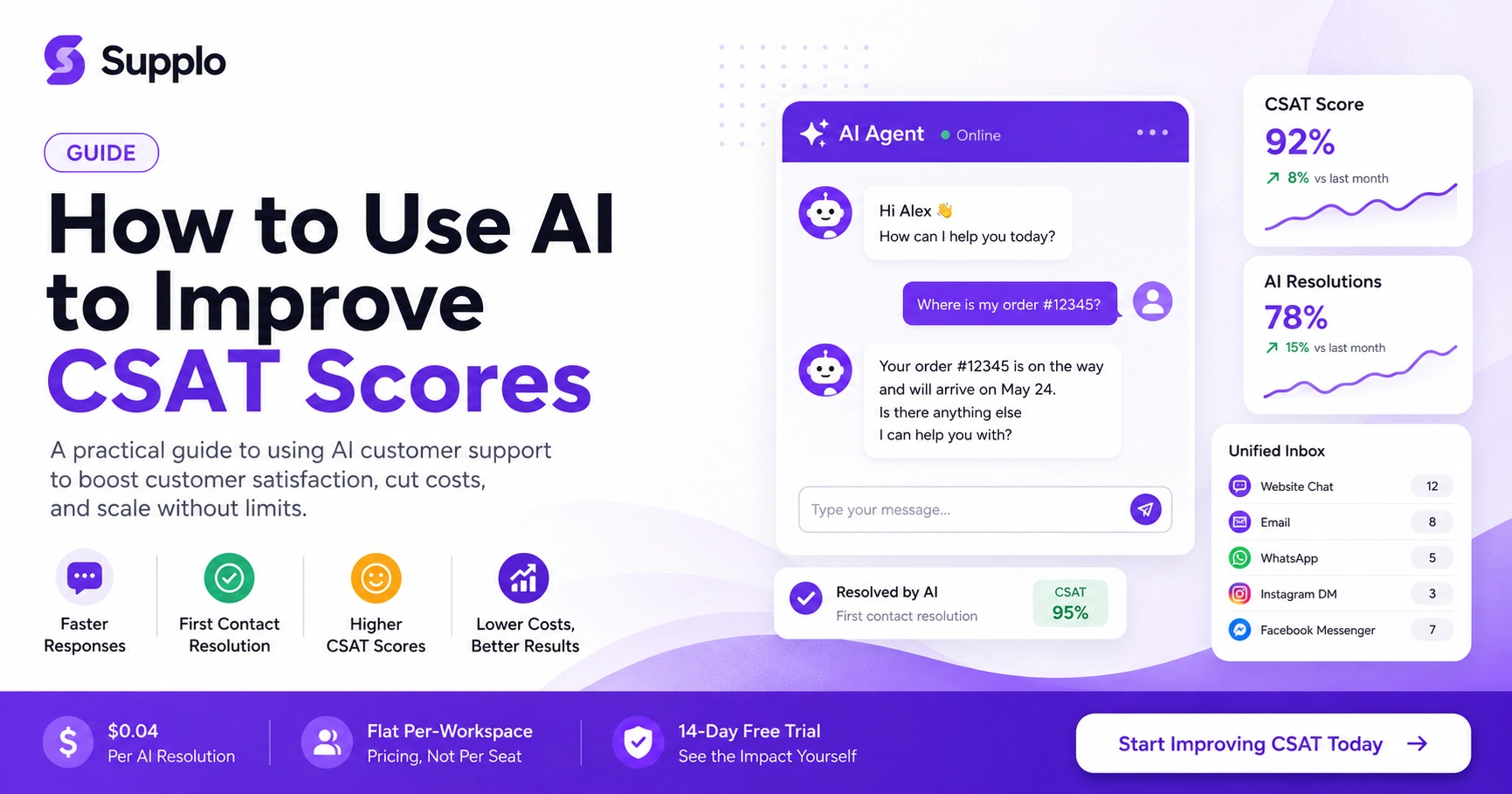
A well-trained AI agent can greet a customer by name, reference what they talked about last week and apologize with genuine nuance, then seamlessly hand off to a human before frustration sets in. The result? Faster resolutions that still feel personal. Your customers get speed without sacrificing warmth.
- Key feature: AI that learns from your knowledge base and past chats to answer accurately without sounding scripted.
- Human handoff: Clean transfer with full conversation history so customers never have to repeat themselves. Nothing frustrates people more than having to retell their story to three different agents.
- Language flexibility: AI can translate messages in real time for global support without you hiring for every language under the sun. That's a huge win if you're serving multiple markets.
The Reliable AI Chatbot Strategy for Customer Satisfaction Scores That Actually Works
Let's get tactical. A reliable strategy starts with an honest audit: map out the top 5 ticket types that consume 60% of your team's time. Train your AI on those first. Don't try to boil the ocean on day one.
Set a confidence threshold above 90% for auto-resolution. Anything below that? Route to a human. Then this is critical, measure CSAT on AI-resolved tickets and human-resolved tickets separately. You'll likely see the AI lines climb first, because speed and consistency drive satisfaction more than personality in simple transactions.
- Phase 1: Identify high-volume, low-complexity ticket categories (order tracking, account updates, billing questions).
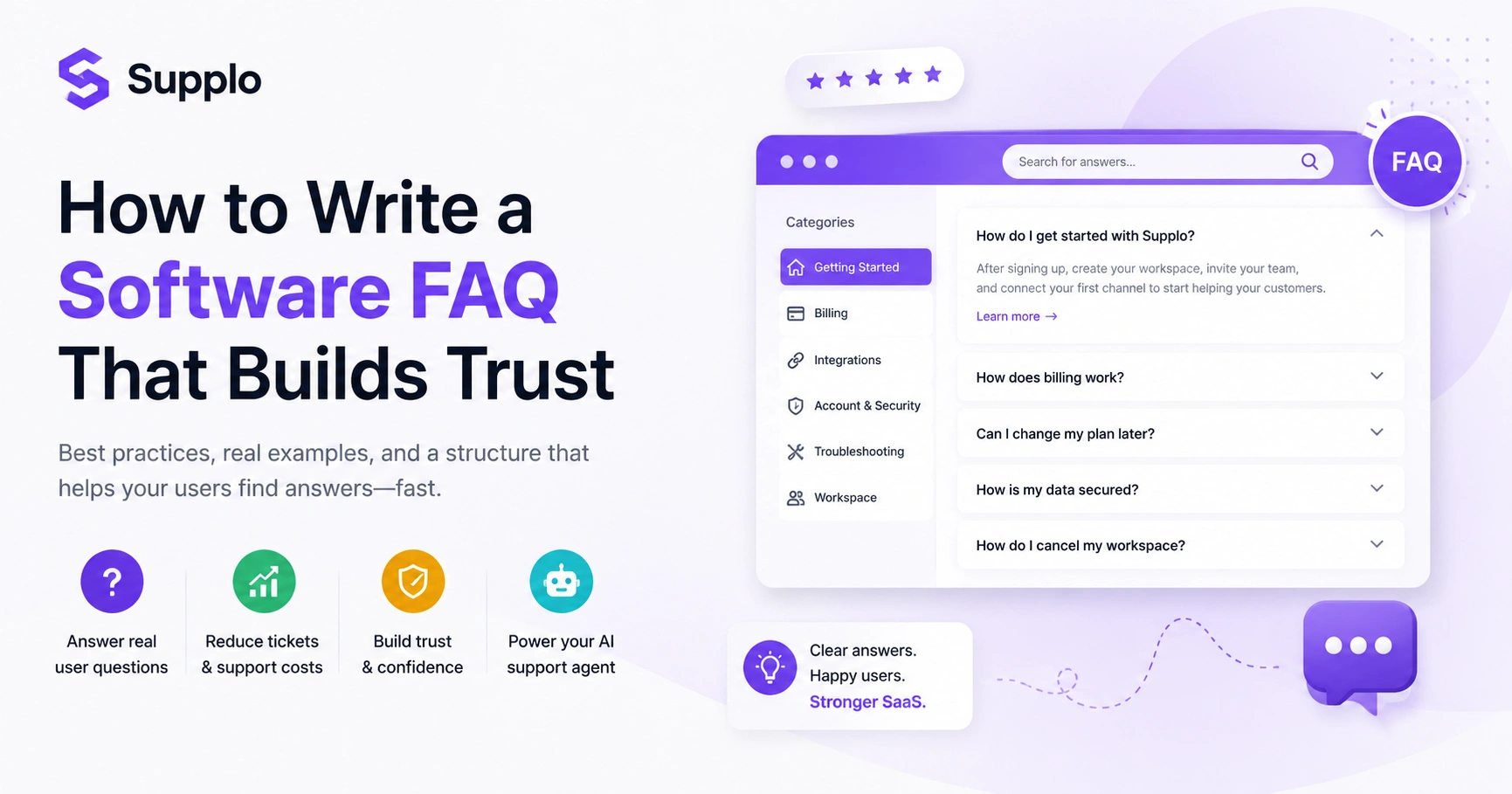
- Phase 2: Feed your AI your best written responses, FAQs and past resolved conversations as training data. Garbage in, garbage out, so use your best stuff.
- Phase 3: Launch with a "human override" fallback and iterate based on customer feedback. Don't just set it and forget it.
How to Optimize CSAT with an AI Chatbot That Learns From Every Interaction
Here's where most people get it wrong: they set up the AI, pat themselves on the back and move on. But optimization isn't a one-and-done deal. The most effective AI chatbots for CSAT improvement use a feedback loop. Every "thumbs down" or escalation retrains the model.
Over weeks, the AI gets smarter at distinguishing between a frustrated customer who needs a human immediately and one who needs a clear answer. This self-improving cycle drives sustained CSAT gains beyond the initial 10–15% lift.
- Set up after-resolution surveys specifically for AI-handled conversations (keep it simple: yes/no or "did this help?").
- Review escalated tickets weekly to spot patterns the AI missed. Was there a new product launch it didn't know about?
- Update your knowledge base in real time whenever the AI stumbles on a new question type. Speed matters here.
Using AI for Better Customer Support Satisfaction: The Setup You Can't Skip
The #1 mistake teams make? Deploying an AI chatbot without connecting it to a shared inbox. You need a system where every AI interaction syncs with your team's view so nothing falls through the cracks.
Supplo's inbox unifies email, website chat widget, WhatsApp, Telegram, Instagram DMs and Facebook Messenger into a single thread-based workspace. Your AI resolves where it can and your team picks up where it can't. This complete visibility is non-negotiable for reliable CSAT improvement.
Supplo is not affiliated with any app or website. Please follow each app's terms and local regulations.
- Must-have: A unified inbox that threads all channels so the AI and human agents see the same history. No more "I already told the bot this" moments.
- Must-avoid: Siloed chatbots that create duplicate conversations or lose context on handoff. That's a fast track to frustrated customers.
- Setup tip: Start with one channel (website chat or email) then expand to WhatsApp, Instagram, etc. Don't try to do everything at once.
Building a Self-Learning AI Agent for CSAT Gains
- Train on your top 10 resolved tickets from last month to create a base knowledge graph. Real examples beat theoretical scripts every time.
- Enable the AI to generate responses using your tone of voice guidelines, not generic corporate scripts. Let it sound like you.
- Set escalation triggers: If the AI detects frustration keywords like "unacceptable" or "manager," route to a human immediately. Don't let a bad situation get worse.
- Learn more about Supplo's AI Agent features
Measuring the True AI Chatbot Impact on CSAT Scores
Don't just look at the overall CSAT number. That's a vanity metric that hides what's really happening. Break it down by channel (chat, email, social DM), by resolution type (AI vs. human) and by complexity tier.
The impact of AI chatbots on CSAT scores is usually most visible on Tier 1 tickets: response time drops, resolution rate climbs and customer effort score plummets. Track these sub-metrics to prove ROI and identify where your AI still needs training.
- Metric 1: First contact resolution rate for AI-handled tickets. Is the AI solving problems on the first try?
- Metric 2: Average handle time difference between AI and human agents. AI should be significantly faster here.
- Metric 3: Escalation rate. High rate = need better training. Low rate with good CSAT = your confidence threshold is working.
Common AI Chatbot Pitfalls That Tank CSAT and How to Avoid Them
Let me save you some pain. The fastest way to kill CSAT with AI is to let it handle complex emotional issues it isn't trained for. Other killers include no fallback to human, generic responses that don't reference history and failure to translate accurately.
A reliable AI knows its limits. It should confidently say, "I don't have that information; let me get someone who does," rather than hallucinating an answer. Customers respect honesty more than a confident wrong answer.
- Pitfall 1: AI answering outside its training data (hallucination). This causes confusion and frustration. Keep its scope clear.
- Pitfall 2: No visible human escalation path. Customers feel trapped in a bot loop. Always give them a way out.
- Pitfall 3: Ignoring multilingual needs. Non-English speakers often get poorer service. Make sure your AI handles languages you serve.
When to Escalate: Balancing AI Automation and Human Agents for Optimal CSAT
The best CSAT scores come from a hybrid model in which the AI handles the first 80% of the volume and humans handle the tricky 20%. Define clear escalation triggers: sentiment below a threshold, multiple unanswered replies, credit or refund requests, or any mention of account security.
This division of labor means your human agents are always working on the problems that have the highest impact on satisfaction. They're not stuck resetting passwords or looking up order statuses.
- Good triggers for escalation: Billing disputes, account lockouts, product malfunctions, legal/compliance questions.
- Bad triggers for escalation: Password resets, store hours, order status checks. Let the AI handle these.
- Provide agents with full AI conversation transcript + suggested next steps on handoff. Make their job easier, not harder.
How AI in Customer Service CSAT Improvement Scales With Your Business
Here's the part that excites me. Scaling CSAT with AI means the platform grows with your ticket volume without you adding headcount linearly. When a business goes from 500 tickets/month to 5,000 tickets/month, the AI handles the growth; your team size stays roughly the same.
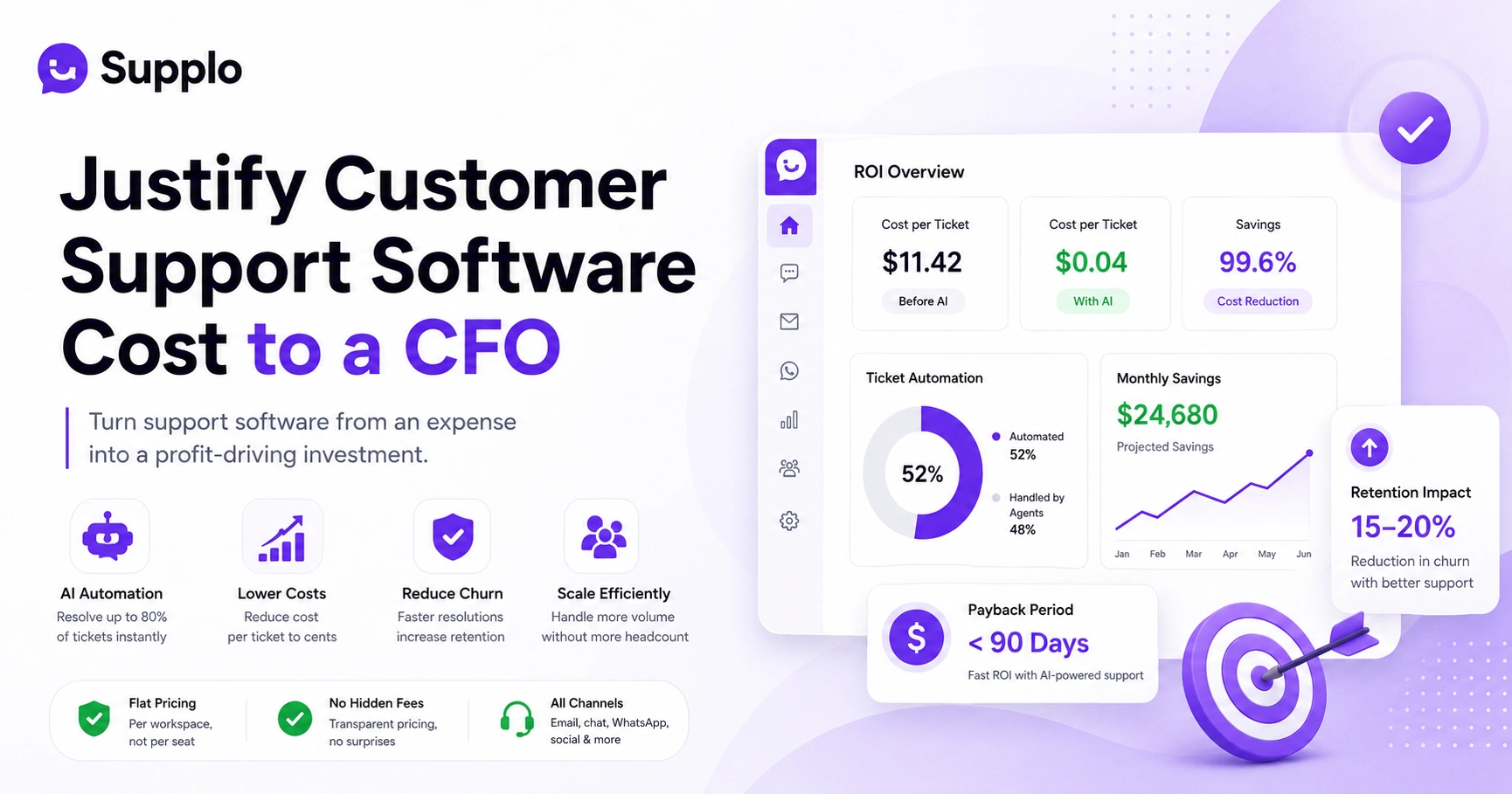
Pricing models matter here. Per-seat pricing (like legacy tools use) punishes growth. Every new agent costs more. Flat per-workspace pricing, on the other hand, lets you scale CSAT improvements without budget shocks. Supplo is flat per workspace, not per seat.
- Scenario: Startup with 2 agents → 50 agents. AI absorbs 80% of volume, agents stay at 10.
- Cost implication: Per-ticket cost drops sharply as volume increases because AI resolutions are flat-rate.
- Support multilingual growth: AI translates automatically, so expanding to new markets doesn't require new hires. That's a huge competitive advantage.
The Bottom Line on How AI Improves Customer Satisfaction Scores and Lowers Support Costs
Improving CSAT with AI isn't a magic switch; it's a deliberate strategy of training, measuring and iterating. But when you do it right, the results speak for themselves: faster response times, consistent answer quality and a team that's focused only on the problems that demand their expertise.
And here's the kicker: because AI resolutions cost a fraction of human ones, your support budget actually shrinks while your satisfaction scores climb. Supplo makes that practical with transparent pricing, $0.04 per AI resolution instead of the $0.99 legacy tools often charge and a 14-day free trial so you can see the impact before you commit.
- Summary: AI removes friction (speed) and ensures consistency (accuracy), resulting in higher CSAT. Simple equation, powerful result.
- Cost: AI resolutions cost $0.04 vs. $0.99, freeing budget for agent training or tool upgrades.
- Next step: Start with one channel, train on your top tickets, measure CSAT separately for AI vs. human. Then iterate.
Key Takeaways
- AI improves CSAT scores primarily by reducing wait times and ensuring consistent, accurate first-contact resolution.
- A reliable AI chatbot strategy pairs self-learning AI with clear human escalation triggers for complex issues.
- Track CSAT separately for AI vs human tickets and measure first-contact resolution and escalation rate.
- Choose a platform with flat per-workspace pricing for scalable CSAT improvements.
FAQ
Will AI customer support make my service feel impersonal?
No, if you choose an AI that understands context, past conversations and when to hand off to a human. The best AI translates tone and provides personalized greetings; customers often don't notice they're talking to a bot until after the issue is resolved.
How quickly can I expect to see CSAT improvement after implementing an AI chatbot?
Most teams see a measurable lift in CSAT (3–10 points) within the first 30 days, primarily driven by reduced wait times and faster first-contact resolution. Full optimization takes 2–3 months as the AI learns from escalations and feedback.
Which support channels work best for improving AI customer satisfaction?
Live chat (website widget), email and messaging apps like WhatsApp and Messenger. These channels are text-based and highly suited for AI parsing. Voice support requires more advanced NLU but is possible with complementary tools.
Can AI handle complex or emotional customer issues?
No and it shouldn't try. Reliable AI escalates anything with high sentiment negativity or uncommon complexity to a human agent. The goal is to let AI handle the predictable 80% so humans can focus on the compassionate 20%.
How can I accurately measure the impact of AI on CSAT?
Track CSAT separately for AI-resolved tickets vs human-resolved tickets. Also monitor First Contact Resolution (FCR), Average Handle Time (AHT) and escalation rate. A drop in AHT combined with stable or rising FCR signals real CSAT improvement.
What happens if the AI gives a wrong answer?
Your AI should have a confidence threshold (e.g., 90%+) and a fallback to human. Escalated or incorrectly resolved tickets become training data to improve accuracy. Regular weekly reviews of AI handling logs catch and correct mistakes quickly.
Is AI customer support compliant with data protection regulations such as the GDPR?
Yes, provided the platform encrypts data, offers data retention controls and follows regional storage laws. Always review your provider's compliance certifications and avoid any AI that stores sensitive conversation data indefinitely.
How does Supplo support payments?
Supplo supports payments via Crypto, Binance Pay, Payeer, GCash, AmanPay, QIWI Wallet, DOKU, cards from Nigeria and South Africa, Skrill and Payoneer, so your team can pay in the way that works for them.
Compliance line: Supplo is not affiliated with any app or website. Please follow each app's terms and local regulations.