On this page
You know that sinking feeling when you open your support inbox and see tickets stacked like planes circling a busy airport? That's a customer support backlog, and it's probably keeping you up at night. For support leaders and ops managers, this growing pile of unresolved tickets isn't just annoying. It drains team morale, frustrates customers, and quietly eats away at your bottom line.
This guide breaks down what a customer support backlog actually means, why it keeps happening, and, most importantly, how to clear yours without burning out your team. If you're tired of feeling like you're perpetually putting out fires, you're in the right place.
Supplo is not affiliated with any app or website. Please follow each app's terms and local regulations.
Quick Answer
- A customer support backlog is the pileup of unresolved tickets that have gone past your team's target response or resolution time.
- Common culprits: sudden volume spikes, repetitive questions eating up agent time, fragmented communication channels, and missing self-service options.
- Ignoring a backlog leads to customer churn, agent burnout, and real brand damage.
- To reduce yours: triage the queue, batch-respond to common issues, and let a public knowledge base field the easy questions.
- For the long haul: use a unified inbox, smart routing, and automation to handle repeat queries before they become tickets.
What Is a Customer Support Backlog? Define Customer Support Backlog
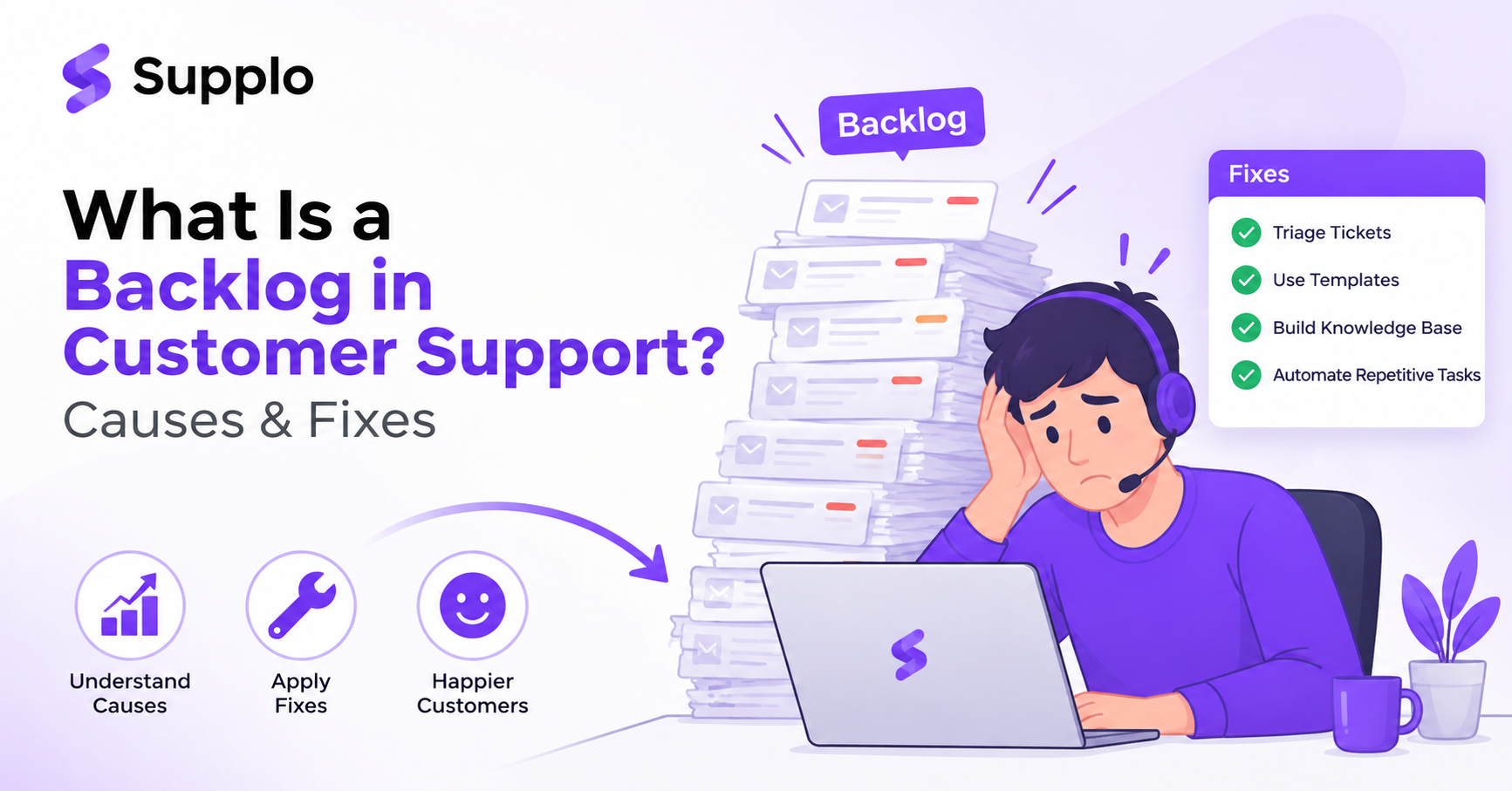
A customer support backlog is the accumulation of unresolved tickets that have exceeded your team's expected response or resolution time. Simple as that. But it's more than just a crowded inbox, it's a flashing warning light that demand has outpaced your capacity, your processes have a crack, or your tools aren't pulling their weight.
Here's how you spot one: look at ticket age, total volume, and the gap between incoming requests and completed resolutions. Healthy support teams consistently meet their Service Level Agreements (SLAs). A backlog? That's what happens when SLAs start slipping.
Backlogs come in two flavours: the obvious ones (overdue tickets staring at you in your queue) and the invisible ones (unanswered emails in spam, abandoned chats, and ignored DMs on social platforms). The actual size matters less than the direction; a growing backlog is a red flag waving hard.
Why Do Support Tickets Pile Up? The Common Causes of Ticket Backlog
Support tickets pile up for four main reasons: volume spikes your team can't absorb, repetitive questions that waste agent time, poor handoffs between channels, and the absence of self-service options. Usually, it's not one big bottleneck; it's several small ones compounding into a daily flood.
Watch out for these common culprits:
- Silent repeaters: The same question asked by different customers across different channels. Each one gets a full reply. That's hours lost to repetition.
- Channel fragmentation: Tickets scattered across email, chat, WhatsApp Customer Support, Instagram, Telegram, with no unified view. Stuff gets missed. Work gets duplicated. Customers get ignored.
- Knowledge gaps: Agents spending 10+ minutes hunting for answers that should be one click away. Slow access to information means slow resolutions.
- Under-resourced peaks: Seasonal surges, product launches, or outages hit when you're already stretched. Without prep, these events overwhelm your capacity.
The Importance of Managing Support Backlog
Ignoring a support backlog doesn't just dent your CSAT scores; it hits your revenue, retention, and team morale. One unresolved ticket can snowball into a churned customer, a refund request, or a negative review that costs you future buyers. The importance of managing your support backlog isn't philosophical; it's a direct line item on your P&L.
Here's what happens when you let it slide:
- Revenue leakage: Customers who don't get timely answers are more likely to abandon a purchase or subscription. That's real money walking out the door.
- Agent burnout: A persistent backlog breeds overtime, turnover, and a culture of get through the queue. Productivity drops. Recruitment costs climb.
- Brand damage: Every delayed response is a public signal on social media and review sites that you don't care. Negative sentiment spreads fast.
- Escalation spiral: Simple issues left unresolved become complicated, multi-touch nightmares that take three times longer to fix. Cost per resolution skyrockets.
How to Reduce Customer Support Backlog
To reduce a customer support backlog, start with triage: sort tickets by age and impact, then batch-respond to identical issues with bulk replies. Next, surface your top 10 recurring questions and add instant answers via a shared knowledge base that both your team and customers can use. These two moves alone can slash ticket volume significantly without adding headcount.
Here's what that looks like in practice:
- Triaging 101: Flag urgent or revenue-related tickets first. Everything else can wait 24 hours without causing lasting damage.
- Bulk reply mode: For common issues like Where's my order? Or, how do I reset my password? Use pre-approved templates or one-click responses. Saves time. Keeps messaging consistent.
- Deflect with a public FAQ: Put your top 10 answers on your website or chat widget so customers can self-serve before they ever reach your queue.
- Track your closure rate: If you're resolving fewer tickets than you receive each day, you need a structural change, not a sprint. That metric tells you whether the system works or not.
Stop watching your queue grow. Start your free 14-day trial at Supplo and see how fast a unified inbox + AI agent can clear your backlog, no credit card needed.
Customer Support Ticket Backlog Management: Building a Sustainable System
Customer support ticket backlog management isn't about a one-time cleanup. It's about building a system that prevents pile-ups from forming in the first place. That means setting clear SLAs, routing tickets to the right people automatically, and using a shared inbox that consolidates every channel into a single queue. A good system handles the flow so your team can focus on the work that matters.
Key elements of a sustainable system include:
- SLA-first design: Define maximum response times per ticket type, billing, tech support, and general inquiry, and enforce them with automated reminders.
- Smart routing: Assign tickets based on agent skill, workload, or topic, not just whoever's free at that moment.
- Unified inbox: Email, live chat, WhatsApp, Instagram DMs, and Telegram all in one place, so nothing slips through a channel gap. A single shared team inbox eliminates siloed communication, particularly crucial for email ticketing.
- Weekly backlog audits: Review your queue every Monday. Spot ageing tickets before they become escalations.
How to Clear Customer Support Backlog When You're Already Drowning
If your backlog is already out of control, stop adding new tickets to the old queue. Assign a dedicated team member or a rotating shift to work only on aged tickets, while the rest handle incoming requests. Use a triage system to close or resolve the oldest 20% of tickets first. That alone often clears the bulk of the volume and restores team morale.
Try these tactical moves:
- Freeze the inflow: Use an auto-responder or chatbot to acknowledge new tickets, set expectations, and give your team 24 hours to clean the queue.
- The 80/20 rule: 80% of your backlog is probably 20% of issue types. Solve those patterns, not individual cases.
- Tag and purge: Some tickets are already resolved by the customer or are no longer relevant. Close them with a respectful note to declutter the queue.
- Public status page: If a known bug or outage caused the spike, publish a status update so customers stop asking individually.
Customer Support Backlog Strategies That Prevent a Repeat
Once you've cleared the queue, shift from rescue to prevention. Effective customer support backlog strategies include proactive deflection (letting customers solve their own problems), automated resolution of repetitive tickets, and channel consolidation to ensure no message gets lost. Remember: a backlog is a symptom. Fix the system, not just the list.
Prevention strategies that actually work:
- Self-serve first: Build a knowledge base covering your top 30 questions and connect it to your chat widget. Answers appear before a ticket ever opens.
- AI-powered deflection: Let an AI agent handle Tier 0 questions, password resets, order status, and shipping info without ever reaching a human. The self-learning AI agent gets smarter with every interaction.
- Omnichannel consolidation: When WhatsApp, Telegram, and Instagram DMs feed into one inbox, you eliminate the hidden backlog in forgotten tabs.
- Proactive outreach: If you see a known issue trending, push an update to all affected customers before they ask.
The Tools That Help You Manage a Support Backlog Without Burning Out
The right tools turn a chaotic backlog into a manageable flow. Look for a platform that combines a shared team inbox, a self-learning AI agent, and multichannel automation in one workspace, not five disconnected apps. When your tools handle routing, deflection, and repetitive answers, your team can focus on tickets that actually need human judgment.
Essential tool features to look for:
- AI agent for auto-resolution: Handles repetitive tickets at a flat cost per resolution, far less than what some legacy tools charge per ticket.
- Unified inbox: Consolidates email ticketing, website chat, WhatsApp, Telegram, Instagram DMs, and Facebook Messenger into a single thread-based view.
- Knowledge base integration: AI pulls answers from your documentation and past conversations, getting smarter over time.
- Language translation: Support customers in any language without hiring translators; messages are translated automatically in the inbox.
Your team doesn't need another tool; it needs one tool that actually works. Supplo's AI agent resolves tickets at a flat $0.04 per resolution. And because pricing is per workspace (not per seat), your bill doesn't increase as your team grows.
When to Automate and When to Hire for Backlog Relief
Automation should handle repetitive, high-volume, low-complexity tickets first, password resets, order lookups, and FAQ requests. Hire when your backlog is driven by complex, multi-step problems that require nuanced human judgment, escalation management, or account-specific context. The most cost-effective teams use AI to absorb routine volume and deploy humans where they add the most value.
Here's how to decide:
- Automate if a ticket follows a predictable pattern, can be answered using existing documentation, or requires a simple action (reset, refund, status check).
- Hire if: Tickets require account-level investigation, emotional de-escalation, cross-departmental coordination, or judgment calls.
- Test before hiring: Before adding a full-time salary, try an AI agent that costs a flat $0.04 per resolution. You may find you don't need the headcount. Check pricing options for cost-effective solutions.
- Pricing note: Supplo workspaces are flat per workspace, not per seat, so adding human agents doesn't inflate your software bill.
Your Action Plan for a Zero-Backlog Future
Start with a one-week audit: log every incoming ticket by type, source, and resolution time. Use that data to identify your top three backlog drivers, then implement one deflection tactic (a knowledge base entry, an AI auto-response, a bulk reply template) for each. Review results at the end of the week and repeat. A zero-backlog future isn't a fantasy; it's a system you build one iteration at a time.
Follow this iterative plan:
- Week 1: Audit and triage. Identify the top three reasons tickets pile up.
- Week 2: Deploy deflection. Implement a solution for the #1 cause. Measure the impact on new ticket volume.
- Week 3: Add automation. Introduce automation for repetitive tickets. Test resolution time improvements.
- Week 4: Consolidate channels. Ensure all communication channels feed into one inbox, no hidden queues.
- Ongoing: Monitor the velocity. Watch your backlog velocity weekly. If it starts growing, investigate immediately.
Ready for a zero-backlog future? Supplo gives you the unified inbox, AI agent, multichannel support, and transparent pricing to get there. Accepts all major payment methods, including crypto, Binance Pay, Payeer, GCash, and more. Start your free trial now → https://supplo.io
Key Takeaways
- A customer support backlog is more than just overdue tickets; it's a symptom of deeper operational issues.
- Ignoring a backlog has direct costs: customer churn, agent burnout, and reputational damage.
- Effective management starts with strategic triage, batch processing, and better self-service options.
- Sustainable solutions involve unified communication platforms and smart automation for repetitive tasks.
- Prioritise automation for high-volume, low-complexity issues before hiring.
- A zero-backlog state comes from continuous iteration, data analysis, and proactive system improvements.
FAQ
What is a customer support backlog?
A customer support backlog is the accumulation of unresolved customer tickets that have exceeded your team's expected response or resolution time. It signals that demand has outstripped your team's capacity or processes.
How does a support backlog affect customer satisfaction?
Unresolved tickets create frustration and erode trust. Customers who don't get timely responses are more likely to churn, leave negative reviews, or escalate complaints publicly.
What are the main causes of a ticket backlog?
Common causes include volume spikes, repetitive questions that waste time, fragmented channels that scatter tickets, knowledge gaps that slow agents, and under-resourced teams during peak periods.
How do I reduce a customer support backlog quickly?
Start with triage: sort tickets by age and impact, then batch-respond to identical issues. Surface your top 10 recurring questions in a knowledge base. These steps can cut ticket volume significantly without hiring.
Can AI help clear a support backlog?
Yes. An AI agent can automatically resolve repetitive, low-complexity tickets, such as password resets and order lookups, at a fraction of the cost of human agents. This frees your team for complex tickets requiring human judgment.
Is it better to automate or hire to fix a backlog?
Automate first for high-volume, predictable tickets. Only hire when your backlog is driven by complex problems needing human judgment. Many teams find that AI handles enough volume to eliminate the need for new headcount.
How do I prevent a backlog from forming in the first place?
Use a unified inbox that consolidates all channels, implement a self-serve knowledge base, deploy an AI agent for deflection, and conduct weekly backlog audits to catch trends early.
How do you measure a support backlog?
Track your ticket age (how long tickets sit unresolved), your backlog volume (total open tickets), and your backlog velocity (the rate at which tickets pile up versus getting resolved).
Compliance line: Supplo is not affiliated with any app or website. Please follow each app's terms and local regulations.


