On this page
A customer support audit is a non-negotiable exercise for any business aiming for consistent customer satisfaction. This comprehensive guide provides a practical, step-by-step framework for evaluating every aspect of your support operation, from email to AI agents. It's for support leaders, operations managers, and business owners who want to move beyond reactive fire-fighting to proactive reliability. By following this guide, you'll uncover hidden inefficiencies, identify channel misalignment, and pinpoint opportunities to enhance both human and AI-driven support.
Quick Answer
- What is it? A structured evaluation of your customer support channels, processes, and tools.
- Why do it? To identify gaps in response times, tone, accuracy, and channel consistency.
- How often? Quarterly, or after any major changes to tools or team structure.
- Focus areas: Data collection, channel mapping, ticket sampling, AI evaluation, and team feedback.
- Key outcome: Transform support from a cost centre into a reliability engine.
What Is a Customer Support Audit and Why Does It Matter?
Here's the truth: a customer support audit is basically a physical exam for your entire support operation. You're checking every channel, process, and tool your team uses to help customers, and trust me, most teams find things they wish they'd caught sooner.
Think of it this way: without an audit, you're flying blind. You might feel like things are running smoothly, but hidden gaps in response times, tone consistency, and ticket routing are quietly eroding customer trust. A proper audit shows you exactly what's working, what's failing, and where money's leaking out.
Here's what a good audit typically uncovers:
- Channels that should be sunset (because nobody's using them)
- Agents repeating answers that a self-learning AI could handle
- Empathy gaps you never noticed because you were only tracking speed
- Routing failures that make customers repeat their story three times
You should run one at least quarterly. And definitely after any major tool change or team expansion. Skip it, and you're basically hoping your support operation stays healthy without ever checking its vitals.
Supplo is not affiliated with any app or website. Please follow each app's terms and local regulations.
The Customer Support Audit Framework
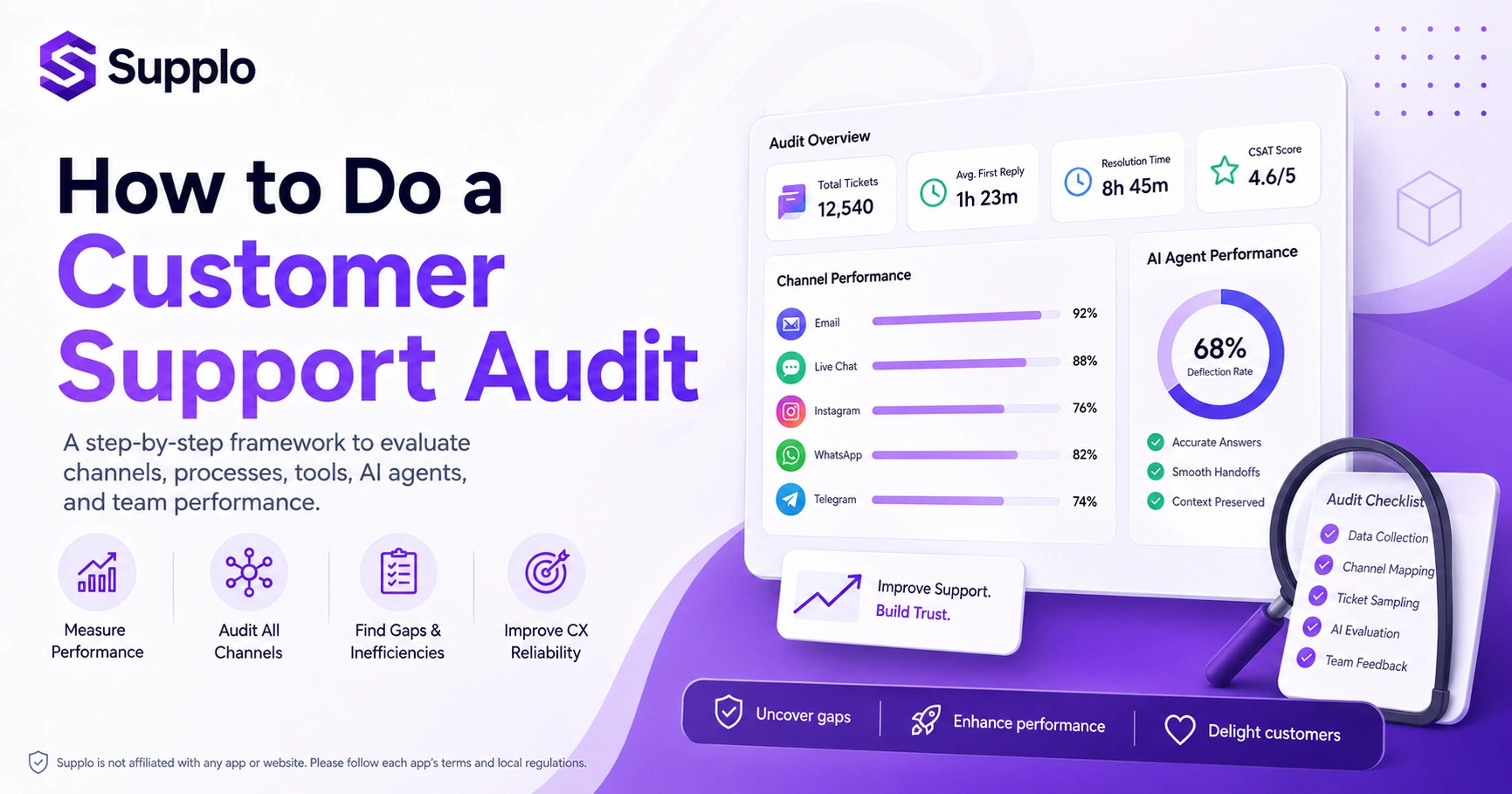
Building a solid audit framework doesn't have to be complicated. Stick to five pillars: data collection, channel mapping, ticket sampling, AI evaluation, and team feedback. Start by exporting all ticket data from the past 30–90 days, then sort by channel, sentiment, resolution time, and reopens.
The trick? Treat this as a repeatable ritual, not a one-off fire drill. If you only audit when something's already broken, you've missed the point.
Here's your customer support audit checklist:
- Layer 1: Gather raw data. Export everything from your shared inbox, chat widget, social DMs, and email ticketing system. Look for first-reply time, full resolution time, and customer feedback scores.
- Layer 2: Map every touchpoint. Document every path a customer might take to get support. Make sure there's a consistent thread; nobody should have to repeat themselves across channels.
- Layer 3: Pull a random sample. Select 50–100 resolved tickets across different channels. Score them for tone, accuracy, and speed, independently of whatever your reporting dashboard says.
- Layer 4: Evaluate your AI agent. Analyse its deflection rate and how cleanly it hands off to humans. Verify that AI-resolved tickets actually solved the customer's problem.
- Layer 5: Interview or survey your team. Your agents know where the friction is. Ask them about daily annoyances, tool limitations, and what they'd fix first.
Audit Your Email Support: Speed, Tone, and Ticket Closure
Email is still the go-to channel for complex or formal requests. But it's also where delays hide best, because nobody wants to admit their inbox is a mess.
Measure first-reply time, full resolution time, and how many back-and-forth exchanges each ticket needs. Then read a sample thread. Is the tone warm, robotic, or defensive? A good email audit surfaces not just speed issues, but empathy gaps that metrics alone won't catch.
To conduct a thorough email support audit:
- Check the three-reply rule. If a ticket takes more than three replies to resolve, it usually means something's off, unclear answers, missing context, or an incomplete first response.
- Evaluate system efficiency. Make sure your email system auto-merges replies into a shared team inbox. Fragmented threads waste everyone's time.
- Identify escalation gaps. Look for complex tickets that should have been escalated but weren't. That's a reliability crack you can't afford.
- Benchmark response times. Compare your first-reply time and overall resolution against any SLAs or industry standards you follow.
If your current platform makes email ticket management harder than it should be, a modern system like Supplo might be worth a look. Check out email ticketing features.
Start your audit for free
You don't need a paid tool to begin. Try Supplo free for 14 days and get a shared inbox, AI agent, and multichannel connectivity in one workspace. Run your audit live, see where you stand. Start a free trial at Supplo.io.
Website Chat Audit: Are Your Live Chat and Chatbot Aligned?
Your website chat is often the first live interaction a customer has with your brand. And honestly? That's where impressions harden fast. One bad chatbot experience and they're already annoyed before they've even explained their problem.
Audit by reviewing chat transcripts for greeting quality, bot-to-human handoff smoothness, and whether the chatbot can actually resolve common questions. A misaligned chat experience feels like talking to two different companies.
Key areas to audit for your website chat experience:
- Bot deflection effectiveness: Does your bot handle simple, high-volume questions (order status, password resets) without always needing human backup?
- Handoff latency: When the bot transfers to a human, is the transition seamless? Or does the customer have to repeat everything?
- Chat availability consistency: Is live chat available only during limited hours? Customers in different time zones might feel left out.
- Unanswered chats: Track how many chats drop off without resolution. Each one is a lost opportunity and a frustrated customer.
Social Media Customer Service Audit
Customers now expect support in Instagram DMs, Facebook Messenger, WhatsApp Customer Support, and Telegram. But here's the problem: inconsistent response quality across these channels erodes trust fast.
Audit your social customer service by checking whether your team uses the same knowledge base, tone guide, and escalation path across all platforms. If Instagram gets fast, friendly replies while WhatsApp feels cold and robotic, you've got a channel gap.
For your social media customer service audit:
- Score channel consistency: Measure average reply time and sentiment across platforms like Instagram, Facebook, WhatsApp, and Telegram.
- Verify customer history visibility: Make sure agents can access a customer's full interaction history when the conversation spans social channels.
- Assess manual vs. automated replies: Are manual replies being sent for routine inquiries that a shared inbox could handle more efficiently? See how inbox management works.
- Check for message misrouting: Look for instances where social DMs end up in the wrong department. Billing questions going to marketing? That's a problem.
Supplo is not affiliated with any app or website. Please follow each app's terms and local regulations.
Audit Customer Support AI: Evaluating AI Agent Performance
An AI agent is supposed to reduce ticket volume, not create new confusion. But plenty of teams deploy AI without actually checking if it's helping or hurting.
Evaluate its performance by analysing three metrics: deflection rate (tickets the bot resolved without a human), relevance score (did the answer actually fit the question?), and handoff clarity (did the human agent get full context?). If your AI is answering 50% of tickets but half of those get reopened, it's not helping; it's spinning its wheels.
Key steps to audit customer support AI:
- Sample AI-resolved tickets: Randomly select 100 tickets resolved by the AI and manually score each answer as correct, partially correct, or wrong.
- Review confidence thresholds: Check if the AI is attempting to resolve complex tickets; it shouldn't. That usually means its confidence threshold needs adjusting.
- Assess escalation quality: Evaluate how often the AI escalates to a human and whether the handoff includes the complete chat history and a suggested next step.
- Monitor learning effectiveness: If your AI learns from past conversations, verify that outdated or incorrect information isn't being recycled. A knowledge base audit can help.
AI Agent Ticket Resolution Audit: Measuring Accuracy and Handoff
Go deeper than deflection rate. Audit the actual resolution quality of your AI agent. Pull every ticket your AI handled and check whether the customer got a complete answer, not just a keyword match.
Then examine every handoff. Did the agent provide enough context for the human to resolve in one reply? This audit exposes whether your AI is a true helper or a frustrating middle layer.
To effectively perform an AI agent ticket resolution audit:
- Develop a handoff score: Assign a score based on how many extra follow-up questions a human agent had to ask due to insufficient context from the AI.
- Flag confidence failures: Identify tickets in which the AI provided an answer, but the customer's reply indicated confusion or dissatisfaction.
- Compare resolution times post-handoff: Measure how long humans take to resolve tickets after an AI handoff versus tickets they handle from scratch.
- Test translation accuracy: If your AI supports multiple languages, spot-check translation accuracy, especially for nuanced or critical issues. Learn about AI agent capabilities.
Customer Support Chatbot Audit: Conversational Flow and Escalation
Here's something that'll make you cringe: a chatbot that loops customers in circles is genuinely worse than no bot at all. At least, with no bot, the customer eventually reaches a human.
Audit your chatbot by running 10–15 real customer journeys through it. Can it handle a refund question, a technical issue, and a password reset without breaking? Then check how gracefully it escalates to a human. The best bot knows its limits and hands off cleanly.
Consider these points for your customer support chatbot audit:
- Map user paths: Document all possible user journeys within the chatbot. Pinpoint where the bot dead-ends or provides irrelevant options.
- Measure escalation steps: Count the number of interactions a customer must go through before being offered a human agent. Aim for three steps or fewer.
- Assess context retention: Does the chatbot remember previous parts of the conversation, or does it treat each message as a new interaction?
- Review keyword triggers: Ensure they are precise. Where's my refund shouldn't trigger a general shipping FAQ.
Omnichannel Support Audit: Are All Channels Connected?
Let's clear something up: omnichannel isn't about being on every platform. It's about continuity. Audit whether a customer who starts on email, moves to chat, and then DMs you on Instagram gets a seamless thread, or has to repeat their story each time.
If your channels operate in silos, you're running five separate support desks, not one.
When performing an omnichannel support audit:
- Examine inbox unification: Does your current inbox software unify customer threads across all channels? Or do agents need to switch between tabs? A unified inbox for WhatsApp, Telegram, and Instagram DMs can dramatically improve efficiency.
- Detect duplicate tickets: Check whether the same customer issue can accidentally create multiple open tickets across different channels.
- Gather team feedback: Survey your support team about their pain points with channel switching and fragmented customer histories.
- Conduct personal experience tests: As a customer, start a conversation on one channel (chat) and continue on another (email). See if the agent has full context.
Supplo is not affiliated with any app or website. Please follow each app's terms and local regulations.
Common Audit Pitfalls and How to Fix Them
The biggest mistake teams make? Auditing in isolation. Looking at AI performance without human performance. Or email without social. You end up with a skewed picture that tells you nothing useful.
Another trap: over-indexing on speed while ignoring accuracy and empathy. Fast but wrong answers create reopens and erode trust faster than slow but thorough ones.
Fix it by building a balanced scorecard that weights resolution quality, customer sentiment, and response speed equally.
To avoid common customer support audit pitfalls:
- Diversify your sampling: Don't audit only during slow periods. Include samples from both your busiest and quietest times.
- Avoid cherry-picking: Always pull a random sample of tickets. Include escalated, reopened, and challenging interactions, not just easy wins.
- Include edge cases for AI: When auditing your AI, specifically test its performance on unusual or complex requests that push its limits.
- Integrate team feedback: Quantitative data alone isn't enough. Actively ask your support team what they're seeing day to day. They often spot bottlenecks your data won't reveal.
If your audit reveals tool friction
If your existing platform is causing the gaps you found, Supplo is built as the practical alternative, flat pricing per workspace, $0.04 per AI resolution, and no seat-based cost creep. Compare your current setup.
Key Takeaways
- A customer support audit is essential for diagnosing operational health and driving improvements.
- A structured framework ensures all critical areas, from data to AI performance, are covered.
- Reviewing channels like email, chat, and social media individually yet cohesively provides crucial insights.
- Deep-diving into the effectiveness of AI agents and chatbots is vital for leveraging automation effectively.
- An omnichannel approach isn't just about presence, but seamless cross-channel continuity for customers.
- Avoiding common audit mistakes ensures you get actionable insights, not just numbers.
Keep your support reliable, not reactive.
A single audit gives you a snapshot, but continuous reliability comes from the right system. Supplo's self-learning AI and unified inbox make it easy to stay on top of every channel. Explore features or book a demo.
FAQ
How often should I run a customer support audit?
At a minimum, run one quarterly. If you've introduced a new channel, chatbot, or team member, run a focused mini-audit within two weeks of the change.
What's the single most important metric to audit?
Resolution quality, not just time to close. A fast but wrong answer creates reopens and erodes trust. Measure whether the customer's actual issue has been resolved.
Should I audit my AI agent separately from my human team?
Yes. AI and human support should be evaluated with different lenses. For AI, focus on deflection accuracy and handoff cleanliness. For humans, focus on tone, empathy, and problem-solving.
Can I automate the audit process?
You can use reporting tools to pull ticket data, but transcript reading and tone scoring should be done manually or with a human-in-the-loop approach. Tools miss context.
What's the biggest red flag in a support audit?
A high deflection rate paired with a high reopen rate. That means your AI is resolving tickets superficially but not actually meeting customer needs.
Should I include sales and billing tickets in my audit?
Yes, if your support team handles them. But tag them separately; billing issues have different resolution patterns than technical support.
How do I benchmark my audit results if I'm new to this?
Start with your own historical data (last 3 months) as your baseline. Then compare against your SLAs, then look at industry averages from public reports or your software vendor's benchmarks.
Compliance line: Supplo is not affiliated with any app or website. Please follow each app's terms and local regulations.


