On this page
Let's be real for a second. If you're running a B2B SaaS company, your support team is probably drowning in the same five questions every single day. Where's the login button? How do I reset my password? Why isn't this feature working? It's exhausting, and it's expensive.
A well-built knowledge base for B2B SaaS companies completely changes that dynamic. It's not just a nice-to-have anymore; it's the difference between a support team that scales and one that burns out. When done right, your knowledge base becomes the first thing customers reach for, and your ticket volume drops like a rock.
Quick Answer
- Proactive Defence: A strong knowledge base is the first point of contact for customer queries, deflecting most common tickets before they ever reach your team.
- AI-Driven Efficiency: Integrate your knowledge base with an AI agent to automatically resolve inquiries and provide instant, accurate answers.
- Contextual Support: Ensure your helpdesk integrates customer interaction history with knowledge base view data to deliver a seamless support experience.
- Scalability: Design your knowledge base to grow with your business, allowing easy content contributions and updates without a full rebuild.
- Continuous Improvement: Use feedback loops and ticket analytics to continually refine and update articles, identify gaps, and improve accuracy.
Why a SaaS Self-Service Support Hub Is Your First Line of Defence
Think of your self-service support hub as the bouncer at the club door. It handles the easy stuff so your team can focus on the VIPs. For B2B SaaS companies, where users are often trial-based or power users who need quick answers, a strong knowledge base can resolve routine questions instantly. This frees your team to handle complex escalations that actually need human judgment.
The magic happens when articles appear exactly when customers need them. Not buried in a footer somewhere, but surfaced in-app or inside your live chat widget. That's when deflection rates climb. And here's the thing: a well-structured hub doesn't just reduce tickets; it improves activation for new users. First-time customers find answers faster, which means they stick around longer.
Your support team stops spending hours on where the login button? and starts working on edge cases that actually challenge them. And you get a faster feedback loop: if you see a spike in searches for one topic, you know something's broken. Companies that nail this often see a 30% higher CSAT score compared to those that don't.
How to Build a SaaS Knowledge Base That AI and Customers Actually Understand
Here's the tricky part: you're writing for two audiences now. Your human customers, sure. But also the AI that will answer their questions. If your articles are vague or jargon-heavy, both will struggle.
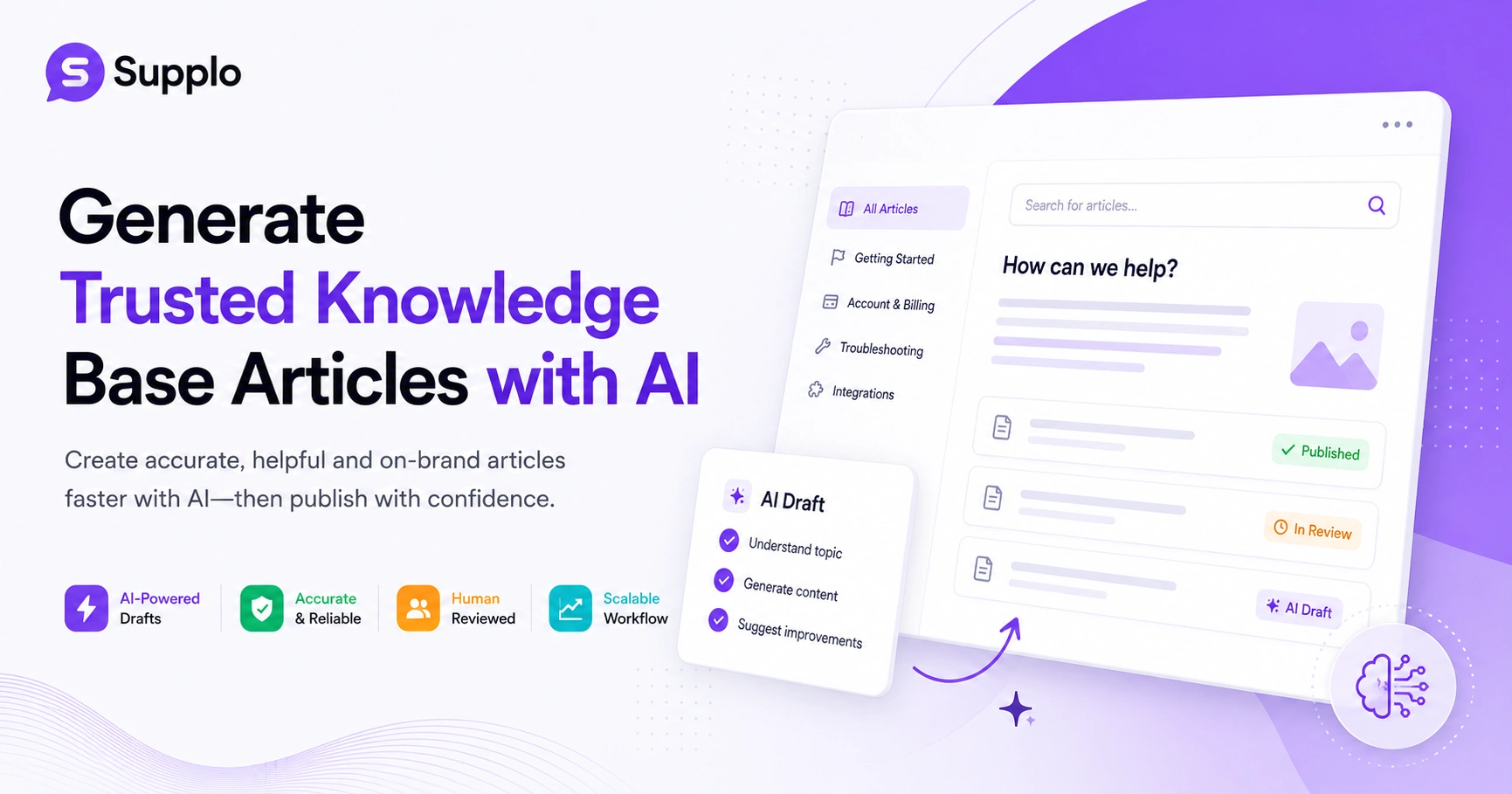
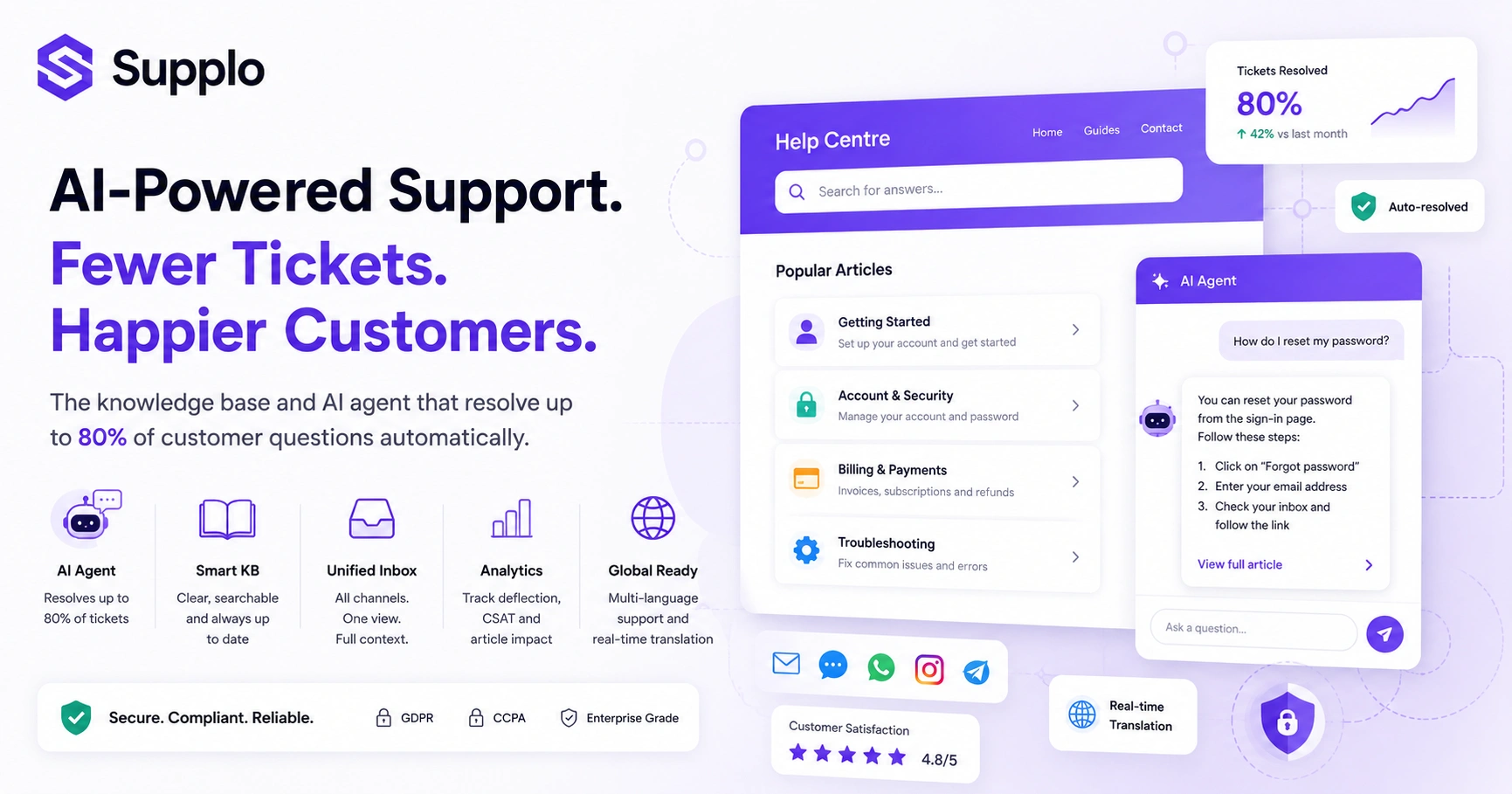
Start with your most common inbound tickets. Those are your highest-impact articles. Write in plain language; no one wants to read a novel when they're trying to fix a bug. Use consistent headings, and tag every article with keywords that match the language your customers actually use in tickets. When your AI agent can parse this correctly, it can automatically resolve up to 80% of incoming tickets.
To build an effective knowledge base:
- Identify Core Queries: Begin by analysing your historical tickets and common customer questions to pinpoint high-impact topics.
- Structure for Clarity: Craft articles like a conversation: present the problem, offer step-by-step solutions, and describe the expected outcome.
- Prioritise Plain Language: Minimise jargon or define it clearly when necessary to ensure accessibility for all users.
- Implement Version Control: Establish a process to update articles immediately following any product changes or feature releases.
- Tag with Precision: Use keywords and tags that match customer terminology to improve searchability for both humans and AI.
- Test AI Integration: Regularly test your AI agent by querying it with common questions to ensure it retrieves accurate information. Remember, if the AI agent struggles, your customers will too.
Compliance Note: Supplo is not affiliated with any app or website. Please follow each app's terms and local regulations.
The Anatomy of a SaaS Help Centre That Converts and Deflects
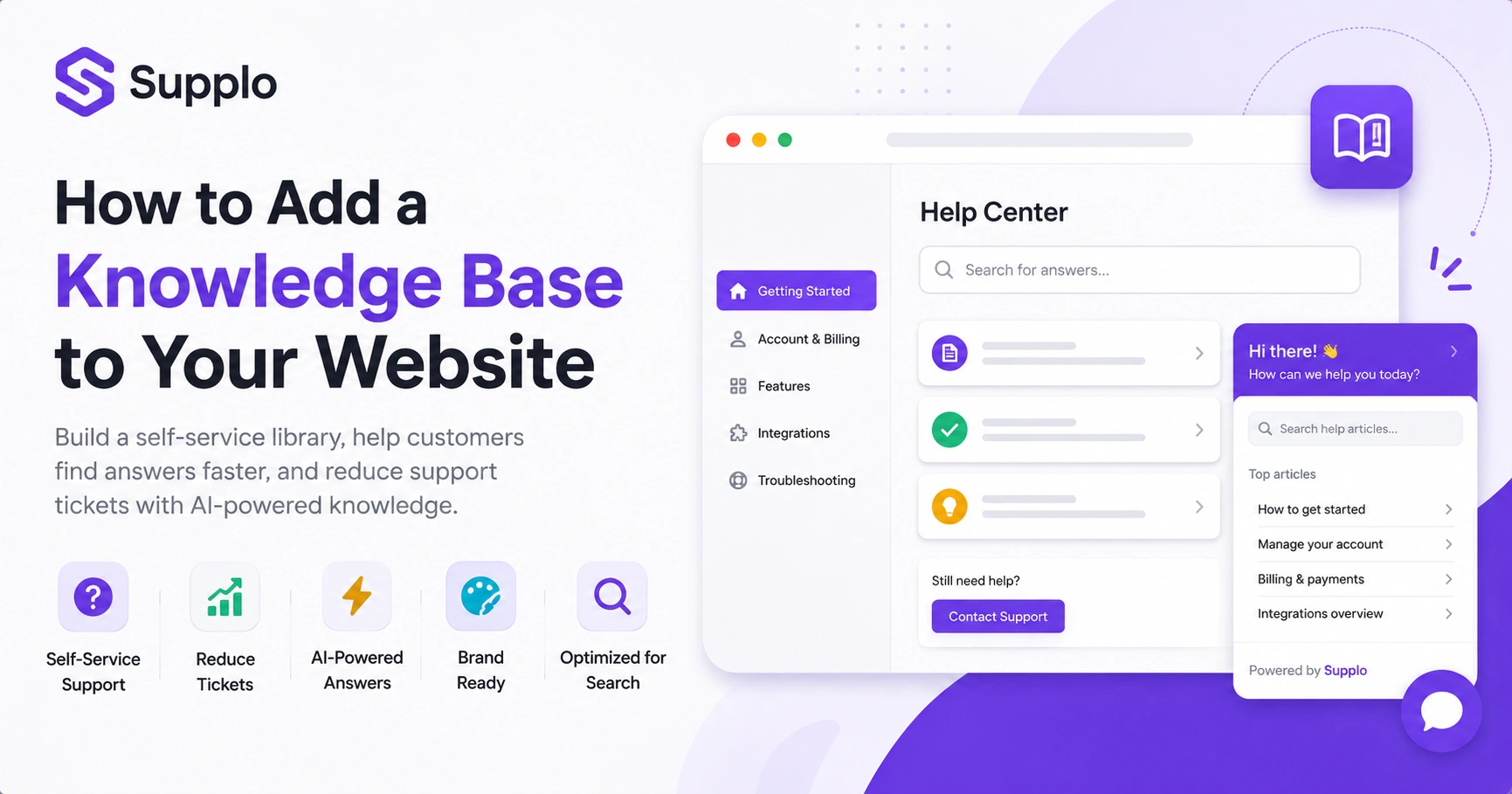
A customer documentation SaaS platform should do more than just store text. It should serve the right answer at the right moment. That means a search bar that handles typos (since your customers are typing on phones while commuting), categories that align with your product's workflow, and the ability to embed articles directly in your live chat widget.
Picture this: a user types How do I reset my password? in the chat. Before any human touches the keyboard, the AI pulls the relevant article. The customer reads it, follows the steps, and moves on. No ticket ever created. That's the dream.
A help centre with a poor search experience forces users to open unnecessary tickets. Make sure your articles are mobile-friendly and screen-reader accessible. Include short video or screenshot walkthroughs for complex steps; sometimes a picture really is worth a thousand words. The best setup is one where the customer never has to leave the product to get help. This helps optimise your knowledge base setup.
Ready to test your knowledge base with real traffic?
You don't need to commit to a full build. Use Supplo's free 14-day trial to import your existing FAQs, connect your chat widget, and watch the AI agent handle the first few questions, no credit card required.
Customer Documentation SaaS: Going Beyond Static FAQs
Static FAQs are so old. They're like that old textbook you never updated, full of outdated information and broken links. Modern customer documentation SaaS is dynamic. Articles update based on your product changes, feedback loops, and AI learning.
Your knowledge base should be a living document that learns from new tickets. When the AI agent gets a question wrong, you flag that article, improve it, and the model updates instantly. This turns documentation into a continuous improvement cycle, not a one-time project you forget about.
Use ticket analytics to identify which articles are missing or outdated. Was this helpful? Feedback should be tied directly to an AI learning loop. Enable version history so you can roll back if a new article confuses. And integrate with your product roadmap so documentation is ready before a feature launches, not a week after customers start asking about it.
B2B SaaS Customer Engagement Platforms vs Support Software: Where the Knowledge Base Lives
There's a real difference between a B2B SaaS customer engagement platform (think marketing automation, onboarding sequences) and pure support software. Your knowledge base sits at the intersection: it's a retention tool, but it's also a conversion tool.
Ideally, your support software should house the knowledge base itself. Not rely on a third-party wiki that lives in some other tab. This keeps the context of every conversation- what the customer searched, what they read, what they bought- in one thread-based inbox.
Engagement platforms often push content, but support software pulls answers. A unified inbox (email, chat, WhatsApp, Instagram) should have a single knowledge base to draw from. Customer intent is much clearer when you see their search history alongside their ticket. Don't let your knowledge base become a silo managed by a different team than support. That's a recipe for inconsistent answers and frustrated customers.
Why You Need a Helpdesk for SaaS Business That's Built for Self-Service
A helpdesk for a SaaS business that isn't built for self-service is like a car without a steering wheel; you can still move, but you'll crash eventually. The best SaaS helpdesk software integrates your knowledge base directly into the ticketing system.
Here's how it works: when a customer submits a ticket, the AI first suggests relevant articles. If they find the answer, the ticket never becomes a ticket. This is the core of modern, cost-effective support.
Pre-submission suggestions can reduce ticket volume by 30-50%. A self-service-first helpdesk significantly lowers your cost per resolution. It also reduces the mental load on your support agents, preventing burnout. Look for a solution that lets you customise the pre-ticket experience, because that's where the magic happens.
Best SaaS Helpdesk Software: The Non-Negotiable Features for Scaling
The best SaaS helpdesk software for a growing company must include a unified inbox, an AI agent that learns from your knowledge base, and multichannel support. It should also be transparent about pricing, flat per workspace, not per seat, so your bill doesn't balloon as you add agents. Bonus points if it integrates with your billing system and supports global payment methods for your customers.
Here are non-negotiable features for scaling:
- Autonomous AI Agent: Must-have: AI that can resolve tickets autonomously, not just suggest canned responses. This includes an AI agent that resolves tickets at an 80% rate.
- Unified Shared Inbox: Must-have: A shared inbox that threads email, chat, WhatsApp, Telegram, Instagram, and Facebook Messenger into a single view. This is crucial for managing diverse customer interactions efficiently.
- Real-time Translation: Must-have: Real-time translation so you can support customers in any language, breaking down communication barriers.
- Flexible Pricing Model: Must-have: A pricing model that rewards you for resolving tickets, not for having more agents, ensuring cost-effectiveness as you grow.
B2B SaaS Helpdesk Solutions: What Makes a Knowledge Base Reliable?
Reliability in B2B SaaS helpdesk solutions means the knowledge base is always accurate, always up to date, and always accessible. An unreliable knowledge base is months out of date, hard to search, or full of broken links. And honestly, that's worse than having no knowledge base at all, because customers lose trust when they find wrong information.
Reliability also means the AI agent can explain why it gave a certain answer. This builds trust with your customers. For a global audience, this also means the knowledge base must handle multiple languages without breaking.
To ensure reliability:
- Conduct Regular Audits: Establish a process for routine checks of article performance, update frequency, and feedback loop effectiveness.
- Ensure AI Accuracy: Vigilantly monitor your AI agent to prevent hallucinations, where it generates incorrect or fictional answers. An AI agent that hallucinates is worse than no answer at all.
- Implement Review Dates: Add a last reviewed date to every article to signal its currency and improve user trust.
- Integrate with Change Logs: Link your knowledge base to your product's changelog, so articles are automatically flagged for review or expiration when relevant features change.
If your current AI keeps giving wrong answers, it's the training, not the tech.
Supplo's AI agent learns from your actual knowledge base and past conversations. If it gets something wrong, you fix the article, and the model updates instantly. No more guessing. Get a higher acceptance rate with a smarter setup.
SaaS Ticketing System Integration: Keeping Context in Every Conversation
A SaaS ticketing system that isn't connected to your knowledge base is flying blind. When a customer submits a ticket, your support team should instantly see what articles they've already read, what they searched for, and what the AI agent suggested. This context prevents the frustration that kills customer satisfaction.
Supplo's inbox does this natively by linking every email, chat, or DM to that customer's knowledge base history. Context prevents duplicate work: the agent doesn't re-ask questions that have already been answered. A ticketing system with knowledge base integration creates a smarter feedback loop.
It also helps with onboarding. See which articles new users read before they hit a snag. Look for a system that can automatically tag tickets based on the knowledge base article responsible. This strengthens your email ticketing system and makes your whole support operation more efficient.
Small Business SaaS Helpdesk: Why Your Knowledge Base Should Scale With You
A small business SaaS helpdesk often starts with a few FAQs and a shared inbox. But as you grow, your knowledge base must scale without a full rebuild. The best approach is to start with a structured knowledge base from day one, even if you have only 10 articles.
As you add features, add docs. As you add team members, they can contribute to the knowledge base without needing admin access. This prevents the knowledge gap that kills small businesses when the founder is the only one who knows how things work.
Start with your top 10 ticket reasons; that covers 80% of your volume. Use a helpdesk that allows collaboration on knowledge base articles (drafts, reviews, approvals). As you grow, use AI to auto-suggest missing articles based on unanswered tickets. A small team needs a helpdesk that doesn't charge per seat, so you can add contributors without budget pain, aligning with Supplo's transparent pricing.
Stop paying per seat. Start paying per resolution.
Supplo charges a flat $0.04 per AI resolution, not a per-seat fee that grows with your team. And we accept payments via Crypto, Binance Pay, Payeer, GCash, AmanPay, QIWI Wallet, DOKU, Nigeria and South Africa cards, Skrill, and Payoneer. Scale your support without the bill scaling with you.
Key Takeaways
- A well-optimisedwell-optimised knowledge base for B2B SaaS companies is critical, serving as a primary defence against routine questions.
- Integrating an AI agent with your knowledge base can automate up to 80% of ticket resolutions.
- Prioritise clear, customer-centric content structure and regular updates for both human and AI comprehension.
- Contextual data, including customer search history and article views, is vital for efficient human support.
- Choose helpdesk software with transparent, flat pricing to ensure scalability without unexpected cost increases.
FAQ
Is it legal to use an AI agent to answer customer support tickets?
Yes, as long as the AI agent is transparent about being AI and doesn't impersonate a human. Supplo's AI agent is clearly labelled as AI and follows the same data privacy regulations (GDPR, CCPA) as your human agents. Always review the terms of your platform and local regulations.
Why might an AI knowledge base fail to answer a customer's question?
The most common reason is incomplete or outdated content. If your knowledge base is missing articles, uses vague language, or hasn't been updated for a new feature, the AI will struggle. The fix is to analyse the tickets the AI couldn't resolve and add the missing documentation.
Can I use a pre-built knowledge base template, or should I build from scratch?
Most B2B SaaS companies benefit from a hybrid approach: start with a template that covers common categories (Getting Started, Billing, Troubleshooting), then customise it to include your specific product documentation. The key is to build the structure before you write the content.
What is the difference between a one-time knowledge base setup and a managed service?
A one-time setup involves creating articles and launching the hub. A managed service (like an AI agent that learns from tickets) continuously updates the knowledge base based on real customer interactions. For reliability, you want the latter.
What should I NOT use my knowledge base for?
Your knowledge base should not replace security documentation, legal disclaimers, or API documentation that requires specific developer context. It's for end-user support, not technical architecture docs.
Troubleshooting: My AI agent keeps giving wrong answers. What do I check?
First, check the knowledge base article the AI is pulling from. Is it accurate? Is it too vague? Second, check if the AI is pulling from multiple articles at once and mixing them. Third, review the AI's training data: did you feed it previous tickets or just static docs?
How do I know if my knowledge base is actually working?
Track the deflection rate: the percentage of tickets that are resolved without a human agent. Also track customer satisfaction on the articles themselves. If an article has a high no rate, it needs to be rewritten.
Compliance Note: Supplo is not affiliated with any app or website. Please follow each app's terms and local regulations.