On this page
So, what is live chat abandonment and how can you fix it? It’s the moment a customer starts a chat, waits and then leaves. They never get their questions answered, or they don't get them answered fast enough. A slow first reply is the main culprit. This guide is for anyone running a business, managing a support team, or just trying to make customers happier. We’ll break down how to fix this, slash those wait times and turn more chats into wins.
Quick Answer
- Live chat abandonment is almost always triggered by slow response times. Wait more than 60 seconds and people start dropping off.
- Track Median First Response Time (FRT) and Average Handle Time (AHT) to find your bottlenecks.
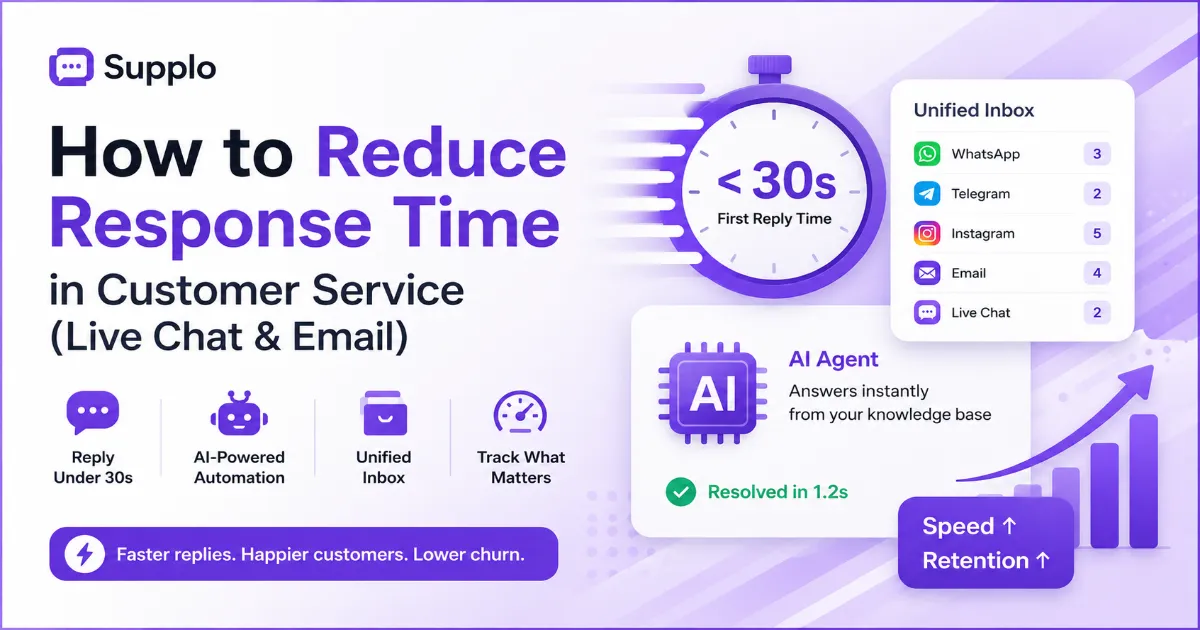
- Use a self-learning AI agent to handle the simple stuff, which can dramatically reduce your FRT.
- Bring all your channels, website chat, WhatsApp and email into one inbox so your team never misses a beat.
- Use proactive chat triggers and pre-written responses to engage customers instantly.
Why Live Chat Response Time Is the No. 1 Factor in Customer Satisfaction
Let’s be real: your live chat response time is the first thing a customer notices. It’s a direct signal of how much you value their time. A reply in under 30 seconds? That feels professional, even caring. A reply that takes over two minutes? It tells the customer they’re at the bottom of your list. That perception drives everything from whether they buy anything to how likely they are to recommend you.
People expect a conversation when they open a chat. And waiting on a live channel feels way longer than waiting on hold. It’s psychology. A fast reply almost always leads to a higher first-contact resolution rate. In fact, a huge majority of customers say a fast response is the most important part of a good support experience. You need to know the difference between first response time (the time until the first agent message) and average handle time (the total time from start to finish). That’s where real improvement starts.
The Direct Impact of Response Time on Chat Abandonment Rates
There’s a straight line between how long a customer waits and whether they leave. Industry data shows that abandonment rates spike hard after just 60 seconds of silence. A slow reply is the number one reason a visitor will close the tab, costing you a sale or a resolution.
That 60-second mark is a real point of no return. Once it passes, impatience sets in. This doesn’t just frustrate people; it also drives up your support costs because those same customers will call or email later. The hidden cost of abandoned chats is lost revenue and a dinged-up reputation. Think about it: a 30-second response on a checkout page vs. a 3-minute one. That’s the difference between a completed purchase and an abandoned cart.
How to Measure Your Current Live Chat Response Time Accurately
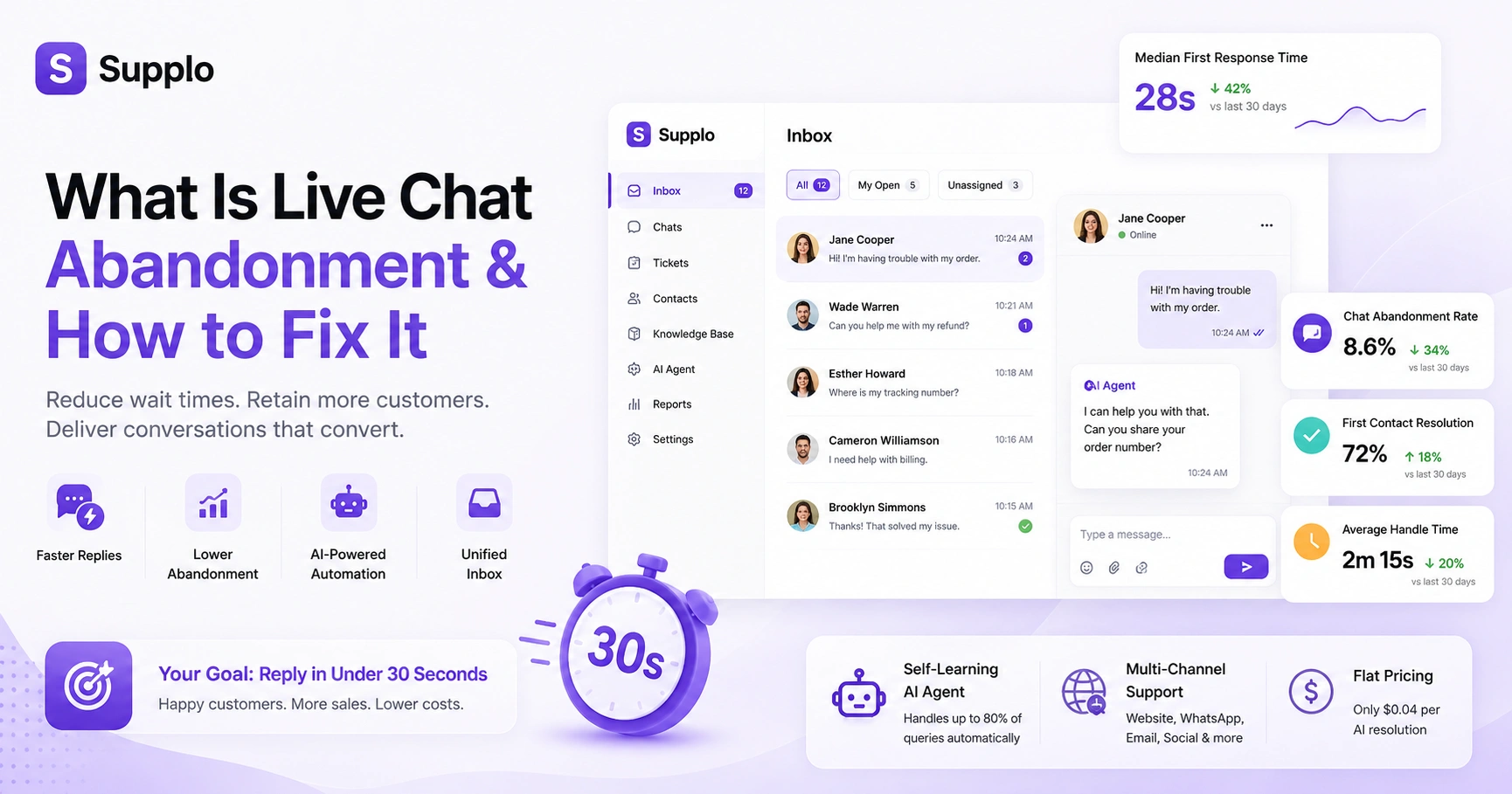
You can’t fix what you don’t track. Start with two key metrics: Median First Response Time (FRT) and Average Handle Time (AHT). Most modern chat tools, like Supplo, have a dashboard that automatically calculates these. If you want to do it manually, sample ten chats a day for a week to get a baseline.
To do it properly, hop into your chat platform’s analytics tab. Always prioritize median response times over averages; medians give you a more honest picture of the typical customer experience. A good benchmark to aim for is a 30-second first reply and a 2-minute full resolution. Also, segment your data by channel. A customer on website chat might have different expectations than someone on WhatsApp or Instagram DMs.
7 Proven Strategies for Faster Live Chat Replies Without Burning Out Your Team
Speeding up replies isn’t about hiring more people; it’s about working smarter. Use a mix of AI-powered auto-responses, pre-written snippets (canned responses) and a smart routing system. The goal is to get that first greeting out within 5 seconds, even if a human takes over for the complicated stuff.
Here are seven strategies to get replies out faster:
- Use a chatbot to greet and qualify the lead immediately. This gets the conversation started and gathers context for your human agents.
- Build a library of 20-30 canned responses for common questions. This lets agents send accurate, consistent replies in seconds.
- Implement skill-based routing to send technical questions to the right person. This avoids unnecessary transfers and speeds up resolution.
- Set a response-time SLA and alert your team when it's exceeded. Clear expectations and real-time alerts keep everyone focused on speed.
- Use a shared inbox to prevent agents from stepping on each other's replies. A unified view means efficient workload distribution.
- Provide ongoing training focusing on efficient communication. Emphasize clarity and conciseness to reduce back-and-forth.
- Optimize agent workspaces with quick access to knowledge base articles. Reducing research time directly impacts response speed.
How to Set Up a Self-Learning AI Agent to Handle the First Wave of Queries
The fastest way to improve response time is to let an AI agent handle the first wave of repetitive questions. Supplo’s AI agent learns from your knowledge base and past conversations, resolving up to 80% of incoming tickets automatically at a flat $0.04 per resolution. It doesn’t just answer; it translates messages in real time so you can support customers in any language.
To set it up, you connect your knowledge base (FAQ pages, help docs) to train the AI. This lets it accurately answer common questions based on your own resources. The handoff is clean: when the AI can’t answer, it seamlessly transfers the chat to a human agent, giving them full context so the customer doesn’t have to repeat themselves. This isn’t a basic chatbot; it learns and gets smarter with every interaction. And at $0.04 per resolution, it’s way more cost-effective than the typical $0.99 per resolution charges from legacy tools.
Ready to see your response time drop instantly? Start a free 14-day trial of Supplo and connect your live chat widget in under 5 minutes.
Optimizing Your Website Chat Interaction for a Seamless User Experience
A fast response time is useless if the chat window itself is frustrating. Optimize the entire interaction by making the widget visible but not intrusive, pre-populating the visitor’s name and offering a clear start-chat button. The goal is to reduce friction from the first click to the final answer.
Think about widget placement. The bottom-right corner is standard, but make sure it doesn’t cover critical elements, such as an add-to-cart button. Use brief pre-chat forms, ask for a name and email, not a full survey. Ensure message persistence, so users can return and pick up where they left off. And for the love of mobile users, optimize your chat widget to be full-screen friendly on phones. A/B testing different trigger times (e.g., after 10 vs. 30 seconds on page) can help you fine-tune engagement.
How to Fix Live Chat Abandonment
If your chat abandonment rate is high, check your response time first. If it’s over 60 seconds, that’s your primary fix. If response time is fast but abandonment is still high, look at the quality of the replies. Are they helpful? Are they offering a solution, or just saying, "Let me check"? Follow this checklist to find the root cause.
Troubleshooting Checklist:
- Check your median first response time daily in your analytics dashboard. This gives you the most accurate view of customer wait times.
- Audit the first message your agents send. Is it too generic? A little personalization, like Hi [Customer Name], can make a big difference.
- Review the chat flow: are customers waiting on hold for a transfer? Optimize your internal routing within a shared inbox to minimize these delays.
- Implement a courtesy hold message if the agent needs time to research. A simple, Thanks for your patience, looking into this now! can manage expectations.
- Test your chat widget on different devices and browsers. Make sure it works flawlessly everywhere.
If your chat abandonment rate is still high after following these steps, try Supplo's unified inbox. It consolidates WhatsApp, Instagram, email and website chat into one thread-based view, so you never miss a reply. Start your free trial today.
Preventing Chat Abandonment: Proactive Strategies for Improving Chat Completion Rates
The best way to prevent abandonment is to be proactive, not reactive. Set up automated triggers that send a greeting the moment a customer lands on a product page. Use a shared inbox so no chat drops between agents. Finally, offer a callback option. If your team is busy, let the customer book a time for a live chat callback.
Proactive triggers, like Hi! I see you're looking at our pricing page. Can I help? Can I engage customers before they even think of leaving? Implement a sticky chat window that keeps the conversation open across page loads, so users don’t lose their progress. Display agent availability alerts (like busy or offline) to manage customer expectations. And don’t forget automated follow-ups for abandoned chats, send an email with the chat transcript and a link to resume the conversation.
Reducing Abandoned Chats with a Unified Multichannel Inbox
A fragmented support system is a major cause of slow responses. If your team is juggling separate tabs for email, WhatsApp, Instagram and Facebook Messenger, response times will suffer. A unified inbox brings all these channels into a single thread-based view, so agents can reply instantly without switching context.
A multichannel inbox streamlines agent workflow, significantly reducing response time by eliminating constant tool switching. The benefit of thread-based conversations is that all customer context, including previous interactions, is in one place. This means agents see the full history, so customers don’t have to repeat themselves. Real-time translation is a powerful feature in unified inboxes: if a customer writes in Spanish, the agent can reply in English and the AI translates automatically, enabling seamless global support. This is critical for global teams managing support across different time zones.
Making Live Chat Better for Users: Practical Tips for Your Support Team
Fast responses are table stakes. The real differentiator is the quality of the interaction. Train your team to use a human, conversational tone, to avoid reading from a script and to resolve issues in the chat window rather than forcing the customer to call. A great chat experience is one where the customer feels heard and helped.
Here are practical tips for your support team:
- Avoid corporate jargon. Phrases like We are experiencing a high volume are often seen as excuses. Be transparent and human.
- Use the customer's name and reference their specific issue from the first message. This personalizes the interaction.
- Provide a clear answer, not a path to an answer. Say Here is the link to reset your password instead of Let me look that up for you.
- End every chat with a summary of what was resolved and a Did this help? prompt to ensure satisfaction and gather feedback.
- Personalize the chat with the agent’s name and, if appropriate, a photo to add a human touch.
Stop letting slow response times cost you, customers. Supplo gives you the tools to automate, streamline and improve your chat experience, all at a flat workspace price that doesn’t balloon as your team grows. Start your 14-day free trial now.
Key Takeaways
- Prioritize Response Time: It’s the most critical factor in live chat customer satisfaction and directly impacts abandonment rates.
- Leverage AI: Implement a self-learning AI agent to handle routine queries, dramatically decreasing initial response times and freeing up human agents.
- Unify Communication Channels: A single, thread-based inbox for all platforms (email, chat, social) prevents missed messages and inefficient workflows.
- Proactive Engagement: Use automated triggers to greet customers early and manage expectations by clearly communicating agent availability.
- Quality Matters: Fast replies must be combined with helpful, human-centered interactions to build customer loyalty.
FAQ
What is a good live chat response time?
A good response time is under 30 seconds for the first reply. If you can't hit that, aim for under 60 seconds. Anything over 2 minutes will significantly increase chat abandonment rates.
Why does a slow live chat response cause customers to leave?
Customers expect real-time support on a live channel. A slow response signals that the business is not prioritizing the query, leading to frustration and the assumption that a phone call or email would be faster.
How do I measure my current live chat response time?
Most chat platforms provide a dashboard showing Average First Response Time and Median First Response Time. Supplo's analytics tab shows this automatically. You can also manually track ten random chats per day to establish a baseline.
Can an AI agent really improve response time without losing the human touch?
Yes. An AI agent handles initial greetings and common questions, seamlessly handing off to a human agent for complex issues. The key is a clean handoff where the customer doesn't have to repeat themselves.
Is it better to have a fast generic reply or a slow personalized reply?
Aim for both. A fast generic reply is better than a slow reply, but a fast personalized reply is best. Use a pre-written first greeting that includes the customer's name and a reference to their product page to bridge the gap.
What is chat abandonment and how do I calculate it?
Chat abandonment is when a customer initiates a chat but leaves before the conversation is resolved. It's calculated as (Abandoned Chats / Total Chats Initiated) x 100. A rate above 30% is generally considered high.
Does live chat response time affect SEO?
Indirectly, yes. A fast, helpful live chat experience reduces bounce rate and increases time on site, which are positive signals for user experience. Google rewards sites that keep users engaged.
Compliance line: Supplo is not affiliated with any app or website. Please follow each app's terms and local regulations.