On this page
Customer onboarding is make-or-break territory. It's that critical window where new users either become loyal, engaged customers or quietly slip away. Get it right, and you'll see lower churn and higher lifetime value. Get it wrong? Well, you'll watch people sign up and disappear before they've even experienced what you offer.
Chat support has emerged as a modern, efficient way to guide new customers through your product. It provides real-time assistance exactly when users need it most, not hours later via email.
This guide is written for customer success managers, support team leads, product managers, and founders who want to improve activation rates and solve the setup-and-quit problem. We'll cover best practices, automation strategies, and practical tools to build an effective chat-driven onboarding workflow.
Quick Answer
- Be proactive: Initiate conversations with new customers rather than waiting for them to ask for help.
- Balance AI and human touch: Automate routine questions with AI but ensure a smooth handoff to human agents for complex issues.
- Train AI with your knowledge base: Ensure your AI agent provides accurate, consistent answers by training it on your specific onboarding documentation.
- Unify communication channels: Manage web chat, WhatsApp, Telegram, and Instagram DMs from a single inbox for a complete customer view.
- Measure key metrics: Track First Response Time, Resolution Time, and Time to First Value to gauge effectiveness.
Why Chat Support is Essential for Modern Customer Onboarding
The onboarding phase isn't just important; it's everything. It's when new users first experience your product, and those early interactions heavily influence whether they'll stick around. Using chat support during this stage lets you address friction points in real time, turning a potentially confusing setup into a guided, supportive experience.
The shift from email to real-time chat for onboarding
Traditional email-based onboarding feels like watching paint dry. Customers might wait hours for a reply, which often leads to frustration or outright abandonment. Live chat changes the game by keeping the conversation flowing instantly. It resolves queries and guides users through setup steps without delay. And honestly? Modern users expect that kind of immediacy now.
How chat reduces time-to-value for new customers
Immediate help via chat significantly reduces the dreaded setup-and-quit problem. By answering questions and troubleshooting issues in the moment, chat support helps customers achieve their first success moment- that aha! moment, much faster. This direct path to value increases satisfaction and the likelihood of long-term retention. Plus, chat creates a direct feedback loop, helping you identify and fix weaknesses in your self-service onboarding documentation.
The 7 Best Practices for Customer Onboarding via Live Chat
Great onboarding chat doesn't happen by accident. It's carefully designed and thoughtfully executed. Effective live chat onboarding requires strategy to ensure new customers feel supported and confident from the very first interaction.
Proactive vs reactive chat triggers for onboarding.
Here's a best practice worth its weight in gold: move from reactive to proactive support. Instead of waiting for a new user to stumble and ask for help, initiate the conversation yourself. Send a welcome message shortly after sign-up, or offer a quick tour of the product. This proactive engagement makes users feel valued and significantly reduces early friction.
Using saved replies and templates for consistency
Consistency matters more than you might think. Build a library of saved replies and templates for the most common onboarding questions, such as "How do I invite my team?" or Where do I find my account settings? This ensures agents provide accurate, on-brand responses quickly while freeing them up to focus on more complex challenges. Keep chat messages concise, ideally 1-3 sentences, to maintain momentum and engagement.
How to Design a Live Chat Onboarding Process for New Customers
Designing an effective live chat onboarding process starts with understanding your customer's journey. Map out every step from just signing up to the first value achieved. Identify the three biggest hurdles a new customer typically encounters, and build specific chat flows to address each.
For example, you might create a dedicated chat flow to connect an integration or upload the first data set. Targeted guidance like this can dramatically improve activation rates. A simple checklist approach works well: Greet → Identify goal → Guide step 1 → Guide step 2 → Confirm success.
Use conditional logic within your chat flows. If a user says I'm stuck on billing, the system routes them directly to a payment resolution flow. Integrate non-intrusive check-ins like Still need help with that setup step? to offer support without overwhelming the user. Analysing chat logs to identify common dead ends helps refine your knowledge base and improve future onboarding experiences. For an easier way to get started with live chat functionality, consider implementing a web chat widget on your site.
Automating Customer Onboarding with Chat Without Losing the Human Touch
Automation handles the volume, but humans handle the trust. A balanced approach leverages a self-learning AI to resolve routine questions while ensuring a seamless handoff to a human agent when needed. This strategy prioritises speed for common inquiries without sacrificing the personal connection essential for long-term customer relationships.
Automating routine questions like account setup or billing
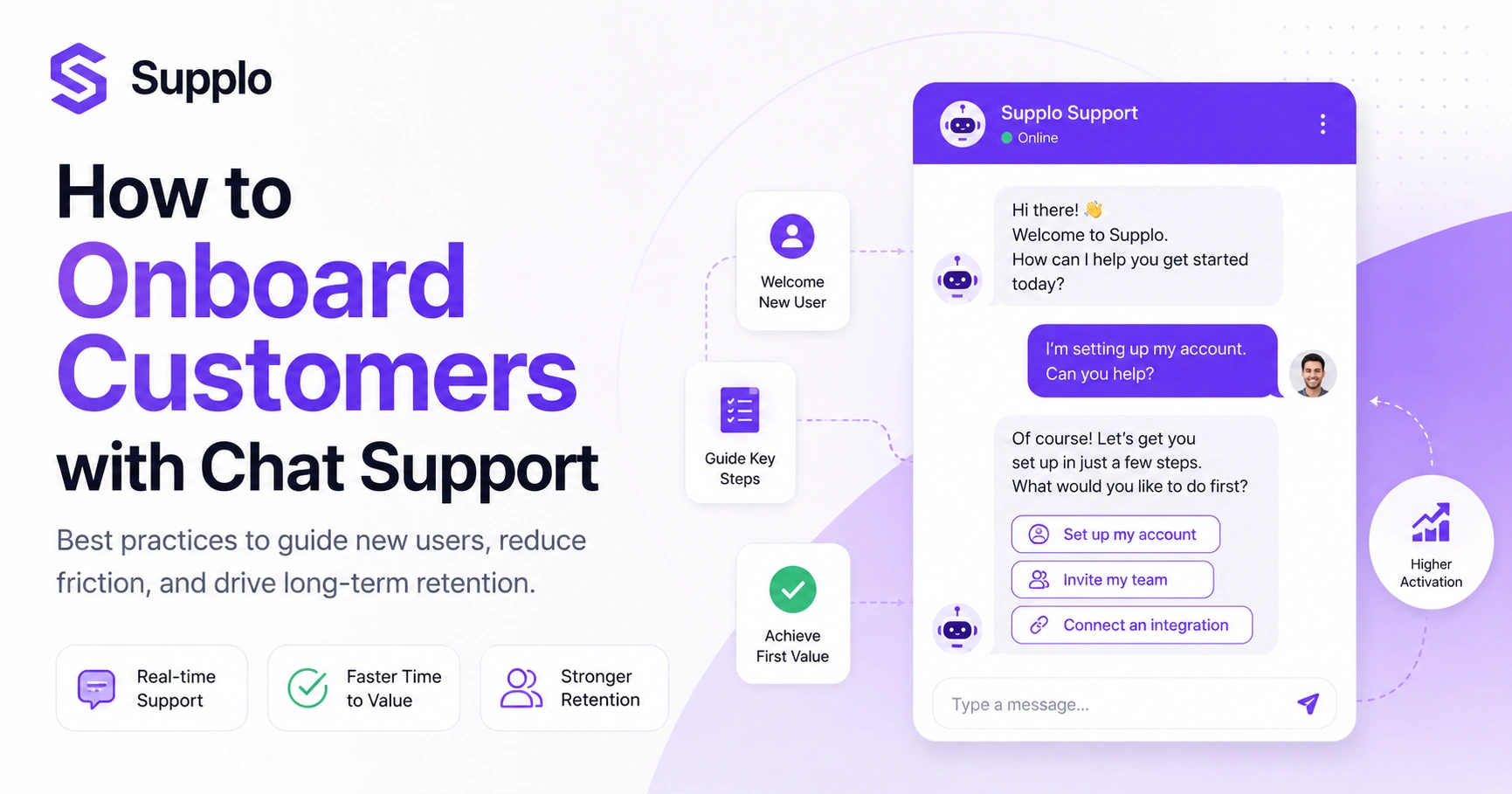
AI agents excel at handling repetitive tasks, such as "How do I reset my password?" or basic account setup queries. By automating these common questions, your human team is freed up to assist with more complex or sensitive issues. Design the first 3-4 messages with a targeted greeting and a menu of common onboarding tasks to quickly direct users.
When discussing payment setup during onboarding, note that users can pay via Crypto, Binance Pay, Payeer, GCash, AmanPay, QIWI Wallet, DOKU, cards from Nigeria and South Africa, Skrill, and Payoneer, covering real-world global use cases.
When to hand off the AI chat to a human agent
Set clear escalation rules. If a user asks for a manager, mentions refunds, or expresses significant frustration, the conversation should be transferred to a human agent immediately. It's crucial to write conversation scripts that feel natural, avoiding robotic Did you mean X? loops. During the initial month of deployment, human review of all AI-generated responses can help refine the automation.
Ready to build that onboarding flow? Start with Supplo's 14-day free trial. Test your automation, see the unified inbox, and verify the AI handles your top 5 onboarding questions perfectly.
Using an AI Agent for a Faster, More Consistent Onboarding Experience
An AI agent, especially one trained on your specific knowledge base, can answer onboarding questions instantly and consistently, in multiple languages, without constant human intervention. The key is choosing a solution that charges a flat rate per resolution, rather than per seat or per expensive API call. This ensures you can scale onboarding support without watching your bill skyrocket. For example, Supplo resolves tickets for $0.04 per resolution, making it practical to use AI for all stages of the customer journey, including initial setup.
Training your AI on your knowledge base for accurate answers
The effectiveness of an AI agent hinges on its training data. Ensure your AI is exclusively trained on your current knowledge base, onboarding documentation, and past conversation logs. This guarantees accurate, contextually relevant answers that directly address common challenges for new users. A well-trained AI should be able to integrate with your knowledge base and automatically pull answers. Regular monitoring of the hand-off rate helps identify areas where the AI struggles, allowing you to enhance its training data. Our self-learning AI simplifies this process.
The hidden cost of high-per-ticket AI and how to avoid it
Many AI solutions charge per API call, per minute, or have high-resolution fees, leading to unpredictable and often escalating costs as your customer base grows. This can make large-scale AI onboarding economically unfeasible. A flat pricing model, like Supplo's transparent pricing, allows you to automate onboarding for all users without worrying about operational expenses exploding.
Improving Chat Support Onboarding: Metrics That Actually Matter
Don't chase vanity metrics like the total number of chats. Instead, focus on outcomes that directly impact customer success and retention. Key performance indicators (KPIs) like First Response Time (FRT), Resolution Time, and the percentage of onboarding tickets resolved without human escalation provide a clearer picture of efficiency and effectiveness.
Tracking first response time (FRT) and resolution time
FRT measures how quickly a customer receives the first response, while Resolution Time measures how long it takes to resolve their query fully. For onboarding, a swift FRT (aim for under 30 seconds, especially with AI) is critical. Rapid problem-solving directly contributes to a positive first impression and helps new users overcome initial hurdles quickly.
Measuring customer satisfaction (CSAT) post-onboarding chat
Beyond speed, understanding customer sentiment is vital. Measure CSAT scores specifically for interactions during the onboarding process, rather than for broad support interactions. This allows you to pinpoint whether your chat-based onboarding is truly satisfying and effective. Also, track the Time to First Value (TTFV) for users who interacted with chat versus those who didn't; this helps quantify the direct impact of your chat strategy. Look at your chat deflection rate: how many users resolved their issue without ever opening a human-handled ticket.
Tools You Need to Automate Customer Onboarding Chat Successfully
To automate customer onboarding chat effectively, you need more than just a basic chat widget. A unified inbox is essential. This centralises conversations from various channels, such as web chat, WhatsApp, Instagram DMs, Telegram, and email, into a single, thread-based view via email integration. This prevents agents from juggling multiple tabs and ensures the AI has complete context across all communication points, which is crucial for a smooth onboarding flow.
Look for a platform that offers a shared team inbox, enabling multiple agents to collaborate seamlessly. Ensure the tool provides automated message translation to support global customers. The ideal solution includes a self-learning AI that continuously improves through real conversations and integrates with your CRM or existing onboarding tools to provide rich customer context. Learn how Supplo unifies all these channels on our Inbox page. Manage customer conversations from platforms like WhatsApp support, Instagram DMs, and Telegram support, all in one place.
Common Pitfalls in Live Chat for Customer Success Onboarding And How to Fix Them
The biggest mistake in onboarding chat is treating it like regular support, waiting for the user to initiate contact. The second major pitfall is over-automating, leaving new customers trapped in a frustrating bot loop with no clear path to human assistance.
Avoiding information overload in the first chat messages
New users are often overwhelmed. Avoid lengthy, text-heavy initial messages. Start with a proactive, concise welcome that offers clear options for assistance. For example, Need help getting started? and present a few common setup tasks.
The risk of bot-only onboarding and how to balance it
Relying solely on bots risks alienating users who need nuanced help. Always provide an easily accessible Talk to a human button within the chat window. This ensures that even if the AI cannot resolve an issue, the customer can quickly connect with a live agent. If your current chat tool feels like a bottleneck, it might be due to its pricing model. Supplo charges a flat $0.04 per AI resolution, with no per-seat fees that bloat as your team grows. Get higher acceptance from your team because the tool works, not because the budget demands it.
Compliance note: Supplo is not affiliated with any app or website. Please follow each app's terms and local regulations.
Building a Reliable, Repeatable Onboarding Chat Workflow
Building a reliable onboarding chat workflow isn't about implementing flashy bots; it's about achieving consistency and efficiency. The goal is to deploy an AI that accurately handles routine tasks, freeing your human team to focus on complex, high-value interactions. By striking this balance, you create a system in which AI provides scale, and humans foster stickiness.
Start by mapping the customer journey, identifying key friction points, and automating resolutions for common onboarding questions. Continuously measure outcomes using metrics beyond chat volume alone. Review chat logs regularly to identify new friction points and adapt your strategy. The ultimate aim is not to replace human interaction but to optimise it, allowing your team to focus on building meaningful customer relationships while the AI handles the repetitive groundwork. Don't let a broken onboarding process cost you customers. Set up a reliable, unified chat system that scales from 10 to 10,000 users without breaking the bank. Start your free trial today at Supplo.io.
FAQ
Can I really automate all of customer onboarding with chat?
No, not entirely. While automation can handle a significant portion (60-80%) of routine setup questions, complex issues like integration errors or custom configurations will still require a human touch. The most effective approach is a hybrid system combining AI efficiency with human expertise.
How do I stop the AI from giving wrong answers during onboarding?
To ensure accuracy, train your AI exclusively on your specific onboarding documentation rather than generic data. Review its responses daily for the initial two weeks, and use its learning capabilities to correct any inaccuracies. Modern AI agents learn and improve quickly from flagged incorrect answers.
Is live chat or email better for onboarding new customers?
For real-time guidance and quick problem-solving, live chat is superior during onboarding. Email remains useful for sending detailed documentation, summaries, or confirmation receipts. The optimal setup combines both, with chat as the primary interactive experience and email as a supplementary channel.
What if a customer prefers WhatsApp or Instagram over web chat for onboarding?
This is increasingly common. A unified inbox, such as Supplo, allows you to manage all these diverse channels, including WhatsApp, Instagram DMs, and web chat, from a single interface. This ensures a consistent, streamlined onboarding experience regardless of the customer's preferred communication method.
How long should an onboarding chat flow be before it hands off to a human?
Aim for an AI-led chat flow that involves 3-5 back-and-forth messages before offering a clear option to hand off to a human agent. If the flow is longer, customers may become frustrated. The AI's role is to clarify the issue and provide initial guidance, not necessarily to resolve the entire problem independently.
What metrics should I use to measure the success of onboarding chat?
Focus on metrics like First Response Time (FRT), Resolution Time, and Automation Rate. Crucially, also track Time to First Value (TTFV), the duration it takes for a customer to complete their first meaningful action or achieve initial success after signing up.
How do I handle onboarding for international customers using chat?
Implement a chat tool with integrated translation capabilities. This allows your support team to communicate in their native language while the customer receives messages in theirs. Automated translation removes language barriers, facilitating a smoother onboarding experience for a global customer base.
Compliance line: Supplo is not affiliated with any app or website. Please follow each app's terms and local regulations.


