On this page
Every second a customer waits for a live chat reply is a second they consider leaving and a second closer to lost revenue. Reducing your customer wait time in live chat isn't just a service metric; it's a direct lever for retention, satisfaction and support ROI.
This guide is for support managers, team leads and business owners who want practical, proven strategies to cut wait times without burning out their agents. Use these tactics when you see queue length growing, CSAT slipping, or agents overwhelmed. Avoid them if you're looking for a single magic button; there isn't one, or if you're not ready to measure your baseline first.
Quick Answer
- Audit first. Measure your current first response time, peak hours and ticket complexity before you change anything.
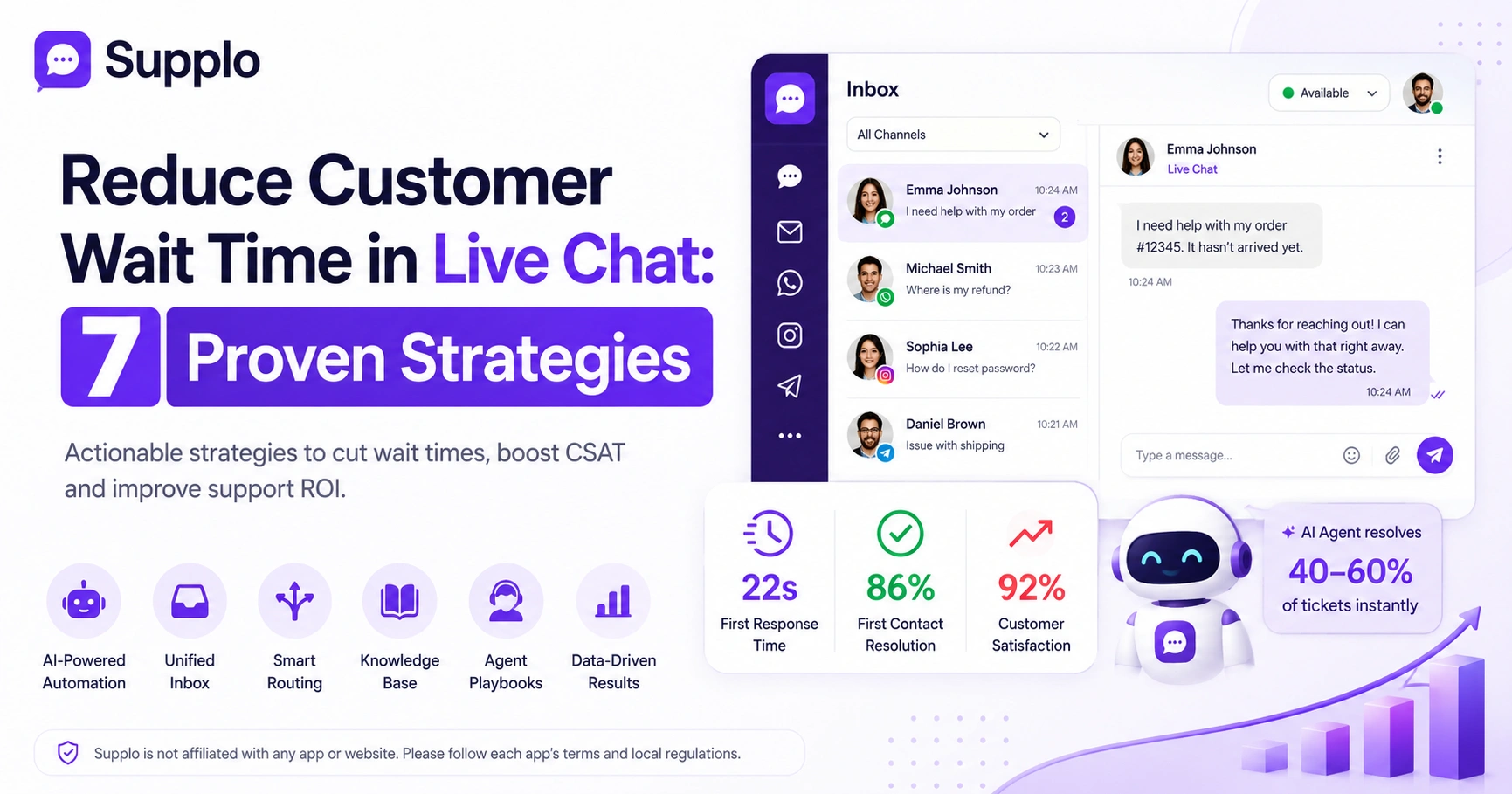
- Deploy AI for the repetitive stuff. A trained AI agent can handle 40–60% of tickets instantly, cutting wait times for everyone.
- Unify your channels. One inbox for email, live chat, WhatsApp, Instagram and Telegram eliminates context-switching delays.
- Route smartly. Send the right ticket to the right agent on the first try to avoid transfers and reduce handle time.
- Measure what matters. Track first response time, first contact resolution and customer effort score, not just total chats handled.
Why Customer Wait Time Is the Silent Killer of Support ROI
Here's the thing no one tells you about slow support: it's not just annoying, it's expensive. When a customer waits more than 60 seconds for a live chat reply, their satisfaction drops sharply and many will abandon the conversation entirely. Worse, they're unlikely to come back, making every delayed response a potential churn event.
Customers expect replies within 60 seconds; every additional 30 seconds increases abandonment rates by 20% (industry data from Salesforce research). Longer wait times also increase ticket volume as customers reach out multiple times across channels seeking faster answers. Speed of first response is the #1 metric correlated with CSAT scores in live chat environments. Agents who feel pressure to respond quickly without proper tools make more errors, reducing the quality of resolution.
Audit Your Current Live Chat Response Time Before You Fix It
You can't improve what you don't measure. Start by pulling your average first response time, average handle time and longest wait periods over the last 30 days. Look for patterns, does wait time spike during certain hours, on specific channels, or with particular topics? This baseline tells you exactly where to focus.
Use your support platform's analytics to export first response time by agent, channel and time of day. Identify your worst hour and prepare surge staffing or automation for that window. Categorize tickets by complexity; complex issues may skew your average handle time and mask simple ticket delays. Calculate your peak-to-average ratio. If spike hours double your average wait, you need different strategies for peak periods.
Ready to see your actual wait time breakdown?
Grab a 14-day free trial at Supplo. Import your chat data for the last 30 days and we'll surface your average first response time, peak hours and longest waits in your dashboard, no credit card needed.
How AI Chatbots Can Reduce Customer Wait Time Instantly
AI chatbots handle 40–60% of repetitive, straightforward tickets, giving customers immediate answers without waiting for a human agent. They don't sleep, they don't slow down at lunchtime and they scale instantly to handle traffic spikes. The trick is choosing an AI agent that's trained on your actual knowledge base and past conversations, not a generic bot that guesses.
AI agents resolve common questions about order status, password resets, shipping policies and billing in seconds. Best practice: Set your AI agent to hand off to a human after two failed attempts, rather than looping customers endlessly. Unlike legacy tools that charge $0.99 per resolution, modern AI costs a flat $0.04 per resolution, dramatically lowering the barrier to deployment. Customers don't mind talking to AI when the answer is fast and accurate; they mind waiting 10 minutes for a human to say, "Please hold."
If your current chatbot is causing customers to bounce, try a smarter approach.
Supplo's AI agent learns from your actual conversations and knowledge base, so it answers accurately instead of guessing. Pricing starts at $0.04 per resolution and you can test it for free for 14 days.
Set Up Smart Routing to Improve Live Chat Agent Response Time
Sending all tickets to one queue forces every agent to triage before they can help. Smart routing automatically assigns conversations to the right agent based on skill set, language, workload, or customer tier. That eliminates the let me transfer you loop and keeps each conversation moving.
Route billing questions to finance-trained agents, technical issues to support engineers and general inquiries to your front-line team. Use round-robin assignment for balanced workload, or skill-based routing for specialized issues. Set up priority escalation rules so VIP customers or urgent bugs jump the queue without manual intervention. Avoid routing to agents who are already handling multiple chats; set a maximum concurrent chat limit.
Use a Unified Inbox to Speed Up Live Chat Response Across Channels
When your team is hopping between email, website chat, WhatsApp and Instagram DMs to respond to customers, each context switch costs them 10–15 seconds. Over 50 chats a day, that's lost time that builds wait times. A unified inbox consolidates all channels into a single thread-based view, allowing agents to handle everything from a single workspace without toggling.
A unified inbox lets you manage email, website widget, WhatsApp, Telegram, Instagram DMs and Facebook Messenger in one place. All conversation history is preserved in a single thread, so agents don't ask What did you say to me on email? in the chat widget. Agents can see whether a customer has an open ticket in another channel and pick up the call without having to repeat questions. Internal notes and team mentions keep collaboration inside the conversation. For deeper integration, explore email ticketing and WhatsApp customer support options.
Build a Self-Service Knowledge Base for Quick Live Chat Replies
A knowledge base does double duty: it deflects tickets entirely when customers find answers themselves and it gives agents a quick reference to deliver accurate replies without having to hunt. The best knowledge bases aren't static PDFs; they're searchable, regularly updated and connected to your AI so it can answer questions from the same sources your agents use.
Structure articles by customer journey: pre-sale, onboarding, troubleshooting, billing and account management. Train your AI on the same knowledge base so it can answer common queries without agent involvement. Include step-by-step guides, screenshots and video embeds for complex instructions. Let agents search and insert snippets directly into chat replies rather than typing everything from scratch.
Train Your Team with Agent Efficiency Live Chat Playbooks
Speed without structure leads to sloppy replies and repeated contacts. Playbooks give agents scripts, templates and decision trees for the top 10–20 scenarios they handle every day. That consistency reduces average handle time and improves quality at the same time, customers get fast, correct answers they don't have to verify.
Create playbooks for password resets, refund requests, shipping delays, feature questions and account upgrades. Include canned responses that agents can personalize rather than retype; just be careful not to sound robotic. Train agents to use open-ended questions strategically: What exactly are you trying to do? can cut a 10-minute explanation to 2 minutes. Run weekly 5-minute drills in which agents practice responding to the most common scenarios under a timer.
Monitor Live Chat Efficiency Tips That Actually Move the Needle
Too many teams track vanity metrics like total chats handled, but ignore the metrics that matter: first response time, first contact resolution and customer effort score. Set up a weekly review to look at these three metrics alongside your average wait time and adjust your workflow based on the data.
First response time under 60 seconds is a common target, but first contact resolution matters more for total wait and avoiding follow-ups is faster. Customer effort score tells you if your fast replies are actually helpful, not just quick. Review agent-level data privately; punish burnout patterns, not slow agents on complex tickets. Compare AI deflection rate vs. human handle time to decide where to invest automation next.
How to Measure Your Success: Strategies to Decrease Live Chat Wait Times
Once you've implemented changes, measure before and after using controlled periods. Run your new routing, AI and inbox system for two weeks, then compare average wait time, abandonment rate and CSAT to the previous two weeks. That controlled experiment tells you what's working and what needs tuning, without guesswork.
Use A/B testing for routing rules: try skill-based routing for one week, then round-robin for the next and compare wait times. Measure your worst hour wait time separately; reducing that 15-minute spike is worth more than shaving 10 seconds off an already-fast hour. Track AI resolution rate separately from human response time so you know exactly where gains came from. If wait time drops but CSAT stays flat, you might be sacrificing quality for speed. Revisit your playbooks.
When Human Touch Still Wins: Increase Live Chat Agent Speed Without Burning Out
Not every conversation should be fast. Sensitive topics, complex troubleshooting and emotional customers need patience, not speed. The goal isn't to make every reply instant; it's to handle the simple stuff automatically so your team has the time and energy to be slow where it matters. That's the sustainable path to faster overall response times.
Train agents to triage emotionally: if a customer is frustrated, slow down to fully resolve the issue rather than rushing and causing repeat contact. Set burnout buffers: after two complex tickets in a row, automatically route the next ticket to another agent. Use AI to draft replies that agents can review and send, reducing typing time without removing human judgment. Remember that agent experience directly impacts customer experience; happy agents respond faster and better.
Key Takeaways
- Audit before you act. Measure your baseline wait times, peak hours and ticket complexity first.
- AI handles the simple stuff. Let a trained AI agent resolve 40–60% of tickets instantly, reducing queue pressure.
- Unify your channels. A single inbox for all messaging apps eliminates context-switching delays.
- Route smartly. Skill-based routing sends the right ticket to the right agent, reducing transfers and handling time.
- Equip your agents. Playbooks, canned responses and knowledge bases help agents reply faster without sacrificing quality.
- Measure what matters. Track first response time, first contact resolution and customer effort score, not just chat volume.
- Protect the agent's well-being. Set concurrent chat limits and rotate complex tickets to prevent burnout.
Stop renting expensive per-seat tools that penalize you for hiring.
Supplo is flat per workspace, not per agent. Your bill stays predictable as your team grows. Start free, test your wait time improvements in real traffic and keep the subscription only if you see the numbers move.
FAQ
What is a reasonable customer wait time for live chat?
A first response under 60 seconds is the industry benchmark for good service. However, for complex tickets where the agent needs to research, it's acceptable to take 2–3 minutes as long as you set an expectation like I'm looking into this, please give me a moment.
How much can AI reduce live chat wait time?
AI can handle 40–60% of incoming tickets automatically, which effectively eliminates wait time for those customers. For the remaining tickets that require a human, wait times drop because the AI has already resolved the simple ones, reducing queue pressure.
What's the fastest way to cut wait time immediately without new software?
The fastest free fix is to add a few canned responses for your top 5 most common questions. Train your team to use them as a starting point, then personalize before sending. This alone can cut average handle time by 15–20% in a week.
Does using AI for live chat frustrate customers?
Not when done well. Customers get frustrated when AI doesn't understand them or won't transfer to a human. When AI gives accurate, fast answers on simple issues and hands off cleanly to a human for complex ones, satisfaction often improves because customers don't have to wait.
How do I measure whether my wait-time improvements are working?
Measure first response time, abandonment rate after 60 seconds and CSAT before and after changes. Run each change for at least two weeks to get reliable data. If first response time drops and CSAT stays the same or improves, you're on the right track.
Can I use AI live chat on WhatsApp, Instagram and other messaging apps?
Yes. Tools like Supplo integrate with WhatsApp, Telegram, Instagram DMs, Facebook Messenger and email through a unified inbox. The AI agent works across those channels, so customers get fast responses no matter where they message you.
What should I NOT use AI for in live chat?
Don't use AI for sensitive topics like account security breaches, emotional support, or complex troubleshooting that requires creative problem-solving. Use it for FAQs, order lookup, password resets and basic instructions, then hand off to humans for everything else.
How do I stop agents from burning out while trying to respond faster?
Set a maximum concurrent chat limit (usually 3–4 per agent), rotate complex tickets and use AI to draft replies that agents review and send. Fast response times are sustainable when agents feel in control, not rushed.
Supplo is not affiliated with any app or website. Please follow each app's terms and local regulations.
Compliance line: Supplo is not affiliated with any app or website. Please follow each app's terms and local regulations.


