On this page
Customer support escalations. Nobody likes them. Not your customers, not your agents, and definitely not your bottom line.
Here's the thing about escalations: they're almost always a symptom of something deeper. A knowledge gap. A permission problem. A broken handoff between systems. When a customer's issue can't be resolved at the first point of contact, it gets kicked upstairs, and that's where frustration compounds, costs balloon, and satisfaction tanks.
This guide is built for support managers, team leads, and business owners who want to actually fix the problem, not just band-aid it. We're going to dig into what causes escalations, how to measure them properly, and give you a practical plan, with or without AI, to start cutting them down.
Quick Answer
- Audit Root Causes: Figure out why tickets are moving up the chain (knowledge gaps, permission limits, process failures).
- Empower Agents: Give your front-line team the information, resources, and decision-making authority they need.
- Build a Strong Knowledge Base: Self-service should be accurate, comprehensive, and easy to find.
- Deploy AI for Deflection: Let AI handle the repetitive stuff so humans can focus on what matters.
- Optimise Handoffs: Ensure transfers between AI and human agents are seamless, preserving full context.
What Really Causes Customer Support Escalations? And Why Most Fixes Miss the Point
Let's be honest: most escalations aren't about bad agents. They're about bad systems.
When a first-line support rep can't resolve a simple password reset or a billing question because they lack the right permissions or playbook, the ticket escalates. It's rarely about attitude or effort; it's about being set up to fail.
Too many organisations pour energy into agent training or punitive measures while ignoring the systemic stuff. Permission gaps and process dead ends create friction at every turn. The customer gets frustrated. They start asking for a manager. And the cycle continues.
The First-Touch Failure Cycle
Here's how it plays out: a customer reaches out. The first agent can't help. Maybe they don't have the info. Maybe they don't have the authority. Maybe both.
So the customer tries again. And again. Each time, they have to re-explain their problem. Each time, their frustration grows. Meanwhile, your resolution times stretch out, your costs go up, and that customer is already thinking about churning.
The fix? Stop treating the symptom and start fixing the workflow.
Knowledge Gaps That Force Escalations
Knowledge gaps are the silent killer of first-contact resolution. When agents can't find the right answer, or when the resources they need are outdated or nonexistent, they have no choice but to escalate. Even simple issues get kicked upstairs.
That's where a well-maintained knowledge base becomes your best friend. It should be the single source of truth for your entire support operation. Updated regularly. Easy to search. Actually useful.
How to Measure and Track Escalation Rates
Tracking escalations isn't about counting how many tickets got bumped to Tier 2. You need to know why each one happened, and whether it could have been prevented.
The most useful metric? The preventable escalation rate. That's the percentage of escalations caused by agent knowledge gaps versus genuine product problems. Without this distinction, you're optimising blind.
And don't stop at counting. Calculate the real cost: extra agent time, salary impact, and customer satisfaction damage. Understanding these nuances helps you prioritise the fixes that actually move the needle.
Key Metrics for Escalation Reduction
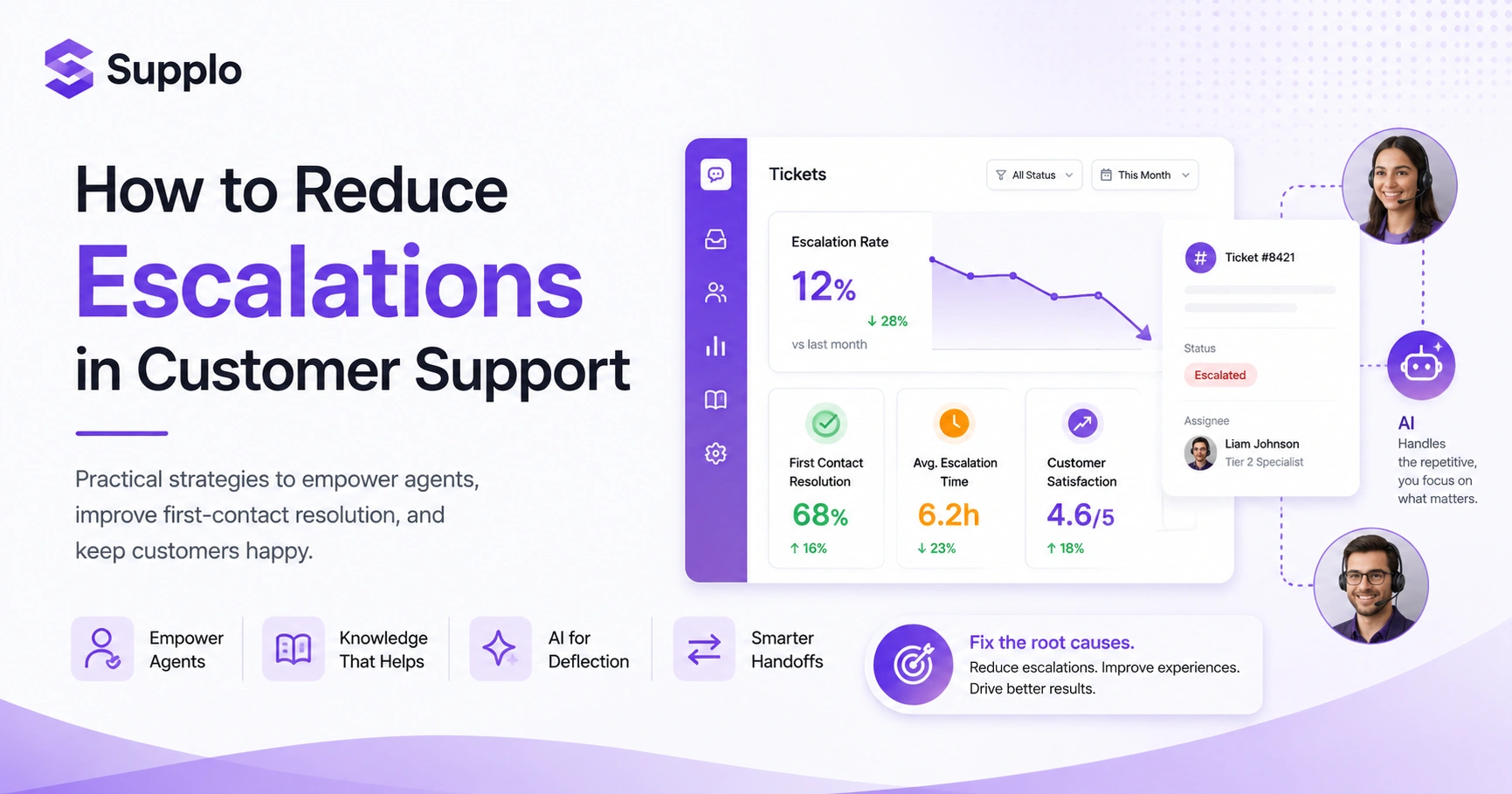
If you want to reduce escalations, track these numbers:
- Escalation Rate: Percentage of total tickets that get escalated.
- Preventable Escalation Rate: Escalations caused by agent-centric issues (knowledge, tools, permissions).
- Average Escalation Time: How long it takes from initial contact to resolution on escalated tickets.
- Escalation Reasons: Categorise why tickets escalate (knowledge gap, permission gap, technical issue, customer request).
- First Contact Resolution (FCR) Rate: Percentage of issues resolved on the very first interaction. Higher FCR usually means fewer escalations.
Tools to Automate Escalation Tracking
Modern support platforms, including a good thread-based inbox, can automate a lot of this tracking. Set up custom fields and tags to categorise tickets. Use rules to flag tickets based on keywords, agent actions, or response times. Real-time monitoring makes a huge difference.
Proactive Customer Support: Stopping Escalations Before They Start
Here's a radical idea: the cheapest way to reduce escalations is to prevent the ticket from ever existing.
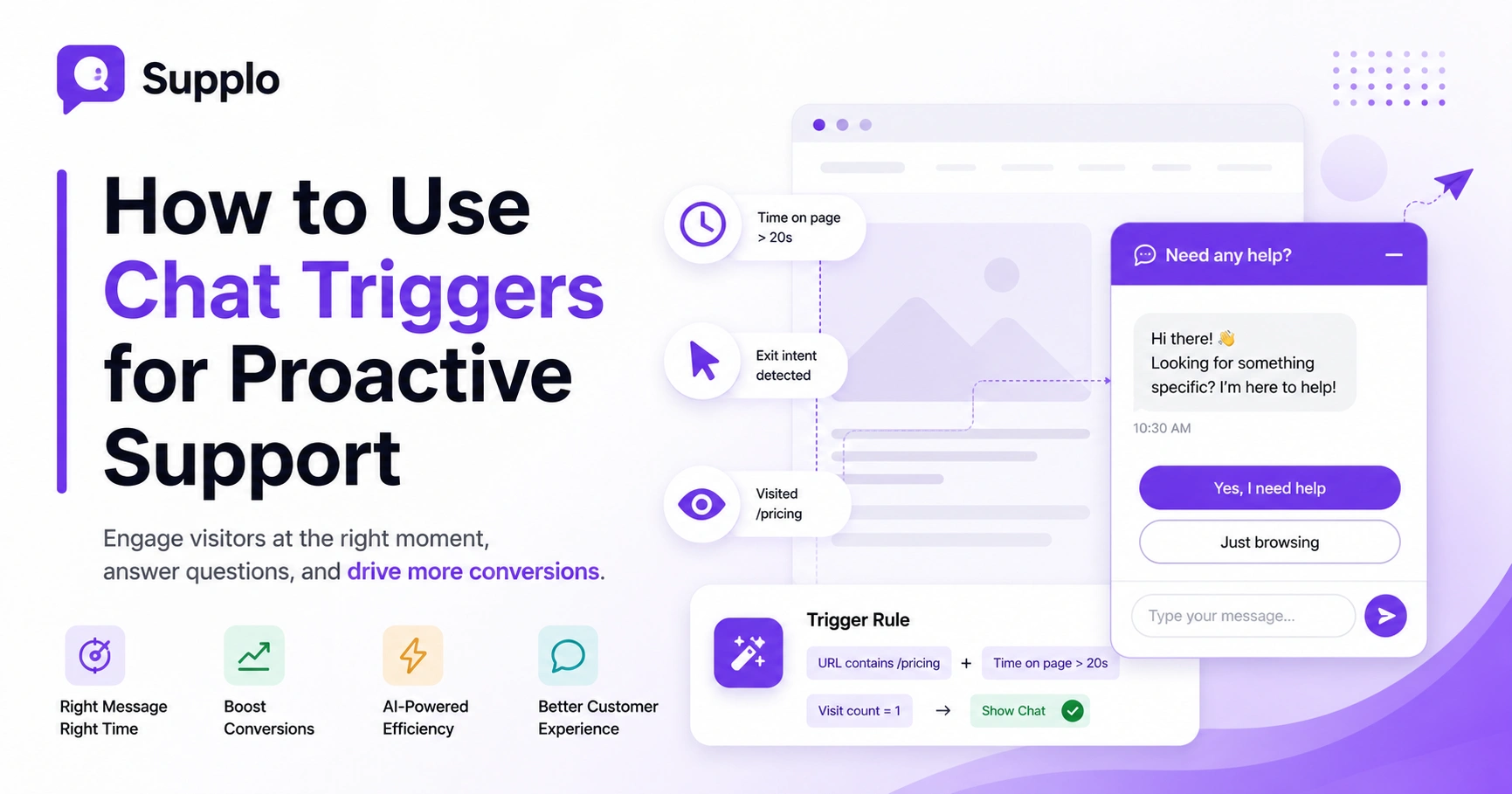
Proactive support means reaching out to customers before they contact you. Simple triggers work wonders: a failed payment, a product that hasn't been activated, a support article someone browsed but didn't act on. That's your cue to start a conversation that solves the problem before it escalates.
Strategies for Proactive Customer Engagement
- Behavioural Triggers: Start a chat or send an email when someone repeatedly visits an FAQ page or abandons a checkout.
- Product Walkthroughs: Guide new users through setup to prevent common questions from arising.
- Status Updates: Be transparent about known issues, outages, or maintenance.
- Educational Content: Share relevant articles based on customer behaviour.
- Sentiment Monitoring: Catch dissatisfaction early before it turns into an escalation.
You can even use a WhatsApp support integration to send proactive notifications directly to customers on their preferred channel.
Preventing Support Escalations Through In-App Guidance
In-app guidance is a game-changer. Embed contextual help directly in your product, tooltips, guided tours, interactive checklists, and embedded knowledge base articles. When customers can solve problems without leaving your app, they're way less likely to contact support in the first place.
How to Reduce Escalations in Customer Support With a Solid Knowledge Base
A good knowledge base does double duty: it answers customer questions and prevents escalations by giving everyone, customers and agents, the same single source of truth.
Make it accurate. Make it searchable. Keep it updated. When customers can find answers without reaching out, you've already won half the battle.
For your agents, a robust knowledge base means they have immediate access to answers. They don't need to escalate to a supervisor or a specialised team. That's how you boost first-contact resolution.
Self-Service Content That Actually Deflects Tickets
Not all self-service content is created equal. It needs to be:
- Easily searchable
- Clearly written
- Focused on real customer pain points
Complete guides, FAQs, and video tutorials create content that solves actual problems. And here's a pro tip: analyse the search terms and failed searches in your knowledge base. That's where you'll find the gaps.
Keeping Knowledge Bases Current (The Hard Part)
This is the part nobody talks about: keeping your knowledge base up to date is hard work. Product updates, policy changes, evolving customer needs, everything changes constantly.
Set up a regular review cycle. Assign ownership of articles to subject matter experts. Let agents flag outdated or missing info. Ideally, use a system that automatically suggests updates based on recent customer interactions.
Using AI for Ticket Deflection
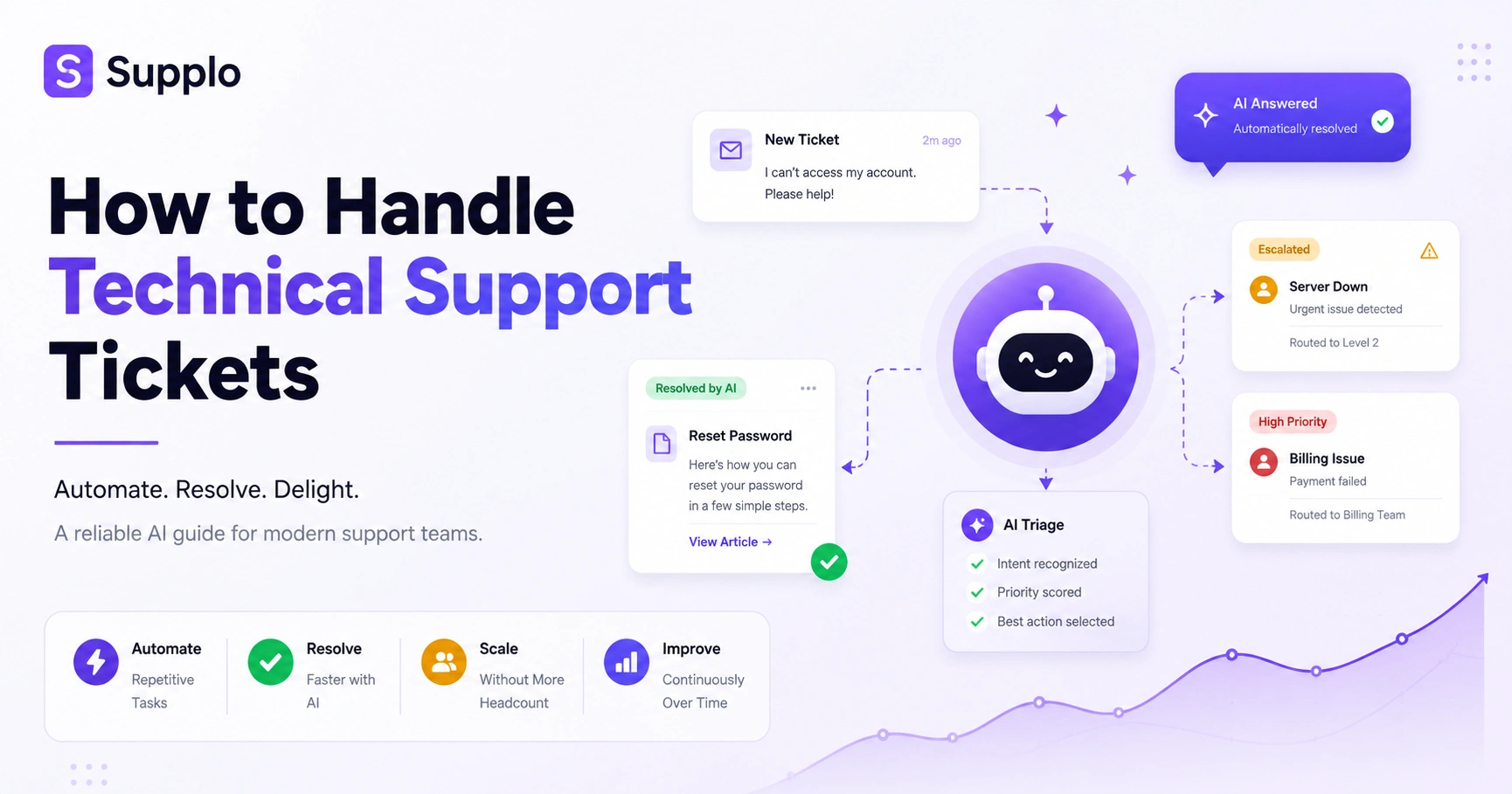
AI for ticket deflection means stopping a ticket before it ever reaches a human. An AI agent trained on your knowledge base and past conversations can handle common questions instantly, no human needed.
This is the most direct way to reduce workload. The repetitive questions that make up the bulk of your ticket volume? The AI absorbs them. Your human agents get to focus on the complex, high-value stuff.
AI Customer Service Automation That Resolves 80% of Tickets
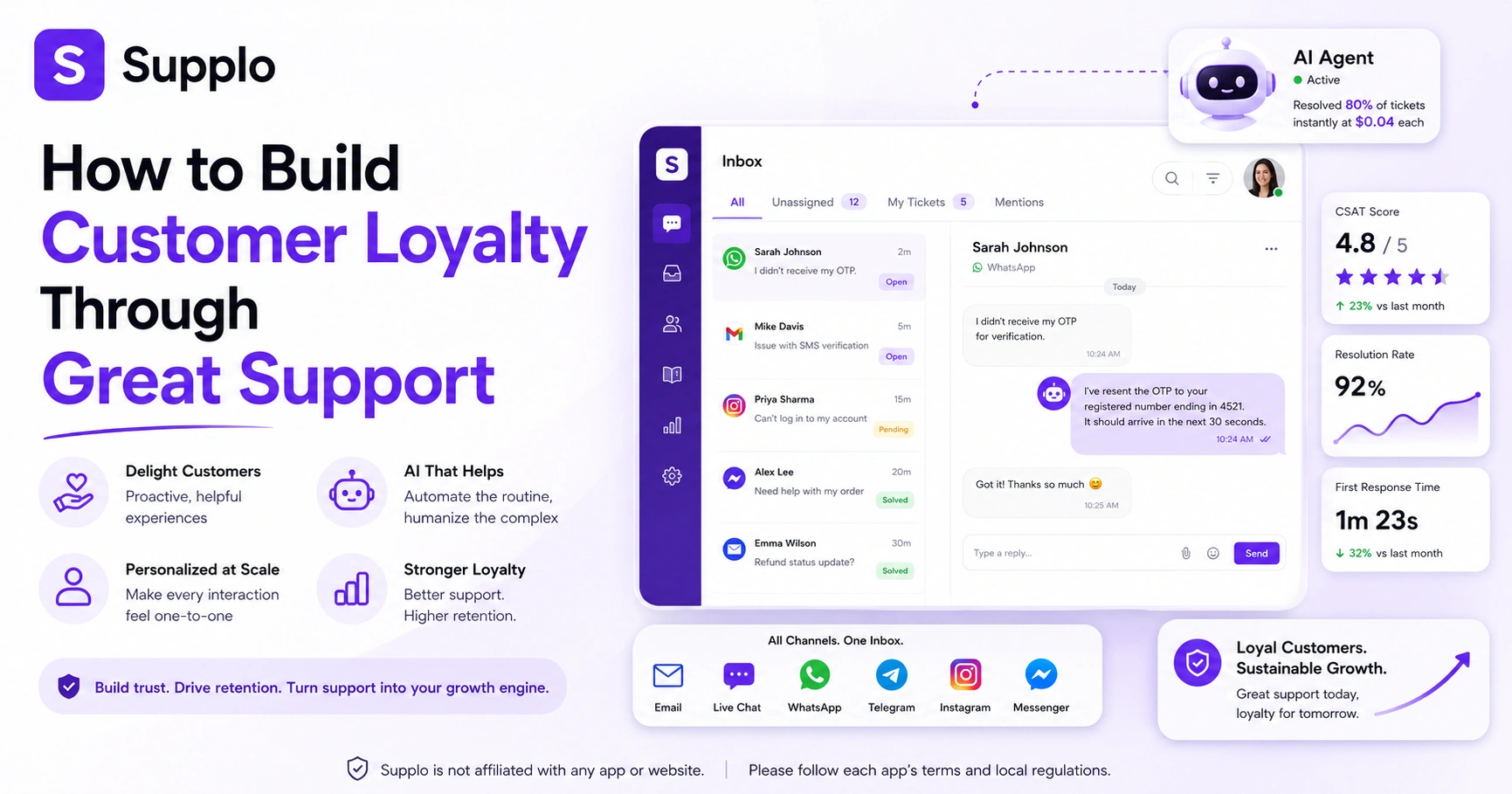
Advanced AI can resolve up to 80% of incoming tickets without human intervention. It uses natural language processing to understand what customers need, then pulls answers from your knowledge base. Password resets, order status, and basic troubleshooting are all handled automatically.
The result? Your team's workload drops dramatically, and they can spend their energy on the conversations that actually need a human touch.
How a Conversational AI for Support Handles Handoffs Cleanly
The best AI support tools know when to hand off to a human. When the AI can't resolve something with high confidence, or when the customer asks for a person, it should transfer seamlessly, preserving the full conversation history.
No repeating yourself. No starting over. Just a smooth transition that preserves the customer experience.
AI to Reduce Support Escalations: How Artificial Intelligence for Customer Support Actually Works
Here's what really matters: AI works by understanding customer intent. It reads the question, figures out what the customer actually wants, and either answers from your knowledge base or routes to the right agent.
The problem? When the AI gets the intent wrong. If it thinks "cancel my subscription" means "change my plan," you've got an escalation brewing. That's why good AI relies on accurate intent mapping and a fallback to humans when confidence is low.
Customer Issue Prediction Before the Customer Complains
Some AI tools can predict issues before customers even report them. By analysing behavioural patterns, usage data, and past interactions, the system identifies leading indicators of problems.
Does a customer repeatedly try the same process? Getting multiple error messages? The AI flags it. Your team reaches out proactively with a solution. The escalation never happens.
Reducing Inbound Support Requests With an AI Agent
An AI agent serves as a 24/7 first line of defence. It handles repetitive questions, handles simple issues, and only passes the complex stuff to your human team. Lower ticket volume, fewer escalations, happier customers.
Ready to test AI-powered ticket deflection?
Create a free Supplo workspace and connect your knowledge base in under 10 minutes. Your first 14 days are free, and there is no per-seat billing, so you can test without worrying about your team size. Start Free Trial at Supplo.
Reducing Human Agent Workload With AI Without Sacrificing the Human Touch
Let's get one thing straight: AI isn't about replacing people. It's about giving them only the work that actually needs a human.
When AI handles the routine stuff, agents have time and energy for the conversations that build loyalty, the complex, emotional, high-value interactions. The kind that makes customers feel heard and understood.
Designing Handoff Triggers That Feel Seamless
Handoffs should feel invisible to the customer. When the AI reaches its confidence limit, the query gets complex, or the customer asks for a person, that's the trigger. And during the transfer, every piece of context travels with the ticket.
Conversation history. Customer information. What the AI has already tried. The human agent picks up right where the AI left off.
Balancing Automation With Empathy
AI is great at efficiency. Humans are great at empathy, intuition, and complex problem-solving. The real magic happens when you balance both.
Use AI for speed and scale on routine issues. But always give customers a clear path to a human for sensitive, emotional, or highly complex problems. Train your agents in de-escalation techniques. This isn't about replacing the human touch; it's about amplifying it.
Strategies to Reduce Support Escalations That Don't Require New Software
Not every solution needs a new tool. Sometimes the biggest wins come from fixing internal workflows.
Give agents clear decision-making guidelines. Create a simple ask what to do protocol. Build feedback loops between support and product teams. These are all free to implement and can make a massive difference.
Agent Empowerment and Delegation Rules
Empower your front-line agents with authority. Define clear limits, how much they can refund, what discounts they can offer, what account adjustments they can make, and then trust them to use it.
This speeds up resolution times, boosts agent confidence, and keeps simple issues from escalating. Document the guidelines so everything stays consistent.
Feedback Loops That Minimise Customer Support Escalations
Create a system in which insights from escalated tickets flow back to the product, engineering, and documentation teams. When product teams understand why issues are escalating, they can fix the root cause.
Regular cross-functional meetings help. Continuous feedback drives improvement. And over time, escalations drop because the underlying problems get solved.
A Complete Plan to Reduce Ticket Escalations in 90 Days
Here's a concrete plan. It starts with understanding what's broken, moves to implementing fixes, and finishes with optimisation. Works for teams of any size.
Week 1–2: Audit and Measure
Start by understanding your current landscape. Set up a tagging system in your support inbox to categorise every escalated ticket by root cause. Calculate your preventable escalation rate. Identify the top three reasons for escalations. Measure their impact.
You need a baseline before you can improve.
Week 3–8: Implement AI and Knowledge Base Changes
Now fix what you found. Update your knowledge base to cover the top reasons for escalation. Deploy an AI agent trained on your updated content and past successful resolutions. Focus on deflecting the simplest questions first.
An email ticketing integration can help streamline everything during this phase. Monitor the AI's deflection rate and its impact on your escalation numbers.
Week 9–12: Optimise Handoffs and Escalation Triggers
Fine-tune everything. Optimise AI handoff triggers for seamless transitions. Standardise escalation paths for human agents. Build regular feedback loops so agents can report recurring issues.
Continuous improvement is the name of the game.
Stop guessing. Start reducing escalations today.
With Supplo's AI agent handling up to 80% of your incoming tickets, your team can focus only on the conversations that truly need a human: flat pricing, no per-seat surprises.
Key Takeaways
- Understand Why: Most escalations come from knowledge, permission, or process gaps, not agent performance.
- Track Preventable Escalations: Focus on escalations that could have been avoided with better resources or tools.
- Empower Front-Line Agents: Give clear guidelines and authority to boost First Contact Resolution.
- Leverage AI for Deflection: Deploy an AI agent to handle routine questions. Free humans for complex interactions.
- Maintain a Dynamic Knowledge Base: Keep self-service content current, accurate, and searchable.
- Ensure Seamless Handoffs: When AI hands off to a human, provide full context. No repeating.
FAQ
How do you reduce support escalations?
Start by tracking why tickets escalate. Common causes are agent knowledge gaps, permission limits, and process inefficiencies. Once you know the main reason, focus on a single fix, update your knowledge base, give agents more authority, or deploy an AI agent for ticket deflection.
What is the biggest cause of customer support escalations?
The biggest cause is a first-line agent not having the information or authority to resolve the issue. This is often because the knowledge base lacks a key answer or because the agent cannot perform a simple action, such as issuing a refund.
Can AI really reduce escalations?
Yes, when properly trained. AI can resolve up to 80% of simple, repetitive tickets without any human involvement. This frees human agents to handle complex issues, reducing the total number of escalations because simpler tickets are never escalated in the first place.
What is ticket deflection?
Ticket deflection is when a customer issue is resolved before it becomes a ticket, usually through self-service content or an AI agent. Deflection directly reduces the volume of tickets human agents need to handle, which lowers the risk of escalation.
How do you measure escalation rate?
Divide the number of tickets that reached a higher-tier agent by the total number of resolved tickets in a given period. Then further segment those escalations into preventable (knowledge or permission gaps) and unpreventable (genuine product issues) for more actionable insights.
Is it safe to use AI for customer support?
Yes, with proper security protocols and data handling. AI support tools should encrypt customer data, follow local data protection laws, and clearly disclose when a customer is interacting with an AI agent. Supplo is not affiliated with any app or website. Please follow each app's terms and local regulations.
What should I do if my AI agent is causing more escalations?
Immediately review the AI's confidence score and handoff logic. The AI may be attempting to answer questions it cannot handle correctly. Adjust settings to route low-confidence queries to a human faster, and audit the training data for accuracy.
Compliance line: Supplo is not affiliated with any app or website. Please follow each app's terms and local regulations.