On this page
Nobody enjoys waiting. Whether you're running a two-person startup or a fifty-seat support team, knowing how to respond faster to customer messages is no longer a nice to have. It’s the baseline. Your customers expect it and your bottom line depends on it.
This guide is for anyone who’s ever felt buried under a pile of emails, DMs, or live chats. We’ll walk through practical strategies- no fluff, just real tactics- to help you cut response times without burning out your team. We’re talking AI, centralisation and smart workflows.
Here’s the tl;dr upfront:
- Start with an audit. Know exactly where the delay lives.
- Centralise every channel, one inbox to rule them all.
- Automate the simple stuff. Let AI handle the FAQs.
- Use templates. Stop typing the same answer twice.
- Collaborate without chaos. Shared inboxes save sanity.
Why Speed Matters: The Cost of a Slow Reply
A slow reply doesn’t just annoy customers; it costs you. In 2025, the average person expects a response within five minutes on live chat. Miss that window and you’re already losing the next competitor’s ad they’ll see.
Think of it this way: every minute your customer sits waiting, their trust erodes just a little more. Speed builds loyalty. Delays build churn. If you want to keep the customers you worked so hard to get, fast responses aren’t optional. They’re everything.
Conduct a Message Audit to Find Your Biggest Bottlenecks
Before you fix the machine, you gotta figure out where it’s jammed. A message audit is simple: track every incoming message for a week. Note the channel, the time it took to get a first reply and who handled it. This will show you exactly where the slowdowns are hiding.
Look for patterns. Are Instagram DMs getting buried? Are email tickets sitting in a void? Identify the sticking points: where does the message wait the longest? With a human, or just sitting in a queue?
Steps for a Message Audit:
Define Your Metrics: Focus on First Response Time (FRT), Average Handle Time (AHT) and Resolution Time.
Select a Sample Period: Track all messages for at least one full week to capture typical volume and variations.
Log Message Details: For each message, record:
- Channel (Email, Chat, Social, Phone)
- Time Received
- Time of First Reply
- Agent Responsible
- Issue Category
- Resolution Time
Identify Bottlenecks: Analyse the data for outliers. Which channels have the longest FRT? Which issue types take the longest to resolve? Where do messages sit unassigned?
Document Findings: Create a clear summary of your findings to share with the team, highlighting areas for improvement in your customer message workflow.
Build a Centralised Inbox: Stop Hunting for Messages
The single biggest time-waster in support is context-switching. Jumping between email, chat, WhatsApp and Instagram DMs is a recipe for missed messages and slow replies. A centralised inbox brings everything into a single thread-based view. Your team sees one queue, not a dozen tabs.
This alone can slice your first response time by 40%. No more hunting. No more Did anyone reply to that Facebook message? Just a single, clean view of all unanswered conversations.
Integrating channels like WhatsApp customer support and Instagram DMs into a single platform means every agent has the full context. Customers don’t have to repeat themselves. You get faster; they feel heard.
Use Saved Replies and Templates to Automate Repetitive Answers
You don’t need to type Thanks for reaching out! We’ll look into that right away fifty times a day. Saved replies let you insert pre-written, high-quality answers with a single click. They’re a lifesaver for common questions about orders, returns, or tech issues.
Personalise them with simple placeholders like {customer_name} or {order_number}, so they still feel human. And don’t just set them and forget them; audit your templates every month to keep them fresh and accurate.
Set Up a Self-Learning AI Agent to Automate Customer Service Response
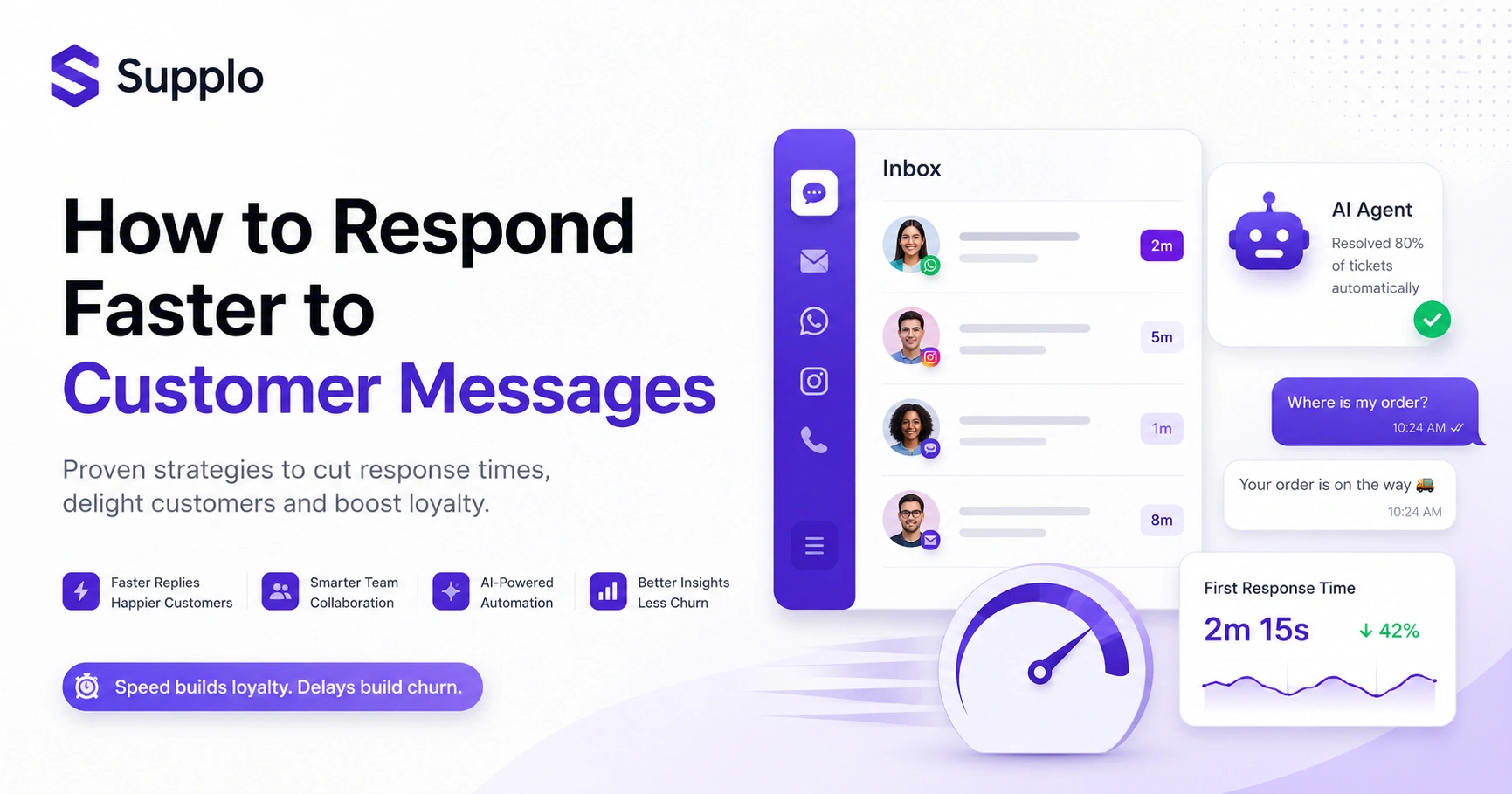
The fastest reply is the one your customer gets instantly, without waiting for a human. A self-learning AI agent can resolve up to 80% of incoming tickets automatically. It pulls answers from your knowledge base and past conversations, handling the simple stuff like password resets, order statuses and FAQs.
Your team only sees the complex, high-touch tickets. The AI learns over time, getting smarter with every interaction. And when it can’t handle something, it hands off to a human with full context, no repetition required.
Create a Triage Workflow for Instant Customer Assistance
Not every message deserves the same urgency. A triage workflow lets you set rules: words like urgent or bug bump that move that message to the top of the queue. A shipping question routes straight to the logistics team.
This prevents your best agents from wasting time on low-priority issues while a critical problem sits waiting. Use keywords, customer segments and channel sources to build your rules. It's like giving your support team a traffic cop.
Streamline Your Customer Support Process with a Shared Team Inbox
A shared team inbox is the foundation of fast, efficient support. Multiple agents can see the same queue. Collision detection prevents two people replying to the same message. Internal notes let you discuss a tricky ticket without switching tools.
No more silos. No more who’s got this one? Just a clean, collaborative flow that keeps everyone moving fast.
Implement a Quick Customer Feedback Loop to Catch Issues Early
Speed without accuracy is just noise. A quick feedback loop, like a Did this solve your problem? survey after a ticket closes, tells you if your fast reply actually helped. Use a 1-3 question survey that takes under ten seconds.
Analyse the feedback to find common pain points. Update your knowledge base or templates accordingly. This loop keeps your support evolving, not just getting louder.
Set Realistic Response Time SLAs and Stick to Them
Speed without a target is chaos. Set clear SLAs: First reply within 5 minutes for live chat, within 2 hours for email. It gives your team a goal and sets expectations with customers. They know when to expect a reply, which reduces their anxiety and your support burden.
Track your SLA adherence with a simple dashboard. Adjust as your team grows, or channels change.
The Tech Stack: What to Look for in Efficient Customer Communication Workflow Tools
The right tool makes or breaks your speed efforts. You need a single platform that unifies all channels, automates repetitive tasks (via AI or rules) and offers a shared inbox with collaboration features, minimising context switching. Maximize efficiency.
Look for flat, per-workspace pricing, not per-seat costs that grow with your team. And if you sell globally, ensure your tool supports preferred payment methods such as Crypto, Binance Pay, GCash, or Skrill.
Your First Week Action Plan: From Slow to Fast
You don’t need a month. You can make real progress in a week.
Week 1 Action Plan:
- Day 1-2: Conduct the message audit. Document channels, first response times and identify key bottlenecks.
- Day 3-4: Set up your centralised inbox. Integrate your primary communication channels (email, chat widget, social DMs) and migrate existing conversations. Begin creating 10-15 core saved replies for frequently asked questions.
- Day 5-7: Train a self-learning AI agent using your existing knowledge base and audit findings. Implement basic triage rules for incoming messages. Start using the shared inbox for all new inquiries.
Ready to see this in action? Start your free 14-day trial of Supplo and get a centralised inbox, AI agent and saved replies set up in under an hour. No credit card required. Start Free Trial.
Common Pitfalls and How to Avoid Them
The biggest mistake? Trying to automate everything at once. Start with your top 5-10 repetitive questions. Another common trap is ignoring your AI’s mistakes; it needs training and review. Finally, don’t forget the human touch. Speed without empathy feels robotic. Always leave a clear path for a human to take over.
Common Pitfalls:
- Over-automation: Customers feel ignored when the AI can’t help and there’s no clear handoff.
- Ignoring AI performance: The agent needs continuous training. Neglect it and accuracy drops.
- Forgetting the human handoff: The best AI is transparent about its limits. Ensure a seamless handoff without repetition.
- Lack of internal communication: Without a shared inbox, agents may duplicate work or give conflicting info.
Stuck on a bottleneck? If your audit reveals a specific problem you can't solve, our team is here to help. Book a quick, no-pressure call to see how Supplo can streamline your specific workflow. Book a Free Walkthrough
Don't let slow support cost you customers. Supplo is the practical, transparent alternative to legacy tools. We handle email, chat, WhatsApp, Instagram and more in one workspace. Our AI agent resolves 80% of tickets automatically and our pricing is flat per workspace, not per seat. See how much faster you can be. Get Started with Supplo
Compliance Disclaimer
Supplo is not affiliated with any app or website. Please follow each app's terms and local regulations.
FAQ
What is the fastest way to respond to customer messages?
The fastest way is to use a self-learning AI agent that can answer common questions instantly from your knowledge base. Combine this with a centralised inbox that shows all messages from all channels in one place, so your team never has to hunt for a message.
How can I speed up my customer support without hiring more people?
You can automate the most common 80% of questions with an AI agent. Use saved replies and templates for repetitive answers and create a shared inbox to eliminate context-switching. This makes your existing team drastically more efficient.
What is a shared team inbox and why do I need it?
A shared team inbox is a single workspace that centralises all customer messages from email, chat, WhatsApp, Instagram and other channels. It prevents duplicate replies, allows for internal notes and ensures every message is seen and assigned, which is critical for speed.
Can an AI agent really handle customer support?
Yes, for a large portion of inquiries. A self-learning AI agent can resolve up to 80% of incoming tickets by pulling answers from your knowledge base and past conversations. It handles simple FAQs, order statuses and troubleshooting and hands off complex issues to a human with full context.
How do I measure if my customer support is getting faster?
Track your First Response Time (FRT) and Average Handle Time (AHT). A good FRT for live chat is under 5 minutes and for email under 2 hours. Use a simple dashboard to monitor your progress against these SLAs.
What should I do if my AI agent gives a wrong answer?
Immediately review the conversation and correct the AI. Most self-learning AI systems allow you to train them by marking a wrong answer and providing the correct one. This feedback loop is essential for the AI to improve over time.
Can I use these strategies for a small business?
Absolutely. These strategies scale down just as well as they scale up. A small business can start with a single shared inbox, 10 saved replies and a simple AI agent. The key is to start small, automate the most painful tasks and build from there.
Compliance line: Supplo is not affiliated with any app or website. Please follow each app's terms and local regulations.


