On this page
Let's be real for a second. Most businesses treat their support widget like a fire extinguisher, hang it on the wall, hope nobody needs it and only touch it when something's on fire.
That's a waste.
Your support widget isn't just a help desk. When done right, especially with AI backing it, it's a lead-generation machine that qualifies prospects and drives conversions while your team sleeps.
This guide is for marketing managers, sales folks and support leads who want to stop playing defense and start turning chat into closed deals. We'll cover everything from trigger timing to design tweaks that actually improve support widget conversion.
Quick Answer
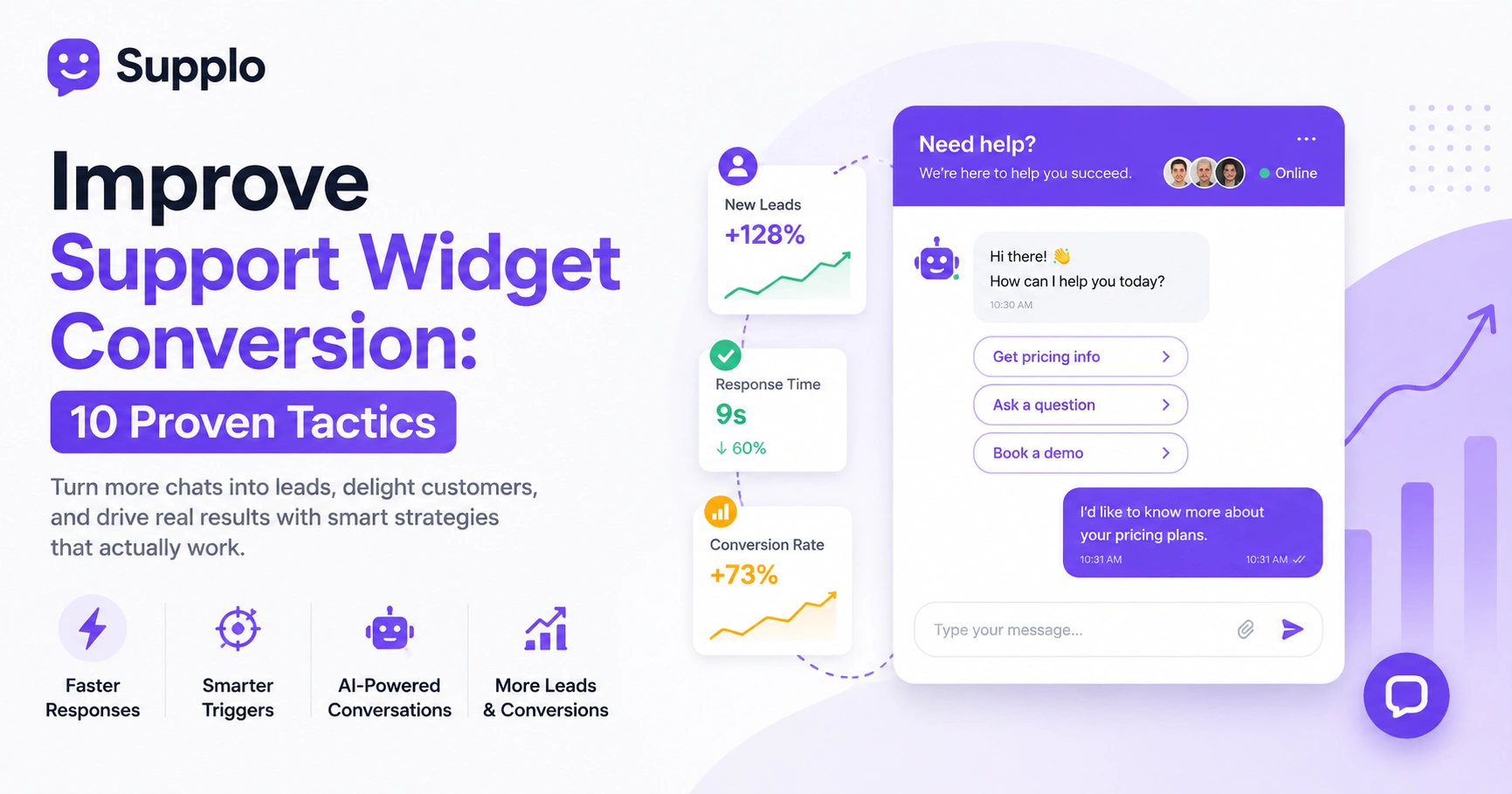
- Most widgets fail because they're passive. Proactive triggers based on page behavior and intent can triple your lead conversion.
- Speed kills or makes it: AI responses under 10 seconds, humans under 60, or you lose them.
- Train your AI chatbot on real conversations and your knowledge base so it handles the easy stuff before handing off.
- Test one thing at a time (trigger timing, greeting style, button color) with at least 1,000 interactions per variant before declaring a winner.
Why Your Support Widget Isn't Converting And What to Fix First
Here's the core problem: most widgets wait for visitors to type before they respond. That's like standing at a store door with your eyes closed, hoping someone taps you on the shoulder.
Conversion starts the second a lead lands on your page. Fix your trigger logic first, drop the friction in your opening message and stop asking for an email before you've offered anything useful.
Common culprits that kill your widget's performance:
- Slow load times (people bounce before they even see it)
- Overly aggressive pop-ups that feel like a trap
- Generic: How can I help? openers (yawn)
Start by auditing what you've got. Track time-to-first-response, how many messages get exchanged before a human takes over and where people drop off. That data will tell you exactly what's broken.
The single biggest fix? Stop being passive. Use behavior-based triggers that respond to what visitors are actually doing, not just waiting for them to ask.
The First-Response Timing Rule That Kills or Makes Leads
Speed isn't just a nice-to-have. It's the difference between a lead and a lost opportunity.
If your live chat takes longer than 60 seconds to respond, most people are gone. For AI chatbots? You've got under 10 seconds. That's the ceiling.
Here's what works:
- Start with a context-aware greeting. I see you're looking at pricing. Want the short version? beats Hello, how can I help? every time.
- Set time-based triggers for inactivity. If someone's been idle for 30 seconds on a pricing page, offer a relevant article or a specific question.
- Use AI to triage the easy stuff, pricing, shipping and hours, so your humans handle the complex cases.
And please, integrate everything with a shared inbox so no message gets orphaned. Nothing kills trust faster than repeating yourself because the system dropped your thread.
Optimizing Chat Widget Placement and Design for Conversions
Where do you put your widget and how does it look? That matters way more than most people realize.
Bottom-right is the standard spot. But for high-intent pages like pricing or checkout, consider a lower-left or embedded design that feels less intrusive. Keep branding subtle, text readable and your CTA obvious.
Things worth testing:
- Round buttons vs. square ones (yes, this matters)
- Icon-only labels vs. text labels
- Your brand colors vs. neutral tones
Avoid full-screen overlays that block content. Nobody trusts a site that traps them behind a pop-up. A discreet, well-integrated widget outperforms aggressive designs every time.
On mobile? Make damn sure the widget doesn't cover navigation or key buttons. A poorly designed mobile widget is a fast track to frustration and bounces.
How to Write Chat Triggers That Actually Get Clicked
Need help? I am lazy. It's the chat equivalent of a telemarketer asking How are you today? Nobody wants to engage.
The best triggers are specific, timely and solution-oriented. Get instant pricing or ask about setup time performs 3-5x better because it offers immediate value. Match your trigger to the page:
- Support pages: Resolve fast
- Sales pages: Get a quote
- Pricing pages: See what you'd actually pay
Use action verbs and benefit statements. See live demo, Get support now, Compare plans, these tell visitors what they'll gain.
Timing matters too. Wait 15-30 seconds after page load, or trigger immediately when someone highlights a pricing table or scrolls to a specific section.
Test 2-3 variants per high-traffic page before picking a winner. Don't guess, let the data decide.
Want to see these triggers in action? Start a free 14-day trial at Supplo, no credit card needed. Test your first chat flows in minutes.
Using AI Chatbots for Lead Generation Without Losing the Human Touch
Here's the trick with AI chatbots for lead conversion: know their limits.
Let the bot handle 80% of routine questions, pricing, hours and feature comparisons. Then hand off cleanly to a human when intent signals shift. Supplo's AI agent resolves tickets automatically at a flat rate, with no per-seat pricing nonsense.
Training matters. Feed your AI real past conversations and your knowledge base so answers are accurate, not generic fluff. Vague bots kill trust fast.
Set clear handoff rules:
- Escalate when the visitor explicitly asks for a human
- Escalate when someone provides contact info
- Escalate if the language turns emotional or frustrated
Use the chatbot to discreetly qualify leads, name, company, primary Need, in three exchanges or fewer. Saves your sales team hours of chasing dead ends.
Curious about pricing? Compare Supplo vs Intercom pricing to see how flat-rate AI stacks up against per-seat costs.
Building a Live Chat Sales Funnel: From First Message to Closed Deal
Think of your chat funnel like a good in-person conversation: greet, qualify, present, close.
First message: understand intent. Second message: build trust. Third message: offer a clear next step. Integrate with your CRM or inbox so leads don't fall through cracks.
Map out chat flows for your top pages:
- Pricing page: Need help choosing a plan?
- Features page: Want to see [feature] in action?
- Integrations page: Looking for something specific?
End each flow with a clear call to action. Book a call. Get a demo. Start a free trial. Every interaction should point toward the next step.
Supplo's shared inbox unifies email, chat, WhatsApp and Instagram DMs so sales context travels with the lead. That means no more sorry, let me transfer you to someone who knows what you're talking about. Supplo's email ticketing keeps every inquiry in one place.
Strategies to Increase Chatbot Engagement When Visitors Are Stuck
Chatbot fatigue is real. Visitors stop engaging when they hit a wall.
Keep them moving with:
- Quick-reply buttons instead of open text fields (less typing = more engagement)
- A clear I don't understand option that routes to a human
- Clarifying questions instead of the bot guessing wrong
Set fallback options. If the bot fails twice, send the person directly to a human agent or link to relevant knowledge base articles. Dead ends kill conversions.
Use conditional logic to skip redundant questions. If you have already collected their email, don't ask for it again. That's just annoying.
Analyze drop-off points in your chatbot flows monthly. Update scripts based on where people actually get stuck. Continuous tweaking beats set-it-and-forget-it every time.
Still hitting a wall? Supplo gives you unlimited AI resolutions at a flat $0.04 per resolution, not the $0.99 legacy tools charge. Try it free for 14 days.
Best Practices for Connecting Chat Conversations to Your CRM and Team Inbox
A disconnected chat is a dead lead. Period.
Your support widget should automatically push conversation data into your shared inbox and CRM. Supplo does this natively across email, chat, WhatsApp, Telegram and Instagram DMs, so no matter where the lead comes from, your team sees a single thread.
Tag conversations by intent:
- Sales (pricing, demos, comparisons)
- Support (bugs, setup help, troubleshooting)
- Feedback (suggestions, complaints, praise)
Set up automated follow-up emails for leads that close without converting. A timely Hey, I noticed you had questions about [X]. Do you want me to send you more info? can re-engage prospects.
Use a thread-based inbox to avoid duplicate replies and keep context across channels. Seamless integration with WhatsApp Customer Support, Telegram Support and Instagram DMs makes multichannel support effortless.
Supplo is not affiliated with any app or website. Please follow each app's terms and local regulations.
How to A/B Test Your Support Widget Like a Pro
Stop guessing. Start testing.
Run A/B tests on:
- Trigger timing (immediate vs. 30-second delay)
- Opening message (Need help? vs. Looking for pricing?)
- Button color (brand vs. neutral)
- Widget placement (bottom-right vs. embedded)
Aim for 1,000 interactions per variant before concluding. Small sample sizes lead to bad decisions.
Track more than just click-through rate. What matters is the qualified lead rate, how many of those clicks turn into actual conversations that go somewhere.
What to test first (highest impact):
- Trigger delay: immediate vs. 30 seconds
- Greeting copy: generic vs. specific
- Quick-reply buttons vs. open text field
Test one variable per cycle. If you change the timing, the greeting and the color, you won't know which one moved the needle.
Real-World Examples of Turning Chat Interactions Into Customers
Here's what actually works:
E-commerce brands that use proactive chat to offer discount codes. Hey, I see you've been browsing jackets. Want a 10% off code? See significantly higher conversion rates than stores that wait for customers to ask.
SaaS companies that qualify leads in 3 messages, name, use case and timeline, reduce their sales cycles dramatically. The pre-qualification lets sales teams focus on serious buyers instead of tire-kickers.
Support teams that turn frustrated users into loyal customers by catching issues early and offering fast, human solutions before the user gives up entirely.
The pattern is always the same: listen first, sell second.
A common example: low-touch SaaS companies using AI to prequalify leads, reducing sales cycles by 40%. The efficiency gain enables sales teams to spend more time on high-potential prospects.
Try a trigger like: Looking for a demo? I can schedule one in 30 seconds. Direct, helpful and fast.
And skip the pushy scripts. Authenticity and genuine helpfulness convert way better than aggressive pressure tactics.
Ready to stop guessing and start converting? Supplo's AI agent and shared inbox turn every website visit into a lead opportunity, with flat workspace pricing and support for WhatsApp, Telegram, Instagram DMs and more. Pay via crypto, Binance Pay, Payeer, GCash, AmanPay, QIWI Wallet, DOKU, Nigeria and South Africa cards, Skrill, or Payoneer. Begin your free trial today at Supplo.
Key Takeaways
- Proactive triggers based on user behavior and page intent are crucial for improving support widget conversion.
- First-response timing is critical; aim for under 10 seconds for AI and under 60 seconds for human agents.
- Optimize widget placement, design and trigger copy through continuous A/B testing to maximize engagement.
- Leverage AI chatbots for lead qualification and routine questions, with clear handoff protocols to human agents for complex interactions.
- Integrate your chat solution with your CRM and shared inbox to provide a unified view of customer interactions and enable effective lead management.
FAQ
How do I measure support widget conversion rates?
Track the number of qualified leads initiated via chat, divided by the total number of chat sessions. Use UTM parameters in chat links and connect your widget to analytics. Google Tag Manager works for basic tracking.
What's the best time to display a chat widget trigger?
Between 15 and 30 seconds after page load, or immediately if the visitor hovers over a pricing table, checkout button, or support article. Avoid showing it on splash pages or post-click landing pages.
Can an AI chatbot really replace a human for lead generation?
An AI chatbot for lead conversion can handle 80% of routine questions and qualifications. It should hand off to a human when intent signals change or when the visitor explicitly asks. Supplo's AI does this cleanly.
Why are my chat engagement rates so low?
Most often, it's generic triggers like Need help? or slow response times. Audit your first message, timing and whether you're proactive or reactive. Quick-reply buttons also boost engagement by reducing typing friction.
What's the difference between a support widget and an AI chatbot?
A support widget is the visual interface; a chatbot is the automation layer inside it. You can have a widget without a chatbot (human-only) or pair them for hybrid lead generation. We recommend combining both for the best results.
Does widget placement affect SEO?
Indirectly, a slow widget can hurt page load speed, which is a ranking factor. Keep your widget code lightweight and use async loading to avoid blocking content. A well-performing widget won't hurt your SEO and can improve conversion metrics.
Compliance line: Supplo is not affiliated with any app or website. Please follow each app's terms and local regulations.


