On this page
There's no magic best channel that works for every business. The right choice depends entirely on what you're selling and who's buying. A B2B SaaS company needs different tools than a fast-moving eCommerce store.
The key? Match your channel to the complexity and urgency of your customers' problems.
Quick Answer
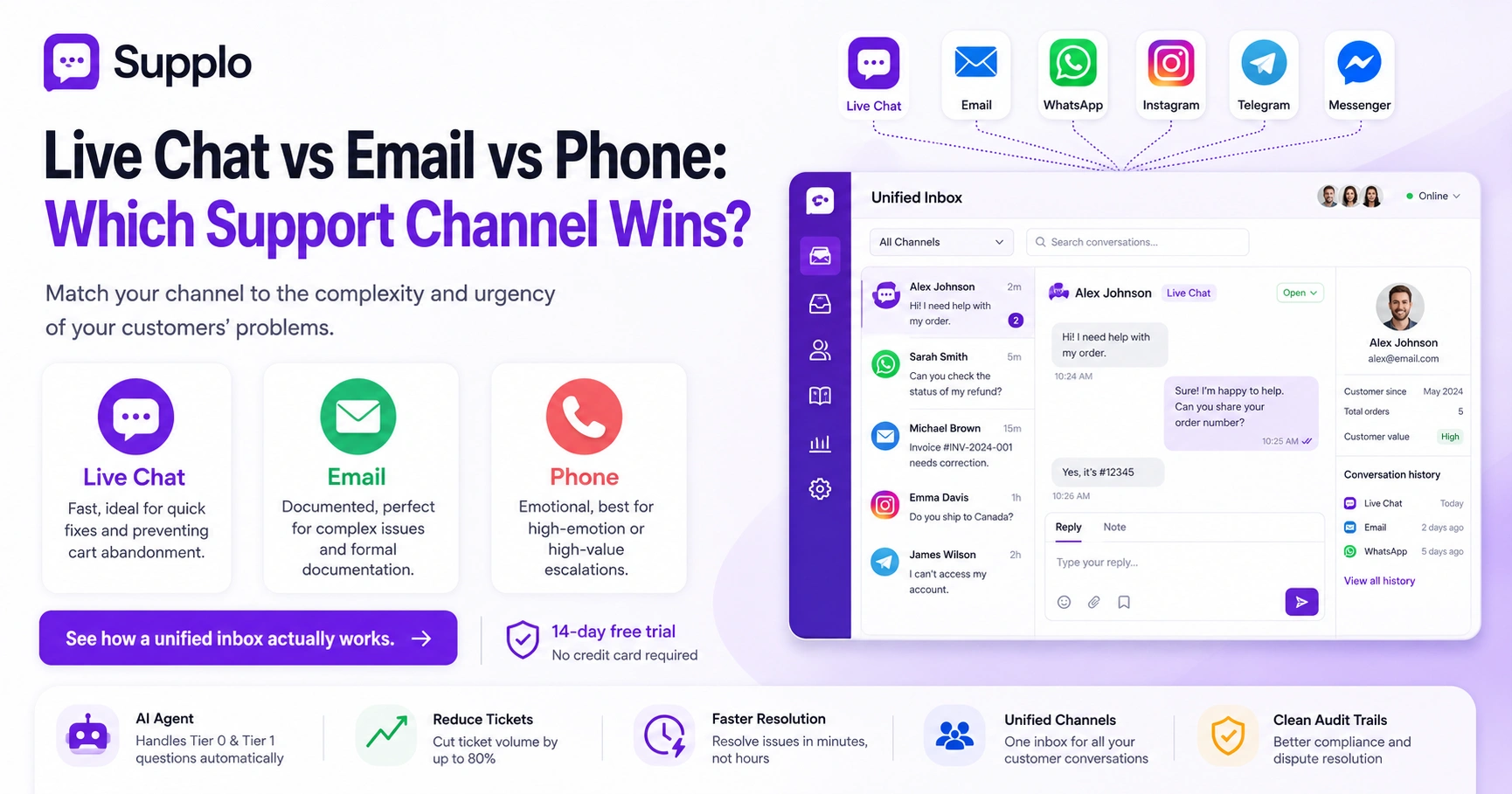
- Live chat: Fast, ideal for quick fixes and preventing cart abandonment.
- Email: Documented, perfect for complex issues and formal documentation.
- Phone: Emotional, best for high-emotion or high-value escalations.
Why the Best Support Channel Depends on What You're Selling
Here's the thing: there's no universal winner in this email vs. live chat vs. phone support comparison. If you sell complex B2B software, email or phone gives your team breathing room to explain nuance. Running an eCommerce store? Live chat catches shoppers mid-frustration and stops them from abandoning their cart.
The winning move isn't choosing one channel. It's choosing the one that matches the conversation's complexity and urgency.
- High-ticket SaaS and enterprise software benefit from phone and email, where reps can walk through onboarding step by step.
- High-volume transactional businesses (retail, food delivery, subscription boxes) see faster resolution and lower costs with live chat or AI chat.
- Freemium or self-serve products can rely on a knowledge base + AI agent for Tier 0, then escalate to email or chat for deeper issues.
- The mistake most teams make is starting with the channel they prefer internally rather than the channel their customers actually use.
Live Chat vs Email Support: Speed vs Documentation
Live chat wins on speed; customers get answers in seconds or minutes. Email wins on documentation; every thread is a permanent, searchable record.
The trade-off is real. Chat resolves fast but can feel ephemeral. Email builds a paper trail but frustrates users who want immediate answers.
The best approach? Offer both and let the customer choose. Then use an AI agent to handle Tier 0 chat requests, so your team can focus on email threads that need human judgment.
- Live chat has an average resolution time of under 3 minutes; email can take 12–24 hours depending on staffing levels.
- Email threads are easier to reference later, making them better for billing disputes, compliance and steps of troubleshooting.
- Chat fatigue is real; if your team is handling 15+ simultaneous chats, quality drops fast. An AI agent can absorb the overflow.
- Hybrid approach: Use AI chat for instant answers, then auto-create an email ticket for anything that requires follow-up or documentation.
Phone vs Live Chat Support: The Emotion vs Efficiency Trade-Off
Phone calls carry tone, urgency and human connection, but they eat time. A single 10-minute call often handles what a 5-minute chat resolves. And phone queues? They leave customers stewing.
Live chat is faster, doesn't put customers on hold and lets your team handle multiple conversations at once. The trade-off: chat loses emotional nuance.
If your product involves high emotion, travel cancellations, medical devices, or financial disputes, keep the phone available. For everything else, chat (with AI backup) scales better.
- Phone support costs roughly 8–10x as much per interaction as chat, when you factor in staffing and talk time.
- Chat allows for "time-shifted" support; customers can ask a question and come back later, unlike a call where everyone has to be present simultaneously.
- Phone is better for escalations and complex troubleshooting; chat is better for quick fixes and FAQ-level questions.
- One overlooked advantage of chat: transcripts can train your AI to handle more conversations automatically over time.
Omnichannel vs Multichannel Support: What's the Real Difference?
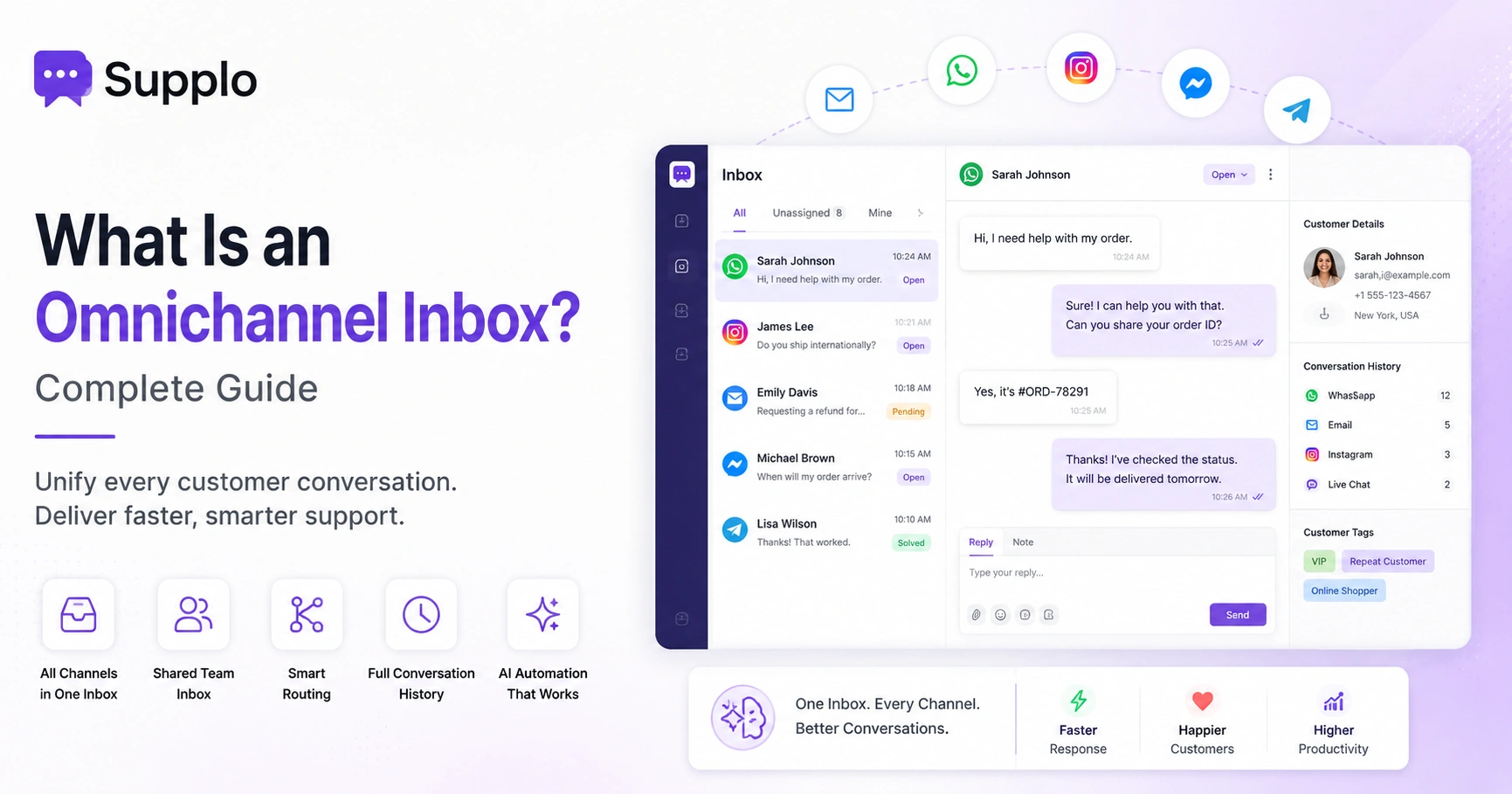
Multichannel means you're on multiple channels, but they don't talk to each other. Omnichannel means all channels share context: a conversation that starts on WhatsApp can continue via email without the customer having to repeat themselves.
That might sound subtle, but it's the difference between a customer who trusts your team and one who's annoyed before they even finish typing. If you're only offering disconnected channels, you're not really offering a choice; you're offering a maze.
- Multichannel support often forces customers to repeat information when they switch from chat to email or phone.
- True omnichannel support keeps a unified thread history; agents see the full conversation regardless of channel.
- Omnichannel also enables smarter automation: the AI can read the entire history before responding or escalating.
- The catch: omnichannel is harder to set up. You need a shared inbox that integrates chat, email, social DMs and messaging apps into one view.
- If you're comparing omnichannel vs multichannel, the deciding factor isn't just customer preference; it's also operational sanity for your team.
Email, Phone and Chat Integration: Why Unified Channels Matter More Than You Think
When your channels are siloed, your customers feel it. They rewrite the same question three times. Your agents waste time hunting for context. Resolution drags.
Integrating email, phone and chat into a single inbox changes that. Every conversation, whether it starts on your website widget, in an Instagram DM, or in a forwarded email, lands in a single thread-based view.
The result? Faster replies, less repetition and a team that actually knows what's going on.
- A unified inbox eliminates the need to toggle between tabs or logins for different channels.
- Customer context carries across channels; a user who DMs on Instagram can switch to email and your agent sees the full history.
- Integration also powers smarter routing: high-priority tickets from any channel can be flagged and assigned immediately.
- Shared inbox software (like Supplo) consolidates chat widgets, email, WhatsApp, Telegram, Instagram and Facebook Messenger into a single feed.
- The biggest hidden benefit: audit trails are cleaner, which matters for compliance and dispute resolution.
Choosing Customer Support Channels
Start by asking two questions: How complex are your typical requests? And how fast do customers expect an answer?
- If requests are simple and urgent, live chat is your priority.
- If they're complex and time-sensitive, phone should be available.
- If they're complex but not urgent, email works fine.
Most teams should aim for chat + email at minimum, then add phone for high-value escalations. The framework is simple, but most businesses skip it and copy what competitors do.
- Map each channel to a use case: chat for quick fixes, email for documentation, phone for high-emotion or high-value conversations.
- Consider your team size. A 3-person team can't staff phone, chat and email simultaneously without automation.
- Start with the channel where most of your customers already try to reach you, then add channels based on data, not assumptions.
- Use an AI agent to handle Tier 0 and Tier 1 questions via chat, freeing human agents for email and phone escalations.
- Revisit channel mix quarterly; customer behavior changes faster than you'd expect.
See how a unified inbox actually works.
You don't need to guess which channels will work for your team. Create a free Supplo account and test how a shared inbox handles live chat, email and messaging apps in one thread-based view, no credit card required. Start free.
Modern Customer Support Channels
The channels that work today aren't all new. Email and phone still command high trust, especially among older demographics and in high-stakes industries.
But younger customers and global audiences increasingly expect chat, WhatsApp, Instagram and Telegram to work together.
The most effective modern support stacks combine one legacy channel (email or phone) with one or two instant messaging channels, all unified in a shared inbox. AI handles the routine stuff. Humans handle the rest.
- WhatsApp has become the dominant messaging channel globally, especially outside North America. It's no longer optional for international support.
- Instagram DMs and Telegram are growing fast for communities, creators and direct-to-consumer brands.
- Email remains essential for formal documentation, invoicing and longer-form troubleshooting.
- Phone is shrinking but not dying; it's reserved for escalations and premium support tiers.
- The key isn't which channels you pick; it's that they're unified. Customers will switch between them mid-conversation no matter what you plan.
How to Build a Unified Customer Support System Without the Chaos
A unified system doesn't mean you need to rip out everything and start over. It means centralizing your channels into a single inbox where every message from chat, email, WhatsApp, Instagram, Telegram and Facebook lives in the same thread-based view.
From there, you add a shared knowledge base that your AI and your agents both reference, so answers stay consistent. The goal is to reduce the number of tools your team touches daily and eliminate the context-switching that kills response time.
- Start by identifying which channels your customers actually use, then consolidate them into a single platform rather than adding more tools.
- A unified inbox means your team sees the full conversation history regardless of channel origin- no more "can you repeat that?"
- Integrate your knowledge base so the AI can auto-answer Tier 0 questions and human agents can pull answers instantly.
- Use automation rules to route tickets by priority, channel, or topic; no manual triage needed.
- Test with a 14-day trial of a unified platform (like Supplo) to see if the chaos actually drops before committing long-term.
Turn channel chaos into one conversation feed.
Connect your email, website chat widget, WhatsApp, Instagram, Telegram and Facebook Messenger to one inbox in under 15 minutes. Your AI agent learns from your knowledge base and answers tickets across every channel. Start your 14-day free trial.
The Future of Customer Support: What's Coming Next
The future of support is AI-handled, human-escalated and unified across every channel customers choose to use.
We're moving away from channel-first thinking, where you decide what channels to offer and toward customer-first, AI-powered routing that meets people wherever they are.
The tools that win won't be the ones with the most features. They'll be the ones that reduce friction, increase resolution speed and don't force customers to repeat themselves.
- AI agents will handle the majority of Tier 0 and Tier 1 support, not as chatbots, but as integrated agents that resolve tickets end-to-end.
- Voice will become another channel for AI, with natural language processing making phone support faster and more accurate.
- Context switching will become table stakes; customers will expect every channel to know what happened on every other channel.
- Pricing models will shift from per-seat to per-resolution or flat workspace pricing, making support costs predictable.
- Multichannel will feel outdated. Omnichannel will be the minimum acceptable standard.
Evolving Customer Service Channels: Why Reliability Beats Novelty
New support channels launch every year. Remember when Facebook Messenger was the hot new thing? Or when Twitter support was mandatory?
Most of those channels faded, got acquired, or became less useful.
Reliability- answering the same question the same way every time, across every channel- matters more than being on the newest platform. That's why a knowledge base, shared inbox and AI agent that actually learns from past conversations beat any trendy new channel every time.
- Consistency across channels builds trust faster than being on a flashy new platform with broken workflows.
- A reliable AI agent should draw on a shared knowledge base rather than generate answers from scratch each time.
- Don't add a channel just because competitors are there; add it because your customers are actually active there.
- Test new channels small: start with one messaging app, see if it improves resolution time or customer satisfaction, then scale.
- The most reliable setup right now: email for documentation, live chat with AI for speed and WhatsApp for global reach, unified in one inbox.
Finally, a support platform that grows with you
Flat per-workspace pricing. No per-seat surprises. AI that resolves tickets without the $0.99-per-resolution markup. Accept payments via crypto, Binance Pay, Payeer, GCash, AmanPay, QIWI Wallet, DOKU, Nigeria and South Africa cards, Skrill and Payoneer. Try Supplo free for 14 days.
Supplo is not affiliated with any app or website. Please follow each app's terms and local regulations.
Key Takeaways
- Live chat: Fast, ideal for quick fixes and preventing cart abandonment.
- Email: Documented, perfect for complex issues and formal documentation.
- Phone: Emotional, best for high-emotion or high-value escalations.
- Omnichannel: Prevents customers from having to repeat themselves and improves resolution speed.
- AI integration: Handles Tier 0 and Tier 1 questions, reducing ticket volume by up to 80%.
- Channel mix: Email + live chat with AI + WhatsApp, all unified in one inbox.
FAQ
Can I use AI support across all channels, or does it only work on chat?
AI support can work across chat, email and messaging apps like WhatsApp and Instagram, as long as your platform unifies them into a single inbox. The AI reads the conversation history regardless of channel.
What's the difference between multichannel and omnichannel support?
Multichannel means your team is on multiple channels, but they don't share context across them. Omnichannel means every channel feeds into one conversation thread, so your customer never has to repeat themselves when switching from chat to email to WhatsApp.
Is phone support still worth keeping in?
Yes, but primarily for high-emotion or high-value escalations. Phone calls cost more per interaction than chat or email, so they're best reserved for situations where tone and urgency matter most.
How do I choose between live chat and email support?
Pick live chat if your customers expect fast answers and your questions are typically simple or at the FAQ level. Pick email if your support involves documentation, billing disputes, or step-by-step troubleshooting that benefits from a thread.
What channels do most customers actually prefer?
It varies by industry and age group, but globally, email is still the most preferred channel for formal support, while live chat and WhatsApp are preferred for speed. Younger demographics lean heavily toward messaging apps and chat.
Does unifying channels require new software or can I use my existing tools?
You can try to manage separate tools, but it creates context switching and context loss. A unified inbox platform like Supplo replaces multiple tools with a single shared inbox that integrates chat, email, WhatsApp, Instagram, Telegram and Facebook Messenger.
How does AI handle support across different channels?
The AI learns from your knowledge base and past conversations, then answers tickets across any channel, including chat, email and messaging apps. It transfers cleanly to a human agent when it can't confidently resolve the issue.
What are the key benefits of using a unified inbox for customer support?
A unified inbox reduces response time, improves agent productivity and ensures consistent answers across all channels. It also simplifies management and provides a cleaner audit trail for compliance.
Compliance line: Supplo is not affiliated with any app or website. Please follow each app's terms and local regulations.