On this page
You know that sinking feeling when you open your support tool bill and it's way higher than last month? Yeah, we've been there too. If you're a business owner or support manager trying to keep costs under control while your team grows, you've probably noticed how quickly per-seat pricing can spiral out of hand. The advantages of flat-rate support pricing might be the breath of fresh air your budget needs.
Quick Answer
- Flat-rate support pricing charges a single predictable monthly fee regardless of agent count or ticket volume, making budgeting simple.
- Switching from per-seat pricing eliminates the cost of idle seats and hidden overage fees from ticket spikes.
- A unified shared inbox (email, chat, WhatsApp, Instagram, Telegram) within a single workspace reduces context switching and improves response times.
- Most teams can migrate in under a day using a free trial and simple data import; no long-term contract needed.
Why Per-Seat Pricing Punishes Growth
Here's the thing about per-seat billing: it sounds reasonable until you actually start scaling. Pay per agent, right? Simple enough. But the moment your team grows or ticket volume surges, those per-agent costs expand like a balloon you can't control. You're stuck paying for seats that sit idle during quiet weeks, then scrambling to add more during crunch time. Growth shouldn't feel like a punishment.
- The hidden cost of "agent fatigue," where you pay for an agent's full seat even if they only handle 10 tickets a day.
- How hiring one new team member can increase your monthly bill by hundreds of dollars overnight.
- The frustration of managing "read-only" licenses for managers who need visibility but don't handle tickets.
- Why seasonal businesses or those with fluctuating ticket volume see the biggest bill swings.
What Is Flat Rate Support Pricing?
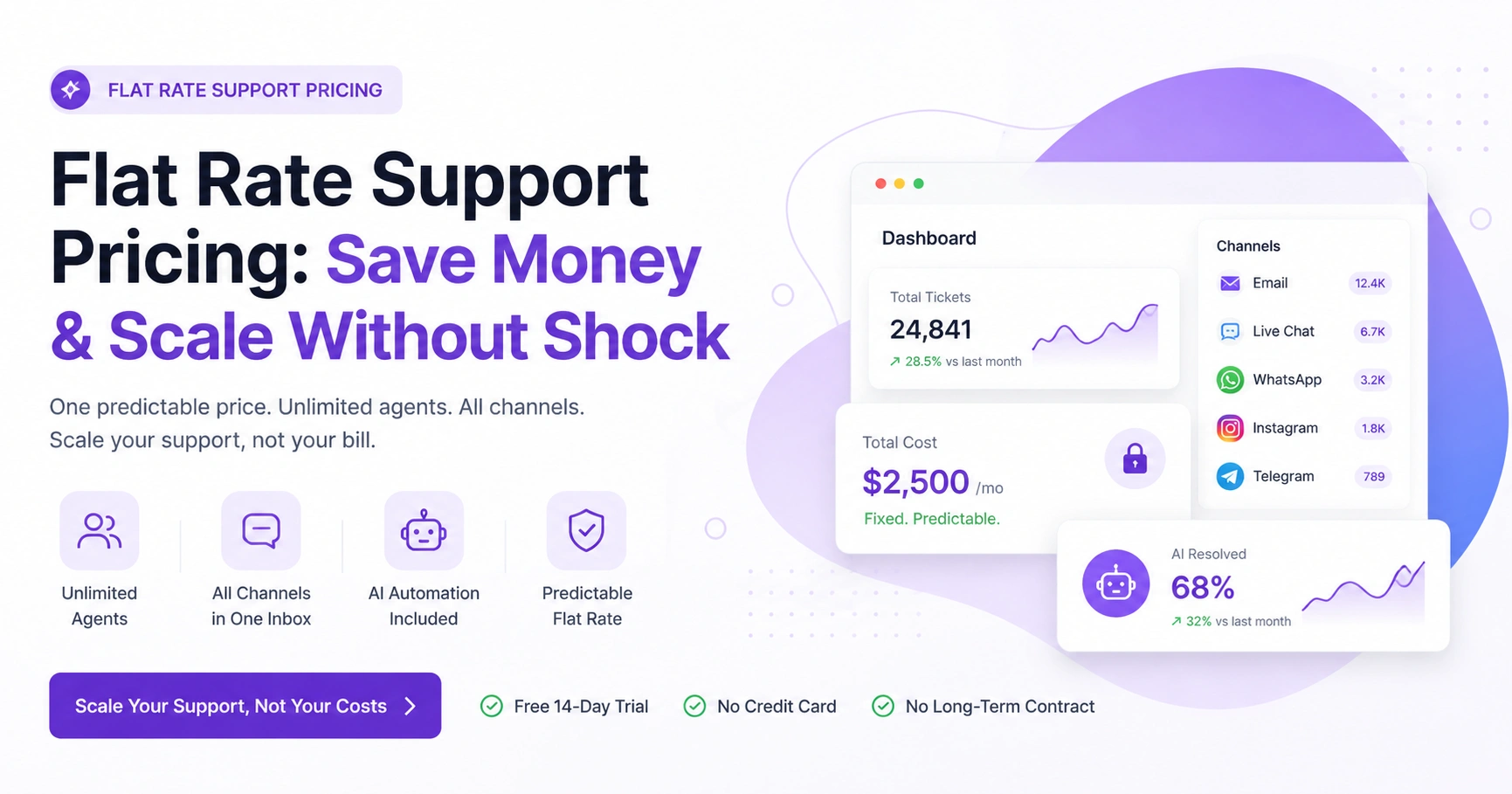
Flat rate support pricing means exactly what it says: one predictable monthly fee for your entire support workspace. No matter how many agents you add or how many tickets you resolve, the price stays the same. It's the direct opposite of per-seat billing: no headcount tax, no hidden math. You get the full toolbox (shared inbox, AI agent, multiple channels) for a single cost. Transparency over vendor profit on your team size.
- Typically includes unlimited agents, so your team can grow without cost penalty.
- Often bundles key features such as AI automation, a knowledge base and multi-channel support into a single price.
- No surprise overage charges for hitting high ticket volumes (unlike some consumption-based models).
- Ideal for remote teams, agencies and businesses with high customer contact volume.
The Top Financial Benefit: How Flat Rate Pricing Cuts Support Costs
Let's talk numbers. The biggest win with flat rate is predictability. You know exactly what you're paying each month- no guessing, no spreadsheet anxiety. Plus, when features like AI automation and multi-channel support are bundled together, you often ditch several separate tool subscriptions. One flat fee replaces multiple line items. That's the kind of math we can all get behind. It's one of the smartest advantages of flat-rate support pricing for growing businesses.
- Replaces separate costs for live chat, email ticketing, social DM inbox and knowledge base.
- Often includes unlimited storage, message history and channel integrations.
- Eliminates the "per-agent" cost creep that hits when you onboard seasonal contractors.
- Flat per-resolution pricing for AI (like $0.04 per ticket) vs. industry standard $0.99 means massive savings on automated support.
Operational Wins: The Advantages of a Unified Support Workspace
Imagine this: email, live chat, WhatsApp, Telegram and social DMs all living in a single chronological, thread-based inbox. Sounds dreamy, right? That's what a unified workspace actually delivers. Your team stops context-switching between five tabs. Every conversation appears in the same view across any channel. Response times drop. Agent happiness goes up. And because your AI learns from every interaction, it gets smarter with each reply.
- Single source of truth for all customer interactions, so nothing falls through the cracks.
- AI agent pulls context from the entire history, not just one channel.
- Agents handle email in the morning, live chat in the afternoon, all from the same interface.
- Translation features let you support any language without hiring a multinational team.
The Shared Inbox Advantage: Why Your Team Works Faster in One Place
A shared inbox does way more than consolidate channels. It's about real collaboration. Your team can see who's replying to which thread, assign conversations and add internal notes without CC'ing everyone. No more "wait, who owns this ticket?" confusion. That collaboration layer, combined with flat rate pricing, makes scaling your team feel effortless.
- Internal-only notes that stay invisible to the customer but visible to the team.
- Collision detection to prevent two agents from replying to the same ticket.
- Assignments and routing based on agent expertise or workload.
- Saved replies and snippets that ensure consistent messaging across the team.
The Migration Blueprint: How to Switch from Per-Seat to Flat Rate
Switching sounds intimidating, but honestly? It's way simpler than you'd expect. Start by auditing what you're currently paying, per agent, per month, plus any overage fees. Then look for a flat-rate provider that offers a free trial and data import from your current tool. The actual move usually goes like this: export your ticket history, set up your new workspace and point your email domain to the new inbox. Most teams wrap it up in a day.
- Audit current spend: count agents, features used separately and any channel add-ons.
- Choose a provider that offers migration support and a free trial (14 days is standard).
- Export ticket history and customer data from your old system.
- Update your support email's MX or forwarding records to the new inbox.
- Train your team on the new shared inbox interface (usually takes one hour).
Ready to See the Difference?
You've mapped out the migration, now test it for free. Start your 14-day trial on Supplo and see how flat rate pricing transforms your support budget, no credit card required.
What About the AI? Why Flat Rate and Automation Go Hand-in-Hand
Here's where things get interesting. Flat rate pricing pairs beautifully with AI automation. Your AI agent resolves tickets automatically, cutting straight into your human team's workload. And because the AI is priced per resolution (at a flat $0.04) rather than per seat, you get automation benefits without that per-agent cost structure. The AI learns from your knowledge base and past conversations, handling the repetitive stuff so your team can focus on what actually needs a human touch.
- The AI agent handles routine queries such as order status, return policies and FAQs.
- Self-learning capability means it gets smarter with every conversation.
- Clean handoff to human agents when the AI can't fully resolve the issue.
- No extra per-seat cost for giving your AI access to all channels.
Let the AI Handle the Repetitive Stuff
Our AI agent works 24/7 for a flat $0.04 per resolution, not $0.99 like the legacy tools. It learns from your knowledge base and hands off cleanly when a human is needed. See it in action during your free trial.
See AI Agent Pricing →
Avoiding Hidden Costs: What to Watch for When Changing Support Pricing
Look, flat rate isn't magic; you still need to read the fine print. Some providers claim "flat rate" but tack on extras for premium channels (like WhatsApp), AI usage, or advanced reporting. Others quietly cap your ticket volume or storage. A genuinely flat rate should cover unlimited agents, all channels within the workspace and core features such as the knowledge base and inbox. No asterisks, no surprises.
- Check if WhatsApp, Instagram and Telegram integrations are included or are "add-ons."
- Verify if there are any limits on API calls, webhooks, or third-party integrations.
- Ask whether AI automation credits are limited or whether the $ 0.04-per-resolution rate is truly flat.
- Look for a pricing page that clearly states all included features without asterisks.
Supplo is not affiliated with any app or website. Please follow each app's terms and local regulations.
Real-World Scenarios: When Flat Rate Support Saves the Most Money
Flat rate pricing really shines for three types of businesses: high-growth startups adding agents quickly, agencies juggling multiple client support inboxes and e-commerce stores riding seasonal ticket waves. In every case, the flat cost stays rock-solid even when workload fluctuates like crazy. It's also a dream for teams using AI automation to reduce ticket volume without worrying about usage tiers or seat limits.
- Startup: hires 3 new support agents in Q3, bill stays the same.
- E-commerce: sees 5x ticket volume during Black Friday, bill stays the same.
- Agency: manages 10 different client inboxes with one team, no per-client seat fee.
- Growing company: wants to roll out multilingual chat and WhatsApp support without per-channel charges.
The Transition Checklist: Steps to Update Your Support Pricing Model
Ready to make the move? Here's a quick checklist:
- Calculate your current total monthly support cost, including all per-seat fees and add-ons.
- Identify a flat rate provider that includes all the channels and AI features your team needs.
- Sign up for a free trial and set up your workspace.
- Import your knowledge base and teach the AI your common answers.
- Point your email domain, WhatsApp number and chat widget to the new inbox.
- Notify your team and test with real customers before fully deprecating the old tool.
- Use the trial period to test AI accuracy with your own past conversations.
- Set up canned responses and routing rules before going live.
- Migrate your knowledge base first, then the inbox.
- Communicate the change to your team so they know where to find conversations.
Make the Switch Without the Headache
Most teams complete the migration in under 24 hours. With Supplo, you get a unified workspace, AI automation and flat rate pricing that scales with you, not against you. Start your free trial and leave per-seat pricing behind for good.
Switch to Flat Rate Today →
Key Takeaways
- Flat rate support pricing offers predictable monthly costs, making budgeting easier.
- Unified support workspaces consolidate multiple channels, improving efficiency.
- AI automation, paired with flat-rate pricing, can significantly reduce support costs.
- Migrating to flat rate is simpler than it seems, with most teams completing the transition in a day.
- True flat rate pricing should include unlimited agents, all channels and core features.
FAQ
Is flat-rate support pricing actually cheaper than per-seat pricing?
Yes, almost always. Per-seat pricing charges you per agent, so your cost scales with headcount. Flat rate charges one fee regardless of how many agents you add, so the more your team grows, the more you save.
Can I migrate my existing ticket history to a flat rate provider?
Most modern support platforms, including Supplo, offer data import tools so you can bring your past conversations and customer history with you. It's usually a simple CSV or direct API migration.
Does flat rate include AI automation or is that separate?
It depends on the provider. Some bundle AI into the flat fee, while others charge per-resolution. You want a provider that clearly states whether AI is included and, if so, at what cost. Supplo, for example, bundles AI at a flat $0.04 per resolution.
What if I only need support for one channel, say email?
Flat rate still works, because you're paying for the workspace, not the channel count. Most providers support single-channel setups just as easily as multi-channel ones, so you aren't subsidizing unused features.
Are there any contracts or lock-ins with flat rate pricing?
Typically no. Most flat rate providers, including Supplo, offer month-to-month plans with no long-term commitments. You can cancel anytime without penalties.
Compliance line: Supplo is not affiliated with any app or website. Please follow each app's terms and local regulations.


